
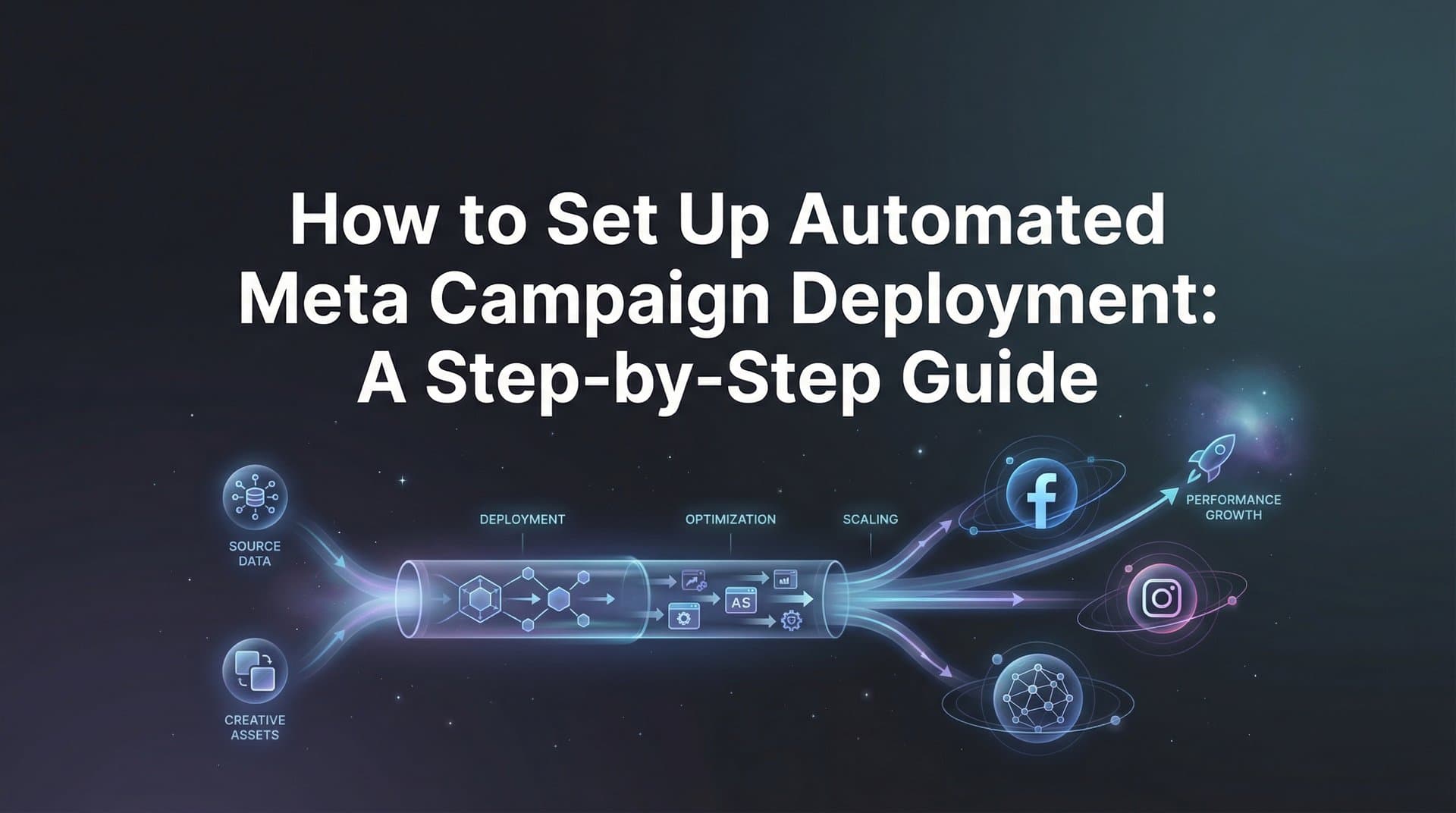
Manual Meta campaign launches eat up hours that could be spent on strategy. You upload creatives one by one, configure audiences for each ad set, copy-paste variations of headlines and body copy, double-check budgets, and finally hit publish. Then you repeat the process for the next campaign. And the next. The result? Campaigns that take hours to launch, limited testing due to time constraints, and inevitable human errors that slip through when you're juggling dozens of settings.
Automated meta campaign deployment flips this model. Instead of manually building each campaign element, you prepare your assets once, configure your parameters, and let AI-powered tools generate and launch hundreds of ad variations simultaneously. This approach doesn't just save time. It enables more comprehensive testing, reduces errors, and gets your campaigns live faster so you can start gathering performance data immediately.
This guide breaks down the exact process for setting up automated campaign deployment. You'll learn how to audit your current workflow, prepare assets for automation, configure targeting parameters, and deploy bulk campaigns that test every combination of creative, copy, and audience. Whether you manage a single brand or multiple client accounts, these steps will help you launch campaigns in minutes instead of hours while maintaining full control over your strategy.
Step 1: Map Your Current Campaign Launch Process
Before automating anything, you need a clear picture of where your time actually goes. Start by documenting every action you take from the moment you decide to launch a campaign until it goes live on Meta. Write down each step: opening Ads Manager, creating the campaign structure, uploading creatives, writing ad copy, setting audiences, configuring budgets, and reviewing before launch.
Time each task over your next two or three campaign launches. You'll likely discover that certain steps consume disproportionate amounts of time. Creative uploads might take 20 minutes per campaign. Audience configuration could eat another 15 minutes. Copy variations add another 30 minutes when you're writing multiple headlines and descriptions for testing.
Now identify the bottlenecks. These are the repetitive tasks that slow you down without adding strategic value. Manual creative uploads qualify. So does copying and pasting audience settings from previous campaigns. Writing slight variations of the same headline definitely counts. These bottlenecks are your automation opportunities, and understanding Meta Ads campaign setup complexity helps you prioritize which tasks to tackle first.
Draw a line between tasks that require human judgment and those that don't. Strategic decisions like which products to promote, overall campaign goals, and budget allocation need your expertise. But uploading files, generating copy variations, and creating every possible combination of creative plus headline plus audience? Those are perfect candidates for automation.
Document your findings in a simple spreadsheet. List each task, time required, and whether it's a candidate for automation. This baseline becomes your reference point for measuring improvement after you implement automated deployment. If you currently spend three hours launching a campaign with five ad sets, you have a concrete number to beat.
The goal isn't to automate everything. It's to automate the repetitive, time-consuming tasks so you can focus on the strategic decisions that actually impact performance. Keep this distinction clear as you move through the remaining steps.
Step 2: Organize and Generate Your Creative Assets
Automated deployment only works if you have multiple creative assets ready to test. Start by gathering your existing winning creatives. Pull every image ad, video ad, and UGC-style creative that has performed well in past campaigns. Organize them in a central folder with clear naming conventions: product name, format type, and any relevant angle or hook.
Next, generate new creative variations using AI tools. Platforms like AdStellar let you create image ads, video ads, and UGC avatar content directly from a product URL. Input your product page and the AI analyzes the information to generate multiple creative concepts. This eliminates the need for designers or video editors while giving you fresh assets to test.
Consider cloning competitor ads that are performing well in your market. Use Meta's Ad Library to find active campaigns from competitors, then use AI tools to generate similar concepts adapted to your brand. This approach lets you test proven creative angles without starting from scratch. Just ensure your versions are distinct enough to avoid copyright issues while capturing the same strategic approach. Learn more about the Meta Ads campaign cloning process to streamline this workflow.
Create enough variations to enable meaningful testing. If you're planning to test three audiences and five headlines, you need at least three to five creative variations to avoid testing the same creative repeatedly. More variations mean more combinations and more data points for identifying winners. Aim for at least five creative assets per campaign as a starting point.
Verify that all creatives meet Meta's specifications before moving forward. Images should be 1080x1080 pixels for feed ads or 1200x628 for link ads. Videos should be under 4GB and ideally under 15 seconds for optimal performance. Text overlay should stay under 20% of the image area to avoid delivery penalties. Check file formats: JPG or PNG for images, MP4 or MOV for videos.
Store everything in your automation platform's creative library if available. This centralized storage makes it easy to select multiple creatives when setting up bulk deployment. Tag each creative with relevant attributes like product category, creative angle, or format type so you can quickly filter and find assets later.
Success indicator: You should have at least five creative variations per campaign, all properly formatted and organized in a way that makes bulk selection effortless. If selecting creatives for deployment takes more than two minutes, your organization system needs refinement.
Step 3: Define Your Audience Segments and Testing Parameters
Audience configuration is another major time sink in manual campaign launches. Automated deployment requires upfront audience setup, but you only do it once. Start by reviewing your historical campaign data to identify which audiences have driven the best results. Look for patterns in demographics, interests, behaviors, and custom audience performance.
Create saved audiences in Meta Ads Manager for your core segments. These might include warm audiences like website visitors or email subscribers, lookalike audiences based on your best customers, and cold audiences targeting specific interests or behaviors. Build each saved audience with clear naming that indicates the segment type and any relevant parameters.
Now create variations for testing. If you have a warm audience of website visitors, create versions segmented by recency: 7-day visitors, 30-day visitors, 90-day visitors. For lookalike audiences, build multiple percentage tiers: 1%, 2%, 5%, 10%. For interest-based cold audiences, group related interests into distinct audience sets rather than combining everything into one broad audience.
Use AI analysis to identify top-performing audience combinations from past campaigns. Platforms with AI insights can analyze your campaign history and surface which audiences consistently deliver the lowest CPA or highest ROAS. Implementing AI-driven Meta campaign planning helps you prioritize which audiences to include in your automated deployment rather than testing everything blindly.
Set up audience exclusions to prevent overlap and wasted spend. Exclude converters from prospecting campaigns. Exclude recent website visitors from cold prospecting. Exclude existing customers unless you're running a retention campaign. These exclusions ensure each audience receives relevant messaging without overlap that inflates frequency.
Document your audience strategy in a simple reference sheet. List each saved audience, its purpose, expected performance tier, and recommended budget allocation. This documentation keeps your automation organized and makes it easy to adjust your audience mix as you gather performance data.
The goal is to have a library of tested, saved audiences that you can quickly select when setting up automated deployment. If you can't configure all your audiences for a campaign in under five minutes by selecting saved options, you need more preparation before moving to the deployment step.
Step 4: Develop Your Copy and Headline Variations
Copy variations enable split testing at scale. Start by analyzing your past winning ads to identify patterns in messaging. Look at your top performers from the last 90 days. What angles did they use? What benefits did they highlight? What calls-to-action drove the most conversions? These patterns become your foundation for new variations.
Develop multiple headline options for each campaign. Aim for at least five distinct headlines that approach your offer from different angles. One headline might focus on the main benefit. Another could emphasize urgency or scarcity. A third might ask a question that resonates with your audience's pain point. A fourth could include social proof or a specific result. A fifth might lead with a bold claim or contrarian statement.
Create primary text variations that support each headline approach. If your headline emphasizes a specific benefit, your primary text should expand on that benefit with details and context. Keep each variation focused on a single core message rather than trying to communicate everything at once. This focus makes it easier to identify which messages resonate with your audience.
Use AI to generate additional copy variations based on your product information and past winners. Tools with AI copywriting capabilities can analyze your product page and historical ad performance to create new variations that maintain your brand voice while testing different angles. This approach speeds up copy creation while ensuring you have enough variations for comprehensive testing.
Organize your copy by strategic angle rather than random variations. Group headlines and primary text into categories: benefit-focused, problem-solution, social proof, urgency-driven, educational. This organization helps you understand which strategic approaches work best for your audience, not just which specific copy performs well. Using Meta Ads campaign templates can accelerate this process significantly.
Write description text and call-to-action variations if your campaign format supports them. While headlines and primary text drive most engagement, testing different CTAs like "Shop Now" versus "Learn More" versus "Get Started" can impact conversion rates. Create at least three CTA options to test alongside your other variations.
Verify that you have enough copy variations to support your creative and audience combinations. If you're testing five creatives across three audiences, you need at least three to five headline variations to avoid testing the same combination repeatedly. The more variations you create, the more combinations your automated deployment can generate, and the more data you'll gather about what works.
Step 5: Configure and Execute Bulk Campaign Deployment
This is where automation transforms your workflow. Connect your Meta ad account to your automation platform. Most platforms require you to authenticate through Meta Business Manager and grant permissions for campaign creation, ad management, and performance reporting. This one-time setup enables the platform to create and launch campaigns on your behalf.
Select all the elements you prepared in previous steps. Choose your creative variations from your organized library. Select your saved audiences. Pick your headline and copy variations. The platform should let you mix these elements at both the ad set level and the ad level, giving you control over how combinations are generated. An automated Meta campaign builder handles this complexity seamlessly.
Configure your budget allocation and bidding strategy. Decide whether to use campaign budget optimization or ad set budgets. Set your daily or lifetime budget based on your testing goals. Choose your bidding strategy: lowest cost for maximum volume, cost cap for controlled CPA, or bid cap for competitive auctions. These settings apply across all generated variations unless you specify otherwise.
Preview the combinations before launching. Quality automation platforms show you exactly how many ad sets and ads will be created based on your selections. If you selected five creatives, three audiences, and five headlines, you might generate 75 individual ads depending on your mixing strategy. Review this preview to ensure the scale matches your budget and testing capacity.
Set up naming conventions for automated campaigns. Use dynamic naming that includes key variables like date, product, audience type, and creative format. Following proper Meta Ads campaign naming conventions makes it easy to analyze performance later without manually reviewing each campaign to understand what it contains.
Execute the deployment. With all elements selected and configured, launch the campaign to Meta. The automation platform generates every combination, creates the campaign structure in Ads Manager, uploads all creatives, applies all copy variations, and submits everything for review. What would take hours manually happens in minutes.
Confirm that campaigns appear correctly in Meta Ads Manager. Log into Ads Manager and verify that your campaign structure matches expectations. Check that creatives uploaded properly, audiences applied correctly, and budgets allocated as intended. This verification step catches any technical issues before your campaigns start spending.
Success indicator: You should see your complete campaign structure in Ads Manager within 10 minutes of initiating deployment, with all combinations generated and submitted for Meta's review. If anything looks incorrect, pause the campaign and adjust your settings before redeploying.
Step 6: Activate Performance Monitoring and Optimization
Automated deployment is only half the equation. You need systematic monitoring to identify winners and scale them quickly. Set up performance dashboards that track your key metrics across all campaign variations. Focus on the metrics that matter for your goals: ROAS for revenue campaigns, CPA for lead generation, CTR for awareness campaigns.
Use AI-powered leaderboards to rank performance across every element. Platforms with AI insights create leaderboards that rank your creatives, headlines, copy, audiences, and landing pages by actual performance data. Implementing a Meta Ads campaign scoring system surfaces your top performers instantly without manual analysis. Check them daily during the first week of a campaign to identify early winners.
Set your target benchmarks and let AI score everything against them. Define what success looks like: maybe a ROAS above 3.0, a CPA below $50, or a CTR above 2%. AI scoring compares every element against these benchmarks and flags winners automatically. This approach eliminates guesswork and helps you make data-driven decisions about what to scale.
Establish clear rules for pausing underperformers and scaling winners. Decide in advance when to pause: maybe after spending 2x your target CPA without a conversion, or after 1,000 impressions with a CTR below 1%. Similarly, define your scaling triggers: perhaps doubling budget on any ad set that hits your target ROAS after spending $200. These rules keep optimization systematic rather than reactive.
Create a Winners Hub or equivalent repository for your top performers. When a creative, headline, audience, or copy variation proves successful, save it to a dedicated library with performance data attached. This hub becomes your source of truth for future campaigns. Instead of starting from scratch, you begin with proven elements and test new variations against them.
Schedule regular performance reviews rather than constant monitoring. Check your dashboards daily for the first week to catch any major issues. After that, move to every other day or weekly reviews depending on your spend level. Constant monitoring leads to premature optimization decisions based on insufficient data. Give your campaigns time to gather meaningful performance information.
Implement a continuous learning loop. Use insights from each campaign to inform the next one. If certain creative angles consistently outperform others, create more variations in that direction. If specific audiences always deliver lower CPAs, allocate more budget to them in future campaigns. Understanding how to improve Meta campaign performance through systematic learning compounds over time, making each campaign more effective than the last.
Putting It All Together
Automated meta campaign deployment changes the economics of Meta advertising. What used to take three hours per campaign now takes 15 minutes. What used to limit you to testing five ad variations now lets you test 50 or 500. What used to rely on manual tracking and gut instinct now runs on AI-powered insights and systematic optimization.
The six steps covered here create a repeatable system. Audit your workflow to identify automation opportunities. Prepare your creative assets with AI generation tools. Configure audience segments based on historical performance. Develop copy variations that test different strategic angles. Deploy everything in bulk with a few clicks. Monitor performance with AI leaderboards and goal-based scoring.
Quick implementation checklist: Current workflow documented with time baselines. Creative library organized with at least five variations per campaign. Saved audiences configured and ready for selection. Headline and copy variations developed across multiple strategic angles. Automation platform connected to Meta ad account. Performance dashboards set up with target benchmarks defined. Winners Hub established for proven elements.
The transformation isn't just about speed. It's about testing more comprehensively, identifying winners faster, and scaling what works without the manual overhead that limits most advertisers. When you can launch 100 ad variations as easily as you used to launch five, you gather more performance data, discover winning combinations faster, and optimize with confidence instead of guesswork.
Start with one campaign to learn the system. Prepare your assets, configure your automation, deploy in bulk, and monitor the results. Once you see how much time you save and how much more testing you can accomplish, you'll wonder why you ever launched campaigns manually. The initial setup takes effort, but every campaign after that becomes exponentially easier.
Ready to transform your advertising strategy? Start Free Trial With AdStellar and be among the first to launch and scale your ad campaigns 10× faster with our intelligent platform that automatically builds and tests winning ads based on real performance data.


