
Video ads consistently outperform static images across Meta placements, and most performance marketers already know this. The problem has never been awareness of that fact. The problem has been production. Hiring a videographer, sourcing footage, writing a script, coordinating edits, and waiting for revisions can stretch a simple ad into a week-long project before a single dollar of budget is spent.
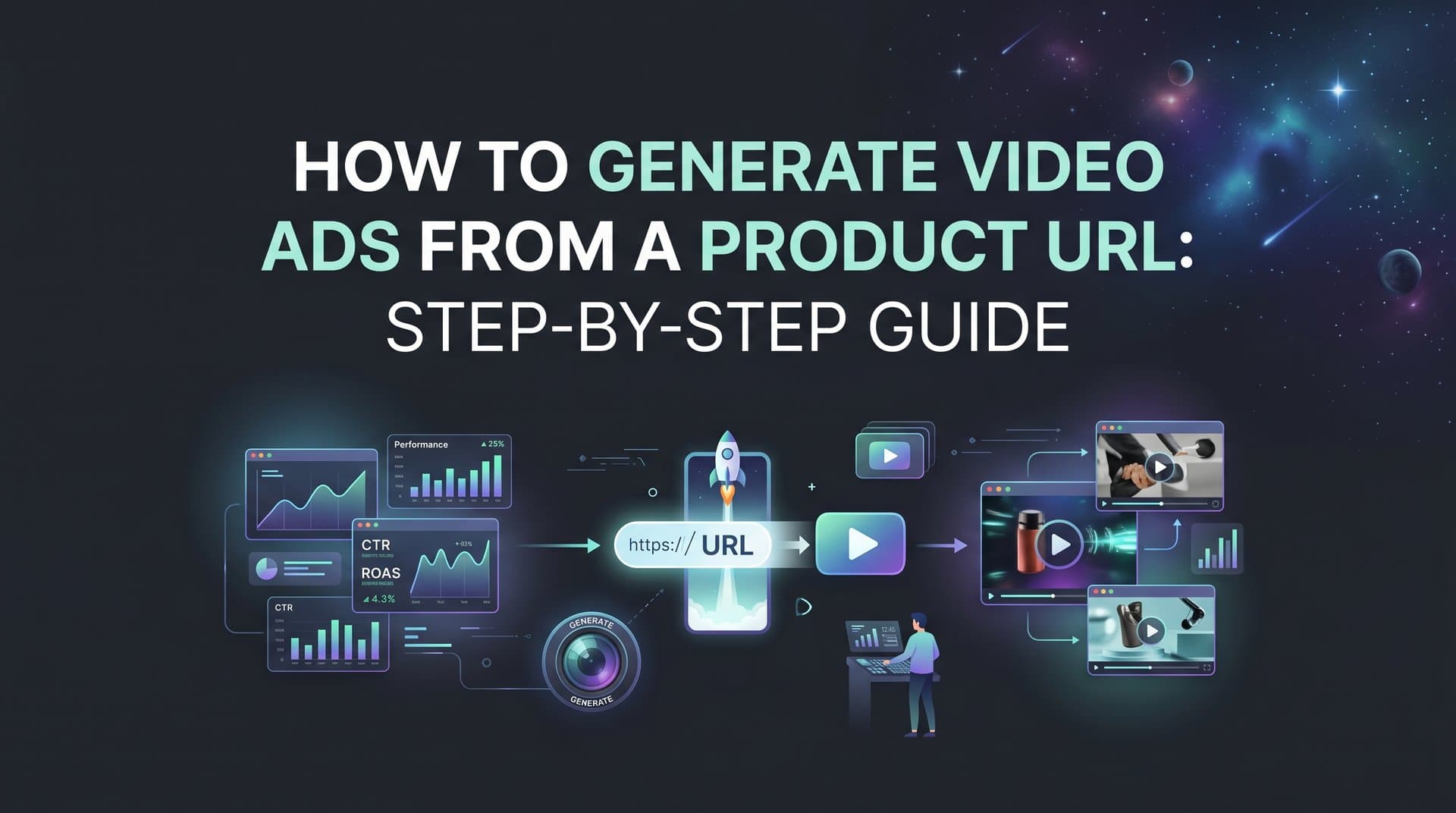
That bottleneck no longer has to exist. When you can generate video ads directly from a product URL, the entire production process compresses into minutes. You paste a link, the AI reads your product page, and you walk away with a launch-ready video ad built around your actual product benefits, visuals, and messaging.
This guide walks you through exactly how to do that using AdStellar's AI Creative Hub. The process covers everything from preparing your product URL to tracking performance and identifying your winning creatives. Whether you manage ads for a direct-to-consumer brand, run campaigns for agency clients, or scale your own Meta advertising, these steps apply the same way every time.
Here is what you will have by the end: a finished video ad tailored to your product and audience, multiple tested variations created without manual duplication, a live Meta campaign with proper tracking in place, and a system for surfacing your winners automatically so you can reuse what works.
No video editors. No designers. No guesswork about what to test first. Let's get into it.
Step 1: Gather Your Product URL and Set Your Creative Goal
Before you open AdStellar or paste a single link, spend a few minutes on setup. The quality of what the AI generates depends directly on the quality of what you feed it. This step takes ten minutes and pays off throughout every stage that follows.
Choose the right URL. Use a specific product page, not your homepage, a category page, or a collection URL. The AI needs a page that describes one product clearly: what it is, what it does, who it is for, and why someone should buy it. A dedicated product landing page with a strong headline, benefit-driven copy, and clear product imagery gives the AI the raw material it needs to build compelling creative.
Watch out for redirect loops and gated pages. If your URL redirects to a login screen, requires a password, or bounces through multiple redirect steps before landing, the AI cannot read your product data. Test your URL in an incognito browser window before using it. It should load a fully visible product page without any barriers.
Define your creative goal before generating. Are you optimizing for awareness, link clicks, add-to-cart actions, or purchases? Your goal shapes the hook, the call to action, and the overall tone of the video. An awareness ad leads with curiosity and brand personality. A conversion ad leads with the strongest benefit and a direct call to action. Knowing this upfront means you are not retrofitting the messaging after the fact.
Identify your target audience persona. Think about who you are speaking to: their pain points, what language they use, what motivates them to buy. The AI uses this context to tailor tone, visuals, and messaging. A product aimed at fitness enthusiasts needs a different energy than the same product positioned for busy professionals.
Audit your product page copy. Quickly scan your page for a clear headline, a list of key benefits, and at least one strong product image. If your page is thin on copy or relies heavily on images with no descriptive text, consider adding a few lines before running the AI scan. The more signal on the page, the better the output.
A dedicated landing page built specifically for advertising, rather than a generic storefront page, consistently produces stronger AI-generated creatives because the copy is already written with persuasion in mind. This approach is especially effective for ecommerce businesses running Facebook ads where product pages vary widely in quality.
Step 2: Input Your URL into AdStellar's AI Creative Hub
With your URL ready and your creative goal defined, it is time to bring AdStellar into the picture. This step is where the AI does the heavy lifting of reading your product page and translating it into a structured creative brief.
Log into your AdStellar account and navigate to the AI Creative Hub. If you are starting a new project, select the option to create a new ad from a product URL. From the format options, choose Video Ad as your creative format. This tells the AI to generate motion-based content rather than a static image, and it unlocks the video-specific style and hook options you will use in the next step.
Paste your product URL into the input field and let the AI scan the page. This process takes a matter of seconds. Once it finishes, you will see a summary of what it extracted: the product name, key benefits it identified, imagery it can pull from, and suggested hooks based on the copy it found.
Review the extracted data carefully. The AI is reading your page, but it is not infallible. If your product has a unique selling point that lives in a video embed, a customer review section, or an FAQ that loads dynamically, the AI may not capture it. Read through the extracted summary and ask yourself: does this reflect what actually makes my product worth buying?
Edit and supplement where needed. If something is missing, add it manually in the brief field before generating. This is your chance to inject specific messaging the AI might have missed: a limited-time offer, a specific use case, or a pain point your audience cares about most. Think of the brief field as a creative director's notes to the AI.
Select your ad placement format. Feed, Reels, and Stories each have different aspect ratio requirements. A square or horizontal video that looks great in the Feed can feel awkward in a Reels placement. Choose the format that matches where you plan to run the ad, or generate separate versions for each placement if you want full coverage. Understanding video size requirements for Facebook ads ensures your creative renders correctly across every placement. AdStellar handles the aspect ratio requirements automatically once you make your selection.
Once you are satisfied with the extracted data and your placement choice, you are ready to move into customization. The AI has done the research. Now you shape the output.
Step 3: Customize Your Video Ad Style and Messaging
This is where creative strategy meets AI execution. The AI has read your product page and built a draft brief. Now you direct the style, hook, and tone so the finished video actually resonates with your audience rather than just describing your product.
Choose a video style. AdStellar offers several formats to match different creative approaches. A product showcase style highlights the product itself with clean visuals and benefit callouts. A UGC-style avatar ad mimics the feel of a real person speaking directly to the camera, which tends to feel native to the feed and builds immediate trust. A slideshow with motion works well for products with multiple features or a strong visual story. A text-overlay style leads with bold copy over video or imagery. Match the style to your audience and where they are in the funnel. If you need inspiration for what works, reviewing proven ecommerce Facebook video ad strategies can sharpen your creative direction before you generate.
Pay close attention to the hook. The first three seconds of your video ad determine whether a viewer keeps watching or scrolls past. This is not a minor detail. It is the most important creative decision you will make in this entire process. A benefit-led hook opens with the strongest outcome your product delivers. A problem-led hook opens by naming the frustration your product solves. Both work, and they work differently depending on your audience's awareness level.
The best practice here is to test both approaches. Before you move to the next step, plan at least two hook variations: one that leads with the benefit and one that leads with the problem. You will generate these as separate variations in Step 4.
Use chat-based editing to refine the output. AdStellar's chat-based editing lets you make adjustments conversationally without rebuilding from scratch. Swap out a visual, tighten the script, change the call to action, or shift the tone. If the default output sounds too formal for your brand, tell the AI to make it more conversational. If the call to action is too soft, ask for something more direct.
Review the AI-generated headline and ad copy. The video creative is only part of the equation. The headline and primary text that appear alongside the video in the feed also need to align with your audience's pain points and your campaign goal. Read them as a package, not separately. A strong video with weak copy still underperforms.
A common mistake at this stage is accepting the default messaging without checking it against your actual audience. The AI produces a strong starting point, but you know your customers. Use that knowledge to sharpen the output before moving forward.
Step 4: Generate Multiple Variations with Bulk Ad Creation
Running a single video ad and hoping it performs is not a testing strategy. It is a coin flip. The way you find winning creatives on Meta is by giving the algorithm enough variations to learn from, and doing that efficiently requires bulk creation rather than manual duplication.
AdStellar's Bulk Ad Launch feature is built specifically for this. Instead of creating each ad variation one by one, you define the elements you want to mix and the platform generates every combination automatically. From the same product URL, you can launch multiple Meta ads at once with different hooks, headlines, calls to action, and audience pairings in minutes rather than hours.
Mix different hooks across variations. Take the two hook directions you planned in Step 3 and build them out as separate variations. If you have a third angle worth testing, add it here. Each hook variation tells a slightly different story about your product, and you will quickly learn which framing your audience responds to most.
Vary your headlines and calls to action. A video ad with a strong hook but a weak call to action still leaks conversions at the bottom of the funnel. Test different CTA phrasings alongside your hook variations. Direct CTAs like "Shop Now" work differently than value-framing CTAs like "See Why Thousands Switch." Test both and let the data decide.
Combine creatives with different audience segments at the ad set level. Pairing your video variations with different audience targets multiplies your learning surface. You might find that one hook resonates with a cold audience while another performs better with a retargeting segment. Bulk creation makes these combinations manageable without turning your campaign structure into a spreadsheet nightmare.
Aim for at least three to five variations minimum. This gives Meta's algorithm enough signal to start optimizing toward the best performers without spreading your budget so thin that no single variation gets meaningful data. More variations mean faster learning, but only if each one has enough budget to accumulate real results.
One discipline worth maintaining: vary one primary element at a time across your core test variations. If you change the hook, the headline, and the visual style all at once between two ads, you cannot tell which change drove the performance difference. Keep your test variables clean so your learnings are actually actionable.
Step 5: Launch Your Video Ads Directly to Meta
Your video variations are ready. Now it is time to build the campaign structure around them and push everything live. AdStellar's AI Campaign Builder handles this step, and it does more than just organize your ads into a campaign. It brings your historical performance data into the decision-making process.
Let the AI analyze your past campaigns. When you use the AI Campaign Builder, it reviews your historical Meta campaign data and ranks your previous creatives, audiences, and ad copy by performance. It uses those patterns to recommend audiences, budgets, and bidding strategies for your new campaign. This is not a generic recommendation engine. It is drawing on what has actually worked for your account.
Review the AI rationale before confirming. Every recommendation the AI makes comes with a transparent explanation. You can see why it is suggesting a particular audience, what performance signal it is drawing from, and what goal it is optimizing toward. This is important because it keeps you in the loop as a strategist rather than just clicking approve. If a recommendation does not align with your campaign intent, you can override it before launch.
Verify your Facebook Pixel before you launch. This is a non-negotiable step that many marketers skip in the rush to go live, and it creates significant problems later. If your pixel is not firing correctly, your conversion data will be incomplete or missing entirely, which means the algorithm cannot optimize toward your actual goal and your reporting will be unreliable. Use Meta Events Manager to confirm that the relevant events are firing on your landing page before you push the campaign live. For a detailed walkthrough of pixel verification, refer to Meta's Events Manager documentation.
Launch directly from AdStellar. You do not need to switch tabs to Meta Ads Manager to push the campaign live. The entire launch happens within the platform, which keeps your workflow contained and reduces the risk of setup errors that come from copying settings between tools. Marketers who have moved away from native tools often cite this as a key reason to explore a Facebook Ads Campaign Manager alternative that centralizes the entire process.
Start with a modest daily budget. Resist the urge to pour budget in on day one. Give your variations room to accumulate data over five to seven days before making optimization decisions. Early performance signals on Meta can be noisy, and cutting variations too soon often means eliminating ads that would have found their footing with a bit more time and spend.
Step 6: Track Performance and Surface Your Winning Video Ads
Launching the campaign is not the finish line. It is the starting point for the feedback loop that makes every future campaign smarter. This step is where you move from running ads to learning from them.
Open AdStellar's AI Insights dashboard after your campaign has been running for several days. You will see your video ads ranked on a leaderboard by real performance metrics: ROAS, CPA, and CTR. This is not a vanity dashboard. It is a ranked view of what is actually working, built around the metrics that matter for your campaign goal. Using dedicated Meta ads dashboard software gives you a cleaner read on performance than native reporting tools alone.
Set your target goal benchmarks first. Before you interpret the leaderboard, define what good looks like for your specific campaign. What ROAS are you targeting? What is an acceptable CPA? What CTR threshold signals that a hook is resonating? When you set these benchmarks in AdStellar, the AI scores every ad against your specific goals rather than generic industry averages. This makes the leaderboard immediately actionable rather than just informational.
Diagnose performance at the element level. Do not just look at which ad is winning overall. Dig into which specific element is driving the difference. Is it the hook that is separating the top performer from the rest? Is the headline doing the heavy lifting? Is one audience segment responding differently than another? A strong hook paired with weak copy is a different optimization problem than a weak hook paired with strong copy. The fix is different in each case, and the data will tell you which situation you are in.
Move your top performers into the Winners Hub. When you identify a video ad that is hitting your benchmarks, save it to the Winners Hub. This is your growing library of proven creative assets. Every winner you add here is available to pull directly into your next campaign without starting from scratch. Over time, the Winners Hub becomes one of the most valuable resources in your ad operation because it removes the guesswork from campaign setup.
Use your performance data to guide the next round of creative generation. What you learned from this campaign feeds directly into your next URL-to-video workflow. If a problem-led hook outperformed a benefit-led hook, lead with that framing next time. If a UGC-style format drove stronger engagement than a product showcase, generate more UGC variations in the next batch. The loop is continuous, and each cycle produces better inputs for the AI to work with.
Your Complete Launch Checklist
Generating video ads from a product URL used to require a production team, a meaningful budget, and days of back-and-forth before anything went live. The process above compresses that into a single focused workflow that any marketer can run without a designer, videographer, or external creative agency.
Before you consider any campaign complete, run through this checklist to make sure every step is covered:
Product URL: Points to a specific product page with clear copy, benefits, and imagery. No redirects, no login walls.
Creative goal and audience: Defined before generating. Awareness, clicks, or conversions. Audience persona identified with relevant pain points noted.
Video style and hook: Customized to your brand voice. At least two hook directions planned, one benefit-led and one problem-led.
Multiple variations: Generated using Bulk Ad Launch. Different hooks, headlines, and CTAs across at least three to five variations.
Campaign structure: Built with the AI Campaign Builder using historical data recommendations. AI rationale reviewed before confirming.
Pixel tracking: Verified in Meta Events Manager before launch. Conversion events confirmed as firing correctly.
Performance tracking: AI Insights benchmarks set. Leaderboard reviewed after five to seven days. Winners saved to the Winners Hub for future campaigns.
The real advantage of this workflow is not just the speed, though that alone is significant. It is the compounding effect. Every campaign you run feeds better data back into AdStellar's AI, which means your next round of video ads starts from a stronger foundation than the last. The platform gets smarter with each cycle, and so does your creative strategy.
Start Free Trial With AdStellar and generate your first video ad from a product URL today. Your first campaign could be live before the end of the day.


