
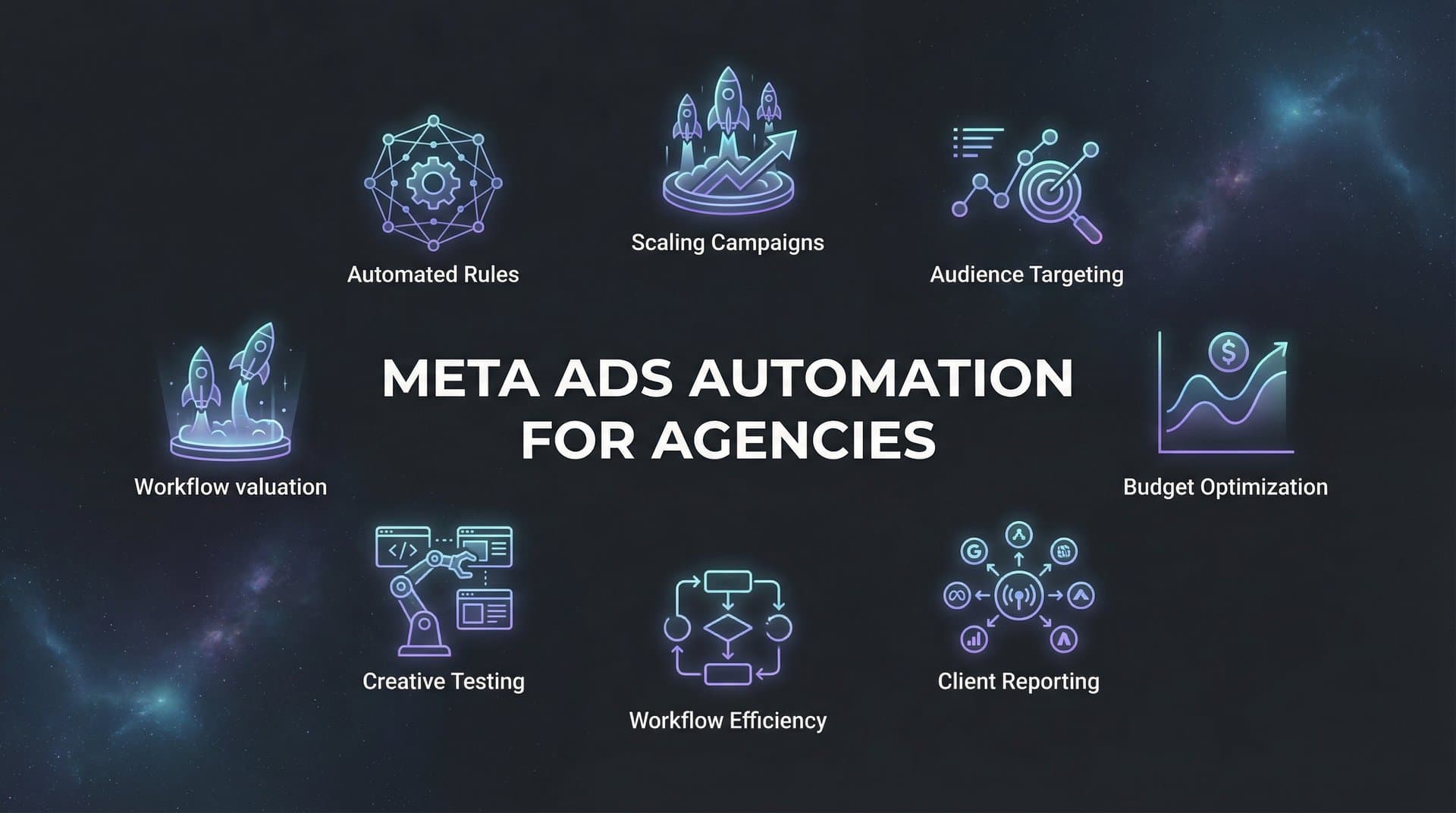
Managing Meta advertising campaigns for multiple clients creates operational complexity that traditional manual workflows cannot sustain. Agencies face mounting pressure to deliver consistent results while handling diverse client needs, varying budgets, and the constant demand for fresh creative iterations.
Meta ads automation transforms this challenge into a competitive advantage—enabling agencies to scale their client roster without proportionally increasing headcount or sacrificing campaign quality.
This guide explores proven automation strategies that forward-thinking agencies use to streamline operations, improve client outcomes, and build more profitable businesses. Each strategy addresses a specific operational bottleneck and provides actionable implementation steps you can apply immediately.
1. Implement Automated Campaign Building with AI Agents
The Challenge It Solves
Building Meta campaigns manually for multiple clients consumes hours of strategic time that could be spent on high-value activities. Each campaign requires analyzing historical data, selecting targeting parameters, structuring ad sets, and assembling creative elements—a process that becomes exponentially more complex as your client roster grows.
The repetitive nature of campaign construction creates bottlenecks that limit how many accounts your team can manage effectively. When your best strategists spend their days on execution mechanics rather than strategic thinking, your agency's growth potential stalls.
The Strategy Explained
AI-powered campaign building systems analyze your historical performance data to identify patterns in what works for specific audiences, industries, and objectives. These systems then automatically construct optimized campaign structures by selecting proven targeting combinations, creative elements, and budget allocations based on actual results rather than guesswork.
The automation handles the technical execution while maintaining strategic oversight. You define the campaign objectives and parameters, and the AI agents handle the detailed construction work—from audience layering to creative assembly to bid strategy configuration.
This approach transforms campaign building from a multi-hour manual process into a structured workflow that completes in minutes, freeing your team to focus on creative strategy and client relationships.
Implementation Steps
1. Audit your current campaign building process to identify the most time-consuming elements—typically targeting research, creative selection, and structural configuration.
2. Connect your Meta accounts to an AI-powered campaign builder that can access your historical performance data and learn from your winning patterns.
3. Configure your campaign templates with client-specific parameters like brand guidelines, budget constraints, and performance goals that the AI uses as guardrails.
4. Run parallel builds initially—create campaigns manually and with AI automation—to validate output quality before fully transitioning your workflow.
Pro Tips
Start with your most standardized campaign types where you have substantial historical data. The AI learns faster when it has clear patterns to analyze. Document the time savings from your first automated builds to demonstrate ROI to stakeholders and build confidence in the system.
2. Create Templated Workflows for Client Onboarding
The Challenge It Solves
Client onboarding typically involves scattered conversations, incomplete information gathering, and multiple revision cycles that delay campaign launches. Each new client relationship starts with the same fundamental questions about objectives, audiences, and creative assets—yet most agencies handle this process inconsistently across accounts.
This ad hoc approach creates unnecessary friction, extends time-to-launch, and increases the risk of missing critical details that affect campaign performance. When onboarding lacks structure, your team wastes time chasing information rather than building campaigns.
The Strategy Explained
Templated onboarding workflows systematize the information capture process through structured forms, automated follow-ups, and progressive disclosure that guides clients through providing exactly what you need. These workflows ensure consistent data collection while creating a professional experience that builds client confidence from day one.
The automation sequences can include welcome emails, asset upload portals, brief questionnaires, and automated reminders—all triggered based on where each client sits in the onboarding journey. This systematic approach eliminates the back-and-forth that typically characterizes new client relationships.
Implementation Steps
1. Map your ideal onboarding sequence by documenting every piece of information and asset you need before launching campaigns.
2. Build intake forms that capture client objectives, target audiences, budget parameters, creative assets, and brand guidelines in a structured format.
3. Create automated email sequences that guide clients through the onboarding process with clear next steps and deadlines at each stage.
4. Set up asset management systems where clients can upload creative materials directly to organized folders that feed into your campaign building workflow.
5. Configure status dashboards that show both your team and clients exactly where each account sits in the onboarding pipeline.
Pro Tips
Include example responses in your intake forms to set clear expectations about the level of detail you need. Build in automated quality checks that flag incomplete submissions before they reach your campaign team, preventing downstream delays.
3. Establish Automated Performance Monitoring and Alerts
The Challenge It Solves
Manually checking campaign performance across dozens of client accounts creates reactive management patterns where problems are discovered too late to prevent budget waste. Your team cannot realistically monitor every metric for every client continuously, which means performance issues often compound before anyone notices.
This reactive approach damages client relationships and erodes profitability. By the time you spot a declining conversion rate or budget pacing issue, you may have already spent thousands of dollars inefficiently.
The Strategy Explained
Automated monitoring systems continuously track performance metrics across all client accounts and trigger alerts when specific thresholds are crossed. These systems act as your always-on operations team, identifying anomalies and opportunities the moment they emerge rather than during your next scheduled check-in.
The automation can monitor cost per acquisition, conversion rates, budget pacing, creative fatigue indicators, and dozens of other metrics simultaneously. When performance deviates from expected patterns, your team receives immediate notifications with context about what changed and potential causes.
Implementation Steps
1. Define performance thresholds for each key metric based on client objectives—for example, alert when CPA exceeds target by 20% or when daily spend pace suggests budget will exhaust early.
2. Configure monitoring dashboards that aggregate data across all client accounts with visual indicators showing which campaigns need attention.
3. Set up tiered alert systems where minor deviations generate internal notifications while major issues trigger immediate client communication protocols.
4. Create response playbooks that specify exactly what actions to take when specific alerts fire, enabling junior team members to handle routine issues without escalation.
Pro Tips
Start with conservative alert thresholds to avoid notification fatigue, then refine based on which alerts consistently identify actionable issues. Include comparative context in alerts—not just "CPA increased" but "CPA increased 35% compared to last week's average."
4. Automate Creative Testing at Scale
The Challenge It Solves
Testing creative variations manually limits the volume and velocity of learning across your client portfolio. Most agencies struggle to maintain consistent testing discipline when managing multiple accounts, which means campaigns often run with suboptimal creative longer than necessary.
The manual approach to creative testing also makes it difficult to systematically capture and reuse winning elements. When a headline or image performs exceptionally well for one client, that insight often remains siloed rather than informing strategies across your entire roster.
The Strategy Explained
Automated creative testing systems generate combinations of headlines, images, and copy variations, then systematically test these combinations while tracking performance at the element level. The automation identifies which specific components drive results—not just which complete ads win, but which headlines, images, and calls-to-action consistently outperform alternatives.
These systems can manage hundreds of creative tests simultaneously across your client base, automatically archiving winning elements into a reusable library. This creates a continuously growing repository of proven creative components that inform future campaigns.
Implementation Steps
1. Build creative component libraries organized by element type—headlines, primary text, images, calls-to-action—with consistent tagging that enables pattern analysis.
2. Configure automated testing frameworks that generate ad variations by combining different elements from your libraries according to structured testing protocols.
3. Set up performance tracking that attributes results to specific creative components rather than just complete ads, revealing which elements drive outcomes.
4. Implement automated archiving that moves winning creative elements into "proven" libraries available for reuse across client accounts.
5. Create feedback loops where insights from high-performing creative inform guidelines for future asset creation.
Pro Tips
Test one variable at a time initially to build clean performance data about individual elements. Once you understand which components work, you can test combinations more aggressively. Tag creative elements with attributes like tone, visual style, and offer type to enable pattern recognition across tests.
5. Deploy Budget Pacing and Reallocation Automation
The Challenge It Solves
Managing budget pacing across multiple client accounts with different spending patterns and objectives creates constant manual adjustment work. Campaigns that exhaust budgets early leave performance on the table, while underspending campaigns fail to maximize opportunity during optimal periods.
Manual budget management also struggles to capitalize on performance variations in real-time. When one campaign significantly outperforms expectations, the opportunity to shift budget from underperforming campaigns often passes before anyone notices and acts.
The Strategy Explained
Budget pacing automation continuously monitors spend velocity against targets and automatically adjusts bid strategies or budget allocations to maintain optimal pacing. These systems can also implement performance-based reallocation rules that shift budget from underperforming campaigns to winners based on your defined criteria.
The automation handles the mechanical work of budget adjustments while respecting guardrails you establish around minimum spends, maximum daily changes, and client-specific constraints. This enables dynamic optimization without requiring constant manual intervention.
Implementation Steps
1. Establish pacing targets for each client account based on campaign duration, total budget, and any date-specific objectives like seasonal promotions.
2. Configure automated pacing rules that adjust bid strategies when spend velocity deviates from target—for example, reducing bids when pacing 20% ahead of schedule.
3. Define performance thresholds that trigger budget reallocation between campaigns—such as moving budget from campaigns with CPA above target to those performing 30% better than goal.
4. Set up approval workflows for significant budget changes that require client sign-off before execution, while allowing minor optimizations to proceed automatically.
Pro Tips
Build in lookback windows that prevent knee-jerk reactions to short-term performance fluctuations. A campaign having one bad day shouldn't trigger immediate reallocation, but sustained underperformance over several days should. Document your reallocation logic clearly so clients understand the strategic rationale behind budget shifts.
6. Build Automated Reporting and Client Communication
The Challenge It Solves
Creating custom reports for each client consumes hours of time that could be spent on strategic work. The manual reporting process typically involves pulling data from multiple sources, formatting spreadsheets or slides, and writing performance summaries—all repeated on weekly or monthly cycles.
This administrative burden grows linearly with your client count, creating a ceiling on how many accounts your team can effectively manage. When your strategists spend significant time on reporting mechanics, they have less capacity for the analytical thinking that actually improves outcomes.
The Strategy Explained
Automated reporting systems pull live data directly from Meta and other platforms, populate customized templates with client-specific branding and metrics, and generate performance summaries that highlight key trends and insights. These systems can deliver reports on automated schedules without manual intervention.
Advanced implementations include AI-generated commentary that explains performance changes in natural language, identifies notable trends, and suggests optimization opportunities. This transforms reporting from a time-consuming chore into a value-adding communication tool.
Implementation Steps
1. Create report templates for each client that include their priority metrics, custom branding, and preferred visualization styles.
2. Configure automated data connections that pull performance metrics directly from Meta Ads Manager and any attribution platforms you use.
3. Set up scheduled report generation that automatically creates and delivers reports on your established cadence—weekly, bi-weekly, or monthly.
4. Implement AI-powered commentary generation that analyzes performance changes and writes explanatory summaries in your agency's voice.
5. Build approval workflows where team members can review auto-generated reports before client delivery, adding strategic context where valuable.
Pro Tips
Include both performance data and strategic recommendations in automated reports to maintain the consultative relationship clients expect. Raw numbers alone don't demonstrate your expertise—the insights and next steps you provide create the real value. Use conditional formatting that highlights wins and flags concerns automatically, directing client attention to what matters most.
7. Leverage Continuous Learning Loops for Campaign Optimization
The Challenge It Solves
Insights gained from successful campaigns often remain trapped in individual accounts rather than informing your broader strategy. When you discover that a particular targeting approach or creative style works exceptionally well for one client, that knowledge typically doesn't systematically influence how you approach similar situations for other clients.
This siloed learning limits your agency's ability to compound expertise across your entire portfolio. Each client campaign becomes a standalone effort rather than contributing to an ever-improving strategic playbook.
The Strategy Explained
Continuous learning systems capture winning patterns from successful campaigns and systematically apply those insights across your client portfolio. These systems analyze what's working at the targeting, creative, and structural levels, then use those patterns to inform future campaign builds and optimizations.
The automation creates feedback loops where every campaign contributes data that improves subsequent campaigns. As your portfolio grows, the system becomes increasingly intelligent about what approaches work for specific industries, objectives, and audience types.
Implementation Steps
1. Implement tagging systems that categorize campaigns by industry, objective, audience type, and other relevant attributes that enable pattern analysis.
2. Configure performance tracking that identifies top-performing campaigns and automatically analyzes what made them successful—specific targeting parameters, creative elements, or structural approaches.
3. Build knowledge repositories where winning strategies are documented with context about when and why they worked, making insights accessible across your team.
4. Create recommendation engines that suggest proven approaches when building new campaigns based on similarities to successful past campaigns.
5. Establish review cycles where your team analyzes cross-portfolio patterns to identify broader strategic insights that inform your overall methodology.
Pro Tips
Focus on capturing the "why" behind winning campaigns, not just the "what." Understanding the strategic rationale enables you to adapt successful approaches to new contexts rather than just copying tactics. Build in mechanisms for negative learning too—documenting what didn't work prevents repeating expensive mistakes across multiple client accounts.
Your Implementation Roadmap
Implementing Meta ads automation transforms agency operations from reactive firefighting to proactive scaling. The strategies outlined here address the most significant operational bottlenecks that limit agency growth—from campaign building and creative testing to budget management and reporting.
Start with automated campaign building to reclaim the most time-intensive task in your workflow. This single change typically delivers the most immediate impact on your team's capacity. Once you've established that foundation, layer in performance monitoring and creative testing automation to improve the quality and velocity of optimization across your portfolio.
As your systems mature, add budget pacing and reporting automation to further reduce manual overhead. The compounding effect of these efficiency gains fundamentally changes how many clients you can serve—and how well you serve them.
The agencies that thrive in competitive markets are those that treat automation as a strategic capability rather than a tactical convenience. Each hour your team reclaims from execution mechanics can be redirected toward creative strategy, client relationships, and business development—the activities that actually differentiate your agency and drive growth.
Begin with one strategy this week. Measure the time savings. Document the quality improvements. Then progressively build your automation infrastructure, adding capabilities as your team adapts to new workflows.
Ready to transform your advertising strategy? Start Free Trial With AdStellar AI and be among the first to launch and scale your ad campaigns 10× faster with our intelligent platform that automatically builds and tests winning ads based on real performance data.


