
Meta advertising has become one of the most competitive channels for digital marketers. With millions of advertisers competing for attention across Facebook and Instagram, the difference between campaigns that scale profitably and those that drain budgets often comes down to one thing: how intelligently you manage them.
An AI-driven Meta ads manager changes the equation entirely. Instead of manually testing creatives, guessing at audiences, and reviewing spreadsheets to find winners, AI handles the heavy lifting, from generating ad creatives and building campaign structures to surfacing top performers and reallocating spend in real time.
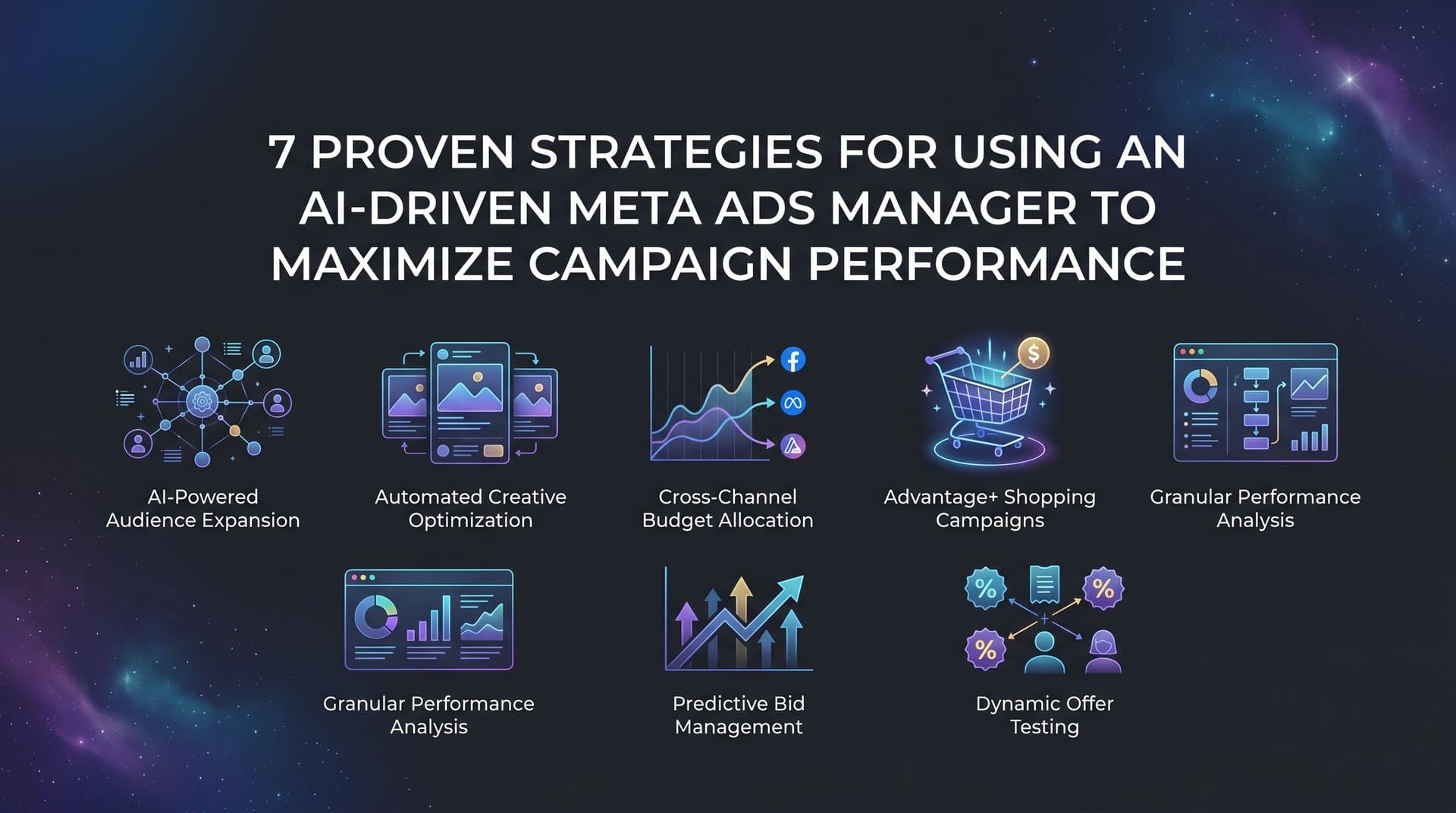
This article breaks down seven practical strategies for getting the most out of an AI-driven Meta ads manager. Whether you are running campaigns for a single brand or managing accounts for multiple clients, these approaches will help you move faster, test smarter, and scale what actually works. Each strategy builds on the previous one, so by the end you will have a clear framework for running Meta campaigns with AI at the center of your workflow.
1. Start With AI-Generated Creatives to Eliminate the Blank Canvas Problem
The Challenge It Solves
Creative production is one of the biggest bottlenecks in Meta advertising. Campaigns stall because teams are waiting on designers, video editors, or approval cycles. By the time new creatives are ready, audience fatigue has already set in on the ones currently running. The blank canvas problem is real, and it costs advertisers both time and momentum.
The Strategy Explained
AI-driven creative generation removes the production bottleneck entirely. Instead of briefing a designer and waiting days for output, you generate image ads, video ads, and UGC-style avatar creatives directly from a product URL. The AI pulls relevant visual and copy elements, assembles variations, and gives you a full creative set ready for testing in minutes.
One particularly powerful feature in platforms like AdStellar is the ability to clone competitor ads directly from the Meta Ad Library. Rather than starting from scratch, you can analyze what is already working in your category and build from proven formats. Chat-based editing lets you refine any creative without touching a design tool.
Implementation Steps
1. Enter your product URL into the AI creative hub and let it generate an initial batch of image and video ad variations.
2. Use the Meta Ad Library clone feature to identify top-performing competitor creatives and generate similar formats for your own brand.
3. Refine your preferred variations using chat-based editing, adjusting copy, visuals, or tone without needing a designer.
4. Build a library of at least five to ten creative variations before launching, giving the algorithm enough material to find early winners.
Pro Tips
Do not overthink the first batch. The goal is to enter testing quickly with a range of formats, not to perfect a single creative. UGC-style avatar ads often perform differently than polished image ads, so include both in your initial set to give the algorithm diverse signals to learn from. If slow creative production is a recurring issue, understanding why Meta ads take too long to create can help you identify where the bottleneck actually lives.
2. Build Campaigns Around Historical Performance Data, Not Gut Instinct
The Challenge It Solves
Most advertisers build new campaigns by recreating what they think worked last time, relying on memory, rough notes, or a quick scroll through past results. This approach is slow and imprecise. Important patterns get missed, and decisions that should be data-driven end up being based on instinct. The result is campaigns that repeat avoidable mistakes.
The Strategy Explained
An AI-driven Meta ads manager analyzes your full campaign history before building anything new. It ranks every creative, headline, and audience segment by actual performance metrics, then uses those rankings to inform the structure of your next campaign. Every decision comes with a transparent rationale, so you understand why the AI is recommending a specific audience or headline, not just what it recommends.
This is where AdStellar's AI Campaign Builder becomes a genuine competitive advantage. Specialized AI agents process your historical data, identify the combinations that drove results, and assemble a complete campaign structure in minutes. The AI gets smarter with every campaign you run, so the longer you use it, the more accurate its recommendations become.
Implementation Steps
1. Connect your Meta ad account so the AI can access your full campaign history and performance data.
2. Review the AI-generated performance rankings for your creatives, headlines, and audiences before building your next campaign.
3. Use the AI's transparent rationale to understand which elements it is prioritizing and why, then approve or adjust the proposed campaign structure.
4. Launch the campaign with the AI-recommended configuration and use it as your baseline for ongoing testing.
Pro Tips
Pay attention to the AI's reasoning, not just its outputs. When the AI explains why it is selecting a particular audience or headline, that explanation often reveals patterns you would not have spotted manually. Following Meta ads campaign structure best practices alongside AI recommendations gives you a stronger foundation for interpreting those insights and applying them strategically over time.
3. Use Bulk Ad Launching to Run Hundreds of Variations Without Manual Work
The Challenge It Solves
Testing at scale is theoretically straightforward but practically exhausting. Setting up dozens of ad variations manually, each with different creative, copy, and audience combinations, takes hours of repetitive work. Most advertisers end up testing far fewer variations than they should, which limits their ability to find genuine winners quickly.
The Strategy Explained
Bulk ad launching automates the combination process entirely. You provide multiple creatives, headline variants, copy blocks, and audience segments, and the platform generates every possible combination and pushes them all to Meta in a single workflow. What would take a team hours to set up manually gets done in minutes.
The logic here is straightforward: more variations tested means more data points collected, and more data points means faster identification of what actually works. AdStellar's bulk launch feature operates at both the ad set and ad level, giving you granular control over how combinations are structured while still automating the execution entirely. For a deeper look at how this works in practice, the guide on how to launch multiple Meta ads at once walks through the full workflow.
Implementation Steps
1. Prepare your creative assets, headlines, and copy variants in advance, aiming for at least three to five options in each category.
2. Define your audience segments, including cold audiences, custom audiences, and lookalikes, so they are ready to mix into the launch.
3. Use the bulk launch tool to generate all combinations and review the full variation set before pushing to Meta.
4. Set a consistent initial budget per variation so early performance data is comparable across the entire test batch.
Pro Tips
Resist the urge to pre-filter too aggressively before launching. The combinations you expect to underperform sometimes surprise you. Let the data make the cuts rather than your assumptions. The whole point of bulk testing is to remove human bias from the initial selection process.
4. Let AI Targeting Logic Replace Audience Guesswork
The Challenge It Solves
Manual interest targeting on Meta has always been part art, part guesswork. Stacking interests, layering demographics, and building lookalike audiences requires significant time and expertise, and even experienced media buyers often find that their carefully built audiences underperform expectations. The complexity of Meta's targeting options can work against you when there are too many variables to manage manually.
The Strategy Explained
AI-driven audience selection learns from actual performance signals rather than relying on predetermined interest categories. Instead of building audiences based on what you think your customers care about, the AI identifies patterns in your conversion data and uses those signals to refine targeting over time. This approach gets more accurate as more data flows in, creating a self-improving targeting system.
The most effective approach layers AI recommendations with your existing custom audience data. Upload customer lists, retargeting pools, and purchase data, then let the AI use those signals to inform both lookalike expansion and interest targeting decisions. Platforms like AdStellar integrate this targeting intelligence directly into the campaign builder, so audience selection is informed by the same historical analysis that shapes your creative and copy choices. Understanding how automated Meta ads targeting works under the hood helps you configure these systems more effectively.
Implementation Steps
1. Upload your existing customer data, including email lists and purchase history, to create a strong foundation of first-party signals.
2. Let the AI analyze which audience segments have driven the best results in past campaigns and use those findings as the starting point for new targeting.
3. Run AI-recommended audiences alongside your manual selections in the same bulk launch to compare performance directly.
4. As data accumulates, shift budget toward the audiences the AI scores highest and reduce spend on underperforming segments.
Pro Tips
Do not abandon your best-performing manual audiences immediately. Use them as a benchmark to evaluate AI recommendations. Over time, the AI's suggestions should outperform your manual builds as it accumulates more conversion data, but having a reliable baseline makes the comparison meaningful.
5. Use Leaderboard Insights to Score Every Ad Element Against Your Goals
The Challenge It Solves
Running lots of variations is only valuable if you can quickly identify what is working and what is not. Many advertisers collect data but struggle to act on it fast enough. By the time you have manually reviewed performance across dozens of creatives, headlines, and audiences, the underperformers have already consumed significant budget. Slow decision-making is expensive in Meta advertising.
The Strategy Explained
Goal-based AI scoring changes how you read campaign data. Instead of reviewing raw metrics and making judgment calls, you set specific benchmarks, whether that is a target ROAS, a maximum CPA, or a minimum CTR, and the AI scores every element of your campaign against those goals. Leaderboard rankings surface the top and bottom performers instantly, so you can make cut or scale decisions without digging through spreadsheets.
This approach applies across every layer of your campaign. AdStellar's AI Insights feature ranks creatives, headlines, copy blocks, audiences, and landing pages by real metrics like ROAS, CPA, and CTR. When everything is scored against the same benchmarks, you can see at a glance which elements deserve more budget and which should be paused. Getting familiar with Meta ads performance metrics explained ensures you are setting the right benchmarks in the first place, so the AI is scoring against goals that actually reflect your business outcomes.
Implementation Steps
1. Define your performance benchmarks before launching, including target ROAS, maximum acceptable CPA, and minimum CTR thresholds.
2. Set those benchmarks inside your AI platform so every element gets scored against your specific goals rather than generic averages.
3. Review leaderboard rankings after your campaign has collected enough data, typically after a few days of consistent spend.
4. Pause the bottom-ranked elements and reallocate budget to the top performers, then use the winning elements as the foundation for your next test iteration.
Pro Tips
Check your leaderboard rankings consistently rather than waiting for a scheduled review. The faster you act on underperformers, the less budget you waste. Set a recurring time each day or every other day to review scores and make adjustments while the data is still fresh.
6. Build a Winners Hub to Systematically Reuse What Works
The Challenge It Solves
One of the most common and costly mistakes in Meta advertising is treating each campaign as a fresh start. Proven creatives get buried in old campaign folders, winning headlines get forgotten, and high-performing audiences get rebuilt from scratch. Every new campaign starts over rather than building on what already works. This wastes time and budget that could be spent scaling proven combinations.
The Strategy Explained
A Winners Hub centralizes your top-performing assets so they are always accessible and ready to deploy. Instead of searching through past campaigns to find what worked, every proven creative, headline, audience, and copy block lives in one place with its actual performance data attached. When you are ready to build a new campaign, you start with verified winners rather than untested material.
This creates a compounding advantage over time. Each campaign you run adds new proven elements to your hub. Each new campaign you build pulls from a growing library of validated assets. The result is that your campaigns get progressively stronger because they are built on an expanding foundation of real performance data. AdStellar's Winners Hub makes this systematic by automatically surfacing top performers and letting you add them to new campaigns in a few clicks. Pairing this with a clear strategy for how to scale Meta ads efficiently ensures your proven assets are being deployed at the right budget levels.
Implementation Steps
1. After each campaign cycle, identify the top-performing creatives, headlines, audiences, and copy blocks using your leaderboard rankings.
2. Add those winners to your Winners Hub with their performance data intact so you have context when deploying them in future campaigns.
3. When building a new campaign, start by reviewing your Winners Hub and selecting proven elements as your baseline.
4. Test new variations against your existing winners rather than replacing them, so you are always improving from a strong starting point.
Pro Tips
Tag your winners by campaign objective, product category, or audience type so you can quickly filter to the most relevant assets for each new campaign. A well-organized Winners Hub becomes one of your most valuable assets as an advertiser, especially when managing multiple accounts or product lines.
7. Close the Loop With Attribution Tracking to Measure True ROI
The Challenge It Solves
Meta's native reporting tells you what happened inside the platform, but it does not always tell you what actually drove revenue. Last-click attribution models misattribute conversions, inflated reported ROAS leads to poor budget decisions, and without a clear connection between ad spend and actual revenue, you are optimizing against the wrong signals. This is a widespread problem that causes advertisers to scale campaigns that look good on paper but underperform in reality.
The Strategy Explained
Closing the attribution loop means connecting your Meta ad spend to actual downstream revenue, not just platform-reported conversions. When your attribution data is accurate, every optimization decision you make, from budget allocation to creative selection, is based on what is genuinely driving business results. This also feeds better conversion signals back into your AI scoring system, making its recommendations more accurate over time.
Integration with a dedicated attribution tool is the most reliable way to achieve this. AdStellar integrates with Cometly for attribution tracking, connecting campaign performance data to actual revenue so your AI scoring reflects true ROI rather than platform-reported metrics. When your AI is scoring creatives and audiences against verified revenue data rather than estimated conversions, every decision it makes becomes more reliable. Understanding common Meta ads budget allocation issues can help you recognize where attribution gaps are quietly distorting your spend decisions. This is how the entire system compounds: better attribution feeds better AI decisions, which drives better campaign performance.
Implementation Steps
1. Set up attribution tracking that captures the full customer journey, from first ad touch to final purchase, rather than relying solely on Meta's pixel data.
2. Connect your attribution data to your AI platform so performance scoring reflects actual revenue rather than last-click conversions.
3. Audit your current campaign performance using attribution data and compare it to what Meta's native reporting shows, noting where the two diverge significantly.
4. Use the corrected performance data to update your Winners Hub, ensuring that the elements you are reusing are genuinely high-performing and not just artifacts of attribution inflation.
Pro Tips
Pay particular attention to campaigns where Meta-reported ROAS and attribution-tracked ROAS differ significantly. Those gaps reveal where your optimization decisions have been based on inaccurate data. Fixing those gaps often leads to meaningful budget reallocation and improved overall account performance.
Your Implementation Roadmap
These seven strategies work best when implemented in sequence, with each one building on the foundation the previous one creates. Here is how to put them into practice.
Start with creative generation to remove the production bottleneck. Get a library of image ads, video ads, and UGC-style creatives ready before you do anything else. Then layer in historical data analysis so your next campaign is built on what has already proven to work rather than assumptions.
Use bulk launching to expand your testing surface well beyond what manual setup allows. Let AI handle audience logic rather than spending hours on manual interest targeting. Use leaderboard scoring to make faster cut or scale decisions so your budget is always moving toward proven performers.
Store your winners and pull them into every future campaign so your creative and audience library compounds in value over time. Finally, close the loop with attribution tracking so your AI scoring reflects actual revenue and every optimization decision improves with every dollar spent.
The compounding effect of these seven strategies is significant. Each one removes a manual step that slows most Meta advertisers down. Together they create a system where AI handles execution and you focus on strategy, which is where your time is most valuable.
AdStellar brings all of these capabilities into one platform, from creative generation to campaign launch to performance surfacing. No designers, no video editors, no guesswork. Start Free Trial With AdStellar and run your first AI-driven campaign today.


