
Facebook ads for ecommerce stores demand a different approach than most other industries. Your potential customers are actively shopping, comparing prices across multiple tabs, and making split-second decisions about whether to click "Add to Cart" or keep scrolling. The margin between a profitable campaign and wasted ad spend often comes down to how well you match your strategy to the ecommerce buying journey.
The ecommerce brands seeing consistent results in 2026 share a common trait: they treat Facebook advertising as a system rather than a collection of random campaigns. They understand that different customers need different messages at different stages, and they've built their ad accounts to reflect that reality.
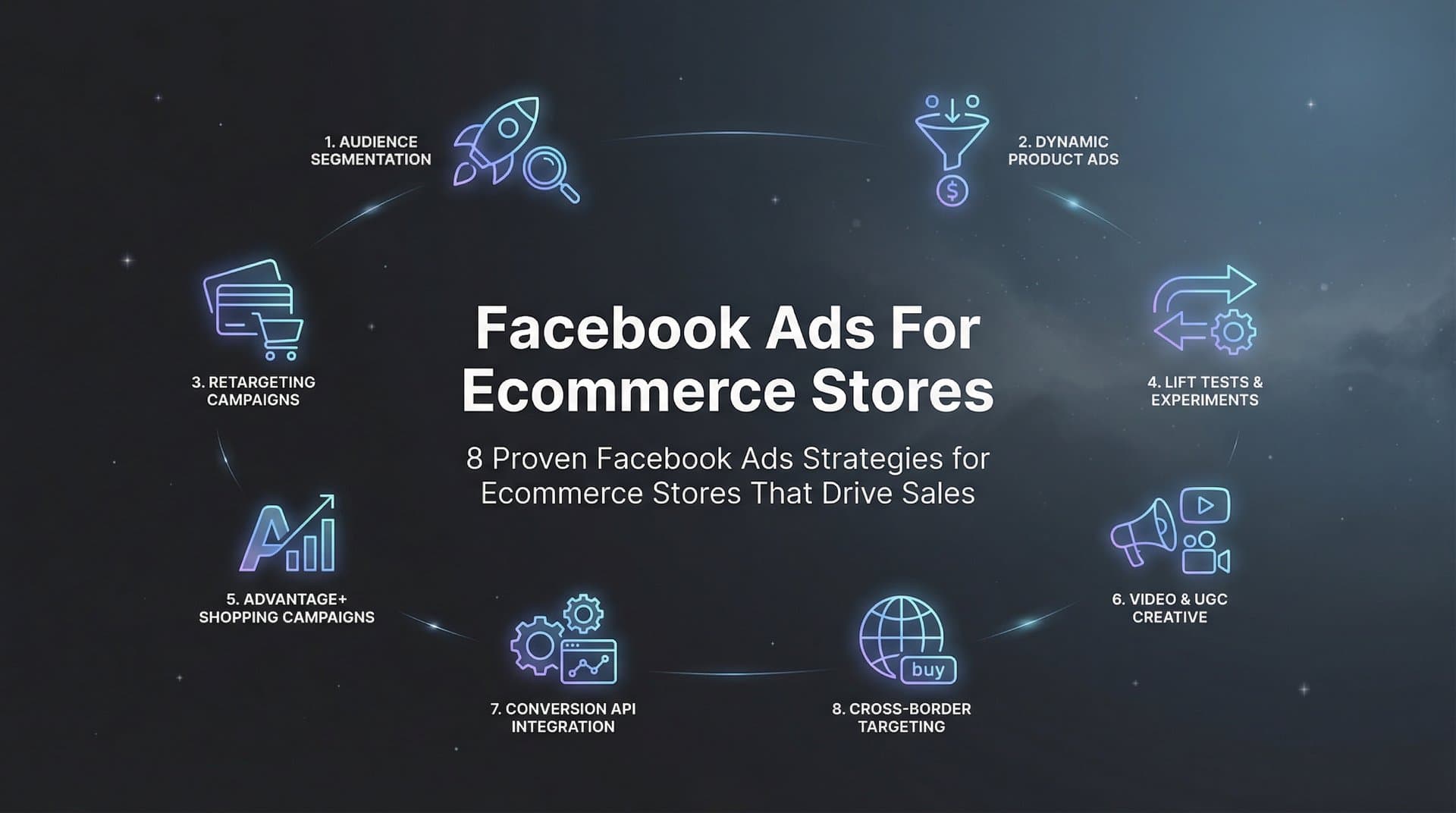
What follows are eight strategies that successful ecommerce stores use to turn Facebook ads into a reliable sales channel. These aren't theoretical concepts but practical approaches you can implement immediately, whether you're launching your first campaign or optimizing an established ad account. Each strategy addresses a specific challenge ecommerce advertisers face, from capturing cold traffic to converting warm prospects into buyers.
The key is understanding how these strategies work together. Creative testing identifies what resonates with your audience. Full-funnel campaigns deliver the right message at the right time. Strategic retargeting brings back visitors who weren't ready to buy. When combined, these approaches create a compounding effect that improves performance over time.
1. Build a Full-Funnel Campaign Structure
The Challenge It Solves
Most ecommerce stores make the mistake of treating all visitors the same. They run a single campaign targeting everyone from first-time browsers to abandoned cart visitors with identical messaging. This approach wastes budget on the wrong message at the wrong time. Someone who's never heard of your brand needs different content than someone who added products to their cart an hour ago.
The Strategy Explained
A full-funnel campaign structure segments your advertising into three distinct stages: prospecting, retargeting, and retention. Prospecting campaigns target cold audiences who've never interacted with your brand. These campaigns focus on awareness and product education. Retargeting campaigns reach people who've visited your site or engaged with your content but haven't purchased. These campaigns emphasize benefits, social proof, and offers. Retention campaigns target existing customers with complementary products or replenishment reminders.
Each funnel stage requires different creative approaches, budget allocations, and optimization goals. Prospecting typically receives the largest budget since it feeds the entire funnel. Retargeting campaigns often deliver the highest return on ad spend because they target warm audiences. Retention campaigns cost the least but generate predictable revenue from your existing customer base.
Implementation Steps
1. Create three campaign groups in your ad account labeled "Prospecting," "Retargeting," and "Retention" to maintain clear organization.
2. Allocate roughly 60% of budget to prospecting, 30% to retargeting, and 10% to retention, adjusting based on your specific funnel metrics.
3. Develop stage-specific creative that matches customer awareness levels, from educational content for cold audiences to conversion-focused messaging for warm prospects.
4. Set up custom audiences for each retargeting stage based on website behavior, engagement levels, and purchase history.
Pro Tips
Monitor how quickly prospects move through your funnel stages. If retargeting audiences aren't growing, your prospecting campaigns need better targeting or creative. If retargeting audiences are large but conversion rates are low, your product pages or checkout process may need optimization. The funnel structure reveals exactly where your advertising system for ecommerce businesses breaks down.
2. Create Product-Specific Lookalike Audiences
The Challenge It Solves
Generic lookalike audiences based on all purchasers dilute your targeting effectiveness. A customer who bought a $15 impulse item has different characteristics than someone who purchased a $200 premium product. When you build lookalikes from your entire customer list, Meta's algorithm receives mixed signals about who your ideal customer actually is, resulting in lower quality traffic and wasted ad spend.
The Strategy Explained
Product-specific lookalike audiences segment your customer base by purchase behavior, product category, or lifetime value before creating lookalikes. Instead of one broad "purchaser" audience, you create separate seed audiences for high-value customers, specific product categories, or repeat buyers. This approach gives Meta clearer signals about the exact type of person you want to reach.
The most effective seed audiences typically include your top 20% of customers by revenue, purchasers of your best-selling products, or customers who've made multiple purchases. These segments represent your most valuable customers, and finding more people like them drives better campaign performance than targeting lookalikes of one-time bargain hunters.
Implementation Steps
1. Segment your customer list by total spend, creating separate lists for customers who've spent above your average order value.
2. Build category-specific customer lists if you sell distinct product lines that appeal to different demographics or interests.
3. Create 1% lookalike audiences from each segment, starting with your highest-value customers as the primary prospecting audience.
4. Test broader lookalike percentages (2-5%) once your 1% audiences show consistent performance and need additional scale.
Pro Tips
Refresh your lookalike seed audiences quarterly as your customer base grows and evolves. A lookalike built from 500 customers performs differently than one built from 5,000. Additionally, consider building lookalikes from specific timeframes, such as customers acquired in the last 90 days, to capture current market trends rather than historical patterns that may no longer be relevant. Leveraging Meta ads for ecommerce stores effectively requires this level of audience sophistication.
3. Use Dynamic Product Ads for Catalog-Wide Reach
The Challenge It Solves
Manually creating ads for every product in your catalog becomes impossible as your inventory grows. You need dozens or hundreds of ad variations to showcase your full product range, but creating individual ads for each item consumes too much time and budget. Meanwhile, potential customers who browse specific products never see relevant retargeting ads because you're only advertising your top sellers.
The Strategy Explained
Dynamic Product Ads automatically generate personalized ads by pulling product information directly from your catalog feed. When someone views a product on your site, Dynamic Product Ads can retarget them with that exact product plus related items. For prospecting, these ads showcase products likely to interest new customers based on their browsing behavior across Meta's platforms.
The power of Dynamic Product Ads lies in their automation and personalization. Instead of creating 50 individual ads for 50 products, you create one campaign that automatically adapts to show each person the most relevant products. The system handles creative generation, product selection, and personalization without manual intervention.
Implementation Steps
1. Set up your product catalog in Meta Commerce Manager, ensuring all product data includes titles, descriptions, prices, and high-quality images.
2. Install the Meta Pixel and configure it to track ViewContent, AddToCart, and Purchase events with product IDs.
3. Create a Dynamic Product Ad campaign with separate ad sets for retargeting (people who viewed products or added to cart) and prospecting (broad audiences).
4. Design ad templates that showcase product images, prices, and descriptions in formats that match your brand aesthetic.
Pro Tips
Pay special attention to your catalog feed quality. Products with detailed descriptions, multiple image angles, and accurate pricing perform significantly better than basic listings. Consider creating product sets within your catalog to group items by category, price range, or seasonality, allowing you to run targeted Dynamic Product Ad campaigns for specific inventory segments. Implementing Facebook ads automation for ecommerce makes managing these complex catalog campaigns far more efficient.
4. Test Creative Formats at Scale
The Challenge It Solves
Creative fatigue kills campaign performance faster than any other factor in ecommerce advertising. An ad that performs brilliantly for two weeks suddenly stops converting as your audience becomes blind to the same imagery and messaging. Without systematic creative testing, you're constantly scrambling to replace fatigued ads, and performance becomes unpredictable.
The Strategy Explained
Systematic creative testing means continuously producing and evaluating multiple ad formats to identify winners before your current ads fatigue. This includes testing image ads against video ads, user-generated content against professional photography, and different messaging angles within each format. The goal is building a pipeline of proven creative assets rather than relying on individual ads.
Successful ecommerce brands typically run 5-10 active creative variations per campaign, retiring underperformers weekly and introducing new concepts regularly. This approach ensures you always have fresh creative entering your campaigns while maintaining performance consistency. Tools like AdStellar can accelerate this process by generating image ads, video ads, and UGC-style content from your product URLs, then automatically testing combinations to surface top performers.
Implementation Steps
1. Develop a creative testing calendar that introduces 3-5 new ad concepts weekly across your active campaigns.
2. Test different creative formats systematically: start with image ads versus video ads, then test variations within each winning format.
3. Create ads that highlight different product benefits, use cases, or customer pain points rather than just showing the product from different angles.
4. Monitor performance metrics daily during the first week of testing, giving new creative sufficient data before making decisions.
Pro Tips
Track creative fatigue by monitoring frequency metrics alongside performance. When an ad's frequency exceeds 3-4 impressions per person and performance declines, it's time to refresh. Using an AI creative generator for Facebook ads helps maintain a constant flow of fresh concepts. Don't wait for complete performance collapse before introducing new creative. The best approach is replacing your lowest-performing ad each week with a new concept, maintaining a constant rotation that prevents audience fatigue.
5. Implement Strategic Retargeting Windows
The Challenge It Solves
Treating all website visitors the same wastes retargeting budget on people who aren't ready to buy. Someone who visited your site six months ago has different purchase intent than someone who added products to their cart yesterday. Generic retargeting campaigns miss the opportunity to match message intensity to buyer readiness, resulting in poor conversion rates and inefficient spending.
The Strategy Explained
Strategic retargeting windows segment your audience by recency and behavior, delivering progressively stronger messaging as purchase intent increases. This typically involves three tiers: recent visitors (1-7 days), engaged browsers (7-30 days), and cart abandoners (1-3 days). Each segment receives different creative and offers matched to their position in the buying journey.
Recent visitors might see educational content or product benefits since they're still in the consideration phase. Engaged browsers who've visited multiple times receive social proof and comparison content. Cart abandoners get the most aggressive messaging, including limited-time offers or free shipping incentives, because they've demonstrated clear purchase intent.
Implementation Steps
1. Create custom audiences for website visitors segmented by time windows: 1-7 days, 8-30 days, and 31-90 days.
2. Build separate audiences for high-intent behaviors like cart abandonment (1-3 days), product page views (1-7 days), and collection page browsers (1-14 days).
3. Develop messaging hierarchies that start soft with recent visitors and intensify for cart abandoners, potentially including discount codes or urgency elements.
4. Exclude purchasers from all retargeting audiences to avoid wasting budget on customers who've already converted.
Pro Tips
Adjust your retargeting windows based on your product's consideration cycle. Low-priced impulse purchases might need shorter windows (1-3 days for cart abandonment), while higher-priced considered purchases benefit from longer nurture periods (30-60 days). A comprehensive Facebook ads solution for ecommerce should include these sophisticated retargeting capabilities. Monitor your conversion data to identify how long customers typically take between first visit and purchase, then structure your retargeting windows accordingly.
6. Optimize for Purchase Events, Not Clicks
The Challenge It Solves
Optimizing campaigns for link clicks or landing page views generates traffic but not necessarily sales. Meta's algorithm sends you people who click ads, not people who buy products. This fundamental misalignment between optimization goal and business objective wastes budget on window shoppers while missing qualified buyers who might scroll past your ad but would convert if they saw it.
The Strategy Explained
Purchase-optimized campaigns tell Meta's algorithm exactly what you want: completed transactions. When you optimize for purchases, the algorithm identifies patterns among people who actually buy from your store and finds more people matching those characteristics. This approach costs more per click initially but delivers dramatically better return on ad spend because you're paying for customers, not curiosity.
This strategy requires proper tracking setup through both the Meta Pixel and Conversions API. The Pixel tracks browser-based events while the Conversions API sends server-side data, creating redundancy that improves tracking accuracy. Together, they give Meta's algorithm the purchase data it needs to optimize effectively.
Implementation Steps
1. Install the Meta Pixel on your website and verify it's firing ViewContent, AddToCart, InitiateCheckout, and Purchase events correctly.
2. Implement the Conversions API through your ecommerce platform or a third-party integration to send server-side purchase data to Meta.
3. Set campaign optimization goals to "Purchase" rather than "Link Clicks" or "Landing Page Views" once you have at least 50 purchase events per week.
4. Allow 7-14 days for the algorithm to learn and optimize before evaluating campaign performance, as purchase optimization requires more data than click optimization.
Pro Tips
If you're launching a new store without sufficient purchase volume for purchase optimization, start with "Add to Cart" optimization until you reach 50 weekly conversions, then switch to purchase optimization. This staged approach gives the algorithm enough data to learn effectively. A Facebook ads performance tracking dashboard helps you monitor these conversion metrics in real-time. Additionally, ensure your purchase values are being passed correctly to Meta so the algorithm can optimize for revenue, not just transaction count.
7. Leverage Social Proof in Ad Creative
The Challenge It Solves
Ecommerce customers face significant purchase friction when buying from unfamiliar brands online. They can't touch products, try them on, or verify quality before purchasing. This uncertainty creates hesitation that kills conversions, especially for first-time buyers. Without trust signals built into your ads, potential customers scroll past even compelling offers because the perceived risk outweighs the potential benefit.
The Strategy Explained
Social proof in ad creative reduces purchase friction by showing that real people have bought, used, and loved your products. This includes customer reviews, star ratings, user-generated content showing products in real-world use, and testimonials highlighting specific benefits. When prospects see others like them having positive experiences, their perceived risk drops dramatically.
The most effective social proof is specific and relatable. Instead of generic "Great product!" testimonials, use reviews that mention specific benefits, solve particular problems, or address common objections. User-generated content works particularly well because it shows real people using your products in authentic contexts rather than staged product photography.
Implementation Steps
1. Collect customer reviews and testimonials systematically through post-purchase email sequences requesting feedback.
2. Create ad variations that feature star ratings, review counts, and specific customer testimonials addressing common purchase objections.
3. Source user-generated content by encouraging customers to share photos or videos of your products in use, offering incentives for submissions.
4. Test different social proof formats: review snippets overlaid on product images, video testimonials, before-and-after comparisons, or carousel ads showing multiple customer experiences.
Pro Tips
Match your social proof to your audience's stage in the buying journey. Prospecting campaigns benefit from broad social proof like "10,000+ happy customers" or high star ratings that build general credibility. Retargeting campaigns perform better with specific testimonials addressing the exact concerns your product solves. Using AI ad tools for ecommerce stores can help you rapidly generate and test multiple social proof creative variations. Additionally, refresh your social proof content regularly as new reviews and user content become available to prevent creative fatigue.
8. Scale Winners with Controlled Budget Increases
The Challenge It Solves
Aggressive budget increases often destroy campaign performance. You find a winning ad set generating profitable sales at $50 per day, increase the budget to $200 overnight, and watch performance collapse. This happens because Meta's algorithm needs time to adjust to new budget levels, and sudden changes disrupt the learning phase, essentially forcing the algorithm to start over.
The Strategy Explained
Controlled scaling increases budgets gradually, typically by 20-30% every 3-4 days, allowing the algorithm to maintain performance while expanding reach. This approach recognizes that scaling isn't just about spending more money but about maintaining efficiency as you grow. The goal is finding the maximum budget level where your campaigns remain profitable, not simply maximizing spend.
True winners demonstrate consistent performance over at least 7-14 days before you begin scaling. This waiting period filters out ads that perform well due to temporary factors like audience novelty or lucky timing. Once you've identified genuine winners, systematic scaling helps you capture maximum value without triggering algorithm resets that tank performance.
Implementation Steps
1. Identify winning ad sets that have maintained profitable performance for at least one week with stable cost per purchase and return on ad spend.
2. Increase budgets by 20-25% every 3-4 days rather than making large jumps, monitoring performance closely after each increase.
3. Create duplicate ad sets at higher budget levels if you need to scale faster, allowing the original to continue performing while testing higher spend levels separately.
4. Set up automated rules or monitoring alerts that notify you if cost per purchase increases beyond acceptable thresholds during scaling.
Pro Tips
Consider horizontal scaling alongside vertical scaling. Instead of only increasing budgets on winning ad sets, duplicate successful campaigns with new audiences or creative variations. This approach diversifies your performance across multiple campaigns rather than concentrating risk in a single ad set. An AI-powered Facebook ads platform can automate much of this scaling process while maintaining performance guardrails. Additionally, recognize that every campaign eventually hits a scaling ceiling where performance degrades regardless of approach. When you reach diminishing returns, focus on finding new winning campaigns rather than forcing additional budget into saturated audiences.
Putting These Strategies Into Action
Start by auditing your current campaign structure against the full-funnel approach outlined in the first strategy. Most ecommerce stores discover they're running campaigns that blur prospecting and retargeting together, creating inefficiency at every stage. Separating these functions immediately clarifies where your budget is actually going and where performance issues exist.
Next, prioritize creative testing. This is where most ecommerce stores see the fastest wins because creative fatigue affects every campaign regardless of targeting or budget strategy. Build a system for continuously introducing new ad concepts rather than waiting for performance to collapse before scrambling for replacements.
Your retargeting sequences deserve immediate attention as well. Segment audiences by recency and behavior, then match messaging intensity to purchase intent. The difference between generic retargeting and strategic, behavior-based retargeting often represents the gap between breakeven and profitable campaigns.
Always optimize for purchase events rather than vanity metrics. Clicks and page views feel productive but don't pay the bills. When you optimize for purchases, Meta's algorithm focuses on the only metric that actually matters for ecommerce: completed transactions that generate revenue.
The brands winning with Facebook ads in 2026 treat their ad accounts as systems rather than collections of individual campaigns. Each strategy in this guide builds on the others, creating a compounding effect that improves results over time. Full-funnel campaigns feed qualified traffic to retargeting sequences. Creative testing identifies winning concepts that you scale systematically. Product-specific audiences refine targeting while Dynamic Product Ads expand reach.
Tools like AdStellar can accelerate this entire process. Instead of manually creating hundreds of creative variations, AdStellar generates image ads, video ads, and UGC-style content from your product URLs. The AI Campaign Builder analyzes your historical performance data and builds complete Meta campaigns with optimized audiences, headlines, and ad copy. Bulk launching creates every combination of creative, audience, and messaging in minutes rather than hours. Most importantly, AI Insights automatically surfaces your top performers with leaderboards ranking every element by real metrics, so you know exactly what's working and what to scale.
The difference between struggling with Facebook ads and building a profitable acquisition channel comes down to implementation. These eight strategies work, but only when you actually apply them systematically to your campaigns. Start Free Trial With AdStellar and be among the first to launch and scale your ad campaigns 10× faster with our intelligent platform that automatically builds and tests winning ads based on real performance data.


