
You've spent hours crafting the perfect Facebook ad campaign. The copy is sharp, the targeting is dialed in, and your budget is ready to deploy. You hit "Publish" with confidence—only to discover hours later that your headline is cut off on mobile, your image looks pixelated on Instagram Stories, or your CTA button is completely hidden on certain placements.
This scenario plays out daily for media buyers who skip the critical preview step. Facebook displays your creative across dozens of placements—News Feed, Stories, Reels, Audience Network, Messenger—and each one renders your ad differently. What looks perfect in Ads Manager might be a disaster where your audience actually sees it.
The cost? Poorly formatted ads waste budget on underperforming placements and damage brand perception. When your creative doesn't display correctly, you're paying Facebook to show broken marketing materials to your target audience.
Facebook ads preview tools solve this problem by showing exactly how your ads will appear across every placement before you spend a dollar. You can catch text truncation, identify image cropping issues, test aspect ratios, and ensure your message displays correctly on desktop Feed or mobile Stories.
Here are the leading Facebook ads preview tools that help you validate creative before launch and prevent costly formatting mistakes.
1. AdStellar AI
Best for: Performance marketers who want AI to automatically generate, preview, and launch high-converting ad variations at scale
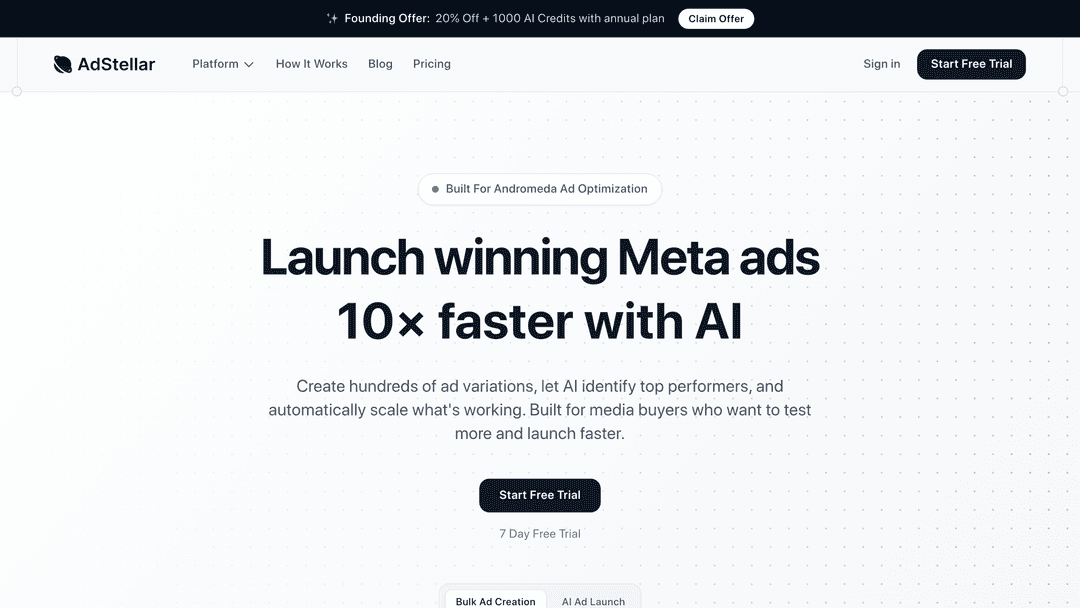
AdStellar AI transforms the preview process from passive validation into active optimization by analyzing your top performers and automatically creating new variations that maintain proper formatting across all placements.
Where This Tool Shines
AdStellar AI eliminates the manual workflow of creating variations, previewing them individually, and deciding which ones to launch. The platform analyzes your existing campaigns to identify which creative elements drive performance, then automatically generates new variations optimized for each Facebook placement. Before any ad goes live, the system validates formatting across Feed, Stories, Reels, and other placements—catching truncation, cropping, and display issues without manual checking.
This automated approach solves the core challenge most advertisers face: you know you should test more creative variations, but creating and previewing dozens of options manually consumes time you don't have. AdStellar AI handles the entire process—generation, preview validation, and launch—letting you scale your testing volume without scaling your workload.
The platform's preview capabilities go beyond static visualization. When AdStellar AI generates new variations, it doesn't just show you how they'll look—it predicts how they'll perform based on patterns learned from your account data. You see previews alongside performance predictions, helping you prioritize which variations to launch first.
For teams managing multiple campaigns simultaneously, the bulk preview functionality displays all generated variations in a single view. You can quickly scan dozens of ads to ensure brand consistency and proper formatting before the system deploys them. This oversight capability maintains quality control even when automation is generating variations at scale.
Key Features & Capabilities
Automated Creative Generation: The AI analyzes your top-performing ads and automatically creates new variations optimized for different placements, with instant preview validation of all generated options.
Placement-Specific Formatting: The system ensures every generated variation displays correctly across Facebook Feed, Instagram Feed, Stories, Reels, Messenger, and Audience Network before launch.
Performance Prediction Preview: View how ads will appear alongside AI predictions of likely performance based on your account's historical patterns.
Bulk Validation Dashboard: Preview dozens of generated variations simultaneously to quickly identify any formatting inconsistencies or brand guideline violations.
Automated Launch Workflow: After preview validation, the platform can automatically deploy winning variations to your campaigns without manual intervention.
Real-Time Format Checking: As the AI generates creative, it continuously validates text length limits, image specifications, and aspect ratio requirements for each placement.
Version History Tracking: Access previews of all generated variations over time to understand which creative patterns the AI identifies as successful.
Best For / Ideal Users
AdStellar AI suits performance marketers and agencies managing active Facebook campaigns who want to scale their creative testing without increasing team size. The platform delivers maximum value when you're already running campaigns with some performance data—the AI needs existing results to analyze and learn from.
If your current workflow involves manually creating ad variations, previewing them one by one in Ads Manager, and launching the ones that look acceptable, AdStellar AI automates that entire process. The time savings compound quickly when you're managing multiple campaigns or running continuous creative testing.
The platform works particularly well for teams that understand the importance of creative testing but struggle to execute at scale. Rather than previewing three variations and hoping one works, you can generate and validate dozens of options, dramatically increasing your chances of finding winning creative.
Agencies managing multiple client accounts benefit from the ability to preview and validate creative across different brands simultaneously while maintaining consistent quality standards. The automated preview validation ensures that even when scaling creative production, formatting issues don't slip through to live campaigns.
Pricing
AdStellar AI offers flexible pricing based on your ad spend volume and feature requirements. Contact their team for custom pricing that aligns with your campaign scale and automation needs.
2. AdEspresso by Hootsuite
Best for: Teams running split tests who need advanced preview capabilities with experiment management
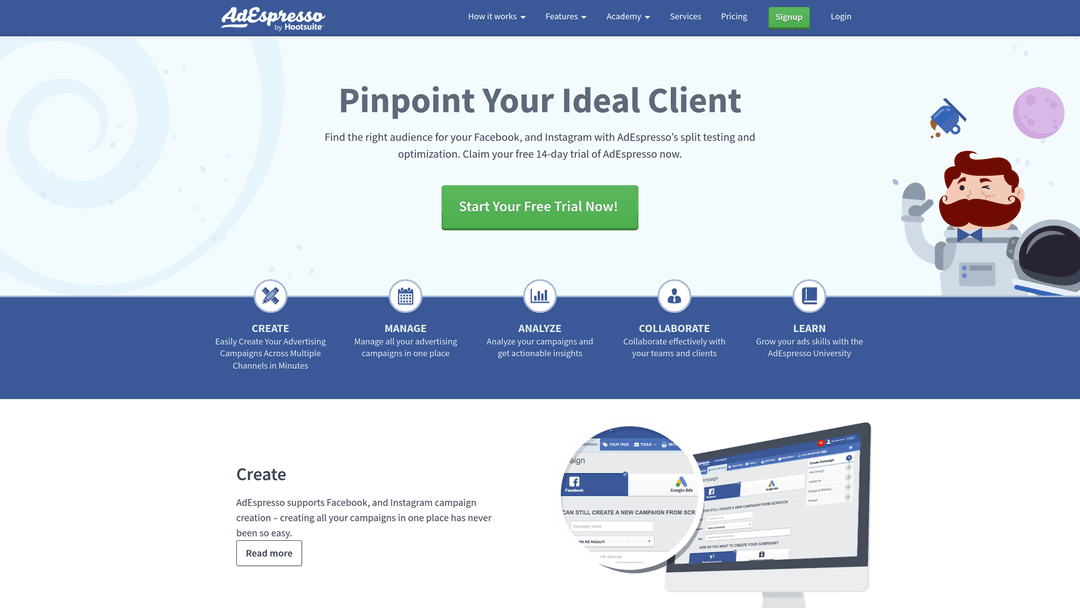
AdEspresso combines preview functionality with sophisticated A/B testing tools, letting you visualize multiple ad variations while managing complex experiments.
Where This Tool Shines
AdEspresso excels at previewing multiple ad variations simultaneously, making it invaluable for teams running extensive split tests. The platform displays dozens of ad variations side-by-side, letting you compare how different headlines, images, and copy combinations render across placements before launching experiments.
This visual comparison capability helps identify formatting inconsistencies across variations that might skew test results. When you're testing five headlines against four images across three audiences, that's 60 potential ad combinations. AdEspresso shows you all 60 previews in a grid view, making it easy to spot the one variation where your headline gets cut off or your image crops awkwardly.
The tool also generates shareable preview links with password protection for approval workflows. This streamlines the review process for campaigns with multiple decision-makers—send one link to your client or CMO, they review all variations in their browser, and leave comments directly on specific previews without needing Ads Manager access.
Key Features & Capabilities
Side-by-side preview comparison: View dozens of ad variations in a grid layout to quickly identify formatting differences across your test matrix.
Shareable preview links: Generate password-protected URLs that stakeholders can access without Ads Manager logins, with commenting capabilities for feedback.
Split testing integration: Preview functionality connects directly to experiment setup, ensuring you validate creative before launching tests.
Placement-specific rendering: See how each variation displays across Facebook Feed, Instagram Feed, Stories, Reels, and other placements in one view.
Creative library storage: Save previous ad previews for reference when building new campaigns, helping maintain consistency across tests.
Best For / Ideal Users
AdEspresso suits marketing teams and agencies running sophisticated split tests who need to preview and compare dozens of ad variations before launch. The platform works particularly well for agencies managing multiple client accounts where approval workflows require stakeholder review.
If your workflow involves extensive A/B testing with multiple variables, the side-by-side comparison feature saves significant time compared to previewing variations individually. The collaboration and sharing features justify the investment when you're coordinating creative approval across team members.
Pricing
Plans start at $49/month with preview and split testing features included. Higher tiers add advanced collaboration and multi-account management capabilities.
3. Madgicx
Best for: Performance-focused advertisers who want AI-powered creative insights alongside preview functionality
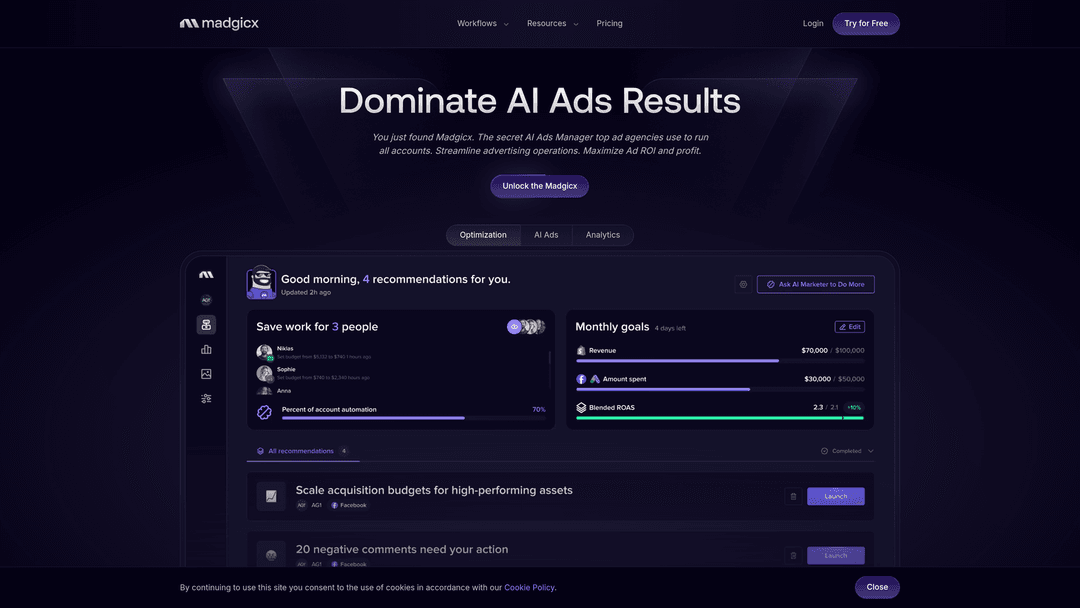
Madgicx is an agentic Meta ads management platform that combines preview capabilities with AI-driven performance prediction and autonomous campaign optimization.
Where This Tool Shines
Madgicx transforms the preview process from simple visual validation into predictive performance analysis. When you preview an ad, the platform's AI analyzes your creative against patterns learned from managing Meta campaigns, scoring elements like visual composition, text-to-image balance, and message clarity. This predictive layer helps you identify underperforming creative before spending budget rather than discovering issues after launch.
The platform tracks which creative elements drive results across your account history, letting you benchmark new ads against proven winners during preview. This contextual comparison reveals whether your new creative matches the standards of your top performers, providing data-driven confidence before publishing.
Key Features & Capabilities
AI Creative Intelligence: Analyzes preview creative and predicts performance based on visual elements, copy structure, and historical patterns.
Automated Creative Generation: Produces ad variations optimized for different placements, with instant preview of all generated options.
Performance Benchmarking: Compares preview creative against your account's top-performing ads to identify potential winners.
Placement-Specific Optimization: Shows how creative renders across Meta placements with AI recommendations for format-specific improvements.
Autonomous Campaign Management: Integrates preview validation with automated media buying that adjusts campaigns based on performance data.
Best For / Ideal Users
Madgicx suits performance marketers and agencies managing substantial Meta ad spend who want preview functionality integrated with AI optimization. The platform works best when you're running multiple campaigns simultaneously and need both creative validation and autonomous performance management in one system.
If you're comfortable with AI-driven recommendations and want preview insights that go beyond visual checking to include performance prediction, Madgicx delivers value that justifies its investment.
Pricing
Free trial available to test preview and AI features. Paid plans provide full access to agentic campaign management, automated creative generation, and advanced preview capabilities with performance prediction.
4. Canva
Best for: Designers and marketers who want to preview ads while creating them in a visual design tool
Canva integrates Facebook ad preview functionality directly into its design interface, letting you create and validate ads in one platform.
Where This Tool Shines
Canva eliminates the workflow friction of designing ads in one tool and previewing them in another by combining both functions in a single interface. As you design Facebook ad creative using Canva's templates and editing tools, you can instantly preview how your design will appear across different placements without leaving the platform.
This integrated approach helps designers catch formatting issues during the creative process rather than discovering them later in Ads Manager. The platform includes Facebook ad templates optimized for specific placements, ensuring your designs start with correct dimensions and aspect ratios. For teams without dedicated designers, Canva's preview functionality helps non-designers create ads that actually work across placements.
Key Features & Capabilities
Integrated Preview Mode: See how designs render as Facebook ads in real-time as you edit, eliminating the need to export and check elsewhere.
Placement-Optimized Templates: Pre-built templates designed specifically for Facebook Feed, Stories, Reels, and other placements with correct dimensions built in.
Real-Time Updates: Preview automatically refreshes as you modify designs, text, or layout elements, providing instant visual feedback.
Team Collaboration: Share preview links with team members who can leave feedback directly on the design before finalizing.
Brand Kit Integration: Maintain consistent creative across all previewed ads by applying your brand colors, fonts, and logos automatically.
Direct Export: Send finalized ads straight to Facebook Ads Manager from the preview interface without additional formatting steps.
Best For / Ideal Users
Canva suits small businesses, solopreneurs, and marketing teams without dedicated designers who want to create and preview Facebook ads in one platform. If you're already using Canva for design work, the integrated preview functionality streamlines your workflow by eliminating tool-switching.
The platform works particularly well for teams that need to produce creative quickly without extensive design expertise. The combination of templates and preview validation helps ensure ads look professional across placements even when created by non-designers.
Pricing
Free plan includes basic preview functionality with limited templates. Canva Pro at $12.99/month adds advanced features like brand kits, premium templates, and background remover. Teams plan at $14.99/user/month includes collaboration features for reviewing previews together.
5. Foreplay
Best for: Creative teams building swipe files who want to preview and save competitor ads for inspiration
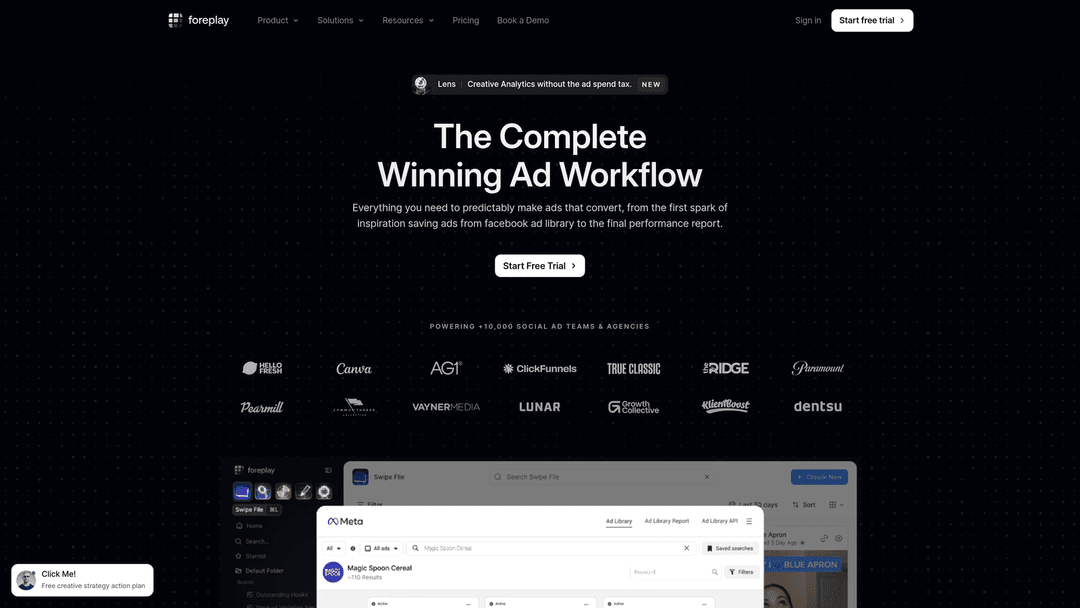
Foreplay transforms how creative teams research and organize advertising inspiration by combining preview functionality with a sophisticated swipe file system.
Where This Tool Shines
Foreplay specializes in helping creative teams preview, save, and organize competitor ads into searchable libraries. The platform connects directly to Facebook's Ad Library, letting you preview any active ad you discover, then save it to organized boards with custom tags and notes. This swipe file approach helps teams build reference collections showing how competitors format ads across different placements.
When developing new campaigns, you can preview your own ads alongside saved competitor examples to ensure your creative matches or exceeds competitive standards. The tool tracks how competitors iterate their messaging over time, revealing which creative patterns they test repeatedly—a strong signal of what's working for them.
Key Features & Capabilities
Ad Library Integration: Direct connection to Facebook's Ad Library for previewing and saving any active competitor ad.
Organized Board System: Create custom boards categorizing saved ads by campaign type, industry, placement, or creative approach.
Side-by-Side Comparison: Preview your ads alongside saved competitor examples to benchmark creative quality.
Team Collaboration: Share boards with team members and add comments discussing what makes specific ads effective.
Advanced Search & Filtering: Find relevant competitor ads quickly using keyword searches, brand filters, and date ranges.
Chrome Extension: Save and preview ads instantly while browsing Facebook or Instagram without switching tools.
Best For / Ideal Users
Foreplay works best for creative teams, agencies, and in-house marketers who regularly research competitor advertising before developing campaigns. If your creative process involves studying successful ads to identify patterns and inspiration, the preview and organization features provide significant workflow value.
The platform particularly benefits teams managing multiple clients or brands who need organized reference libraries showing what works across different industries and campaign objectives.
Pricing
Plans start at $49/month for individual users with basic save and preview features. Team plans at $99/month add collaboration capabilities and increased storage. Enterprise pricing available for agencies managing multiple client swipe files with advanced organization needs.
6. Smartly.io
Best for: Enterprise advertisers running campaigns at scale who need preview tools integrated with automation
Smartly.io provides enterprise-grade preview functionality within a comprehensive advertising automation platform designed for advertisers managing massive campaign volumes across multiple accounts.
Where This Tool Shines
Smartly.io delivers preview capabilities specifically engineered for advertisers managing hundreds or thousands of ad variations simultaneously. When you're running dynamic creative campaigns that automatically generate dozens of combinations from your creative assets, manually previewing each variation becomes impossible. The platform solves this by letting you preview bulk creative combinations before automation deploys them, catching formatting issues that would otherwise affect large-scale campaigns.
The tool integrates preview workflows directly into approval processes, which matters tremendously for enterprise teams with governance requirements. Stakeholders can review and approve creative at scale through structured workflows, ensuring brand standards are maintained even when automation generates variations.
Key Features & Capabilities
Bulk Dynamic Preview: Preview all possible combinations of dynamic creative elements across placements before launching automated campaigns.
Approval Workflow Integration: Route previews through enterprise governance processes with role-based permissions and approval tracking.
Multi-Account Management: Preview creative across multiple ad accounts and brands from a unified interface, maintaining consistency at scale.
API Access: Build custom preview integrations with existing marketing technology stacks and creative management systems.
Creative Performance Prediction: Analyze preview data to predict which creative combinations will perform best before spending budget.
Best For / Ideal Users
Smartly.io suits enterprise advertisers and large agencies managing significant monthly ad spend—typically $50,000+ monthly—across multiple accounts who need preview functionality integrated with automation and formal approval workflows. The platform makes sense when you're running dynamic creative campaigns at scale where manually checking variations is impractical.
Agencies managing multiple brands benefit from the multi-account preview capabilities and approval workflows that maintain creative standards across client portfolios. In-house enterprise teams with complex governance requirements find value in the structured approval processes that route previews through appropriate stakeholders before launch.
Pricing
Enterprise pricing only—contact Smartly.io for custom quotes based on ad spend volume and account requirements. Typical minimum commitments start around $2,500/month, with pricing scaling based on campaign complexity and feature requirements.
7. AdCreative.ai
Best for: Advertisers who want AI to generate and preview multiple creative variations automatically
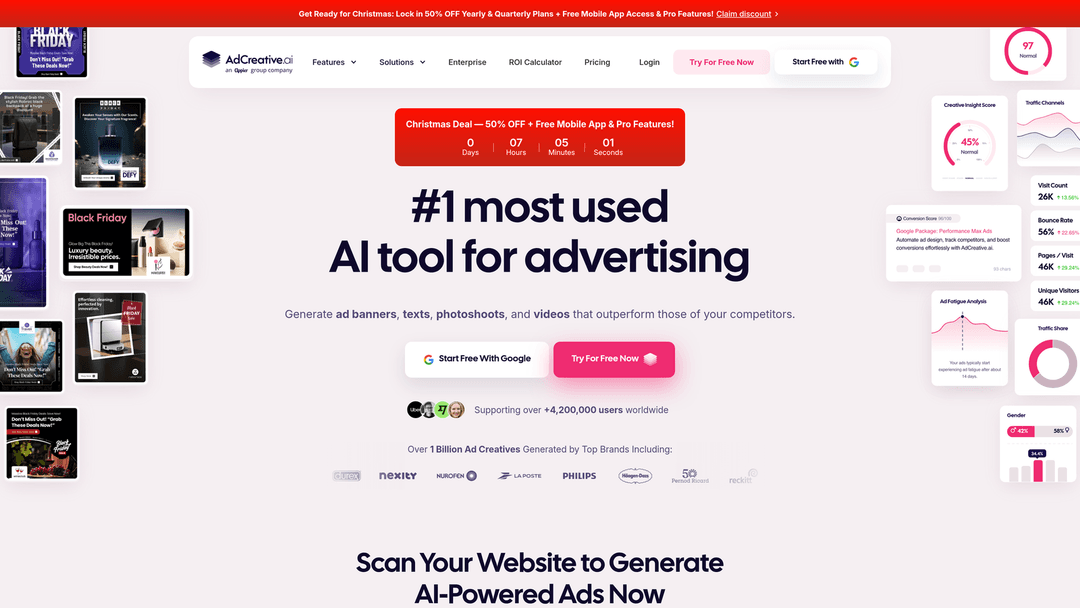
AdCreative.ai uses artificial intelligence to generate ad creative variations and preview them across placements before you launch.
Where This Tool Shines
AdCreative.ai automates the creative development process by generating multiple ad variations from your inputs, then previewing each one across Facebook placements to help you select the best options. The AI analyzes your brand assets, product information, and campaign goals to create dozens of creative variations optimized for different placements.
You can preview all variations side-by-side to identify which designs work best for Feed versus Stories versus Reels, then export winning options directly to Ads Manager. This approach dramatically reduces the time spent creating and previewing multiple ad variations manually. The platform also learns from your performance data, improving its creative generation and preview recommendations over time.
Key Features & Capabilities
AI-generated creative variations: The platform automatically creates multiple ad designs from your brand assets and campaign inputs, then previews each variation across all Facebook placements.
Side-by-side comparison: View all generated ads simultaneously to identify which designs work best for specific placements and formats.
Placement-specific optimization: The AI ensures creative works correctly for each format, adjusting dimensions and layouts for Feed, Stories, and Reels automatically.
Learning algorithm: The system improves recommendations based on your performance data, getting better at generating effective creative over time.
Brand asset library: Store your logos, colors, and brand elements for consistent creative across all generated variations.
Direct export capability: Send winning variations straight to Facebook Ads Manager from the preview interface without manual recreation.
Best For / Ideal Users
AdCreative.ai suits advertisers and small agencies who want to quickly generate and preview multiple creative variations without extensive design resources. If you're running numerous campaigns and need to produce creative at scale, the AI generation and preview features accelerate your workflow significantly.
The platform works particularly well for teams testing different creative approaches who want to visualize options before committing to production. Rather than manually creating dozens of variations, you can generate and preview them automatically, then select the strongest candidates for launch.
Pricing
Plans start at $29/month for basic AI generation and preview features. Pro plans at $59/month add advanced capabilities and higher generation limits. Agency plans available starting at $149/month.
8. Revealbot
Best for: Advertisers who want preview tools integrated with automated campaign management and optimization
Revealbot combines preview functionality with sophisticated automation rules for managing Facebook campaigns at scale.
Where This Tool Shines
Revealbot integrates preview capabilities directly into automated campaign workflows, letting you validate creative before automation rules deploy new ads or adjust budgets. The platform's preview tools work alongside automation features, ensuring that when your rules trigger new ad variations or budget changes, the creative displays correctly across all placements.
This integration prevents automation from launching poorly formatted ads that waste budget. You can set up approval workflows where automated campaign changes require preview validation before going live, maintaining creative quality while leveraging automation efficiency.
Key Features & Capabilities
Preview validation integrated with automation rules: Check how ads will appear before automated systems launch them across campaigns.
Approval workflows with preview sign-off: Require team members to review and approve previews before automated changes go live.
Bulk preview of automated variations: Visualize dozens of ad combinations before deployment to catch formatting issues at scale.
Performance tracking post-preview: Monitor how previewed ads actually perform after launch to refine future creative decisions.
Slack and email notifications with preview links: Share preview URLs with team members for quick collaboration and feedback.
Best For / Ideal Users
Revealbot works best for performance marketers and agencies using automation to manage campaigns who want preview validation integrated into their workflow. If you're leveraging automation rules but need creative quality controls, the platform delivers both capabilities in one system.
The tool suits teams managing multiple campaigns where manual preview checking would be impractical, but creative quality remains critical to performance outcomes.
Pricing
Plans start at $49/month for basic automation and preview features. Advanced plans with enhanced preview capabilities and multi-account management begin at $99/month.
Putting It All Together
The right Facebook ads preview tool depends on where you are in your advertising journey and what you're trying to accomplish. If you're just starting out or running straightforward campaigns, Meta's native Ads Manager preview gives you everything you need at zero cost. For teams running extensive split tests, AdEspresso's side-by-side comparison features justify the investment by preventing creative issues from contaminating your test data.
When your team needs help producing those variations, exploring dedicated Facebook ad creation tools can dramatically speed up the upstream design and copy workflow.
Performance-focused advertisers managing significant budgets should consider Madgicx's AI-powered creative scoring—knowing which ads will likely succeed before you launch saves far more than the monthly subscription cost. Creative teams building swipe files will find Foreplay's organization features invaluable for maintaining competitive intelligence. Enterprise advertisers running campaigns at scale need Smartly.io's bulk preview and approval workflows to maintain quality across thousands of variations.
The common thread? Every successful Facebook advertiser previews their creative before launch. The difference between wasted budget and profitable campaigns often comes down to catching a truncated headline or misaligned CTA before your audience sees it.
To close the loop on tracking, pairing your preview workflow with the right Facebook pixel integration tools ensures conversion data flows accurately back into your campaigns.
While preview tools help you validate creative before launch, Get Started With AdStellar AI to take the next step—our AI platform analyzes your top-performing creatives and automatically builds, tests, and launches new ad variations at scale. Preview tools show you what works. AdStellar AI creates more of it.


