
Running Meta ads as a small business owner means wearing multiple hats while competing against companies with dedicated marketing teams and seemingly unlimited budgets. You're managing customer service, operations, product development, and somehow expected to master Facebook's ever-changing advertising platform in your spare time.
Here's the reality: You don't need a massive budget or a marketing degree to succeed with Meta advertising. What you need is the right approach combined with tools that work as hard as you do.
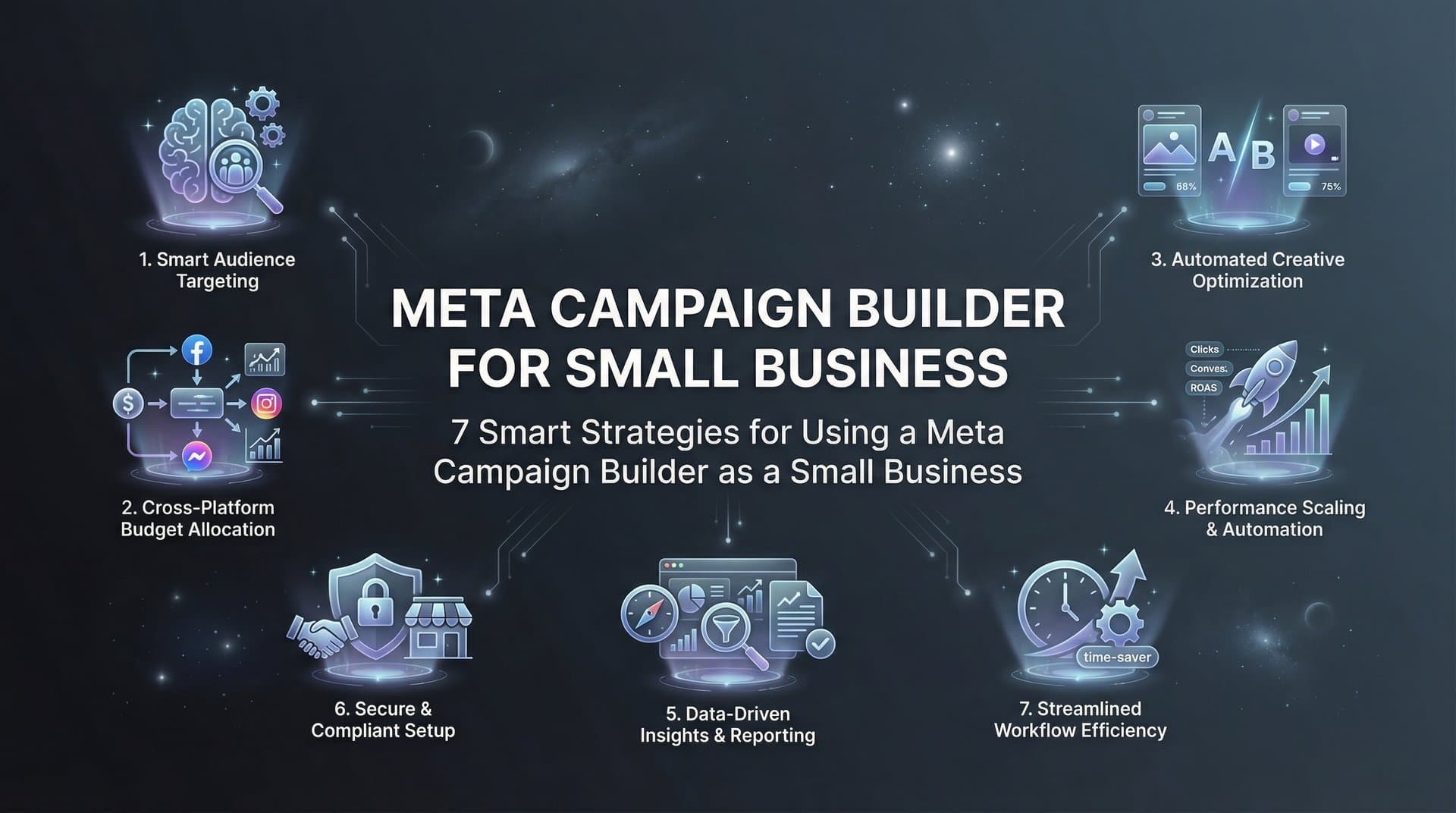
A meta campaign builder designed for efficiency can transform your advertising from a time-consuming guessing game into a streamlined system that delivers results while you focus on running your business. The strategies below show you exactly how to make that happen, whether you're launching your first campaign or looking to scale what's already working.
1. Start with Campaign Structure That Scales
The Challenge It Solves
Most small business owners launch their first Meta campaigns with whatever structure feels intuitive in the moment. Three months later, they're staring at a chaotic dashboard filled with campaigns named "Test 1," "Facebook Ad Try 2," and "NEW CAMPAIGN FINAL." When something works, they can't remember what settings they used. When something fails, they're not sure which variable caused the problem.
Poor campaign organization doesn't just create confusion. It leads to duplicate targeting, budget waste, and the inability to scale successful campaigns because you can't identify patterns in what's working.
The Strategy Explained
Think of your campaign structure like organizing a filing cabinet. You need clear categories, consistent naming, and a system that makes sense six months from now when you've forgotten the details.
Start by organizing campaigns by objective and audience type. Keep your naming convention simple but descriptive: include the campaign goal, target audience, and launch date. For example: "Conversions_NewCustomers_Feb2026" tells you everything at a glance.
Within each campaign, structure your ad sets by specific audience segments or geographic regions. This separation lets you see exactly which audiences respond best without mixing data. Your ads within each set should test specific variables like headline variations or image styles, not multiple changes at once.
Implementation Steps
1. Create a naming convention document before launching anything. Write down your format and stick to it religiously across all campaigns.
2. Organize campaigns by business objective first (awareness, consideration, conversion), then subdivide by audience type or product category.
3. Use your meta campaign builder's organizational features to group related campaigns, making it easy to pause, duplicate, or analyze performance across similar efforts.
Pro Tips
Set up your structure correctly from day one, even if you're only running one campaign. The discipline pays off when you're managing ten campaigns and need to make quick decisions. Many successful small businesses use color coding or campaign labels to add another layer of organization that speeds up daily management.
2. Let AI Handle Your Audience Targeting
The Challenge It Solves
Manual audience research eats hours you don't have. You're supposed to analyze demographics, interests, behaviors, and competitor audiences while also testing different combinations to find what works. For small businesses without dedicated analysts, this process often means either oversimplifying (targeting "everyone interested in fitness") or getting paralyzed by options and never launching at all.
The opportunity cost is real. Every hour spent building audience segments manually is an hour not spent on product development, customer service, or actually running your business.
The Strategy Explained
Modern meta campaign builders use AI to analyze your existing customer data, website visitors, and engagement patterns to identify high-intent audiences automatically. Instead of guessing which interest categories might work, the system examines who's actually converting and finds similar users across Meta's platform.
This isn't about removing your strategic input. You still define your ideal customer and business goals. The AI handles the tedious work of translating those goals into specific targeting parameters, then continuously refines based on performance data.
The best part? Automated targeting adapts as your campaigns run. When the AI notices certain demographics or interests performing better, it shifts budget accordingly without requiring you to monitor dashboards constantly.
Implementation Steps
1. Connect your customer data sources (website pixel, CRM, email lists) to give the AI actual conversion data to learn from, not just demographic assumptions.
2. Start with broad targeting parameters and let the AI narrow down to high-performers rather than beginning with overly restrictive manual segments.
3. Review AI-suggested audiences weekly for the first month, then shift to bi-weekly reviews as the system proves its accuracy with your specific business.
Pro Tips
Don't fight the AI by constantly overriding its targeting decisions in the first two weeks. Give it time to gather statistically significant data before making manual adjustments. The system needs to test variations to learn what works for your unique offer and audience.
3. Build a Creative Testing System That Runs Itself
The Challenge It Solves
You know testing different ad creatives matters, but manually creating variations, launching them separately, monitoring performance, and making decisions about which to scale feels like a full-time job. Most small business owners end up running the same ad creative for months because changing it requires starting the entire process over.
This creative stagnation kills performance. Ad fatigue sets in, your cost per result climbs, and you're leaving money on the table because you haven't found the messaging or visual that truly resonates with your audience.
The Strategy Explained
Automated creative testing transforms ad variation from a manual chore into a systematic process. Instead of creating and launching ads one at a time, you upload multiple headlines, images, and body copy variations. The system automatically generates combinations, launches them simultaneously, and identifies winners based on your conversion goals.
Think of it like running a scientific experiment where the meta campaign builder handles all the logistics. You provide the raw materials (your creative assets and copy options), define what success looks like (purchases, leads, sign-ups), and the system does the heavy lifting of testing combinations and allocating budget to top performers.
The bulk launching capability means you can test 20 ad variations in the time it used to take to launch three manually. More tests mean faster learning and quicker paths to profitable campaigns.
Implementation Steps
1. Prepare creative assets in batches: 5-7 images or videos, 3-5 headline variations, and 2-3 body copy options that emphasize different benefits or angles.
2. Use your campaign builder's bulk creation features to generate all possible combinations or let AI select the most promising pairings based on your historical data.
3. Set clear performance thresholds for automatic optimization—which metrics matter most and what results qualify an ad to receive increased budget.
Pro Tips
Start with testing one variable at a time (headlines first, then images, then body copy) so you can identify which elements drive performance. Once you understand your winning components, test combinations for compounding improvements. Save your winning creative elements in an organized library so you can quickly reference what's worked when launching future campaigns.
4. Set Budget Rules That Protect Your Cash Flow
The Challenge It Solves
Small business cash flow doesn't forgive advertising mistakes. When a campaign underperforms or spending accelerates faster than expected, it's your operating budget that takes the hit. Manual budget monitoring means checking dashboards multiple times daily and hoping you catch problems before they drain your account.
The stress of potential overspending often leads small business owners to set budgets so conservatively that campaigns never gather enough data to optimize properly. You're stuck between protecting your budget and giving campaigns room to find success.
The Strategy Explained
Automated budget rules act like a financial safety net that lets you test aggressively without risking your business. You define spending limits, performance thresholds, and pause conditions upfront. The system monitors campaigns continuously and takes action the moment conditions are met.
This isn't just about preventing disasters. Smart budget automation also scales winning campaigns automatically by shifting budget from underperformers to top performers, maximizing your return without requiring constant manual adjustments.
For small businesses, this means you can confidently test new audiences, creative approaches, or offers knowing there's a hard ceiling on potential losses. The system protects your downside while giving successful campaigns room to scale.
Implementation Steps
1. Set daily and total campaign spending limits that align with your actual cash flow—not aspirational budgets that would strain your business if spent.
2. Configure automatic pause rules based on cost per result thresholds: if your cost per lead exceeds your profitable threshold by a certain percentage, pause the campaign automatically.
3. Create scaling rules that increase budgets gradually for winning campaigns rather than jumping from $20/day to $200/day overnight, which often resets the learning phase.
Pro Tips
Build in buffer room between your true maximum spend and your automated limits. If you can afford $500 weekly on ads, set your automation limit at $450 to give yourself flexibility for manual adjustments. Review your budget rules monthly as you learn your true cost per acquisition—what seemed expensive initially might actually be profitable once you track customer lifetime value.
5. Use Performance Analytics to Make Faster Decisions
The Challenge It Solves
Meta's Ads Manager overwhelms you with data. Click-through rates, cost per click, frequency, relevance scores, conversion rates across multiple attribution windows—it's paralyzing. Small business owners often either ignore analytics entirely (making decisions on gut feel) or get lost in data analysis without taking action.
The middle ground is elusive: knowing which metrics actually matter for your business and having a simple system to review them without becoming a full-time data analyst.
The Strategy Explained
AI-powered analytics dashboards cut through the noise by focusing on metrics tied directly to your business goals. Instead of tracking 47 different data points, you monitor the handful that actually predict success for your specific offer and business model.
The key is connecting your advertising metrics to business outcomes. If you're selling a product, track cost per purchase and return on ad spend. If you're generating leads, focus on cost per qualified lead and lead-to-customer conversion rate. Everything else is interesting but not actionable.
Modern campaign builders score your campaigns automatically based on custom goals you define, giving you simple red-light/green-light signals instead of requiring complex analysis. This speeds up decision-making dramatically.
Implementation Steps
1. Define your North Star metric—the one number that best indicates campaign success for your business model—and configure your dashboard to highlight it prominently.
2. Set up a sustainable review rhythm: daily quick checks of spending and critical alerts, weekly deep dives into performance patterns, monthly strategic reviews of overall trends.
3. Use AI-generated insights to surface patterns you might miss manually, like time-of-day performance variations or audience segments that convert at higher rates.
Pro Tips
Create a simple one-page dashboard that shows only your essential metrics. When you can see everything that matters on one screen, you'll actually review it regularly instead of dreading the login. Many successful small businesses set calendar reminders for their review rhythm—treating analytics like any other important business appointment.
6. Reuse What Works with a Winners Library
The Challenge It Solves
You finally crack the code on an ad that drives consistent results. Six months later, you want to launch a similar campaign but can't remember the exact targeting parameters, budget settings, or creative elements that made it work. You waste hours trying to recreate success instead of building on it.
This problem compounds over time. Without a systematic way to capture and reuse winning elements, you're constantly reinventing the wheel instead of iterating on proven foundations.
The Strategy Explained
A winners library functions like a recipe book for your advertising success. When a campaign, ad set, or individual ad proves profitable, you save it with notes about what made it work and under what conditions. Future campaigns start from these proven templates rather than blank slates.
This approach dramatically reduces launch time while increasing your success rate. You're not guessing what might work—you're starting with what has worked and testing variations to improve further.
The best meta campaign builders make this process automatic, flagging top performers based on your goals and letting you save them with one click. You build a growing library of proven assets that becomes more valuable over time.
Implementation Steps
1. Establish clear criteria for what qualifies as a "winner" worth saving—specific ROAS thresholds, cost per acquisition targets, or conversion rate minimums based on your business model.
2. Create a tagging system for saved elements that indicates what they work best for: audience type, product category, seasonal timing, or campaign objective.
3. Schedule quarterly reviews of your winners library to identify patterns across successful campaigns and retire elements that no longer perform in current market conditions.
Pro Tips
Don't just save the winning ads themselves—document the context around their success. Note the audience, budget, time of year, and any external factors that might have influenced results. This context helps you apply learnings appropriately rather than assuming something will work universally. Many small businesses discover their winners library becomes their most valuable marketing asset over time.
7. Automate the Launch Process to Save Hours Weekly
The Challenge It Solves
Campaign setup feels like death by a thousand clicks. You're copying and pasting targeting parameters, manually uploading creative assets one at a time, configuring identical settings across multiple ad sets, and double-checking that everything is correct before finally hitting publish. A single campaign launch can consume an entire afternoon.
For small businesses running multiple campaigns or testing frequently, this time investment becomes unsustainable. You either limit your testing (reducing your chances of finding winners) or sacrifice time that should go to other critical business activities.
The Strategy Explained
Automated campaign builders eliminate repetitive manual work by handling the mechanical aspects of campaign setup while you focus on strategic decisions. Instead of clicking through dozens of screens, you define your campaign parameters once and the system builds everything automatically.
The time savings are substantial. Tasks that took hours now take minutes. You can launch comprehensive testing campaigns with multiple variations in less time than it used to take to set up a single ad set manually.
This efficiency doesn't just save time—it changes what's possible for your business. You can test more aggressively, respond faster to market opportunities, and maintain a consistent advertising presence without it consuming your schedule.
Implementation Steps
1. Map out your typical campaign launch process and identify the most time-consuming repetitive tasks—these are your prime automation candidates.
2. Use campaign templates and bulk launch features to create multiple ad sets and ads simultaneously rather than one at a time.
3. Set up default settings for common campaign parameters so you're not reconfiguring the same options for every launch.
Pro Tips
Track the actual time you spend on campaign launches before and after implementing automation. The hours saved weekly add up to days monthly—time you can reinvest in creative strategy, customer research, or other high-value activities. Consider scheduling a specific time block for campaign launches rather than doing it reactively, which helps you batch the work and maintain focus.
Putting It All Together
These seven strategies work best when implemented progressively rather than all at once. Start with campaign structure and budget rules—these protect your investment while you're learning. Once those foundations are solid, add automated targeting and creative testing to accelerate your learning curve.
The pattern you'll notice: each strategy reduces time spent on mechanical tasks while improving your results. That's not coincidental. Small businesses win by working smarter, not by trying to outspend competitors with deeper pockets.
Your meta campaign builder should make these strategies easier to execute, not add complexity. Look for platforms that automate the tedious work while keeping you in control of strategic decisions. The goal isn't to remove you from the process—it's to multiply your effectiveness so one person can accomplish what used to require a team.
As you implement these approaches, you'll develop intuition about what works for your specific business, audience, and offer. That knowledge, combined with AI-powered automation, creates a genuine competitive advantage regardless of your budget size.
Ready to transform your advertising strategy? Start Free Trial With AdStellar AI and be among the first to launch and scale your ad campaigns 10× faster with our intelligent platform that automatically builds and tests winning ads based on real performance data.


