
Managing Meta campaigns shouldn't feel like a second full-time job, yet for many marketers, that's exactly what it becomes. Between analyzing performance data across dozens of ad sets, adjusting bids based on real-time metrics, testing creative variations, refining audiences, and monitoring budgets, the optimization workload quickly spirals beyond what one person can reasonably manage. The manual nature of these tasks creates a bottleneck that limits how quickly you can test new approaches and respond to performance signals.
The challenge intensifies as you scale. Each new campaign adds another layer of complexity to an already demanding workflow. What started as managing a handful of ad sets becomes juggling hundreds of active combinations, each requiring attention and optimization decisions. The result? Marketers spend more time reacting to data than strategizing for growth.
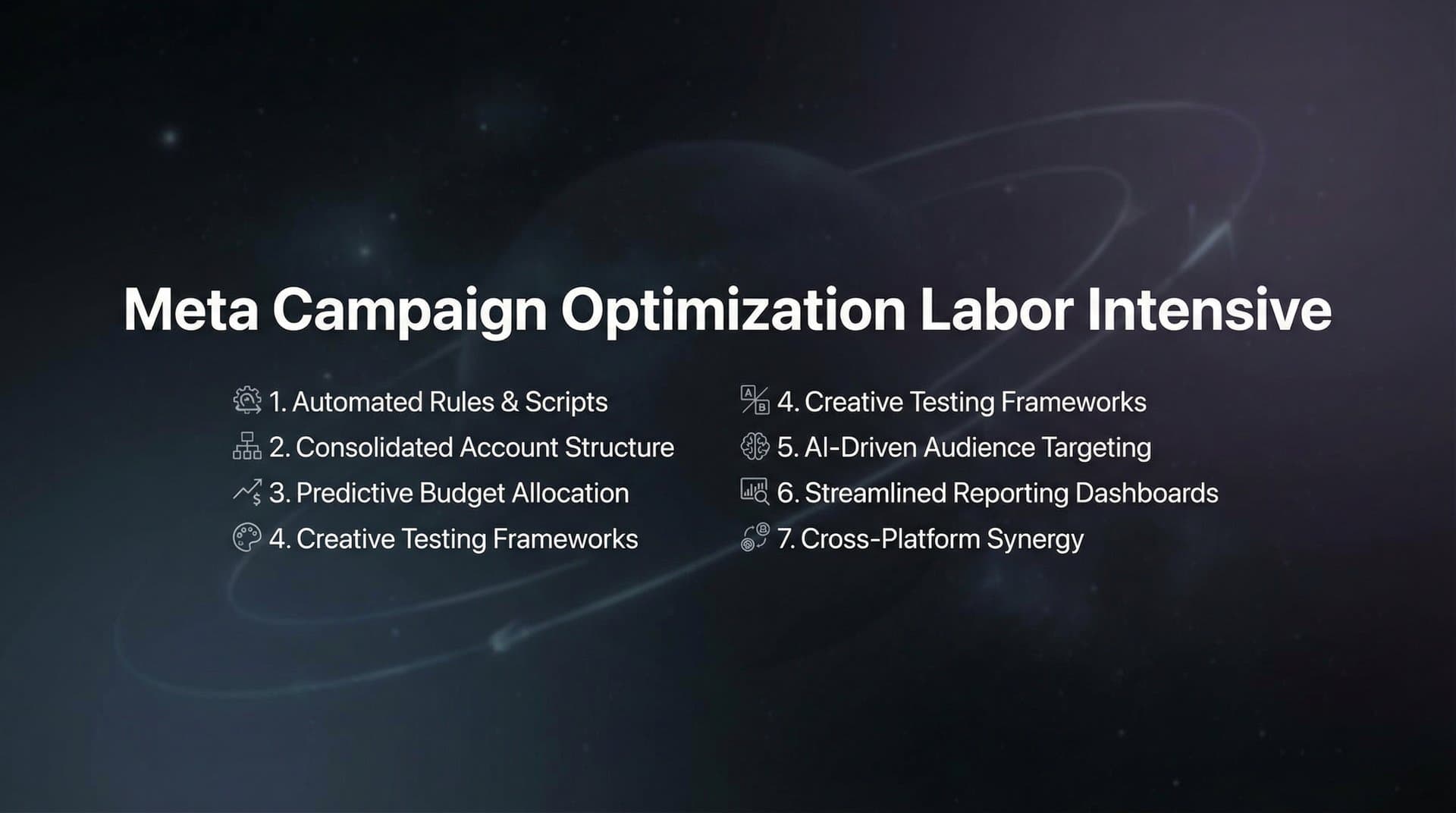
The good news is that the labor-intensive burden of Meta campaign optimization doesn't have to be permanent. By implementing systematic approaches and leveraging modern tools designed to handle repetitive work, you can dramatically reduce the time you spend on routine optimization while improving your campaign results. These seven strategies will help you reclaim hours from manual tasks and redirect that energy toward high-impact work that actually moves the needle.
1. Implement Automated Rules for Routine Optimization Tasks
The Challenge It Solves
Meta Ads Manager offers powerful optimization capabilities, but most of them require manual intervention. You need to check performance multiple times per day, identify underperforming ad sets, adjust budgets toward winners, and pause campaigns that aren't meeting your targets. This constant monitoring creates an exhausting cycle where you're always reacting to yesterday's data instead of planning tomorrow's strategy.
The Strategy Explained
Automated rules transform predictable optimization decisions into set-it-and-forget-it workflows. Instead of manually checking each campaign's cost per acquisition every morning, you create rules that automatically pause ad sets when CPA exceeds your threshold. Instead of shifting budgets based on gut feeling, you establish rules that increase spending on high-performing campaigns when ROAS hits specific benchmarks.
The key is identifying which optimization decisions follow consistent logic. If you always pause an ad set when it spends $50 without a conversion, that's a perfect candidate for automation. If you consistently increase budgets by 20% when ROAS exceeds 3.0, automate that decision. These rule-based actions free you from constant monitoring while ensuring your campaigns stay within performance parameters. Many marketers find that Meta ads campaign automation dramatically reduces their daily workload.
Implementation Steps
1. Document your current optimization process by tracking every manual adjustment you make for one week, noting the trigger condition and the action you take.
2. Identify patterns in your decision-making where the same condition always leads to the same action, such as pausing campaigns above a certain CPA or increasing budgets when conversion rates exceed targets.
3. Build your first automated rule in Meta Ads Manager by selecting a campaign, clicking the three-dot menu, choosing "Create Rule," and setting conditions like "If Cost Per Result is greater than $25, then pause ad set."
4. Start conservatively with rules that handle your most time-consuming repetitive tasks, test them for a week while still monitoring performance, then expand to additional scenarios once you've confirmed they work as intended.
Pro Tips
Set up notification emails for every automated action so you maintain visibility into what's being adjusted. Layer multiple conditions to create more sophisticated rules, such as "pause if CPA exceeds $30 AND spend is greater than $100" to avoid premature decisions on new campaigns. Review your automated rules monthly to refine thresholds based on evolving performance benchmarks.
2. Adopt Bulk Creative Testing with Systematic Variation
The Challenge It Solves
Traditional creative testing is painfully slow. You create one ad, launch it, wait for data, analyze results, create another variation, and repeat. This sequential approach means testing five headline variations takes five separate campaign builds, each requiring manual setup in Ads Manager. The time investment limits how many variations you can realistically test, which means you're likely missing winning combinations simply because you don't have bandwidth to test them.
The Strategy Explained
Bulk creative testing flips the sequential model on its head by generating and launching dozens or hundreds of ad variations simultaneously. Instead of testing headlines one at a time, you create five headlines, pair them with three different images and two audience segments, then launch all 30 combinations at once. This approach dramatically accelerates your learning velocity while reducing the manual work of building individual ads.
The systematic variation framework ensures you're testing strategically rather than randomly. You might vary one element at the ad set level (audiences) while varying another at the ad level (creative and copy), creating a structured test that reveals which combinations perform best. Understanding proper campaign structure best practices makes this organized approach even more effective for identifying patterns in your results.
Implementation Steps
1. Choose one campaign to convert into a bulk testing framework, identifying which elements you want to vary such as headlines, images, ad copy, audiences, or placements.
2. Create multiple variations of each element in a spreadsheet before you start building in Ads Manager, such as five different headlines, three value propositions, and four audience segments.
3. Use Meta's bulk creation tools or third-party platforms that support bulk launching to generate every combination of your variations without manually building each ad.
4. Establish a consistent naming convention that makes it easy to identify which elements are in each ad, such as "Campaign_Audience_Headline_Image" so you can quickly analyze which combinations drive results.
Pro Tips
Start with a smaller test of 20-30 variations to validate your process before scaling to hundreds of combinations. Focus your initial bulk tests on elements that historically show the biggest performance swings, like headlines and primary images. Set a minimum spend threshold per variation to ensure each combination gets enough data to be statistically meaningful before you draw conclusions.
3. Centralize Performance Data with Unified Dashboards
The Challenge It Solves
Campaign data lives in scattered locations. Meta Ads Manager shows one set of metrics, Google Analytics tracks another, your attribution platform reports different numbers, and your CRM holds conversion data. Reconciling these sources to understand true campaign performance requires opening multiple tabs, exporting spreadsheets, and manually connecting the dots. This fragmented view makes optimization decisions slower and less confident because you're never quite sure you're looking at the complete picture.
The Strategy Explained
Unified dashboards consolidate all relevant performance metrics into a single interface that updates automatically. Instead of logging into four different platforms to understand campaign performance, you open one dashboard that pulls data from Meta, your analytics platform, attribution tools, and conversion tracking in real time. This centralized view eliminates the manual work of data gathering and creates a single source of truth for optimization decisions.
The real power comes from custom metrics that combine data from multiple sources. You might create a dashboard view that shows Meta's reported conversions alongside your attribution platform's actual revenue, revealing discrepancies that inform budget allocation. Addressing campaign transparency issues becomes much easier when all your data lives in one place.
Implementation Steps
1. Audit your current reporting process by listing every platform you check daily and the specific metrics you pull from each source.
2. Choose a dashboard platform that integrates with your core tools, whether that's a dedicated tool like Google Data Studio, Supermetrics, or a feature built into your advertising platform.
3. Build your first unified dashboard focusing on the metrics that drive your most frequent optimization decisions, such as ROAS by campaign, CPA by audience, or conversion rate by creative.
4. Schedule automated reports that deliver key metrics to your inbox daily or weekly, eliminating the need to manually check the dashboard for routine monitoring.
Pro Tips
Include both Meta's attributed metrics and your own conversion tracking side by side to spot discrepancies early. Create separate dashboard views for different purposes like daily monitoring, weekly optimization, and monthly strategy reviews. Use color coding and conditional formatting to make anomalies instantly visible, such as highlighting campaigns where CPA exceeds your target in red.
4. Build a Reusable Winner Library for Faster Campaign Launches
The Challenge It Solves
Every time you launch a new campaign, you're essentially starting from scratch. You brainstorm creative concepts, write new ad copy, research audience targeting, and build everything manually in Ads Manager. This approach ignores the valuable learning you've accumulated from previous campaigns. You know which headlines converted best last quarter, which images drove the highest click-through rates, and which audiences consistently deliver strong ROAS, but that knowledge lives in your head or buried in old campaign reports rather than being systematically captured for reuse.
The Strategy Explained
A winner library is an organized repository of your best-performing campaign elements with the performance data that proves they work. Instead of recreating proven assets from memory, you maintain a systematically categorized collection of winning headlines, high-converting images, effective ad copy, and profitable audience segments. When launching a new campaign, you start by selecting from your library of validated winners rather than brainstorming from zero.
The key is capturing not just the asset itself but the context that makes it useful. A winning headline should be stored with data showing its average CTR, conversion rate, and the product categories where it performed best. Using a campaign scoring system helps you objectively rank which assets deserve a spot in your library based on actual performance metrics.
Implementation Steps
1. Review your last 90 days of campaign data to identify your top 20% of performers across creative, copy, headlines, and audiences based on your primary KPI.
2. Create a simple organizational system using a spreadsheet or dedicated tool with columns for the asset itself, performance metrics, product category, campaign type, and any relevant notes about when and why it worked.
3. Establish a regular cadence for updating your winner library, such as adding new proven performers at the end of each month based on that period's campaign results.
4. Build your next campaign by starting with your winner library rather than a blank canvas, selecting proven elements as your foundation and creating variations from there.
Pro Tips
Tag your winners with multiple attributes like emotion (urgency, curiosity, benefit-focused), format (carousel, single image, video), and audience type so you can quickly find relevant assets for specific campaign goals. Include both winners and notable losers in your library, because knowing what doesn't work is equally valuable for avoiding repeated mistakes. Update performance data quarterly as older winners may lose effectiveness over time or as your product and market evolve.
5. Use AI-Powered Creative Generation to Eliminate Production Bottlenecks
The Challenge It Solves
Creative production is often the biggest bottleneck in Meta campaign optimization. You need fresh ad variations to keep testing velocity high, but creating them requires designers, video editors, copywriters, and multiple rounds of revisions. Even simple image ads can take days to produce when you factor in briefing, creation, feedback, and final delivery. This production lag means you're constantly running campaigns with stale creative while waiting for new assets, and you can't test nearly as many variations as you'd like because the production pipeline can't keep pace.
The Strategy Explained
AI-powered creative generation tools eliminate the traditional production bottleneck by creating ad-ready assets in minutes instead of days. These platforms can generate image ads from product URLs, create video content from text descriptions, produce UGC-style content with AI avatars, or clone competitor ads you find in the Meta Ad Library. The emergence of AI for Meta ads campaigns has fundamentally changed how marketers approach creative production.
This approach transforms creative testing from a resource-constrained process to a velocity-driven one. Instead of testing three headlines because that's all your designer had time to create, you can test fifteen variations generated in minutes. Instead of running the same creative for weeks while waiting for new assets, you can refresh your campaigns with new variations daily. The speed advantage compounds over time as you accumulate more test data and identify winning patterns faster.
Implementation Steps
1. Start with AI image generation for your simplest creative needs, such as product-focused ads where you can provide a URL and let the AI generate multiple layout and copy variations.
2. Test AI-generated creatives against your traditional production process by running them side by side in the same campaign and comparing performance metrics like CTR and conversion rate.
3. Expand to more complex formats like video ads or UGC-style content once you've validated that AI-generated image ads perform comparably to traditionally produced assets.
4. Use AI creative generation as your rapid testing layer while reserving traditional production for your proven winners that you want to polish for scale.
Pro Tips
Treat AI-generated creative as a starting point rather than a final product, using the output as a foundation that you refine based on your brand guidelines and performance data. Leverage competitor ad cloning features to quickly test concepts you've seen working for others in your space without spending hours recreating them manually. Combine AI creative generation with bulk launching to create and deploy dozens of variations in a single session, dramatically accelerating your testing velocity.
6. Establish Performance Scoring Systems for Instant Decision-Making
The Challenge It Solves
Optimization decisions require comparing dozens of metrics across hundreds of ads. Is a 2.5% CTR with a $30 CPA better than a 1.8% CTR with a $25 CPA? Should you increase budget on the campaign with 4.2 ROAS or the one with 3.8 ROAS but higher conversion volume? These trade-off decisions consume mental energy and slow down your optimization workflow because you're constantly weighing multiple factors against each other without a clear framework for prioritization.
The Strategy Explained
Performance scoring systems create objective frameworks that automatically rank every element of your campaigns against your specific goals. Instead of manually comparing metrics, you establish weighted scoring criteria that reflect what matters most to your business. An ad might receive points for exceeding your target ROAS, additional points for high conversion volume, and lose points if CPA is above threshold. The system calculates a single score for each ad, making it instantly clear which ones deserve more budget and which should be paused.
The power of this approach is that it encodes your expertise into a repeatable system. Once you've defined what "good performance" means for your business through your scoring criteria, the system applies that judgment consistently across all your campaigns. Implementing automated budget optimization becomes much more effective when paired with clear scoring criteria.
Implementation Steps
1. Define your primary optimization goal and the metrics that indicate success, such as ROAS above 3.0, CPA below $25, or conversion rate above 2%.
2. Assign point values to different performance levels for each metric, such as 10 points for ROAS above 4.0, 5 points for ROAS between 3.0-4.0, and 0 points for ROAS below 3.0.
3. Weight your metrics based on business priorities, giving more points to metrics that matter most such as doubling the points for ROAS if profitability is your primary concern.
4. Calculate scores for all your current campaigns to create a ranked list, then use that ranking to guide budget allocation and pause decisions.
Pro Tips
Update your scoring criteria quarterly as your business goals evolve and you learn which metrics best predict long-term success. Create different scoring systems for different campaign objectives, such as one for acquisition campaigns focused on CPA and another for remarketing campaigns focused on ROAS. Use your scoring system to create automatic alerts when high-scoring campaigns have budget constraints or when low-scoring campaigns are spending significant amounts.
7. Leverage Campaign Building Tools That Learn from Historical Data
The Challenge It Solves
Building new campaigns means making dozens of decisions about audiences, budgets, bidding strategies, creative selection, and ad copy. These decisions are often based on intuition or recent memory rather than systematic analysis of what's actually worked in your account history. You might choose an audience because it performed well last month, forgetting that it underperformed consistently for the previous six months. Or you might write new ad copy from scratch when you have headlines that have consistently outperformed others across multiple campaigns.
The Strategy Explained
AI-powered campaign building tools analyze your entire performance history to inform every decision in new campaign construction. Instead of manually reviewing past campaigns to remember what worked, the AI identifies patterns across all your historical data, ranking every creative, headline, audience, and strategy by actual performance. Exploring Meta campaign creation platforms can help you find tools that leverage this historical intelligence effectively.
This approach transforms campaign building from a time-intensive manual process into a data-driven workflow. The AI handles the analysis work of reviewing hundreds of past campaigns, identifying which elements consistently drive results, and selecting the optimal combinations for your new campaign. You maintain strategic control by reviewing and approving recommendations, but the heavy lifting of data analysis and initial campaign construction is automated.
Implementation Steps
1. Ensure your historical campaign data is properly organized with consistent naming conventions and accurate conversion tracking so AI tools can analyze patterns effectively.
2. Choose a campaign building platform that integrates with your Meta account and can access your historical performance data to inform recommendations.
3. Run your first AI-built campaign alongside a manually built campaign with similar goals to compare performance and build confidence in the AI's recommendations.
4. Review the AI's rationale for each recommendation to understand the patterns it's identifying in your data, treating it as a learning opportunity that improves your own strategic thinking.
Pro Tips
The more campaign history you have, the better AI recommendations become, so prioritize platforms that can analyze at least 90 days of data for meaningful pattern recognition. Use AI-built campaigns as your testing foundation while still leaving room for strategic bets on new approaches that might not be reflected in historical data. Combine AI campaign building with bulk launching capabilities to quickly deploy multiple AI-recommended variations and accelerate your learning velocity.
Putting It All Together
Reducing the labor-intensive nature of Meta campaign optimization requires a shift from reactive management to proactive systems. The strategies outlined here work together to create a compounding efficiency effect. Automated rules handle your routine decisions. Bulk creative testing accelerates your learning velocity. Unified dashboards eliminate data gathering. Winner libraries preserve institutional knowledge. AI creative generation removes production bottlenecks. Performance scoring systems simplify complex trade-offs. And AI-powered campaign building leverages your historical success.
Start by implementing automated rules for your most repetitive tasks this week. Document the time you save and the performance impact. Next, build a simple winner library by cataloging your top performers from the last quarter. These foundational steps create immediate value while establishing the systematic mindset needed for more advanced approaches.
As you build confidence, layer in bulk testing frameworks and unified dashboards that compound your efficiency over time. The goal is not to remove the human element from optimization but to redirect your expertise toward strategy, creative direction, and growth initiatives that automation cannot replicate. Let systems handle the repetitive analysis and execution while you focus on the strategic decisions that actually differentiate your campaigns.
Platforms like AdStellar bring many of these strategies together in one place, from AI creative generation that produces image ads, video ads, and UGC content, to bulk launching that deploys hundreds of variations in minutes, to AI insights that automatically score and rank every element against your goals. Start Free Trial With AdStellar and experience how intelligent automation can help you reclaim hours while improving campaign results. Begin with one strategy this week, measure the impact, and gradually build toward a fully systematic approach that scales with your ambitions rather than your available hours.


