
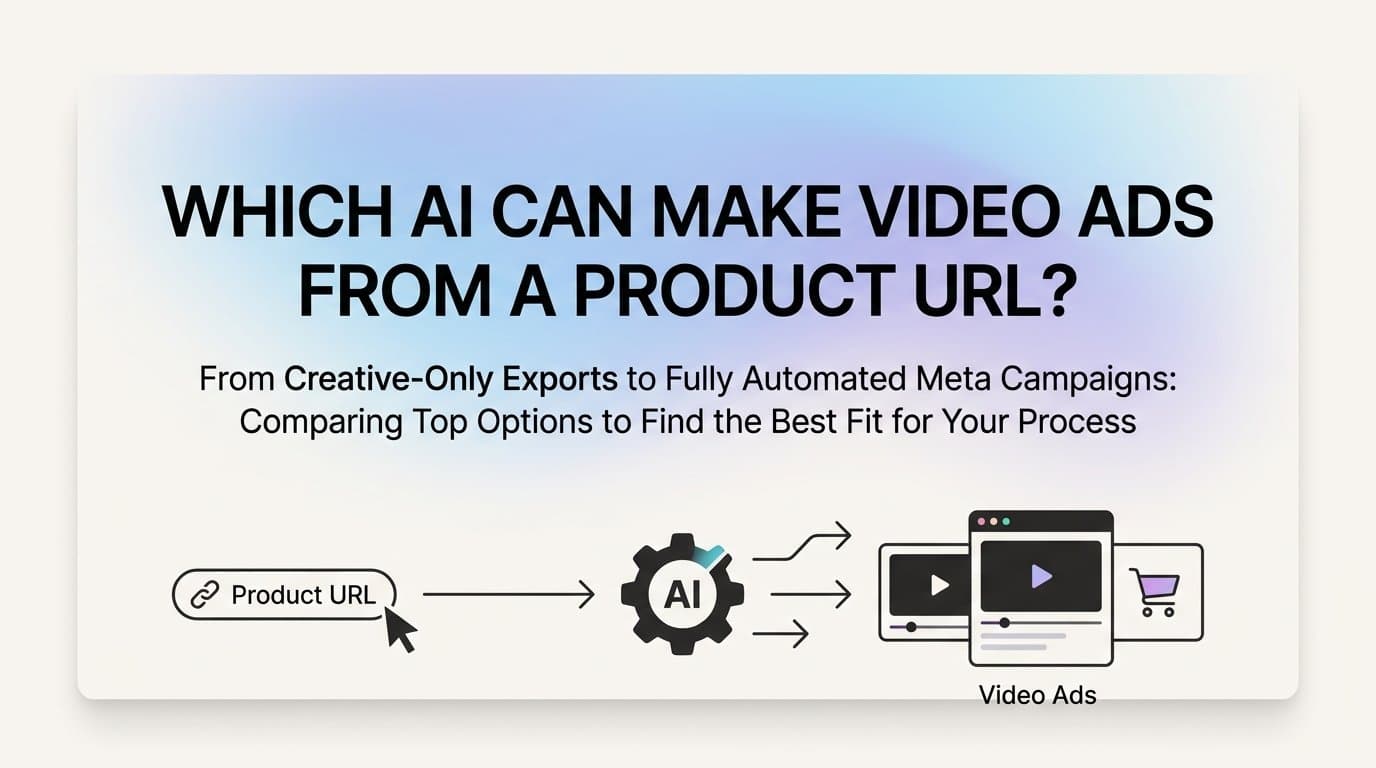
Several AI tools can generate video ads from a product URL, with AdStellar standing out as the most complete option because it scrapes your product page, builds the creative, and launches it directly to Meta without leaving the platform. This article covers the top tools, how they differ, and which one fits your workflow.
Most advertisers waste hours moving between a product page, a design tool, an ad manager, and a spreadsheet before a single ad goes live. URL-to-video AI tools collapse that process by reading your product page and generating ready-to-run video creatives automatically.
The tools below vary significantly in what they actually do with that URL, how much editing control you get, and whether they connect to your ad account or just hand you a file to upload manually. That distinction matters more than it might seem at first glance.
1. AdStellar: Full Workflow from Product URL to Live Meta Campaign
The Challenge It Solves
Most URL-to-video tools stop at the creative. You still have to download the file, log into Ads Manager, set up targeting, write headlines, build the campaign structure, and manually upload everything. That handoff between tools is where time disappears and errors creep in.
The Strategy Explained
AdStellar is the only tool on this list that covers the entire workflow in one place. Paste a product URL and the platform generates image ads, video ads, and UGC-style avatar creatives automatically. No designers, no video editors, no actors required.
From there, the AI Campaign Builder analyzes your past campaign performance, ranks every creative, headline, and audience by results, and builds a complete Meta campaign in minutes. Every decision comes with a clear explanation so you understand the strategy behind it, not just the output.
The Bulk Ad Launch feature creates hundreds of ad variations by mixing creatives, headlines, audiences, and copy at both the ad set and ad level. AdStellar generates every combination and pushes them live to Meta in clicks. AI Insights leaderboards then rank everything by ROAS, CPA, and CTR against your own benchmarks, and the Winners Hub stores your top performers for instant reuse in future campaigns.
Implementation Steps
1. Paste your product URL into AdStellar and let the AI pull your product details, images, and copy context automatically.
2. Review and refine the generated video ads, image ads, or UGC-style creatives using the chat-based editing interface.
3. Use the AI Campaign Builder to build your Meta campaign, selecting audiences, headlines, and ad copy ranked by historical performance.
4. Launch with Bulk Ad Launch to test multiple variations simultaneously, then monitor the AI Insights leaderboard to identify winners quickly.
Pro Tips
Use the Winners Hub to pull top-performing creatives into every new campaign rather than starting from scratch. The AI gets smarter with each campaign you run, so your results compound over time. For Meta Reels placements specifically, the UGC-style avatar creatives tend to blend naturally into organic content feeds.
2. Creatify: URL-to-Video for Multi-Platform Teams
The Challenge It Solves
Creative teams producing content for multiple platforms often need a fast way to turn product information into short-form video assets without a full production setup. The bottleneck is usually the time between having a product and having a usable video file.
The Strategy Explained
Creatify pulls product details from a URL and generates short-form video ads with AI avatar voiceovers. The output is a downloadable video file that you can use across platforms. It is a solid choice for content teams that manage their ad accounts separately from their creative production process and need a reliable source of video assets.

The AI avatar delivery makes it easy to produce voiceover-driven product videos without recording sessions or voice talent. For teams running ads on TikTok, YouTube Shorts, and Meta simultaneously, having a downloadable file gives flexibility to adapt the asset for each platform manually.
Implementation Steps
1. Enter your product URL into Creatify and let it extract product details, images, and key selling points.
2. Select an AI avatar and voiceover style that fits your brand tone, then review the generated script for accuracy.
3. Download the finished video file and upload it manually to your ad platform of choice.
Pro Tips
Review the AI-generated script carefully before finalizing. The tool pulls from your product page, so if your copy is vague or missing key details, the script will reflect that. Clean up your product page first for better output quality.
3. Arcads: UGC-Style Video Without Real Actors
The Challenge It Solves
UGC-style video ads consistently perform well in Meta feeds and Reels because they look organic rather than produced. The problem is that real UGC requires finding creators, briefing them, waiting for delivery, and managing revisions. That process is slow and expensive at scale.
The Strategy Explained
Arcads generates UGC-style video ads using AI actors who deliver product-informed scripts on camera. The result looks like authentic creator content without the logistics of working with real people. You provide product context and Arcads handles the script generation and video production.

This makes it particularly useful for performance marketers who want to test creator-style formats at volume. The output is realistic enough to fit naturally into feed placements where polished brand ads tend to get scrolled past. There is no native ad platform integration, so campaign setup remains a separate step.
Implementation Steps
1. Input your product details or URL context into Arcads and review the AI-generated script for accuracy and tone.
2. Select AI actors that match your target audience demographic and brand positioning.
3. Download the finished UGC-style video and upload it to your Meta Ads Manager or other ad platform manually.
Pro Tips
Test multiple AI actor variations against the same script to find which persona resonates best with your audience. Different faces and delivery styles can produce meaningfully different results even with identical copy.
4. Waymark: Template-Based Video from Business URL
The Challenge It Solves
Businesses that need branded video content quickly, especially for local advertising or broadcast formats, often lack the design resources to produce polished videos from scratch. Starting with a blank canvas is intimidating and slow.
The Strategy Explained
Waymark reads a business URL and auto-populates branded video templates with your logo, colors, and copy. It has a strong template library covering social and broadcast formats, making it a practical choice for businesses that want to produce consistent branded video content without a design team.

The template-based model means the output is reliable and on-brand, but it also means the creative range is constrained by what the templates allow. Waymark does not offer direct Meta launch, so finished videos need to be downloaded and uploaded to your ad account manually.
Implementation Steps
1. Enter your business URL and let Waymark pull your brand details, including logo, colors, and business information.
2. Browse the template library and select a format that fits your campaign goal and placement type.
3. Review the auto-populated video, make any manual edits needed, then download and upload to your ad platform.
Pro Tips
Waymark works best when your website has clear, well-organized brand information. If your site is sparse on details, plan to spend time on manual edits after the initial auto-population to ensure the video accurately represents your offer.
5. Canva Magic Studio: AI-Assisted Design with Manual Control
The Challenge It Solves
Some teams want AI assistance without fully giving up creative control. They need a tool that can speed up the design process and handle repetitive tasks while still allowing hands-on editing at every step.
The Strategy Explained
Canva Magic Studio is primarily a manual design tool with AI features layered on top. It includes some URL and brand import functionality, but it is not a fully automated URL-to-video generator in the same category as the other tools on this list. The AI features help with tasks like background removal, copy suggestions, and template generation, but the user drives most of the creative process.

For teams that already use Canva for design work and want to add some AI acceleration, Magic Studio is a natural extension. For advertisers specifically looking to automate video ad production from a product URL, it falls short of what dedicated tools offer. There is no direct Meta launch capability.
Implementation Steps
1. Import your brand kit into Canva and use the URL or brand import features to pull in relevant assets and colors.
2. Use Magic Studio's AI tools to generate initial video frames or templates, then manually edit each element to match your creative direction.
3. Export the finished video and upload it manually to your ad platform.
Pro Tips
Canva Magic Studio is most valuable when combined with a clear creative brief. The AI assistance speeds up execution, but without direction, the output tends to be generic. Use it to accelerate a creative vision you already have rather than to generate one from scratch.
6. How to Choose the Right Tool for Your Workflow
The Challenge It Solves
With several tools claiming to generate video ads from a product URL, the real question is not which one makes the best-looking video in isolation. It is which one fits the actual workflow you are running and eliminates the most friction between your product page and a live campaign.
The Strategy Explained
The key decision point is whether you need a creative asset or a complete advertising workflow. These are meaningfully different needs, and the right tool depends entirely on where your process breaks down.
If you are a Meta advertiser who wants to go from product URL to live campaign without switching platforms, AdStellar is the only tool on this list that covers that full path. It handles creative generation, campaign building, bulk variation testing, and performance tracking in one place.
If you manage creative production separately from media buying, or if you run ads across multiple platforms that each require manual setup, Creatify and Arcads are strong choices for generating high-quality video assets that your team can deploy wherever needed.
Waymark fits best for businesses that prioritize branded template consistency and may be producing content for broadcast or local advertising formats in addition to social. Canva Magic Studio suits teams that want AI-assisted design without giving up manual control over every element.
Implementation Steps
1. Identify your primary bottleneck: is it creative production, campaign setup, performance tracking, or all three?
2. Determine whether your team manages creative and media buying in the same workflow or as separate functions.
3. Evaluate whether you need direct Meta integration or whether a downloadable file output is sufficient for your process.
4. Match the tool to the bottleneck rather than to the most impressive demo you have seen.
Pro Tips
The biggest time savings in URL-to-video workflows come from eliminating the handoff between tools. Every time a file changes hands or gets uploaded manually, there is a risk of error and a cost in time. Tools that keep the workflow inside a single platform reduce both.
7. Related Questions
Can AI generate UGC-style video ads from a product URL?
Yes. Both AdStellar and Arcads generate UGC-style video content from product context. AdStellar creates UGC-style avatar creatives directly from a product URL and lets you launch them to Meta in the same platform. Arcads uses AI actors to produce creator-style videos from product-informed scripts, with output delivered as downloadable files.
Which URL-to-video AI tools connect directly to Meta Ads?
AdStellar is the only tool on this list with direct Meta ad launch built into the platform. The other tools produce downloadable video files that require manual upload to Meta Ads Manager. For teams running Meta campaigns at volume, that distinction has a significant impact on how much time campaign setup takes.
Can AI tools create and test multiple video ad variations from one URL?
AdStellar's Bulk Ad Launch feature handles this specifically. It generates hundreds of ad variations by combining different creatives, headlines, audiences, and copy, then launches all combinations to Meta automatically. Other tools on this list produce individual video outputs rather than systematic variation testing at scale.
Do you need a designer or video editor to use these tools?
No. All of the tools covered here are designed to work without design or video editing skills. AdStellar explicitly requires no designers, video editors, or actors. Creatify and Arcads handle video production through AI avatars and actors. Waymark auto-populates templates. Canva Magic Studio is the most hands-on option, but its interface is built for non-designers.
What metrics should you track for AI-generated video ads on Meta?
The core metrics for Meta video ad performance are ROAS (return on ad spend), CPA (cost per acquisition), CTR (click-through rate), and video completion rate. AdStellar's AI Insights leaderboards rank your creatives against these metrics automatically, measured against the benchmarks you set. For teams tracking performance manually, these same metrics should anchor your creative testing decisions.
Putting It All Together
The URL-to-video AI category has matured quickly, but the tools still divide clearly into two groups: those that produce a creative asset, and those that handle the full advertising workflow. Knowing which group you need is the fastest way to make the right choice.
If your primary goal is running Meta ads efficiently, the tool that generates the video and launches the campaign in the same workflow saves the most time. AdStellar is the only option on this list that takes you from product URL to live Meta campaign without switching platforms. It handles creative generation, bulk variation testing, performance tracking, and campaign optimization in one place.
For teams that manage creative production and media buying as separate functions, Creatify and Arcads produce solid URL-informed video assets that your media buying team can deploy wherever needed. Waymark works well for branded template content, and Canva Magic Studio suits teams that want AI assistance without giving up manual control.
The right choice comes down to one question: do you want a creative asset, or do you want a complete advertising workflow? If it is the latter, there is one clear answer on this list.
Start Free Trial With AdStellar and generate your first video ad from a product URL, then launch it directly to Meta without switching platforms. One workflow from product page to live campaign.


