
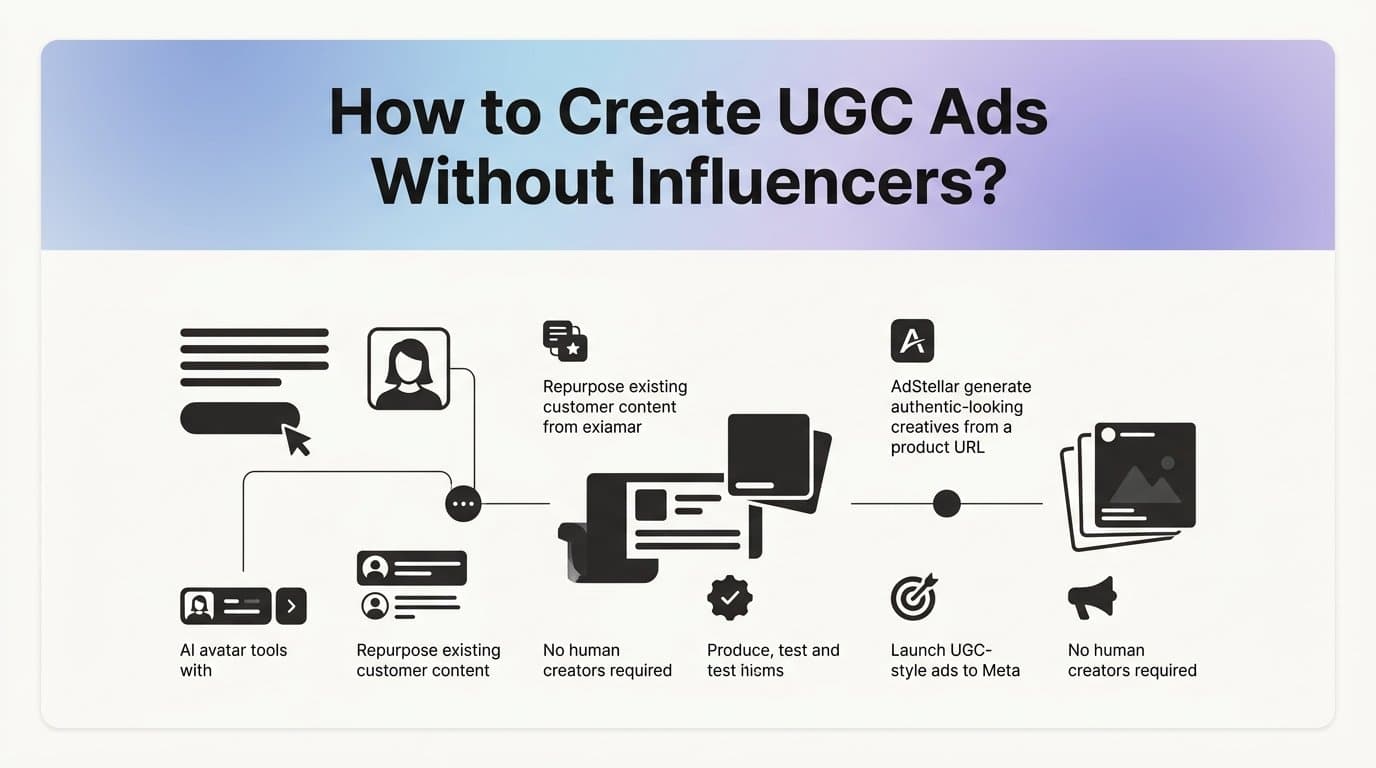
You can create UGC-style ads without influencers by using AI avatar tools, repurposing existing customer content, and leveraging platforms like AdStellar that generate authentic-looking video and image creatives from a product URL alone. No creators to book, no shoots to schedule, no deliverables to chase.
This guide walks through a repeatable six-step process for producing scroll-stopping UGC ads at scale. By the end, you will have a working system for creating, testing, and launching UGC-style ads directly to Meta, built entirely without hiring a single human creator.
The short answer to the core question: the "user" in user-generated content does not have to be a real person anymore. AI avatar tools replicate the talking-head format, the raw aesthetic, and the first-person voice that makes UGC ads perform. The format is what matters, not who made it.
Here is what that process looks like from start to finish.
Step 1: Understand What Makes a UGC Ad Actually Work
Before you build anything, you need a clear picture of what you are actually trying to replicate. UGC-style ads in a paid ads context are not about authenticity for its own sake. They are about matching the visual and tonal language of organic content so the ad feels native to the feed instead of interrupting it.
In practical terms, that means raw or lo-fi aesthetics, first-person narration, and a conversational tone that sounds like a real person talking to a friend. Not a brand talking at a customer.
Every effective UGC ad is built around three core elements:
The Hook (first 3 seconds): This is the single most important part of any UGC ad. If the opening does not stop the scroll immediately, nothing else matters. The hook is typically a bold statement, a surprising claim, or a direct call-out of a specific problem. "This fixed my skin in two weeks" works. A logo animation does not.
A relatable pain point: After the hook, the ad needs to acknowledge a problem the viewer already feels. This is where authentic customer language pays off. The more specific and familiar the pain point sounds, the more the viewer feels like the ad was made for them.
A clear call to action: UGC ads that convert always end with a specific next step. Not "learn more." Something concrete: "tap the link to grab yours," "use code X for 20% off," or "try it free for 7 days."
Here is what you do not need: a real person, a real customer, a professional camera, or a production crew. AI tools now generate the talking-head format convincingly enough that viewers interact with them the same way they interact with organic creator content.
The most common pitfall at this stage is confusing polished brand video with UGC style. If your creative looks like it belongs in a TV commercial, with perfect lighting, branded lower thirds, and a produced voiceover, it will not perform like UGC. The format signals "ad" before the message even lands. Keep it raw, keep it conversational, and keep the first three seconds focused entirely on stopping the scroll.
Step 2: Gather Your Raw Inputs Before You Build Anything
Jumping into a creative tool before you have your inputs ready is one of the fastest ways to produce UGC ads that look right but say nothing meaningful. This step is about building the brief that everything else runs on.
Here is what you need before you touch any tool:
Your product URL or product images: If you are using a platform like AdStellar, a product URL is often all you need to generate creatives. If you are building manually, gather your best product images and any existing video clips.
A short list of customer pain points: Not features. Not benefits. The actual frustrations your customer has before they find your product. These become your hook and problem-acknowledgment sections.
Two to three headline angles to test: You want at least one benefit-led angle, one curiosity-led angle, and one problem-led angle. More on this in Step 4.
Now, where do you find real customer language without hiring anyone? Three places work consistently well for performance marketers:
Amazon reviews: Search for your product category and read the one, two, and five-star reviews. The one and two-star reviews tell you what problems people have that your product can solve. The five-star reviews tell you how customers describe the transformation in their own words. Copy those phrases directly into your brief.
Reddit threads: Search your product category or problem in Reddit. Subreddits are dense with unfiltered, first-person language from real people describing real frustrations. This is some of the most usable raw material you will find for UGC copy.
Meta Ad Library competitor research: Search for competitors in the Meta Ad Library and look at which of their ads have been running the longest. Ads that run for weeks or months are almost always performing. Study the hook format, the visual style, and the copy structure. You are not copying them. You are identifying what formats are already working in your niche so you can build from a proven foundation.
The output of this step is a one-page brief. It should include your top three hook angles, the two or three pain points you want to address, and your intended CTA. Do not move to Step 3 until this brief exists. It is the difference between generating creatives with direction and generating creatives at random.
Step 3: Generate UGC-Style Creatives With AI
This is where the process becomes significantly faster than the traditional influencer model. You are going to create two formats: AI avatar video ads and UGC-aesthetic image ads. Both can be produced without designers, video editors, or actors.
AdStellar's AI Ad Creative feature is built specifically for this. Paste your product URL, select the UGC-style avatar content option, and the platform generates video and image creatives directly. The AI builds the talking-head format, applies bold subtitles for silent autoplay, and produces variations you can test immediately. You can also clone competitor ad formats from the Meta Ad Library or let the AI build creatives from scratch based on your product category. Chat-based editing lets you refine any creative without going back to a designer.
If you are building manually or want to supplement with other tools, here is the stack that works:
CapCut: A free video editing tool that is widely used for creating lo-fi, UGC-style video content. Good for assembling clips, adding text overlays, and applying the kind of raw aesthetic that performs in feed placements.
Canva: Useful for static UGC-style image frames. Look for templates that mimic the screenshot or "before and after" aesthetic common in organic UGC posts.
ElevenLabs: If you are building video manually and need a realistic voiceover without recording one yourself, ElevenLabs generates AI voice that sounds conversational rather than robotic.
A few settings to get right before you export anything:
Aspect ratio: 9:16 vertical for Reels and Stories placements. 1:1 square for feed. If you are only creating one version, start with 9:16 since Reels placements tend to deliver strong reach for UGC-style content.
Subtitle style: Bold, high-contrast captions that appear on screen. A significant portion of Meta feed content is watched without sound, so subtitles are not optional for UGC video ads. They are structural.
Tone check: Before you finalize any creative, ask yourself whether it looks like something a real customer filmed on their phone. If it looks like a produced brand asset, it will signal "ad" to the viewer before they even process the message. Lean into imperfection. A slightly off-center frame or a casual delivery style works in your favor here.
For more on the tool landscape, the AdStellar blog covers what the best AI tool for creating UGC video ads looks like in more detail.
Step 4: Write Copy That Sounds Like a Real Person
The creative gets the viewer to stop. The copy is what gets them to click. And UGC ad copy follows a very specific structure that most brand marketers instinctively write against.
The structure that works: hook line, problem acknowledgment, product as the solution, social proof signal, CTA. Five parts. In that order. Every time.
The most important rule is first-person language and contractions throughout. "I was struggling with X until I tried Y" consistently outperforms "Our product solves X" in the UGC format because it matches the voice of the medium. UGC is personal. The copy needs to sound like it came from a person, not a brand.
Here is a practical example of the structure in action:
Hook: "I cannot believe I wasted two years doing this the hard way."
Problem acknowledgment: "Every time I tried to [specific pain point], it took forever and never actually worked."
Product as solution: "Then I found [product] and the first time I used it, I got [specific result]."
Social proof signal: "I have recommended it to everyone I know at this point."
CTA: "Tap the link and try it yourself."
AdStellar's AI Campaign Builder accelerates this significantly. The platform analyzes your past campaign data, ranks headline and copy variations by predicted performance, and builds complete sets of ad copy you can test immediately. Every decision is explained so you understand the reasoning, not just the output. The more campaigns you run through it, the more it learns about what works for your specific audience.
For your first batch, test at least three headline angles per creative:
Benefit-led: Leads with the outcome. "Finally, a way to [desired result] without [common frustration]."
Curiosity-led: Creates an open loop. "The reason your [current approach] is not working has nothing to do with [common assumption]."
Problem-led: Calls out the pain directly. "Tired of [specific frustration]? You are not alone."
The pitfall to avoid: writing copy that sounds like an ad. Read every line out loud before you finalize it. If it sounds like a press release or a product brochure, rewrite it in the first person. If you would not say it in a normal conversation, your audience will not respond to it in a feed.
Step 5: Launch Multiple Variations and Let Data Pick the Winner
One of the most common mistakes in UGC advertising is launching a single ad and waiting to see if it works. The format rewards volume. The goal is not to find the perfect ad before you launch. The goal is to launch enough variations that the data tells you which direction to go.
AdStellar's Bulk Ad Launch feature is built for exactly this. You mix multiple creatives, headlines, audiences, and copy variations at both the ad set and ad level. The platform generates every combination and launches them to Meta in clicks rather than hours. What would take a media buyer a full day of manual setup happens in minutes.
For your first batch, a practical starting framework is: 3 creatives multiplied by 3 headlines multiplied by 2 audiences. That gives you 18 combinations to start with. Each combination is a data point. The more data points you have early, the faster you can identify what is working and shift budget toward it.
Your Meta campaign structure should support creative testing from the start. One campaign, multiple ad sets organized by audience, multiple ads per ad set. This structure keeps your data clean and makes it easier to read results by audience segment versus creative performance.
A few things to set before you launch:
Budget allocation: Distribute budget evenly across ad sets at the start. You are not trying to win with one bet. You are gathering data across all of them before you concentrate spend.
Audience selection: For your first two audiences, use one broader interest-based audience and one that mirrors your existing customer base. This gives you a read on both cold and warm traffic performance.
Campaign objective: For UGC ads focused on conversion, use the Sales or Leads objective depending on your funnel. Awareness objectives will not give you the conversion data you need to evaluate UGC performance accurately.
The success indicator for this step: within three to five days of consistent spend, you will have enough signal to identify which hook format and creative style is pulling the lowest CPA. That is when Step 6 begins.
For a deeper look at creative testing structure, the AdStellar blog covers the best ad creative testing tools for Meta in detail.
Step 6: Read the Data and Scale What Works
Data without a framework for reading it is just noise. Here is what to look at and in what order for UGC ads specifically.
Hook rate first: Hook rate is the percentage of viewers who watch past the first three seconds of your video. This is the most important early signal for UGC video ads because it tells you whether the opening is working before you have spent significant budget. Low hook rate means the problem is the opening. Change the first three seconds before you change anything else.
CTR second: If hook rate is strong but CTR is low, viewers are watching but not clicking. The problem is in the copy or the offer, not the creative. This is where your headline angles and CTA language become the variable to test.
CPA third: Cost per acquisition tells you whether the full funnel is working. A strong hook rate and CTR with a high CPA often points to a landing page issue rather than an ad issue. Keep this in mind before you kill a creative that is technically performing well at the top of the funnel.
AdStellar's AI Insights leaderboards make this readable without building your own reporting stack. Creatives, headlines, copy, audiences, and landing pages are ranked by ROAS, CPA, and CTR against your target benchmarks. Set your goals and the platform scores everything against them so you can instantly see which combinations are winning and which are wasting spend.
The Winners Hub takes the next step. Your top-performing UGC creatives, headlines, and audiences live in one place with real performance data attached. When you are ready to launch your next campaign, you select from your proven winners and add them directly rather than rebuilding from scratch.
When to kill a creative: if hook rate is low after sufficient spend, the opening is not working. If hook rate is strong but CTR is low, the middle section or CTA is the problem. Use this diagnostic before you pause anything.
How to iterate without starting over: take the winning hook from your top performer, swap the middle section with a different pain point or product angle, and relaunch it as a new variation. You are not building a new ad. You are compounding on what already works.
Frequently Asked Questions
Do UGC ads actually perform better than professional video ads?
In many paid social contexts, particularly on Meta Reels and Stories, UGC-style ads outperform polished brand video because they match the visual language of organic content and feel less like an interruption. Professional video tends to signal "ad" immediately, which can reduce engagement in feed placements. The format advantage of UGC is most pronounced in cold traffic campaigns where viewers have no prior relationship with the brand.
How do I make UGC-style ads without hiring creators?
You can generate UGC-style ads entirely with AI tools. Platforms like AdStellar create AI avatar video ads and UGC-aesthetic image ads from a product URL without requiring actors, designers, or video editors. The talking-head format, bold subtitles, and conversational tone are all generated automatically. Alternatively, you can combine CapCut for video editing, Canva for static images, and ElevenLabs for AI voiceover to build the format manually. For a full walkthrough, see how to make UGC-style ads without hiring creators.
What is the best AI tool for creating UGC video ads?
AdStellar is the strongest option for end-to-end UGC ad creation because it generates AI avatar video ads directly from a product URL, handles bulk variation creation, and launches campaigns to Meta without leaving the platform. No actors, no designers, no separate editing workflow. For teams that want to build manually, CapCut handles lo-fi video editing well and ElevenLabs adds realistic AI voiceover. For more on the tool landscape, see the best AI platform for UGC ad creation.
Can I run UGC ads on Meta without a big budget?
Yes. UGC-style ads are particularly well suited to smaller budgets because the format does not require production costs and the creative testing process can be run efficiently with modest daily spend spread across variations. The key is launching enough variations to generate usable data rather than concentrating all budget on a single ad. Even a modest daily budget distributed across a structured test matrix can surface a winning creative within a week.
How many UGC ad variations should I test at once?
A practical starting range is 12 to 18 variations for your first batch. A common framework is 3 creatives multiplied by 3 headlines multiplied by 2 audience segments. This gives you enough combinations to identify patterns across hook formats, copy angles, and audience response without spreading budget so thin that no individual variation gets meaningful spend. Once you identify a winning direction, consolidate budget and expand from there.
Putting It All Together
Here is the complete checklist for your first UGC ad campaign without influencers:
1. Inputs gathered: product URL or images, customer pain points from reviews and Reddit, two to three headline angles ready in a one-page brief.
2. Creatives generated: AI avatar video ads and UGC-aesthetic image ads created in 9:16 and 1:1 formats with bold subtitles and a conversational tone.
3. Copy written in first-person: hook, problem, solution, social proof, CTA structure applied to at least three headline angles per creative.
4. Variations launched: 12 to 18 combinations live using Bulk Ad Launch, organized across one campaign with multiple ad sets by audience.
5. Data reviewed after three to five days: hook rate, CTR, and CPA evaluated in that order. Underperformers paused, budget shifted toward top combinations.
6. Winners scaled: top-performing creatives and headlines pulled from the Winners Hub and added to the next campaign without rebuilding from scratch.
The entire process from creative generation to campaign launch can run inside a single platform. No designers, no video editors, no influencer contracts, and no waiting on deliverables from a creator who has three other brand deals running.
AdStellar handles creative generation, campaign building, bulk launching, performance ranking, and winner identification in one place. If you want to see how fast the process actually moves, Start Free Trial With AdStellar and generate your first UGC-style video or image ad from your product URL in minutes.


