Scrolling through your Meta Ads Manager feels like digging through a junk drawer. Campaign names that made sense three months ago now look like random strings of characters. You cannot remember which audience performed best last quarter. Your team keeps asking where to find that winning creative from February. Every reporting request turns into a scavenger hunt.
This chaos is not just annoying. It costs you money.
A disorganized Meta ad account is like a cluttered workspace: you waste time searching for things, make avoidable mistakes, and struggle to see what is actually working. Whether you manage one brand or dozens of client accounts, the way you structure your campaigns, name your assets, and organize your creatives directly impacts your ability to scale, optimize, and report on performance.
The difference between a chaotic account and an organized one is not just aesthetics. When your account structure makes sense, you spot performance trends in seconds instead of hours. You duplicate successful campaigns with confidence instead of guesswork. You onboard new team members in days instead of weeks.
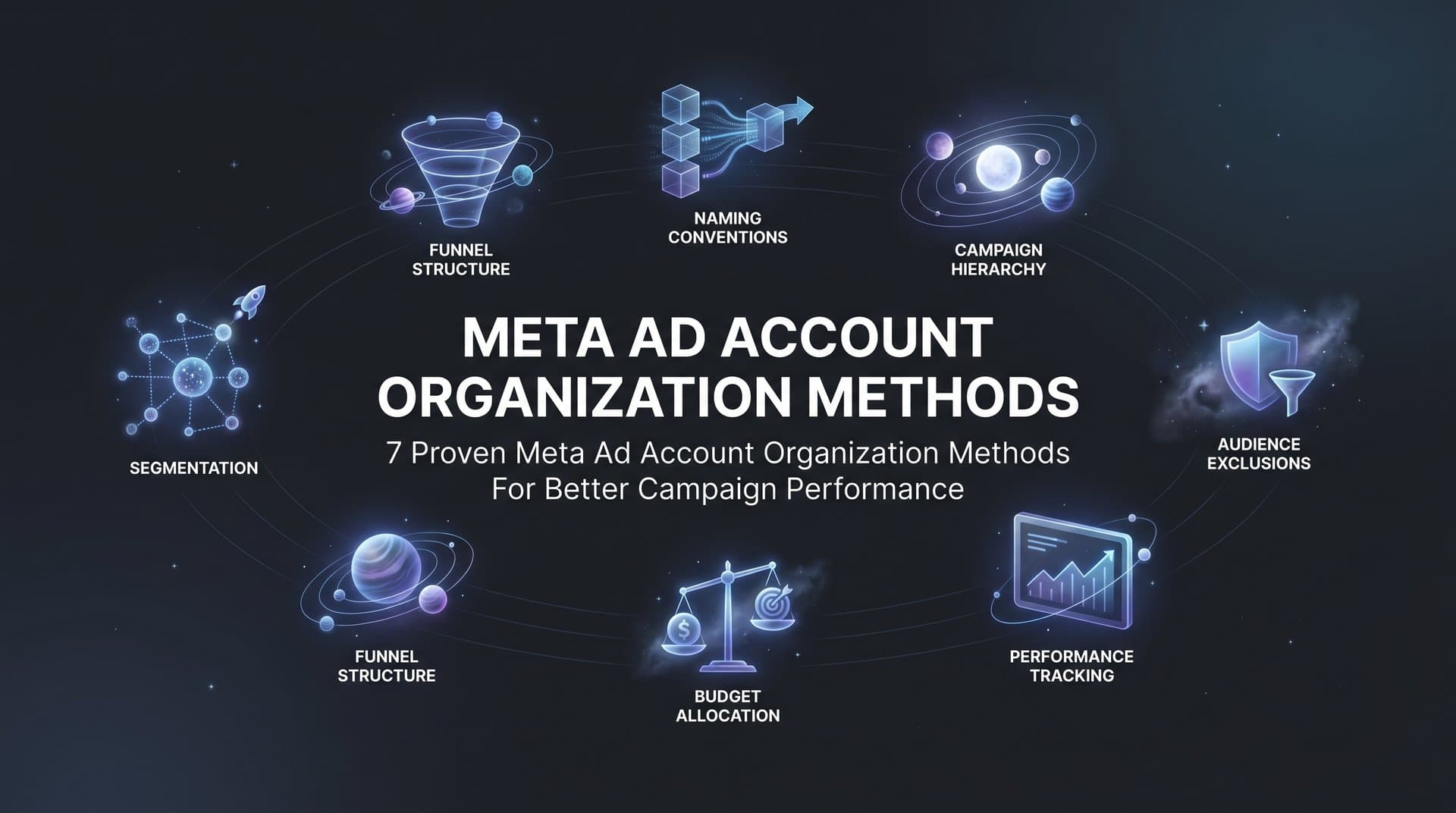
This guide covers seven practical organization methods that help digital marketers and agencies bring order to their Meta advertising. From naming conventions that make filtering effortless to folder structures that keep winning creatives accessible, these strategies will transform how you manage your ad accounts.
The goal is not tidiness for its own sake. A well-organized account lets you make faster decisions, scale what works, and spend more time optimizing instead of administering. Let us dive into the methods that top-performing advertisers use to keep their Meta ad accounts running smoothly.
1. Implement a Standardized Naming Convention System
The Challenge It Solves
When every team member names campaigns differently, your Ads Manager becomes impossible to navigate. You cannot filter effectively, reporting takes forever, and simple questions like "How are our prospecting campaigns performing this month?" require manual sorting through dozens of inconsistently named items.
Without a standardized system, you end up with campaign names like "New Campaign 1" sitting next to "Q1_Promo_TEST_v3_FINAL" and "summer sale retargeting." Good luck finding anything quickly or running accurate reports across similar campaign types.
The Strategy Explained
A standardized naming convention creates a consistent template that every campaign, ad set, and ad follows. This template includes key identifiers in a specific order, making it easy to understand what each item does at a glance and filter by any attribute.
The most effective naming conventions include these core elements: campaign objective, funnel stage, audience or product, date or version, and creative format. The exact order matters less than consistency across your entire account.
For example, a campaign name might follow this pattern: [Objective]_[Funnel Stage]_[Audience/Product]_[Date]_[Format]. This becomes "CONV_PROSP_WomenShoes_042026_IMG" for a conversion campaign targeting prospecting audiences for women's shoes launched in April 2026 using image ads.
Implementation Steps
1. Define your naming template by listing the attributes that matter most for your reporting and filtering needs, then arrange them in order of importance from left to right.
2. Create a simple reference document that shows examples for each campaign type you run, including what abbreviations mean (CONV for conversion, PROSP for prospecting, RET for retargeting, etc.).
3. Apply the naming convention to all new campaigns immediately, and gradually rename existing campaigns during your next optimization review to avoid disrupting active performance. For more detailed guidance, explore these Facebook ad account organization tips that complement your naming strategy.
4. Set up saved filters in Ads Manager based on your naming convention so you can instantly view all prospecting campaigns, all video ads, or all campaigns launched in a specific month.
Pro Tips
Keep your abbreviations intuitive and limit them to three or four letters maximum. Use underscores or dashes as separators for readability. Avoid special characters that might cause issues with reporting tools. Most importantly, document your system and share it with everyone who touches the account so consistency becomes automatic.
2. Structure Campaigns by Funnel Stage
The Challenge It Solves
Organizing campaigns by product or promotion creates confusion when you need to understand performance across the customer journey. You end up with separate campaigns for "Product A Prospecting," "Product B Prospecting," "Product A Retargeting," and "Product B Retargeting," making it difficult to compare how your prospecting strategy performs overall versus your retargeting approach.
This product-first structure also complicates budget allocation decisions. How much should you spend on acquiring new customers versus nurturing existing ones? When campaigns are scattered, that question becomes nearly impossible to answer clearly.
The Strategy Explained
Funnel-based campaign structure groups your advertising efforts into three primary buckets: prospecting (reaching cold audiences), retargeting (re-engaging warm audiences who have interacted with your brand), and retention (nurturing existing customers). This framework aligns your campaign objectives with customer journey stages.
Within each funnel stage, you can then organize by product, offer, or audience segment. The key is that the funnel stage becomes your primary organizing principle, not your secondary one.
This approach makes budget allocation more intuitive. You can clearly see how much you are investing in customer acquisition versus customer retention. Understanding Meta ads account structure best practices helps you implement this funnel-based approach effectively.
Implementation Steps
1. Audit your current campaigns and categorize each one by its primary funnel stage based on the audience it targets and the objective it serves.
2. Create campaign groups or use naming conventions that clearly identify funnel stage first, such as "PROSP_" for prospecting, "RETARG_" for retargeting, and "RETAIN_" for retention campaigns.
3. Set budget allocations at the funnel stage level first, then distribute within each stage based on product or segment performance.
4. Build separate reporting views for each funnel stage so you can quickly assess how your prospecting strategy is performing compared to your retargeting efforts.
Pro Tips
Consider adding a fourth category for testing campaigns that do not fit neatly into your main funnel stages. This prevents experimental work from skewing your core funnel performance metrics. As you scale, you might further subdivide prospecting into cold and warm audiences, or split retargeting by engagement level.
3. Create a Dedicated Testing Campaign Framework
The Challenge It Solves
When you mix experimental campaigns with proven performers, two problems emerge. First, your overall account performance metrics become unreliable because they include tests that are still learning. Second, you risk accidentally scaling a test campaign before it has proven itself, or conversely, you might pause a winning campaign because its early test phase looked weak.
Many advertisers struggle to systematically validate new creatives and audiences. They launch tests within existing campaigns, making it difficult to isolate variables and draw clear conclusions about what actually works.
The Strategy Explained
A dedicated testing framework separates experimental campaigns from scaling campaigns with clear graduation criteria. Testing campaigns have smaller budgets, shorter timeframes, and specific validation goals. Once a test meets your success criteria, it graduates to a scaling campaign where you increase investment.
This approach brings scientific rigor to your advertising. You isolate variables in your testing campaigns, whether that is a new creative angle, audience segment, or offer variation. Learning effective Meta ads creative testing methods ensures your experiments yield actionable insights.
The framework also protects your proven performers. Your scaling campaigns maintain consistent performance because you are not constantly introducing unvalidated elements that could disrupt their optimization.
Implementation Steps
1. Create a separate campaign group labeled "Testing" with a fixed monthly budget that represents your innovation investment, typically 10-20% of your total ad spend.
2. Define clear graduation criteria before launching any test, such as achieving a target cost per acquisition below a specific threshold over a minimum spend amount or time period.
3. Establish a regular review cadence (weekly or biweekly) to evaluate test performance against your criteria and make graduation or termination decisions.
4. Document what you are testing and why in campaign names or descriptions, making it easy to remember the hypothesis behind each experiment when review time arrives.
Pro Tips
Limit the number of variables you test simultaneously within a single campaign. Test one new creative angle at a time, or one new audience segment, so you can clearly attribute performance changes to the variable you introduced. Keep a testing log that tracks what you have validated and what you have ruled out to avoid repeating unsuccessful experiments.
4. Build a Creative Asset Library with Performance Tags
The Challenge It Solves
You know you have a winning image ad from last quarter that would be perfect for your new campaign, but where is it? After scrolling through hundreds of creatives in your account, you either give up and create something new or waste 30 minutes hunting for the asset. This problem multiplies when you are managing multiple brands or running high-volume creative testing.
Without organized creative management, you end up recreating assets that already exist, missing opportunities to reuse proven winners, and losing institutional knowledge about what creative approaches have worked historically.
The Strategy Explained
A creative asset library organizes your ads by format, message angle, and performance tier. Instead of creatives living scattered across dozens of campaigns, they are cataloged in a centralized system where you can quickly surface winners for new campaigns.
Performance tagging is the critical component. Each creative gets labeled with its historical performance data: whether it is a proven winner, a solid performer, or an underperformer. You might also tag by message angle (pain point focused, benefit driven, social proof), format (image, video, carousel), and product category.
This system transforms creative management from reactive to proactive. Instead of asking "What should we test next?" you can ask "What proven angles have we not applied to this new product yet?"
Implementation Steps
1. Create a spreadsheet or use a tool like AdStellar's Winners Hub to catalog your existing creatives with columns for asset type, message angle, products featured, performance tier, and key metrics like CTR or conversion rate.
2. Establish performance tiers based on your benchmarks: "Winner" for creatives that exceeded your target metrics, "Solid" for those that met targets, and "Underperformer" for those that fell short. Understanding how to track Meta ads ROI helps you categorize creatives accurately.
3. Add new creatives to your library as you launch them, and update performance tags monthly based on actual results rather than letting the library become outdated.
4. Before building any new campaign, review your library first to identify existing winners you can reuse or adapt rather than starting from scratch.
Pro Tips
Include thumbnail images in your library so you can visually scan for the creative you need. Note which audiences each creative performed best with, since a winner for one segment might underperform for another. Consider organizing by season or promotion type if your business has strong cyclical patterns.
5. Establish Audience Segment Organization
The Challenge It Solves
Your custom audiences list looks like alphabet soup. You have "Website Visitors," "Website Visitors 30 Days," "Website_Visitors_30d," and "WV_30" all sitting next to each other. Which one is current? Which audiences overlap and might cause you to compete against yourself? Without clear organization, you waste budget on audience overlap and make targeting decisions based on guesswork.
Audience chaos also makes it difficult to understand which segments drive your best performance. When you cannot quickly identify and compare your high-intent audiences versus your broad reach audiences, optimization becomes reactive instead of strategic.
The Strategy Explained
Audience segment organization categorizes your custom and lookalike audiences with clear naming that identifies the source, intent level, and any relevant parameters like time window or percentage. This system prevents overlap, simplifies targeting decisions, and enables faster campaign building.
The naming convention should immediately communicate what the audience contains. For example, "CUS_Purchase_90d" tells you this is a custom audience of purchasers from the last 90 days. "LAL_Purchase_90d_1PCT_US" indicates it is a 1% lookalike of that purchaser audience targeting the United States.
Beyond naming, organize audiences into folders or use consistent prefixes that group related segments together. If you are struggling with Meta ads targeting, proper audience organization is often the first step toward improvement.
Implementation Steps
1. Audit your existing audiences and identify duplicates or outdated segments that can be deleted to reduce clutter.
2. Create a naming template for each audience type (custom, lookalike, saved) that includes source, behavior or action, time window, and any geographic or demographic filters.
3. Rebuild or rename your core audiences following the new convention, starting with your most frequently used segments.
4. Use Meta's audience overlap tool regularly to check for significant overlap between audiences you are targeting simultaneously, adjusting your strategy to minimize self-competition.
Pro Tips
Maintain a master list of your audience segments with descriptions of what each contains and how it performs. This becomes invaluable when onboarding new team members or revisiting campaigns months later. Set calendar reminders to archive or update time-based audiences so they stay current.
6. Set Up Campaign Labels and Filters
The Challenge It Solves
Even with perfect naming conventions, navigating a large ad account takes time. You need to view all campaigns for a specific client, or all video ads, or everything launched in the past month. Without saved views, you rebuild these filters manually every time, wasting minutes that add up to hours over weeks.
Labels and filters also solve the reporting problem. Different stakeholders need different views: your client wants to see only their campaigns, your creative team needs to review all video performance, and your finance team wants monthly spending breakdowns. Building custom reports for each request becomes a full-time job.
The Strategy Explained
Meta's labeling system lets you tag campaigns, ad sets, and ads with custom labels that exist independently of names. You might label by client, by campaign goal, by priority level, or by team member responsible. These labels then become powerful filtering dimensions.
Saved filters take this further by letting you create and bookmark specific views. You can save a filter that shows "All prospecting campaigns for Client A with spend over $100 in the last 30 days" and access that exact view with one click anytime.
Together, labels and filters transform Ads Manager from a single overwhelming view into a customizable dashboard where you can instantly focus on exactly what matters for your current task. Agencies managing multiple Meta ad accounts find this approach essential for maintaining clarity across clients.
Implementation Steps
1. Decide what label categories would be most useful for your workflow, such as client names, campaign priorities (high, medium, low), or team assignments.
2. Apply labels to your existing campaigns starting with your most active ones, using bulk actions to speed up the process for campaigns that share the same label.
3. Create saved filters for your most common views: all active campaigns, all testing campaigns, campaigns by client or product line, and campaigns launched in specific date ranges.
4. Share saved filter links with team members so everyone can access the same views without recreating filters individually.
Pro Tips
Use color-coded labels if Meta supports them in your interface, making it even faster to scan and identify campaign types visually. Create a "Review Needed" label for campaigns that require attention during your next optimization session. Combine labels with your naming convention for maximum filtering power.
7. Document Your Account Structure with a Living Playbook
The Challenge It Solves
Your account organization system lives entirely in your head. When a team member needs to launch a campaign, they ask you how to name it. When someone new joins, you spend hours explaining the logic behind your structure. When you go on vacation, campaign creation stops because no one else understands the system.
Without documentation, organizational systems decay. People create exceptions, shortcuts emerge, and within months your carefully designed structure has eroded into chaos again. The lack of written standards means every person interprets the rules differently.
The Strategy Explained
A living playbook documents your entire account organization system in a centralized, accessible location. It explains your naming conventions with examples, defines your campaign structure, outlines your testing framework, and provides templates for common scenarios.
The "living" part is critical. This is not a document you create once and forget. It evolves as your business grows, new campaign types emerge, and your team discovers better approaches. The playbook includes a version history and a clear process for proposing updates.
Think of it as your account's operating manual. Anyone should be able to read the playbook and correctly create, name, and organize a new campaign without asking questions. This documentation also helps when you need to reduce Meta ads setup time by standardizing your processes.
Implementation Steps
1. Start with a simple document that covers your naming convention, campaign structure, and audience organization with clear examples for each type of campaign you run regularly.
2. Add sections for your testing framework, creative library system, and any account-specific rules or exceptions that team members need to know.
3. Include visual examples like screenshots of properly named campaigns and organized audience lists so people can see what good looks like.
4. Schedule quarterly reviews of the playbook with your team to identify what needs updating, what is working well, and what new sections should be added.
Pro Tips
Keep the playbook in a shared location where everyone can access it easily, whether that is a Google Doc, Notion page, or internal wiki. Include a quick reference sheet at the beginning for the most common scenarios. Add a FAQ section that addresses the questions team members ask most frequently. Make updating the playbook part of your workflow when you introduce any new organizational approach.
Building Your Organized Account Foundation
Organizing your Meta ad account is not a one-time project but an ongoing practice that pays dividends in efficiency and performance. The seven methods covered here work together to create a system where finding information takes seconds instead of minutes, where reporting becomes straightforward instead of painful, and where scaling successful campaigns happens with confidence instead of guesswork.
Start with the method that addresses your biggest pain point. If chaotic naming conventions make reporting difficult, implement a standardized naming system first. If scattered creatives slow down campaign launches, build your creative asset library. If audience overlap is eating your budget, focus on audience organization.
From there, layer in additional organization methods as your team builds new habits. The most successful advertisers treat account organization as infrastructure that supports everything else they do. When your campaigns are structured logically, your creatives are tagged and accessible, and your audiences are clearly categorized, you spend less time on administrative tasks and more time on strategic optimization.
The consistency matters more than perfection. An imperfect system that everyone follows beats a perfect system that exists only in theory. Document your approach, train your team, and commit to maintaining the structure even when deadlines get tight.
Tools like AdStellar can accelerate this process by automatically organizing your winning creatives in the Winners Hub, ranking performance data with AI-powered insights, and maintaining structure as you scale. The platform surfaces your top performers with real metrics like ROAS and CPA, making it effortless to identify and reuse what works. When you combine solid organizational foundations with intelligent automation, you create a system that scales efficiently without losing control.
Whatever approach you take, remember that organization is not about perfection or rigid rules. It is about creating clarity that enables faster decisions and better performance. Your future self, three months into managing twice as many campaigns, will thank you for the time you invest in structure today.
Ready to transform your advertising strategy? Start Free Trial With AdStellar and be among the first to launch and scale your ad campaigns 10× faster with our intelligent platform that automatically builds and tests winning ads based on real performance data.