
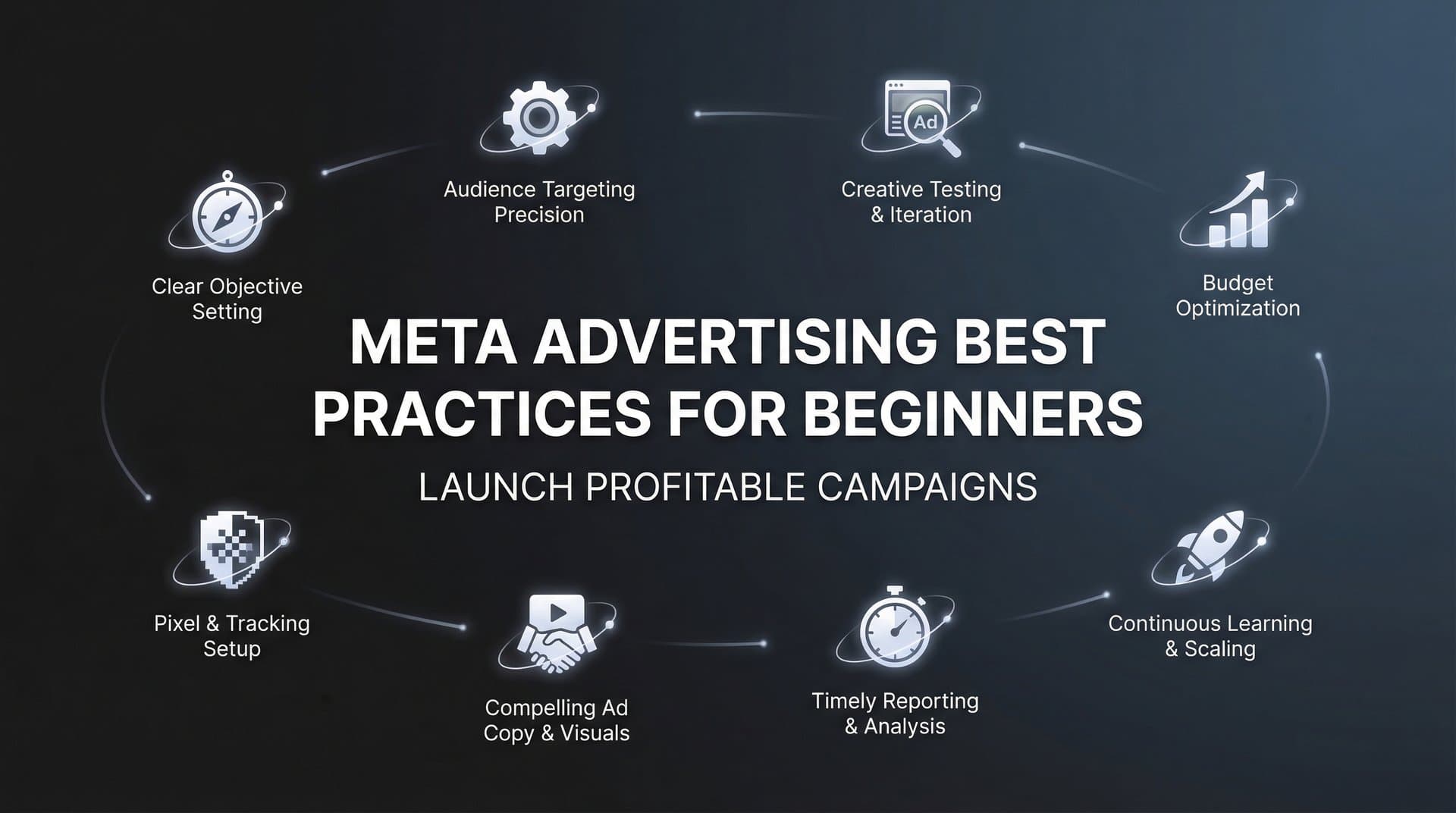
Getting started with Meta advertising can feel overwhelming—between Facebook and Instagram's vast user base, countless targeting options, and ever-changing algorithms, beginners often struggle to know where to start. The good news? You don't need years of experience to run profitable campaigns. By following proven best practices from day one, you can avoid costly mistakes that drain budgets and instead build campaigns that actually convert.
This guide breaks down the essential Meta advertising fundamentals that every beginner needs to master, from setting up proper tracking to creating scroll-stopping creatives. Whether you're promoting a local business or scaling an ecommerce brand, these foundational practices will help you build campaigns that generate real results.
1. Install and Verify Your Meta Pixel
The Challenge It Solves
Without proper tracking, you're essentially flying blind. You can't measure conversions, optimize for results, or retarget website visitors. Many beginners launch campaigns first and worry about tracking later—a costly mistake that wastes budget on untrackable performance. The Meta Pixel is your foundation for everything that follows, capturing visitor behavior and feeding data back to Meta's algorithm so it can find more people like your converters.
The Strategy Explained
The Meta Pixel is a piece of code you install on your website that tracks visitor actions—page views, add-to-carts, purchases, and custom events you define. Once installed, it begins collecting data immediately, building a profile of your audience's behavior. This data powers Meta's optimization algorithms, allowing campaigns to automatically find people most likely to convert. It also enables retargeting campaigns to reach people who visited specific pages but didn't complete your desired action.
Think of the pixel as your campaign's eyes and ears. Without it, Meta's algorithm can't learn what "success" looks like for your business. With it, every visitor interaction becomes a data point that improves future campaign performance.
Implementation Steps
1. Access Events Manager in your Meta Business Suite and create a new pixel for your website.
2. Install the pixel code in your website's header section—most platforms like Shopify, WordPress, and Wix offer one-click integrations that handle this automatically.
3. Set up standard events for key actions like purchases, leads, and add-to-carts using Meta's Event Setup Tool or manual code implementation.
4. Use the Meta Pixel Helper browser extension to verify your pixel fires correctly on each page and tracks events properly.
5. Let your pixel collect data for at least 7-14 days before launching conversion campaigns to build a baseline of visitor behavior.
Pro Tips
Install your pixel weeks before launching campaigns if possible—the more historical data it collects, the better your initial campaign performance. Use server-side tracking alongside browser-based pixel tracking to capture conversions that iOS privacy features might block. Test your pixel thoroughly by completing test purchases or form submissions yourself, then verifying they appear in Events Manager within a few minutes.
2. Define Clear Campaign Objectives
The Challenge It Solves
Choosing the wrong campaign objective is like setting your GPS to the wrong destination—you might drive efficiently, but you'll end up in the wrong place. Beginners often select objectives based on what sounds good rather than what aligns with their actual business goal. If you want sales but choose "Engagement," Meta will optimize for likes and comments instead of purchases, wasting your budget on the wrong actions.
The Strategy Explained
Meta's campaign objectives tell the algorithm what success looks like. Choose "Traffic" and it finds people who click. Choose "Conversions" and it finds people who buy. This isn't just a label—it fundamentally changes how Meta's AI evaluates and optimizes your campaign. The algorithm uses your objective to determine which users see your ads, when they see them, and how much you pay.
Your objective should match your immediate business goal. Building brand awareness? Use Awareness or Reach. Collecting email addresses? Use Leads. Driving online sales? Use Sales (formerly Conversions). Don't try to accomplish multiple goals with a single objective—that confuses the algorithm and dilutes performance. For a deeper dive into structuring your campaigns effectively, explore our guide on Meta ads campaign structure best practices.
Implementation Steps
1. Identify your primary business goal for this specific campaign—be ruthlessly specific about what action you want people to take.
2. Match that goal to Meta's objective hierarchy: Awareness objectives for discovery, Consideration objectives for engagement and traffic, Conversion objectives for actions like purchases and sign-ups.
3. Ensure you have proper tracking in place for conversion objectives—you can't optimize for purchases if your pixel isn't tracking them.
4. Start with a single objective per campaign rather than trying to accomplish multiple goals simultaneously.
5. Review Meta's objective descriptions in Ads Manager before selecting—they provide clear guidance on what each objective optimizes for.
Pro Tips
If you're torn between two objectives, choose the one furthest down the funnel that you can realistically achieve. For example, if you have enough traffic and tracking data, choose Sales over Traffic—it's always better to optimize for the end goal. Avoid switching objectives mid-campaign, as this resets the learning phase and forces the algorithm to start over from scratch.
3. Start with Broad Targeting
The Challenge It Solves
Beginners often over-restrict their targeting, thinking they're being strategic by narrowing down to ultra-specific audiences. The reality? You're often limiting Meta's AI from finding unexpected audience segments that convert beautifully. When you stack multiple detailed targeting criteria—interests, behaviors, demographics—you shrink your potential audience so much that the algorithm can't effectively optimize. You end up with high costs and limited scale.
The Strategy Explained
Meta's Advantage+ targeting system uses machine learning to identify your ideal customers based on actual conversion behavior, not your assumptions about who they are. The algorithm analyzes thousands of signals—device usage, browsing behavior, past purchase patterns, content engagement—to find people likely to take your desired action. This AI-powered approach typically outperforms manual targeting, especially for beginners who don't yet have deep audience insights.
Starting broad doesn't mean targeting everyone randomly. It means giving the algorithm room to explore and learn. You set guardrails like location and age range, then let Meta's AI discover the specific characteristics of your best converters through real campaign data. Understanding how to leverage these AI tools for Meta advertising can significantly accelerate your learning curve.
Implementation Steps
1. Begin with location targeting based on where you can actually serve customers—country, state, or city level depending on your business model.
2. Set age ranges based on realistic customer demographics, but keep them as wide as your product reasonably allows.
3. Avoid adding detailed targeting interests and behaviors for your first campaigns—let the algorithm find your audience organically.
4. Use Advantage+ audience settings which allow Meta to expand beyond any targeting parameters you do set when it finds better opportunities.
5. After campaigns generate at least 50 conversions, review audience insights to understand who actually converted, then refine targeting for subsequent campaigns if needed.
Pro Tips
If you must add detailed targeting, use broad interest categories rather than ultra-specific ones. For example, target "Fitness and wellness" rather than "CrossFit enthusiasts who follow specific athletes." The broader category gives the algorithm more room to optimize within relevant audiences. Remember that Meta's algorithm gets smarter with more data—starting broad accelerates this learning process.
4. Create Thumb-Stopping Creatives
The Challenge It Solves
Your audience scrolls through their feed at lightning speed, making split-second decisions about what deserves their attention. Generic product photos, boring layouts, and slow-building videos get scrolled past in milliseconds. You might have the perfect offer and targeting, but if your creative doesn't stop the scroll in the first three seconds, none of it matters. This is especially critical on mobile devices where the majority of Meta ad impressions occur.
The Strategy Explained
Thumb-stopping creatives grab attention immediately through contrast, movement, unexpected visuals, or provocative statements that create pattern interrupts. Think about what makes you stop scrolling in your own feed—it's usually something that looks different from everything else, creates curiosity, or triggers an emotional response. Your creative needs to work as a standalone unit that communicates value even if someone never reads your caption.
Mobile-first design is non-negotiable. Design for vertical 9:16 or square 1:1 formats that fill mobile screens. Use bold, readable text overlays that work on small screens. Feature faces and human elements that create connection. Show your product in action rather than static product shots. Create visual contrast with bright colors or unexpected compositions that stand out against the typical feed aesthetic.
Implementation Steps
1. Design specifically for mobile viewing—preview your creatives on an actual phone screen to ensure text is readable and key elements are visible.
2. Front-load your most compelling visual or message in the first three seconds of video or the primary focal point of static images.
3. Use text overlays strategically to reinforce your message, but keep them concise—aim for 5-7 words maximum that communicate the core benefit.
4. Test multiple creative approaches for each campaign—different visual styles, messaging angles, and formats to identify what resonates with your specific audience.
5. Study ads in your own feed that make you stop scrolling, then analyze what specific elements created that reaction and adapt those principles to your brand.
Pro Tips
Use the "thumb test"—scroll through your feed quickly and see if your ad makes you stop. If it doesn't interrupt your own scrolling, it won't interrupt your audience's either. For video, add captions since most users watch with sound off. Consider using user-generated content or testimonial-style videos that feel native to the platform rather than polished commercial-style content that screams "advertisement."
5. Write Pain Point-Focused Copy
The Challenge It Solves
Most beginner ad copy reads like a product spec sheet—listing features, dimensions, and capabilities that fail to connect emotionally with the audience. People don't buy features; they buy solutions to problems that frustrate them. When your copy focuses on what your product is rather than what it solves, you're asking prospects to do the mental work of translating features into benefits. They won't bother.
The Strategy Explained
Pain point-focused copy starts with the frustration your audience experiences, validates that feeling, then positions your solution as the relief they've been seeking. This approach works because it creates immediate relevance—when someone sees their exact problem described in your ad, they instinctively think "This is for me." You're not interrupting their scroll with a sales pitch; you're offering a solution to something already on their mind.
The formula is straightforward: identify the specific frustration, agitate it slightly to make the pain vivid, then present your solution as the bridge to a better state. Use language your audience actually uses when describing their problem—not marketing jargon or technical terminology. If you're selling a time-tracking app, don't lead with "Advanced algorithmic time allocation"—lead with "Tired of losing billable hours because you forget to track your time?"
Implementation Steps
1. Research your audience's actual language by reading reviews of competitor products, browsing relevant subreddit discussions, and analyzing customer service inquiries to identify recurring frustrations.
2. Open your primary text with a question or statement that articulates a specific pain point your audience experiences regularly.
3. Use the middle section to amplify the problem briefly—describe the consequences or ripple effects of not solving it.
4. Transition to your solution by positioning it as the specific remedy to the pain you've described, focusing on the outcome rather than the mechanism.
5. Close with a clear call-to-action that reinforces the benefit—"Start tracking every billable minute" rather than generic "Learn more."
Pro Tips
Create a "pain point library" by collecting actual quotes from customer conversations, reviews, and social media comments. These authentic phrases often work better than anything you could write from scratch. Test different pain points to discover which resonates most strongly—your audience might care more about time savings than cost savings, or vice versa. Keep your copy concise for mobile viewing, but don't sacrifice clarity for brevity.
6. Set Realistic Budgets and Timelines
The Challenge It Solves
Beginners often launch campaigns with insufficient budgets or kill them too quickly, never giving Meta's algorithm enough data to optimize effectively. You might set a $10 daily budget expecting immediate results, then panic and pause the campaign after two days when you haven't seen conversions yet. This impatience creates a cycle of constant restarts that prevents campaigns from ever exiting the learning phase and reaching stable performance.
The Strategy Explained
Meta's algorithm needs time and budget to learn what works for your specific campaign. During the learning phase, the system explores different audience segments, placements, and delivery times to identify the optimal combination for your objective. Meta recommends allowing campaigns to generate approximately 50 conversion events per week before the algorithm stabilizes. Insufficient budget or premature changes reset this learning process, forcing the algorithm to start over.
Your daily budget should be at least 2-3 times your target cost per acquisition to give the algorithm meaningful room to optimize. If you expect each conversion to cost $25, a $10 daily budget severely limits the algorithm's ability to test and learn. Similarly, you need patience—campaigns typically need 3-7 days to exit learning phase, and performance often improves significantly after this initial period. For more context on what to expect financially, check out our breakdown of Meta advertising platform cost.
Implementation Steps
1. Calculate your target cost per acquisition based on your profit margins and lifetime customer value, then set daily budgets at 2-3x this amount minimum.
2. Commit to running new campaigns for at least 7 days without significant changes, even if initial performance seems underwhelming.
3. Avoid making budget changes larger than 20% at once, as dramatic increases or decreases reset the learning phase.
4. Monitor your campaign's learning phase indicator in Ads Manager—wait until it shows "Learning Limited" or exits learning before evaluating performance or making optimization decisions.
5. Plan your testing budget separately from your scaling budget—allocate funds specifically for the learning phase without expecting immediate ROI.
Pro Tips
If budget is extremely limited, consider running campaigns for shorter periods with higher daily budgets rather than spreading small amounts over many days—$70 for one week often outperforms $10 for seven weeks. Use campaign budget optimization (CBO) to let Meta automatically distribute budget across ad sets based on performance rather than manually splitting it. Track your learning phase progress and note when campaigns exit—this timeline helps you set realistic expectations for future campaigns.
7. Monitor Meaningful Metrics
The Challenge It Solves
Beginners often get distracted by vanity metrics that look impressive but don't actually indicate campaign success. You might celebrate 10,000 impressions or a 5% engagement rate while ignoring the fact that you spent $500 without generating a single conversion. These surface-level metrics feel good but tell you nothing about whether your campaign is actually profitable or driving your business goals forward.
The Strategy Explained
Meaningful metrics directly connect to your business objectives and profitability. Cost per result shows exactly how much you're paying for each desired action—whether that's a purchase, lead, or app install. Return on ad spend (ROAS) reveals whether your campaigns generate more revenue than they cost. These metrics matter because they determine whether your advertising is sustainable and scalable.
Focus on the metrics that align with your campaign objective. If you're running a Sales campaign, track cost per purchase and ROAS. If you're running a Leads campaign, track cost per lead and lead quality. Impressions, reach, and engagement are secondary indicators that provide context but shouldn't drive your optimization decisions. A campaign with low engagement but strong ROAS is succeeding—a campaign with high engagement but poor ROAS is failing. Platforms with AI insights can help surface these critical metrics automatically.
Implementation Steps
1. Identify your primary success metric based on your campaign objective—cost per result for most conversion campaigns, ROAS for ecommerce sales campaigns.
2. Set up custom columns in Ads Manager that display your key metrics prominently, removing vanity metrics that distract from performance evaluation.
3. Calculate your breakeven point—the cost per result or ROAS where you neither profit nor lose money—then use this as your baseline for evaluating campaign performance.
4. Review secondary metrics like click-through rate and engagement only when primary metrics indicate problems, using them to diagnose issues rather than measure success.
5. Create a simple dashboard or spreadsheet that tracks your meaningful metrics over time, allowing you to spot trends and compare campaign performance accurately.
Pro Tips
Beware of attribution window settings—Meta defaults to 7-day click and 1-day view attribution, but you can adjust this based on your typical customer journey length. For higher-consideration purchases, consider using longer attribution windows to capture delayed conversions. Don't obsess over daily fluctuations in metrics—evaluate performance over weekly periods to account for natural variance in audience behavior and delivery patterns.
8. Test Systematically
The Challenge It Solves
Random testing wastes budget and generates confusing results. When you change multiple variables simultaneously—switching your creative, copy, and audience all at once—you can't identify which change drove performance improvements or declines. Beginners often test impulsively, making changes based on hunches rather than structured methodology, leading to campaigns that never find consistent winners or scalable approaches.
The Strategy Explained
Systematic testing means changing one variable at a time while keeping everything else constant. This controlled approach allows you to isolate which specific elements drive performance improvements. Test creative variations against each other with identical targeting and copy. Test audience segments with identical creative. Test different offers with identical creative and audiences. Each test generates clear learnings that inform your next optimization decision.
Structure your tests with clear hypotheses and success criteria before launching. Don't just test "because you should test"—test because you have a specific question about what might improve performance. Run tests long enough to reach statistical significance, typically requiring at least 100 conversions per variation. Document your results so you build institutional knowledge about what works for your specific audience and offer. Our guide on best practices for ad testing covers this methodology in greater detail.
Implementation Steps
1. Prioritize your testing roadmap by identifying the variable most likely to impact performance—creative typically drives the biggest performance swings for most campaigns.
2. Create test variations that differ meaningfully from each other rather than minor tweaks that won't generate clear results.
3. Use Meta's A/B testing feature or duplicate ad sets with single variable changes, ensuring adequate budget for each variation to exit learning phase.
4. Let tests run until they reach statistical significance—Meta's A/B testing tool provides confidence scores, or aim for at least 100 conversions per variation.
5. Document test results in a testing log that records what you tested, the results, and your key learnings to build a knowledge base over time.
Pro Tips
Start with creative testing since it typically has the largest impact on performance—test different visual approaches, messaging angles, and formats before diving into audience or placement tests. Use the 80/20 rule for budget allocation: spend 80% on proven winners and 20% on testing new variations. This approach ensures stable performance while continuously seeking improvements. When you find a winner, don't immediately kill all other variations—sometimes performance shifts over time as audiences fatigue, so maintaining backup options provides insurance.
Putting It All Together
Mastering Meta advertising doesn't happen overnight, but these eight best practices give you a solid foundation to build profitable campaigns from the start. Begin by installing your pixel and defining clear objectives—these fundamentals set everything else up for success. Then focus on creating compelling creatives and copy that resonate with your audience's real problems.
Remember: patience is crucial. Give your campaigns time to exit the learning phase before making changes, and always test systematically rather than randomly. The most successful advertisers aren't necessarily the most creative—they're the most disciplined about following proven processes and learning from real data. If you're running an online store, our resource on automated Meta advertising for ecommerce offers additional strategies tailored to your needs.
Start with one campaign applying these practices. Launch it with realistic budgets and timelines. Monitor meaningful metrics that actually connect to your business goals. Test one variable at a time to identify what drives performance improvements. Then scale what works and iterate on what doesn't.
As you gain experience, consider using AI-powered tools like AdStellar AI to automate campaign building and scale your winners faster. Start Free Trial With AdStellar AI and be among the first to launch and scale your ad campaigns 10× faster with our intelligent platform that automatically builds and tests winning ads based on real performance data.
The difference between beginners who struggle and those who succeed isn't talent—it's following fundamentals consistently. Master these eight practices, and you'll build campaigns that generate real results while avoiding the costly mistakes that drain budgets without delivering returns. For a comprehensive overview of available tools, explore our comparison of Meta advertising software for beginners.


