
Your best Meta campaign is tiring out. CTR is slipping, frequency is climbing, and the design queue is slower than your media budget. You need fresh hooks, new visual angles, and more variants for testing, but waiting days for every concept kills momentum.
That’s where a good midjourney free alternative becomes useful. Not as a magic button. As a production layer for paid social teams that need more shots on goal without turning every creative sprint into a full studio process.
Midjourney proved how strong AI image generation can be. It also made some trade-offs clear. It starts at $8 per month for the Basic Plan, with no free version, and it still pushes many users toward its own ecosystem. For marketers who need quick drafts, ad-safe workflows, and lower-friction collaboration, that setup isn’t always the best fit. If you’re comparing options, this breakdown of the Midjourney free trial gives useful context on why so many teams start looking elsewhere.
The better move for most performance marketers is to build a stack. One tool for high-volume concepting. One for text-heavy ads. One for on-canvas layout and resize. One for safer brand workflows. That’s how you go from “we need new creative” to “we’ve got ten new testable directions before lunch.”
Below are the tools I’d consider for paid social workflows in 2026. Not just for making pretty images, but for turning raw prompts into test-ready concepts for prospecting ads, UGC-style statics, offer graphics, catalog variants, and landing-page visuals.
1. Leonardo AI
A media buyer needs three new static concepts before the afternoon spend review. One version pushes the offer, one sells the product outcome, and one tests a founder-led angle. Leonardo AI is one of the better free tools for getting those directions on screen fast, then tightening the best one instead of starting over each time.
What makes it useful for performance work is the workflow depth. Leonardo can handle prompt generation, variation, editing, and asset organization in one place. That matters when the job is not “make an image.” The job is “produce enough distinct creative to test hooks, formats, and message angles this week.”
Where Leonardo fits in an ad workflow
I’d use Leonardo in the concepting and refinement stage, after the team has the audience, offer, and messaging priorities set.
For paid social teams, that usually means:
- Hook exploration: Build several first-frame directions for the same campaign message.
- Product angle testing: Generate premium, practical, problem-solution, and lifestyle treatments for one SKU.
- Landing page alignment: Match the image style more closely to the post-click experience so the ad and page feel connected.
- Fast revisions: Use Canvas tools for inpainting and outpainting when one strong draft needs a better crop, background, or product detail.
If your broader process still needs a system for turning rough AI outputs into launch-ready assets, this guide to the best AI ad creative generator is a useful companion.
If you’re comparing platform costs before assigning a tool to early-stage concepting, review Midjourney AI pricing. The gap matters more when your team is generating lots of variants every week.
What marketers should watch out for
Leonardo has real trade-offs. Credit usage can get expensive fast if multiple people are prompting aggressively or generating large batches with little prompt discipline. Teams need a simple operating rule: concept wide, then narrow fast.
Privacy is the bigger concern. Public visibility on lower-tier usage makes Leonardo a poor fit for unreleased products, confidential launches, or sensitive seasonal campaigns. I’d keep it away from anything under embargo.
The practical play is straightforward.
Use Leonardo for top-of-funnel creative exploration, visual angle testing, and rough ad concepts that need volume more than polish. Once a concept shows promise, move the winner into your design or brand-safe production workflow for final layouts, copy lock, and placement-specific exports.
Website: Leonardo AI
2. Playground
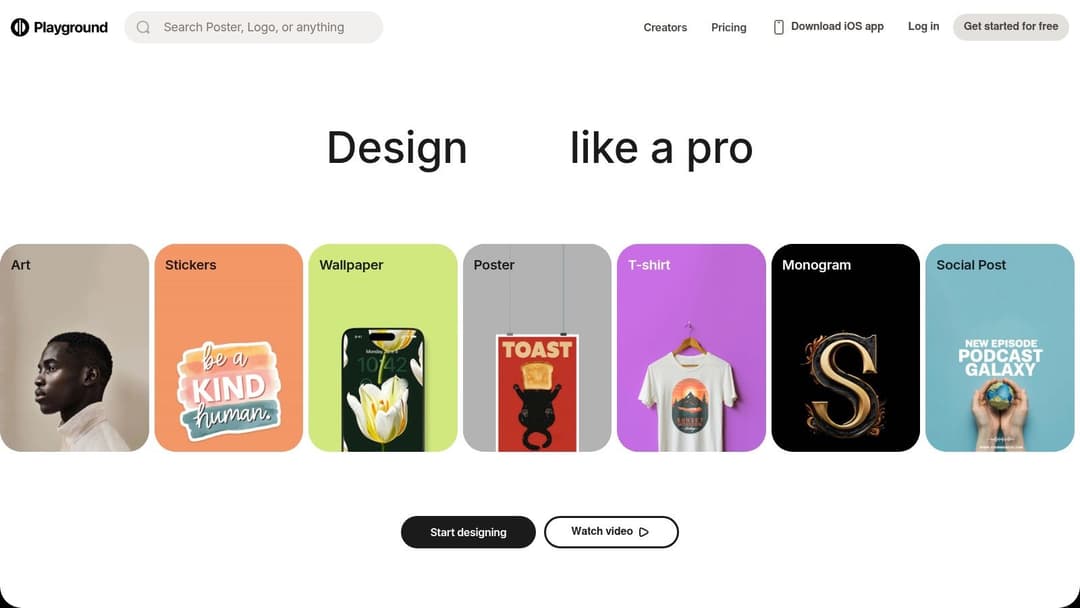
Playground is the tool I’d hand to a marketer who wants ad concepts fast and doesn’t want to learn a complicated image workflow first. It leans toward design use cases instead of pure art generation, and that’s a strength.
The template-driven interface makes it easier to think in placements, not just prompts. That’s useful when you’re building Facebook feed statics, story-friendly compositions, promo graphics, or rough display concepts.
Best use case for paid social teams
Playground works well when the bottleneck isn’t idea generation. It’s packaging.
A lot of teams already know the message they want to test:
- new customer offer
- product bundle
- seasonal push
- testimonial angle
- founder-led brand story
What they need is a fast way to mock that into something ad-shaped. Playground helps there because the canvas starts closer to a usable asset.
If your team is already comparing workflow tools, this breakdown of the best AI ad creative generator is a good companion read because Playground is strongest when paired with a broader system for testing and launch.
What works and what doesn’t
What works:
- Fast concepting for social formats
- Lower friction for non-designers
- Easier movement from prompt to composited mockup
What doesn’t:
- Free-plan limits can feel tight during serious testing days
- Some useful finishing steps sit behind paid features
- It’s less suited to advanced prompt control than more image-native platforms
Playground is good for marketers who think in campaigns, placements, and thumb-stop moments. It’s less ideal for power users chasing deep model control or heavy image editing workflows.
Don’t treat Playground as your final production studio. Treat it as your ad mockup machine.
That distinction matters. If I’m testing five hooks for the same SKU and need rough but credible visuals quickly, Playground earns a spot. If I need highly controlled style consistency across a full campaign family, I’d usually reach for something else.
Website: Playground
3. Ideogram
Your media buyer has a fresh angle that needs to go live today. The hook is strong, the offer is clear, and the first AI drafts fall apart because the headline looks distorted. That is the exact use case where Ideogram earns its place.
Ideogram is one of the better options for paid social teams that rely on words inside the image, not just pretty backgrounds. If your account structure includes offer cards, testimonial statics, promo callouts, or quote-led retargeting ads, readable text is not a design preference. It affects whether the concept is testable.
Where Ideogram fits in an ad creative workflow
A lot of Midjourney alternatives are better at mood and style than message delivery. Ideogram stands out because it handles text rendering more reliably, which makes it more practical for direct-response campaigns.
That makes it useful for:
- headline-led static ads
- sale and discount graphics
- quote creatives
- simple brand slogan explorations
- poster-style images for retargeting and paid social refreshes
For performance marketers, the best use case is not broad image exploration. It is message-first creative production. Write the ad angle first. Decide the hierarchy second. Then use Ideogram to generate visual directions that keep the offer readable.
How to use it without wasting testing cycles
I would use Ideogram after the messaging work is already settled. That means locking four inputs before prompting:
- primary hook
- supporting proof point
- offer language
- CTA direction
Once those pieces are set, Ideogram becomes a fast concepting tool for direct-response statics. You can turn one approved angle into multiple visual treatments for Meta testing, then pass the strongest version into design for final cleanup, resizing, and brand polish.
That workflow matters because AI tools often tempt teams to start with visuals. Performance teams usually get better results when they start with the sales argument. If you want examples of how AI visuals support conversion-focused asset production, this guide to AI-generated product images for marketing creatives is a useful reference.
Trade-offs to know before you use it
Ideogram is not the tool I would choose for high-volume batch production or tightly controlled campaign families. It is better for fast iterations on text-heavy concepts than for building a polished, multi-asset creative system.
The other practical constraint is visibility. Free generations are public, so I would avoid using sensitive launch messaging, unreleased offers, or anything tied to a confidential client campaign.
Still, Ideogram solves a real production problem. If your paid social account wins with clear claims, bold offers, and readable on-image copy, it can save your team hours of manual rework.
Website: Ideogram
4. Mage.space

Mage.space is for marketers who want broad model access without setting up Stable Diffusion locally. That distinction is important. In theory, local generation sounds ideal. In practice, many paid social teams don’t have the time or technical patience for it.
Mage.space keeps the browser-based convenience while giving you more room to experiment with models, styles, and editing methods than many mainstream tools.
Why it earns a spot
Some creative teams outgrow simple prompt boxes quickly. They want to test LoRA-based styles, use ControlNet, try inpainting, or compare output behavior across model families. Mage.space supports that kind of experimentation in a way that feels more open than a lot of polished consumer apps.
That makes it useful for:
- product concept boards
- unusual creative angles
- stylized campaign visuals
- rapid audience-theme exploration
- ad backgrounds and supporting scene generation
If you need inspiration for how AI visuals can support merchandising and conversion-focused asset creation, this guide on AI-generated product images is worth reviewing.
The catch for advertisers
Mage.space isn’t the cleanest fit for every brand. Its model range is part of the appeal, but it also means brand-safety expectations can vary. If you’re managing ads for conservative categories or tightly governed brand systems, that flexibility can become a risk.
There’s another practical trade-off. Free access is great for exploration, but the best speed and highest quality usually sit behind paid options.
Broad model access is only useful if your team has enough taste and discipline to reject bad outputs fast.
I’d use Mage.space when the brief calls for range. Maybe you’re launching a new angle and want to test luxury, comic, editorial, cinematic, and minimalist treatments before choosing a winner. It’s less attractive when consistency and governance matter more than experimentation.
Website: Mage.space
5. Microsoft Designer / Copilot Image Creator
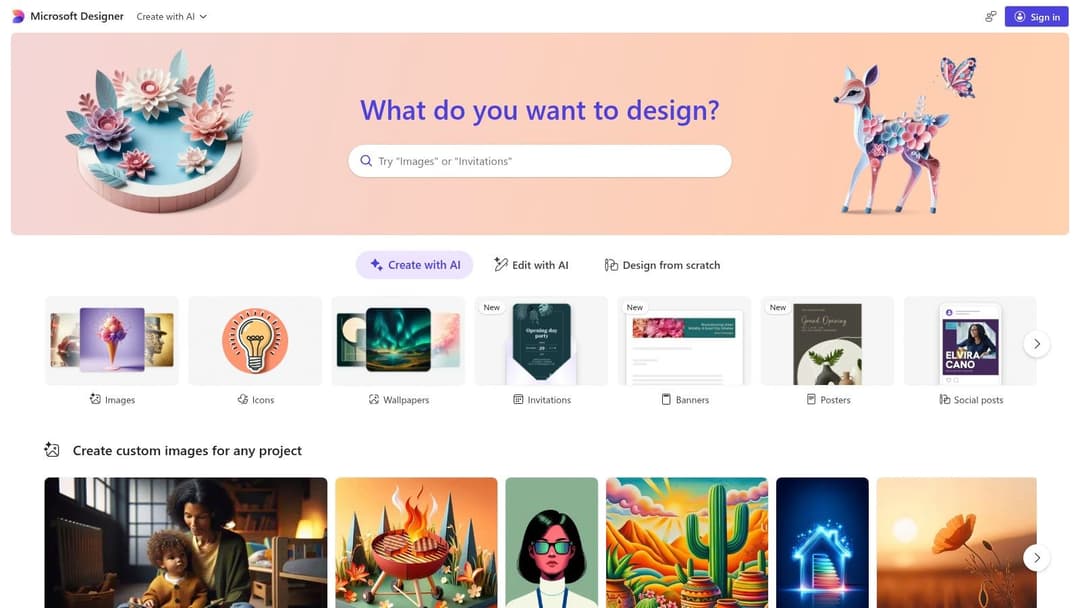
Microsoft Designer is a practical choice for teams that already live in the Microsoft ecosystem and want a simpler route from prompt to ad asset. It’s less about artistic control and more about operational ease.
That matters in-house, especially when campaign managers, founders, or junior marketers need to produce clean visual drafts without waiting on design support.
Where it fits best
Designer is useful for straightforward campaign tasks:
- social promo graphics
- event ads
- simple remarketing creatives
- branded quote cards
- display concepts that need templates more than artistry
Its strength is accessibility. The design environment feels familiar enough that non-designers can make progress quickly. That’s often more valuable than having the most advanced model if your real problem is internal bandwidth.
A lot of Microsoft-focused marketers also like the continuity with other work tools. If briefs, messaging, and approvals already sit inside Microsoft apps, Designer can reduce handoff friction.
What to expect in real use
This is not the tool I’d choose for nuanced visual style development. It’s the tool I’d choose when a growth marketer needs “three clean versions of this offer graphic today” and doesn’t want to train on a more specialized platform.
Its limitations are the usual ones for broad productivity tools:
- free usage can tighten during busy periods
- deeper features require subscriptions
- output control won’t match more dedicated generators
Still, there’s a strong operational case for it. If your team values speed, basic templates, and low onboarding effort, Microsoft Designer can carry more of the load than people expect.
One note for performance marketers. Don’t stop at generation. Use Designer to create rough ad-ready comps, then validate whether the visual hierarchy is doing its job: stopping the scroll and making the offer legible in the first second.
Website: Microsoft Designer
6. Adobe Firefly
A familiar scenario for paid social teams. The media buyer wants five new hooks by lunch, the designer is buried, and legal still needs confidence that the final asset will not create a rights or brand-compliance headache.
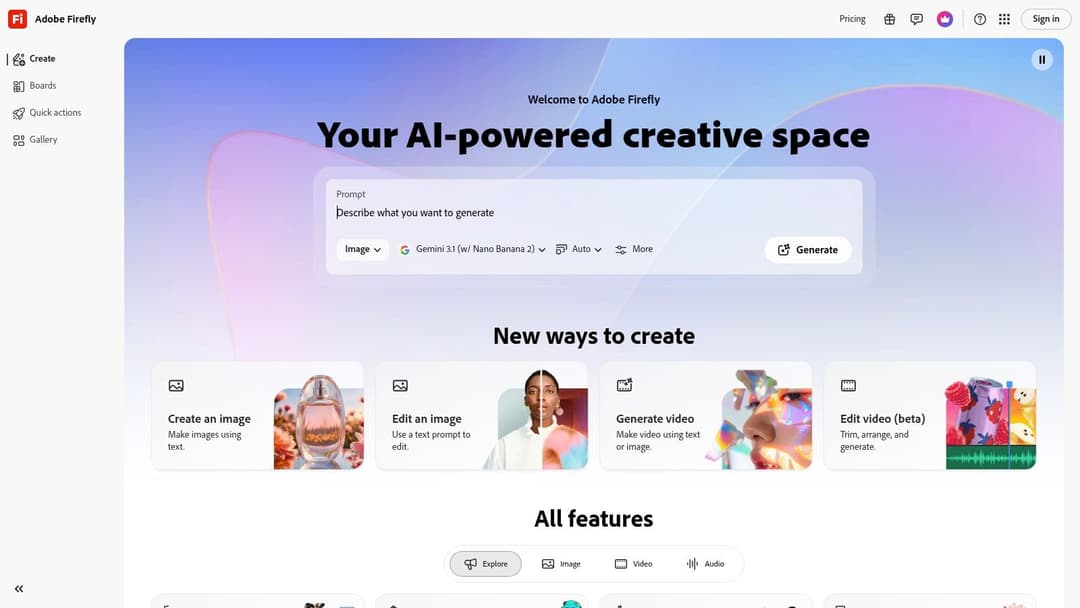
Adobe Firefly fits that kind of workflow better than flashier image generators.
Its advantage is not pure novelty. It is control inside an ecosystem many in-house teams already use. If your ad production process runs through Photoshop, Express, or other Creative Cloud tools, Firefly helps you generate, edit, resize, and polish in one place instead of bouncing between disconnected apps.
For performance marketers, that matters most in the middle of the workflow. I would use Firefly for:
- product image cleanup before launch
- background extensions for new aspect ratios
- quick lifestyle variations for paid social tests
- ad concept refinement after early prompt exploration
- turning rough AI outputs into cleaner creative your brand team can approve
That last point is where Firefly earns its spot. The raw generations are often less distinctive than what you can get from more experimental tools, but the path from draft to usable ad is usually smoother.
My recommendation is straightforward. Use another tool if you need broad concept exploration fast. Use Firefly when a promising concept needs to become an ad your team can traffic across Meta, TikTok, or display placements.
There is a trade-off. Free usage is limited, and high-volume testing teams will run into credit constraints quickly. If your account structure depends on dozens of fresh variants every week, Firefly works better as a finishing and adaptation layer than as the only engine for creative testing.
It also suits brands that care about commercial safety and approval readiness. In real campaign operations, "safe enough to ship" beats "most interesting output in the prompt gallery" more often than AI enthusiasts like to admit.
For in-house growth teams, the practical workflow looks like this: generate a few directions, pick the concept with the clearest offer-message fit, clean it up in Adobe, then export placement-specific versions for testing. That process will not win style contests. It will help you launch more usable ads with less internal friction.
Website: Adobe Firefly
7. Google Flow
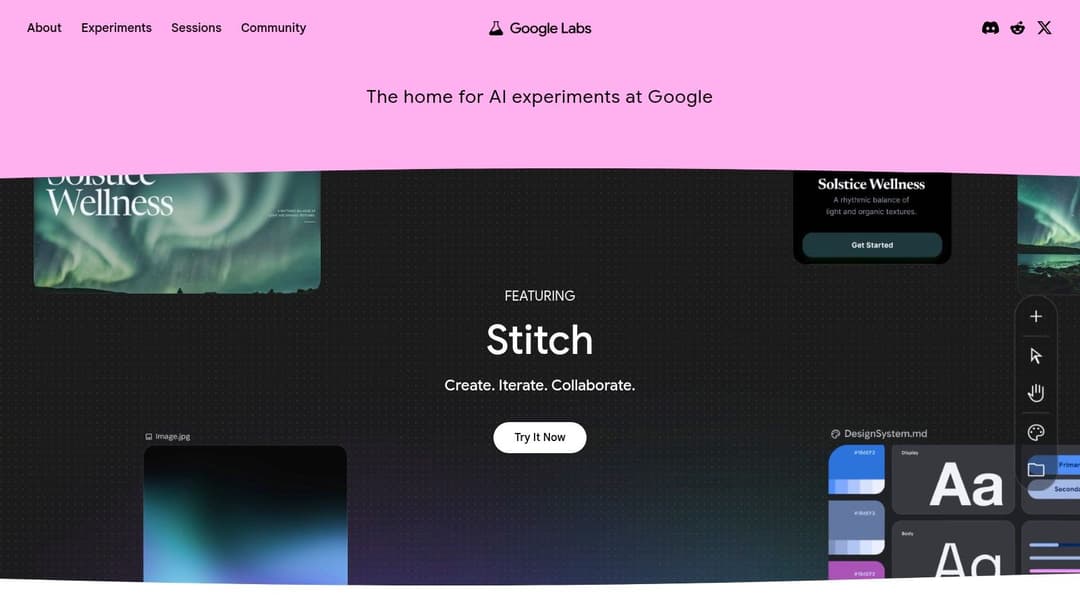
Google Flow is worth watching if your team likes clean interfaces and strong photorealistic output. It pulls together Google’s image-generation efforts inside Labs, which makes it appealing for fast ideation.
The good news is simplicity. The risk is product fluidity.
Where it can help performance marketers
Flow is strongest when you need quick visual exploration without a lot of setup:
- lifestyle ad concepts
- product-in-context scenes
- landing page hero image drafts
- prospecting creative for broad audiences
- visual references for briefing designers
Google account access lowers friction, and recent Imagen-based tools have built a reputation for solid prompt fidelity and realism in practical marketing use.
Why I wouldn’t build the whole workflow around it yet
Google is still consolidating features into Flow. That means the interface, limits, and availability can change. For marketers, instability matters more than novelty. If you’re trying to systematize weekly ad production, you need predictable tools.
So I’d treat Flow as an opportunistic asset:
- good for ideation
- good for visual references
- good for quick drafts
I wouldn’t make it the backbone of a client-facing production workflow until the product direction feels more settled.
That said, if your team already uses Google heavily and wants a low-friction midjourney free alternative for visual brainstorming, Flow is easy to test. Just avoid depending on it for your only creative lane.
Website: Google Labs
8. NightCafe Studio
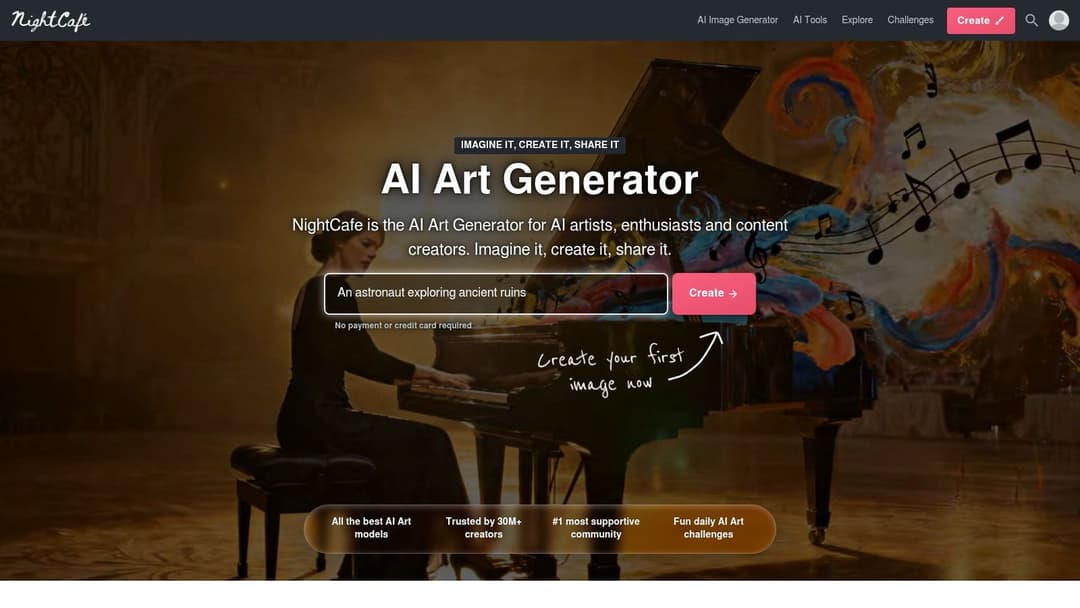
NightCafe has been around long enough to feel familiar to a lot of AI-image users, and that longevity matters. It’s a credit-based environment with a community layer, mobile access, and enough flexibility to keep casual testing going.
For marketers, that makes it more of a supporting tool than a core one.
When NightCafe is useful
NightCafe is handy when you want a steady stream of lower-pressure experimentation. The daily free credit model and extra rewards through engagement can support ongoing ideation without requiring immediate spend.
That’s useful for:
- creative warmups
- concept exploration between campaign sprints
- inspiration gathering from galleries and challenges
- testing visual metaphors before briefing a final asset
The community side can also help break sameness. Paid social teams often get trapped in repetitive visual patterns because they optimize too narrowly around what already exists. Browsing different styles can surface new directions.
Why it’s rarely the final answer
The credit economy requires attention. If you’re trying to generate at volume for active ad testing, NightCafe can feel less direct than tools built around stronger daily throughput or better on-canvas workflow.
Its biggest value is upstream:
- finding fresh angles
- exploring styles
- creating rough draft concepts
It’s not usually the place I’d polish a launch-ready set of ad creatives. But for marketers who want inspiration without committing budget immediately, it’s still worth having in the rotation.
One practical note. If your team gets stuck producing endless “safe” visuals, NightCafe’s community exposure can help reopen creative range. Just make sure someone on the team filters inspiration through actual conversion logic, not just aesthetics.
Website: NightCafe Studio
9. Canva AI Image Generator
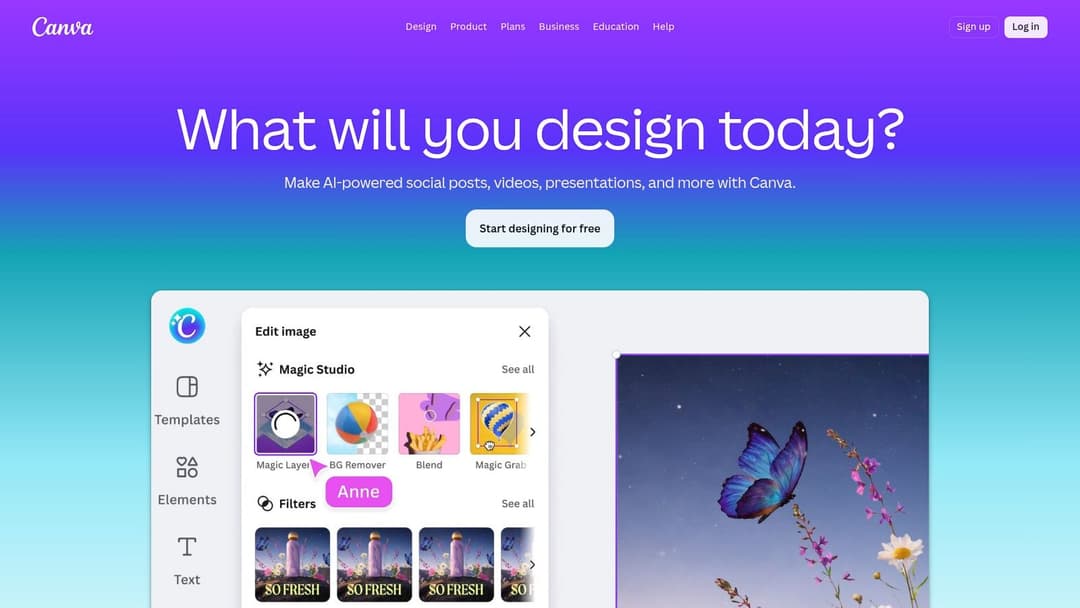
A paid social manager has 30 minutes before a creative review, three new offers to promote, and six placements to fill. Canva fits that situation better than many image-first generators because it turns AI output into usable ad assets inside the same workspace.
That matters for performance teams. The bottleneck is often not concept generation. It is getting from rough visual idea to on-brand creative in the right size, with copy, CTA treatment, and brand elements added fast enough to launch the test this week.
Canva’s AI image tools are built into a design platform your team can already use for layouts, resizing, and exports. Canva documents Magic Media and its broader AI feature set in its own product materials, which is the right frame for evaluating it here: Canva AI features.
Where Canva earns its spot in a paid social workflow
Canva is a strong fit for:
- building first-pass static ads from offer hooks
- turning one concept into multiple aspect ratios
- pairing AI visuals with headlines, pricing, and promo language
- producing UGC-style quote cards and simple product promo graphics
- handing off editable files to media buyers, designers, or clients without extra software
For performance marketers, the practical advantage is workflow compression. Generate the background or hero image, place the offer, apply brand colors, duplicate versions, and export variants for Meta or display. Fewer handoffs usually means more tests shipped.
If you’re comparing all-in-one design speed against specialized creative systems, this breakdown of Canva vs AI ad creative tools gives the useful distinctions.
The trade-off performance teams should understand
Canva is not the tool I’d pick when the campaign depends on highly distinctive image generation or tight prompt control. Dedicated generators usually give you more range, more stylistic precision, and better upside for concept originality.
Canva wins on production efficiency.
That makes it valuable for growth teams running recurring offer tests, local service advertisers refreshing static creatives every week, and agencies that need acceptable assets at volume without moving between five tools. My recommendation is simple: use Canva for fast production and modular ad assembly. Use a more image-focused generator upstream when the visual concept itself is the variable you’re testing.
Website: Canva
10. Krea
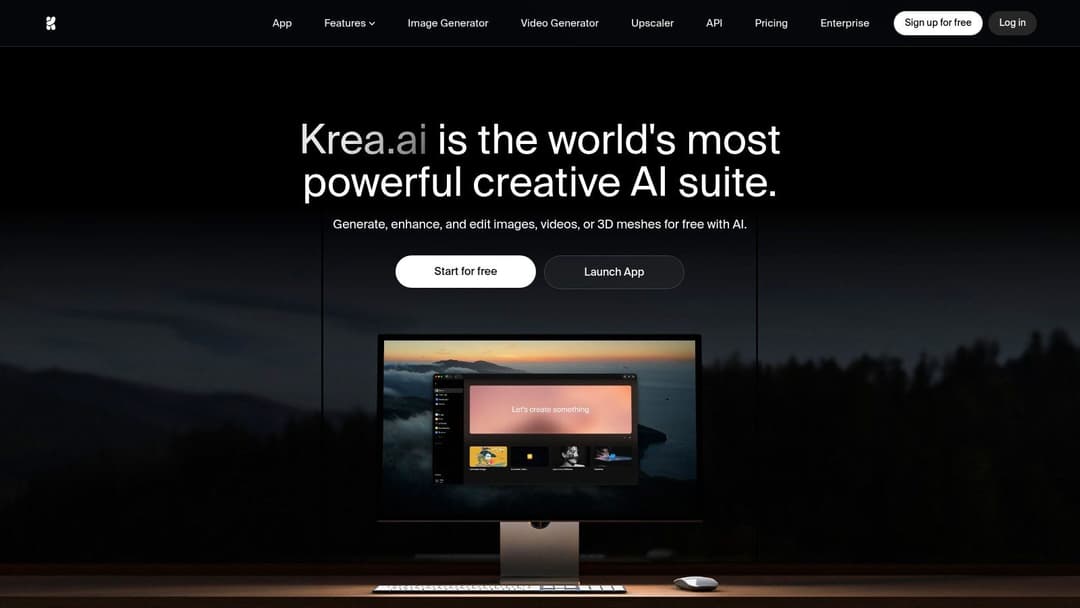
Krea is the most interactive tool in this list. Its real-time generation style changes how you think about concepting because you’re not waiting for every prompt cycle to finish before adjusting direction.
That’s useful when creative teams need speed of exploration more than final-polish depth.
What makes Krea different
Krea’s free plan includes a daily compute allowance, and the plan notes for this article specify that it supports roughly a limited batch of daily image generations before paid usage kicks in. The bigger point is the interface. Real-time visual feedback makes Krea feel closer to sketching with AI than sending prompts into a queue.
That works well for:
- moodboarding
- reference-guided concepting
- quick angle changes
- visual experimentation during live brainstorms
- first-draft frames for later production
The commercial reality
Krea’s main drawback for advertisers is licensing. Free-plan creations aren’t licensed for commercial use, so you need a paid tier if you want to move outputs directly into campaign production.
That doesn’t make the free plan useless. It changes its role.
Use Krea for:
- internal ideation
- style discovery
- pre-production exploration
- collaborative visual thinking
Then recreate or refine the winning directions inside a commercially safer tool before launch.
This setup works well for agencies. A strategist can explore visual territory fast in Krea during concept development, then hand stronger, clearer prompts and references to the production team.
If you expect the free plan to serve as your end-to-end ad asset engine, you’ll hit a wall. If you use it as a creative acceleration layer, it’s one of the more interesting tools on the list.
Website: Krea
Top 10 Midjourney-Free Alternatives: Quick Feature Comparison
| Tool | Key Features | Quality & Usability | Value Proposition | Best For | Pricing & Privacy |
|---|---|---|---|---|---|
| Leonardo AI | Image/video models, canvas in/outpainting, API, token system | Fast queueing, strong export & asset storage | Rapid concepting + high-volume A/B drafts | Top-of-funnel creative ideation | Generous free tokens; free outputs public, commercial license granted but platform retains ownership |
| Playground (Playground v3) | Template-driven design surfaces, v3 model, mobile app | Low friction, templates for correct aspect ratios | Quick ad mockups and social variants | Fast template-based ads, banners, logos | Free tier with tight limits; Pro unlocks upscaling/background removal |
| Ideogram | Text-in-image layers, Canvas editor, Magic Prompt | Best-in-class typography and readable layouts | Directly embed headlines/offers in images | Ads/posters where on-image copy matters | Free public generations; privacy/commercial rights on paid tiers |
| Mage.space | Wide model zoo (SD/FLUX/XL), LoRA/ControlNet, inpainting | Experimental sandbox, model switching for style testing | Discover unexpected visual angles at no cost | Exploratory ideation and style discovery | Perpetual free mode; quality/safety vary by model; paid for HD/video |
| Microsoft Designer / Copilot | DALL·E-powered canvas, M365 integration, templates | Simple UX, conversational prompts (DALL·E3) | Fast workflow inside Microsoft ecosystem | Teams using Microsoft 365 for ads/presentations | Monthly credits free; higher limits with M365/Copilot subscriptions |
| Adobe Firefly | Image/vector/video/audio gen, Creative Cloud integration | Brand-safe outputs, seamless handoff to Adobe apps | Commercially safe enterprise-ready assets | Risk-averse brands needing PS/CC workflows | Free credits; paid plans for large monthly credits and premium features |
| Google Flow (Labs) | Imagen-family models, consolidated tools, style chips | Strong photorealism and prompt fidelity | High-fidelity lifestyle and aspirational imagery | Photorealistic DTC creatives (people/product in scenes) | Free in Labs (subject to change); product/features in flux |
| NightCafe Studio | Credit system, daily free credits, community galleries | Predictable free credit stream, mobile apps | Ongoing inspiration + steady low-cost testing | Overcoming creative blocks; community-driven ideas | Daily free credits + engagement rewards; paid for faster queues/limits |
| Canva AI Image Generator | On-canvas gen, templates, resizing/export tools | Fast path to finished, correct-aspect creatives | From prompt to deployable ad in minutes | Solo marketers and quick retargeting ad production | Limited free AI credits; Pro/Teams expand limits and features; clear licensing docs |
| Krea | Real-time generation canvas, multiple models, API | Live visual feedback as you type/draw; upscaling | Rapid prototyping and collaborative brainstorming | Team ideation sessions and real-time concepting | Daily free compute units (non-commercial on free tier); paid for commercial rights/features |
From Prompt to Profit Activating Your AI Creative Strategy
The old model was simple. Brief a designer. Wait for first concepts. Ask for revisions. Launch a few ads. Hope one works.
That model breaks when you’re buying media at speed.
Paid social now rewards teams that can test more ideas, faster, with tighter feedback loops between creative and performance. That doesn’t mean replacing designers. It means giving your team a faster way to produce raw material for testing, learn what resonates, and then invest real design attention where the market responds.
That’s where a strong midjourney free alternative earns its keep.
The best use of these tools isn’t “make finished ads from a prompt.” That’s too shallow. The better use is to create a practical creative pipeline:
- Start with angle generation: Build ten to twenty visual directions around one offer.
- Filter by campaign objective: Keep the concepts that fit prospecting, retargeting, or branded education.
- Adapt by placement: Resize and reframe for feed, story, reels cover, and display.
- Add proof and copy: Use tools with stronger text handling or design surfaces for claims, offers, and CTAs.
- Launch in batches: Put variants into market quickly enough to learn before fatigue sets in.
- Promote winners into polished production: Once an angle proves itself, invest in stronger refinement.
That workflow is what turns AI generation from novelty into a powerful advantage.
Different tools belong in different stages. Leonardo AI is good for high-volume concepting. Ideogram is strong when the image must carry readable text. Canva and Microsoft Designer are practical when speed to ad-ready layout matters more than artistic control. Adobe Firefly is the safer handoff when a brand team needs cleaner governance. Mage.space and Krea are useful when experimentation and visual range matter most. NightCafe and Google Flow can support ideation and reference gathering without a heavy setup burden.
There’s also an important lesson in what doesn’t work.
What usually fails is trying to force one platform to do everything. Searching for a single perfect replacement for Midjourney often wastes time. That isn’t the best approach. The stronger move is building a small stack that matches your actual workflow. One tool for generating concepts. One for shaping layouts. One for refining launch assets. One for scaling proven patterns.
That stack becomes more powerful when paired with a testing discipline. If your prompts are random, your results will be random. If your creative process is anchored to audience pain points, offer framing, category awareness level, and placement context, AI tools can multiply output without wrecking quality.
A simple example:
A DTC brand wants to push a bundle offer. First, generate multiple visual hooks around convenience, savings, and premium feel. Then turn the strongest directions into feed and story statics. Add short, legible copy overlays. Launch variants across different audience segments. Review which combination of visual angle and message gets the strongest downstream signals. Only then decide what deserves more budget or designer time.
That’s the point. More throughput. Better filtering. Faster learning.
If you’re also evaluating broader creative workflows, these AI Product Photography Tools are another useful category to explore, especially for brands that need more product-led visuals in ads and landing pages.
Pick one tool from this list and generate your first ten ad concepts today. Not fifty. Not a giant stack rebuild. Just ten concepts around one offer, one audience, and one campaign goal. That’s enough to expose gaps in your briefing, sharpen your prompts, and show your team where AI fits.
The teams that win won’t be the ones with the fanciest prompts. They’ll be the ones that turn faster creative iteration into better media decisions and, eventually, better profit.
If you're ready to move beyond making individual AI images and start launching real campaign variations at scale, AdStellar AI is built for that next step. It helps performance teams generate, test, and scale Meta ad combinations far faster, using AI to organize creative, copy, audiences, and performance insights in one workflow. For marketers who are done juggling prompts across disconnected tools, AdStellar turns creative output into launch-ready execution.


