
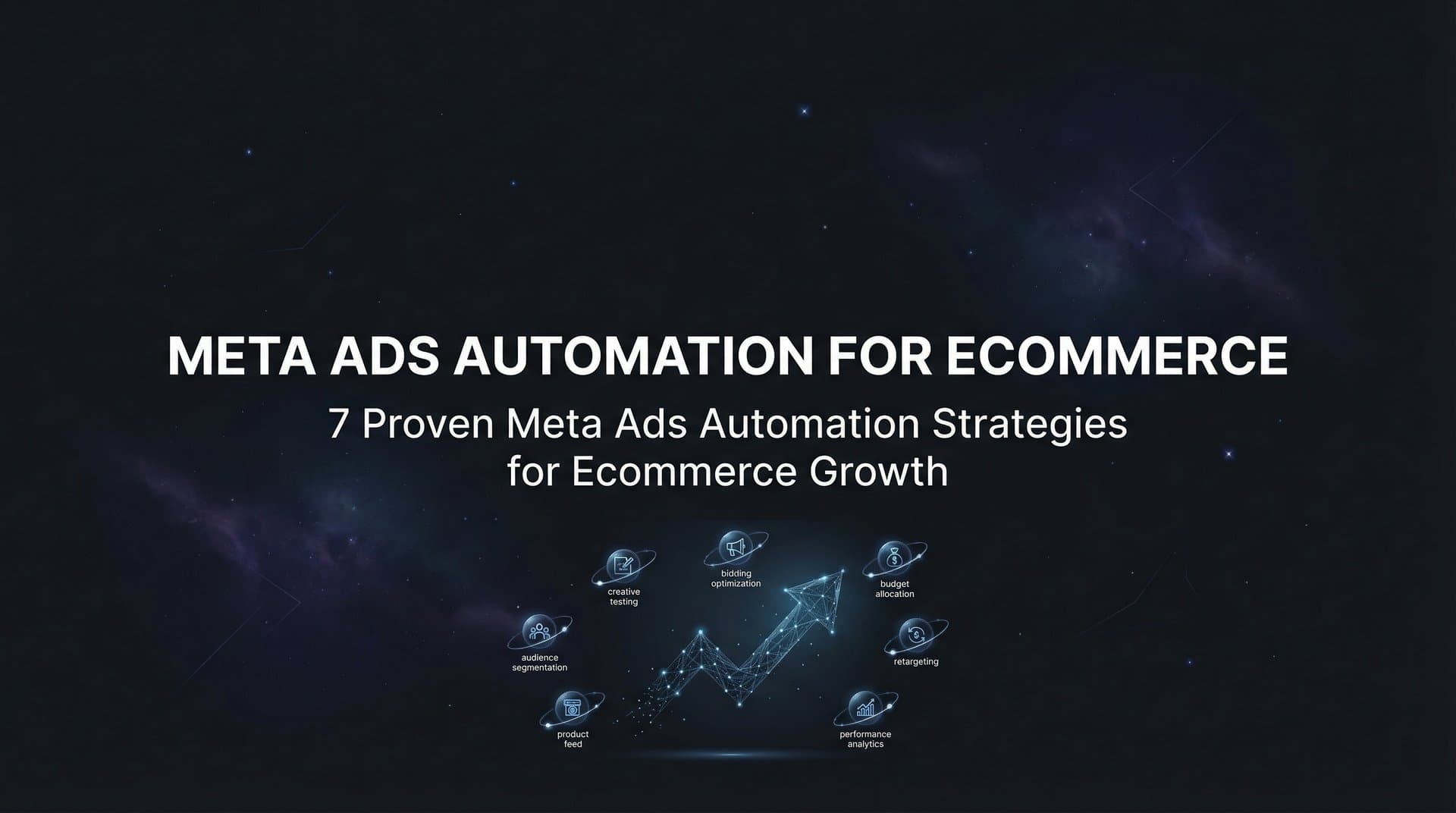
Running Meta ads for ecommerce without automation is like trying to fill a swimming pool with a teaspoon. You might eventually get there, but you will burn out long before seeing results. Ecommerce brands face a unique challenge: they need to test dozens of product creatives, manage dynamic inventory changes, and scale winning campaigns quickly during peak seasons. Manual campaign management simply cannot keep pace with the speed ecommerce demands.
Meta ads automation transforms how online stores approach paid advertising by handling repetitive tasks, testing variations at scale, and surfacing insights that would take humans days to uncover. This guide covers seven battle-tested automation strategies specifically designed for ecommerce businesses looking to improve their Meta advertising efficiency and results.
1. Automate Creative Generation from Product Feeds
The Challenge It Solves
Ecommerce brands with large product catalogs face an impossible creative production bottleneck. Creating unique ads for 50, 100, or 500 products requires designers, video editors, and weeks of production time. By the time you finish, your inventory has changed, trends have shifted, and your competitors have already captured market attention. Manual creative production cannot scale with ecommerce demands.
The Strategy Explained
AI-powered creative automation generates scroll-stopping image ads, video ads, and UGC-style content directly from your product URLs or catalog data. The technology analyzes product information, extracts key selling points, and creates multiple creative variations without human intervention. You can generate dozens of ad variations in minutes rather than waiting days for design teams to deliver.
This approach works particularly well for product launches, seasonal promotions, and testing new markets. Instead of guessing which creative style resonates with your audience, you generate multiple formats and let performance data guide your decisions. Understanding AI marketing automation for Meta ads helps brands leverage these capabilities effectively.
Implementation Steps
1. Connect your product catalog or prepare product URLs for the items you want to advertise.
2. Select your creative formats: static images, video ads, or UGC-style avatar content depending on your campaign goals.
3. Use AI to generate multiple creative variations for each product, testing different angles, messaging, and visual styles.
4. Review and refine generated creatives using chat-based editing tools to align with brand guidelines.
5. Launch all variations simultaneously to identify which creative styles drive the best performance for each product category.
Pro Tips
Generate creatives in batches organized by product category or promotion type. This organization makes it easier to analyze which creative approaches work best for different product types. For seasonal campaigns like Black Friday, prepare creative variations weeks in advance so you can launch immediately when the promotional window opens.
2. Deploy Bulk Ad Variation Testing
The Challenge It Solves
Ecommerce success depends on finding the winning combination of creative, headline, audience, and copy. Testing these elements one at a time takes months. You need to know what works now, not three months from now when your product line has changed and your budget has been wasted on underperforming ads.
The Strategy Explained
Bulk ad launching creates hundreds of ad variations by mixing multiple creatives, headlines, audiences, and copy variations at both the ad set and ad level. Instead of manually creating each combination, automation generates every possible variation and launches them to Meta in minutes. This comprehensive testing approach surfaces winners faster because you are testing everything simultaneously rather than sequentially.
Think of it like running a massive scientific experiment where you test all variables at once instead of changing one factor at a time. The data you collect becomes exponentially more valuable because you can see how different elements interact with each other. This is a core advantage when comparing Meta ads automation vs manual creation approaches.
Implementation Steps
1. Prepare your testing elements: select 5-10 creatives, 3-5 headlines, 3-5 audience segments, and 2-3 copy variations.
2. Define your testing structure at both ad set level (audiences, placements) and ad level (creatives, headlines, copy).
3. Use bulk launching tools to generate every combination of your testing elements automatically.
4. Set consistent budgets across ad sets to ensure fair testing conditions.
5. Let campaigns run for 3-7 days to gather sufficient performance data before making optimization decisions.
Pro Tips
Start with a smaller test matrix if you are new to bulk launching. Testing 5 creatives with 3 headlines and 3 audiences creates 45 ad variations, which provides plenty of data without overwhelming your analysis. Once you are comfortable with the process, expand your testing scope to include more variables.
3. Build AI-Powered Campaign Structures
The Challenge It Solves
Campaign structure decisions impact everything: how Meta's algorithm learns, how your budget distributes, and which audiences see your ads. Get the structure wrong and you waste budget on the learning phase. Get it right and your campaigns scale efficiently. The problem is that optimal structure depends on your historical performance data, which most marketers struggle to analyze effectively.
The Strategy Explained
AI campaign builders analyze your past campaign performance to identify patterns in what works. The technology ranks every creative, headline, and audience by actual performance metrics, then builds complete campaign structures based on proven winners. Every decision comes with full transparency so you understand why the AI selected specific elements rather than just accepting black-box recommendations.
This approach is particularly powerful for ecommerce brands because it learns from your specific customer behavior. The AI identifies which product categories perform best with which audiences, which creative styles drive the highest return, and which messaging resonates most effectively. Exploring Meta ads campaign automation software reveals how these AI builders streamline the entire process.
Implementation Steps
1. Connect your Meta Ads account to allow AI access to historical campaign performance data.
2. Define your campaign goals clearly: whether you are optimizing for ROAS, CPA, conversion volume, or other metrics.
3. Let the AI analyze your data to identify top-performing creatives, audiences, headlines, and copy from past campaigns.
4. Review the AI's campaign recommendations and rationale for each decision to ensure alignment with your strategy.
5. Launch the AI-built campaign and monitor how it performs compared to your manually created campaigns.
Pro Tips
The AI gets smarter with every campaign you run. Your first AI-built campaign uses whatever historical data exists, but subsequent campaigns benefit from continuous learning. This creates a compounding advantage where your advertising efficiency improves over time rather than plateauing.
4. Implement Performance-Based Creative Scoring
The Challenge It Solves
You are running 50 different ads across multiple campaigns. Some perform brilliantly, others drain your budget with nothing to show. The challenge is identifying which specific creative elements drive success. Is it the product angle? The headline? The background color? Manual analysis of this data takes hours and often misses subtle patterns that separate winners from losers.
The Strategy Explained
Automated performance scoring ranks every creative element against your specific business goals. Instead of generic metrics, the system scores creatives based on what matters to your business: whether that is ROAS above a certain threshold, CPA below a target, or CTR benchmarks. This goal-based approach surfaces the ads that actually move your business forward rather than just generating vanity metrics.
The scoring system creates leaderboards for creatives, headlines, copy, audiences, and landing pages. You can instantly see which elements consistently perform well and which consistently underperform. This visibility transforms how you make creative decisions because you are working with data rather than intuition. Many brands discover these capabilities when they get started with Meta ads automation for the first time.
Implementation Steps
1. Define your performance benchmarks based on business goals: target ROAS, maximum CPA, minimum conversion rate, or other key metrics.
2. Configure automated scoring to evaluate every creative element against these benchmarks.
3. Review performance leaderboards daily to identify which ads exceed your targets and which fall short.
4. Analyze patterns in top performers to understand what creative characteristics drive success.
5. Use these insights to inform future creative production and testing priorities.
Pro Tips
Set different scoring criteria for different campaign objectives. Your prospecting campaigns might prioritize CTR and engagement while retargeting campaigns focus on conversion rate and ROAS. Tailoring your scoring approach to campaign type provides more actionable insights than using one-size-fits-all metrics.
5. Create a Winners Hub for Rapid Redeployment
The Challenge It Solves
You spent weeks testing to find that perfect ad creative that drives a 5x ROAS. Three months later, you want to use it in a new campaign but cannot remember which campaign it was in or what the exact targeting was. Your winning assets are scattered across dozens of campaigns with no centralized system for organizing and reusing them.
The Strategy Explained
A Winners Hub consolidates all your top-performing creatives, headlines, audiences, and copy in one organized location with real performance data attached. Instead of hunting through old campaigns, you select proven winners and instantly add them to new campaigns. This systematic approach to asset management ensures you are always building on success rather than reinventing the wheel.
For ecommerce brands running seasonal promotions, this becomes particularly valuable. Your Black Friday winners from last year become the foundation for this year's campaign. Your best-performing product category creatives inform how you approach new product launches. Reviewing best Meta ads automation tools can help you find platforms with robust asset management features.
Implementation Steps
1. Set performance thresholds that automatically tag ads as winners when they exceed your targets.
2. Organize winners by category: product type, campaign objective, audience segment, or creative format.
3. Include performance context with each winner: what metrics it achieved, what audience it targeted, when it ran.
4. When building new campaigns, browse your Winners Hub first to identify proven elements you can reuse or adapt.
5. Continuously update your Winners Hub as new campaigns identify new top performers.
Pro Tips
Treat your Winners Hub as a living creative library rather than a static archive. Regularly review older winners to see if they still perform well or if creative fatigue has set in. Some winners remain effective for months while others need refreshing after a few weeks of heavy exposure.
6. Automate Audience Optimization with Historical Data
The Challenge It Solves
Audience targeting makes or breaks ecommerce campaigns. Target too broadly and you waste budget on uninterested users. Target too narrowly and you limit your reach. Finding the sweet spot requires analyzing which audience segments actually convert, but this analysis typically happens manually and infrequently.
The Strategy Explained
AI-powered audience optimization analyzes your historical campaign data to identify high-performing audience patterns. The technology looks beyond surface-level demographics to understand behavioral patterns, interest combinations, and lookalike audience characteristics that drive conversions. This data-driven approach removes guesswork from audience selection.
The system continuously learns which audiences work best for different product categories, price points, and campaign objectives. Your summer apparel might perform best with one audience profile while your winter accessories resonate with completely different users. Automation surfaces these patterns automatically. Brands using Facebook ads software for ecommerce brands often see significant improvements in audience targeting efficiency.
Implementation Steps
1. Grant AI access to your historical campaign data including audience performance across all past campaigns.
2. Segment your analysis by product category, price point, and campaign objective to identify audience patterns.
3. Review AI recommendations for which audiences consistently drive the best performance for each product type.
4. Build new campaigns using these proven audience segments as your foundation.
5. Continue testing new audience variations while maintaining proven performers as your control group.
Pro Tips
Audience performance changes over time as markets shift and competition evolves. Set up monthly reviews of your audience performance data to catch trends early. An audience that worked brilliantly six months ago might be saturated now, while new opportunities emerge as your customer base evolves.
7. Set Up Real-Time Performance Dashboards
The Challenge It Solves
You wake up to discover a campaign burned through your daily budget in three hours with terrible results. Or worse, a winning campaign hit its daily cap early and stopped running while you slept. Real-time visibility into campaign performance determines whether you catch problems immediately or discover them after significant budget waste.
The Strategy Explained
Automated performance dashboards provide instant visibility into every campaign, ad set, and creative with real-time metrics and alerts. Instead of manually checking Ads Manager multiple times per day, you receive notifications when campaigns exceed targets or fall below thresholds. Daily leaderboards show you exactly what is working and what needs attention.
This real-time approach transforms how you manage campaigns. You can make optimization decisions based on current performance rather than yesterday's data. For ecommerce brands running time-sensitive promotions, this immediacy often means the difference between capitalizing on opportunities and missing them entirely. Understanding the differences between Meta ads automation vs Ads Manager highlights why dedicated dashboards provide superior monitoring capabilities.
Implementation Steps
1. Configure performance dashboards that display your most important metrics: ROAS, CPA, conversion rate, CTR, and spend.
2. Set up automated alerts for critical thresholds: when campaigns exceed budget limits, when ROAS drops below targets, when new campaigns start spending.
3. Create daily leaderboards that rank campaigns, ad sets, and creatives by your key performance indicators.
4. Schedule daily dashboard reviews at consistent times to maintain visibility without constant monitoring.
5. Use mobile access to check performance during off-hours without being chained to your computer.
Pro Tips
Customize your dashboard views for different purposes. Create one view for daily performance monitoring with high-level metrics and another for deep-dive analysis with granular data. This separation helps you quickly assess overall health while maintaining the ability to investigate specific issues when needed.
Putting It All Together
Implementing these seven automation strategies does not require a complete overhaul of your Meta advertising approach. Start with the strategy that addresses your biggest pain point. If creative production slows you down, begin with automated creative generation. If you struggle to identify what works, focus on performance scoring and winners hubs first.
The key is building a system where automation handles repetitive tasks while you focus on strategy and creative direction. Creative generation, bulk testing, and performance scoring eliminate hours of manual work. Campaign building and audience optimization leverage data you already have but struggle to analyze manually. Winners hubs and real-time dashboards ensure you are always building on success rather than repeating mistakes.
Ecommerce brands that embrace Meta ads automation gain a significant competitive advantage through faster testing, better insights, and more efficient scaling. While your competitors manually create ads one at a time, you are testing hundreds of variations simultaneously. While they guess at which audiences to target, you are using historical data to identify proven performers. While they discover problems days later, you are receiving real-time alerts that enable immediate optimization.
The technology exists today to transform how you run paid advertising. The question is whether you will use it before your competitors do. Start Free Trial With AdStellar and be among the first to launch and scale your ad campaigns 10× faster with our intelligent platform that automatically builds and tests winning ads based on real performance data.


