
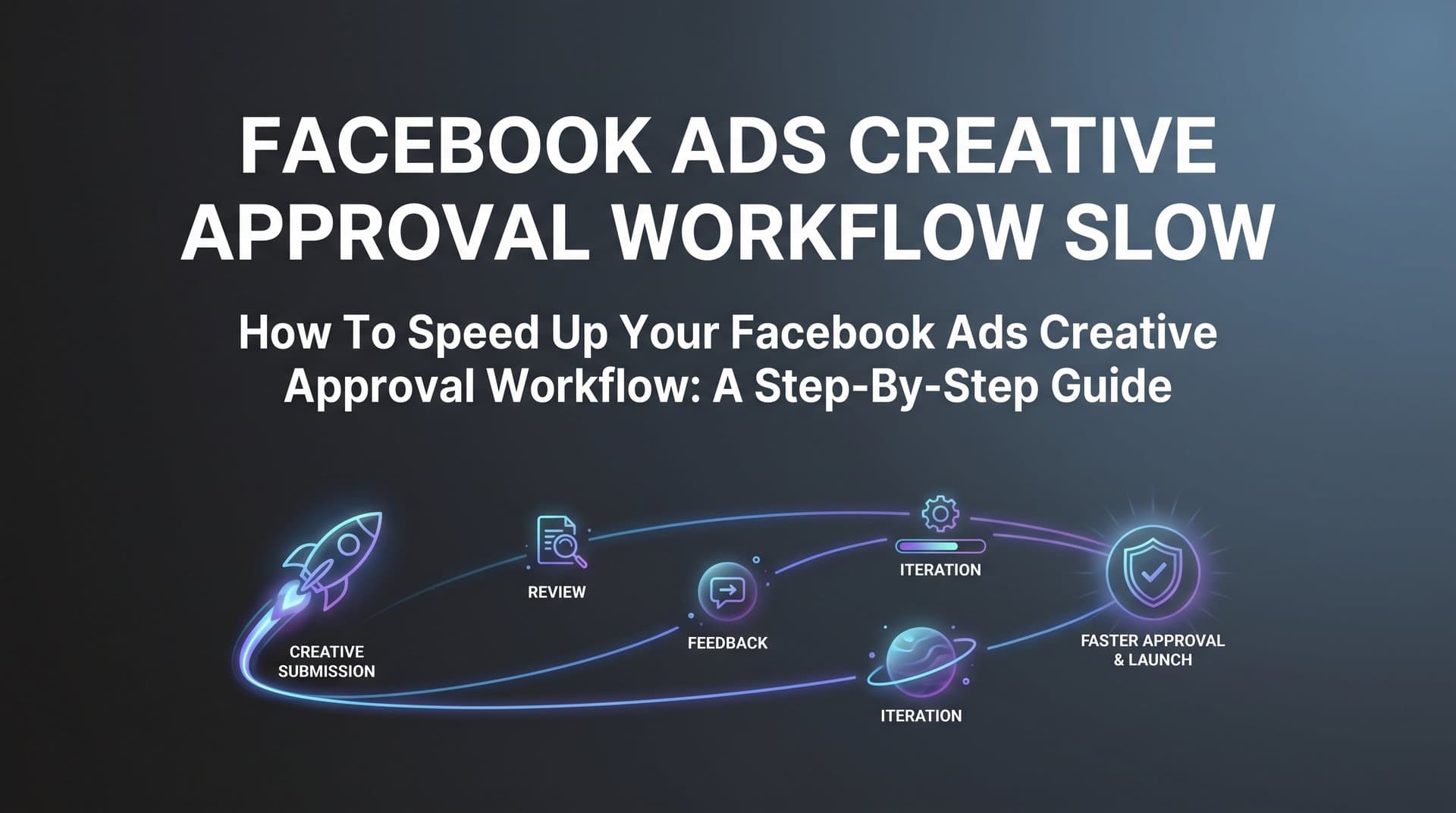
The creative approval process for Facebook ads often becomes the silent killer of campaign performance. While you wait for stakeholders to review and approve your ad creatives, market conditions shift, competitor campaigns gain traction, and your testing timeline compresses. What should take hours stretches into days or weeks as creatives bounce between designers, copywriters, brand managers, and executives. Each revision cycle adds more delay while your campaign calendar slips further behind.
The problem rarely stems from a single cause. Disconnected tools scatter feedback across email threads, Slack channels, and project management platforms. Unclear brand guidelines trigger subjective debates about colors, fonts, and messaging. Manual handoffs between creative teams and media buyers create communication gaps where context gets lost. Multiple approval layers add redundancy without adding value.
For performance marketers managing multiple clients or campaigns simultaneously, these delays compound exponentially. A five-day approval cycle for one campaign becomes manageable. A five-day cycle for ten campaigns running concurrently means you are constantly waiting on approvals rather than optimizing live ads.
This guide provides a systematic approach to diagnosing and fixing your creative approval workflow. You will learn how to identify where delays actually occur, eliminate unnecessary approval stages, consolidate feedback channels, leverage AI to accelerate creative production, and implement batch approval processes. Whether you work solo or coordinate across large teams, these steps will help you build a faster, more efficient system that gets your ads live when they matter most.
Step 1: Map Your Current Approval Process and Identify Bottlenecks
You cannot fix what you cannot see. Most marketers operate with a vague sense that approvals take too long without understanding exactly where time disappears. Start by documenting every single touchpoint from the moment someone requests a creative until that ad goes live on Facebook.
Pull up your last five campaigns and trace their path through your workflow. Who created the initial brief? How long until a designer started working on it? When did the first draft get delivered? Who reviewed it first, second, third? How many revision rounds occurred? What was the average turnaround time for each reviewer?
Use timestamps from your project management tools, email threads, and Slack conversations to build a realistic timeline. Many teams discover that what they thought was a three-day approval process actually takes seven to ten days when you account for weekends, delayed responses, and revision cycles.
Create a visual map of your workflow showing each stage as a box with the average time spent there. Include decision points where creatives can get rejected or sent back for revisions. This visualization often reveals surprising patterns. You might find that 60% of your approval time happens in a single stage, or that certain reviewers consistently take longer than others.
Look specifically for redundant approval stages. If both your brand manager and CMO review every ad for brand compliance, you have built-in redundancy. If your media buyer reviews creatives for strategic fit and then your account director reviews them again for the same reason, you are duplicating effort. Understanding these agency workflow problems is the first step toward solving them.
Identify communication gaps where feedback requires clarification. When a reviewer says "this does not feel right" without specifics, the creative team must guess at solutions. This triggers multiple revision rounds as they try different approaches hoping to hit the target.
Track how often creatives get approved on the first review versus requiring revisions. A high revision rate suggests unclear guidelines or misalignment between creative teams and approvers about what success looks like.
Success indicator: You have a documented workflow map showing average time at each stage, clear identification of your top three bottlenecks, and data on revision rates for different creative types.
Step 2: Establish Clear Creative Guidelines and Pre-Approved Templates
Most revision cycles happen because creative teams and approvers have different mental models of what constitutes acceptable work. A brand compliance checklist eliminates this ambiguity by defining exactly what must be included and what must be avoided.
Start by reviewing your last twenty rejected or heavily revised creatives. What were the most common reasons for rejection? Wrong colors? Unapproved fonts? Messaging that did not align with brand voice? Claims that required legal review? Build a checklist that addresses these recurring issues.
Your checklist should cover visual elements like approved color palettes, font families, logo usage rules, and image style guidelines. Include messaging guardrails such as tone of voice examples, prohibited claims, required disclaimers, and approved value propositions. Add technical requirements like image dimensions, file formats, and text-to-image ratios that comply with Facebook's policies.
Transform this checklist into pre-approved creative templates that handle the brand compliance heavy lifting automatically. A template with locked brand colors, approved fonts, and proper logo placement only requires the creative team to swap in new copy and product images. This dramatically reduces the surface area for subjective brand debates.
Build templates for your most common campaign types: product launches, seasonal promotions, retargeting ads, lead generation campaigns. Each template should include multiple layout variations so you maintain creative diversity while staying within brand guidelines. A robust creative management platform can help organize and distribute these templates across your team.
Define clear approval tiers for different creative elements. Full approval might be required for new campaign concepts, brand positioning changes, or legal-sensitive claims. Self-approval by media buyers could be sufficient for headline variations, audience targeting adjustments, or creative refreshes using pre-approved templates.
Create a library of approved messaging frameworks that creative teams can reference. Instead of writing ad copy from scratch each time, they can adapt proven frameworks that have already cleared legal and brand review. This includes headline formulas, body copy structures, and call-to-action variations that work for your brand.
Document your approved visual assets in a centralized library: product photos, lifestyle images, icons, graphics, and video footage that can be used without additional approval. When creative teams build from pre-approved components, the approval process focuses on strategy and execution rather than relitigating basic brand compliance. Effective creative library management ensures everyone can access these assets instantly.
Success indicator: The majority of your revision requests now focus on strategic improvements rather than basic brand compliance issues. Creative teams can self-serve approved assets and templates without waiting for approval on standard elements.
Step 3: Consolidate Feedback Channels and Set Response Deadlines
Scattered feedback kills approval velocity. When one approver comments in email, another in Slack, and a third in your project management tool, creative teams waste hours hunting down and consolidating input. Worse, conflicting feedback from different channels creates confusion about which direction to take.
Choose a single platform for all creative feedback and enforce it ruthlessly. Whether you use a project management tool, a creative collaboration platform, or a shared document system matters less than ensuring everyone uses the same channel. Make it clear that feedback delivered through other channels will not be incorporated.
Implement mandatory response windows with automatic escalation. When a creative lands in someone's approval queue, they have 24 hours to provide feedback. If they miss that deadline, approval automatically moves to the next person in the chain or escalates to their manager. This eliminates the common pattern where creatives sit in someone's inbox for days.
Replace vague feedback with structured feedback forms. Instead of allowing reviewers to write "this does not work," require them to complete specific fields: What element needs to change? Why does it need to change? What would success look like? This forces reviewers to think through their feedback and provide actionable direction.
Establish a clear hierarchy for conflicting feedback. When your brand manager wants blue and your CMO wants green, creative teams need to know whose input takes priority. Document decision-making authority for different creative elements so conflicts can be resolved immediately rather than triggering another round of reviews. The right workflow tools for teams can automate these escalation paths.
Use approval stages with clear gates. Stage one might be internal team review for strategic fit. Stage two could be brand compliance check. Stage three might be final executive sign-off. Creatives only advance to the next stage after clearing the previous one, preventing the chaos of everyone reviewing simultaneously and providing contradictory feedback.
Set up notification systems that alert reviewers when creatives enter their queue and remind them as deadlines approach. Make the approval queue visible to the entire team so everyone can see where bottlenecks occur and who is holding up the process.
Success indicator: All creative feedback lives in a single platform with clear timestamps. Reviewers consistently meet response deadlines. Conflicting feedback gets resolved quickly through established hierarchy rather than triggering endless revision cycles.
Step 4: Reduce Creative Production Time with AI-Powered Tools
The designer bottleneck often creates the longest delays in creative workflows. When every ad variation requires a designer to manually create layouts, source images, and export files, production capacity becomes the limiting factor. AI-powered creative tools eliminate this constraint by generating ad creatives in minutes instead of days.
Platforms like AdStellar allow you to generate scroll-stopping ad creatives directly from a product URL. The AI analyzes your product, pulls relevant images, generates compelling copy, and creates multiple ad variations automatically. This removes the dependency on designers for every creative iteration.
Instead of briefing a designer, waiting for drafts, providing feedback, and waiting for revisions, you can generate dozens of creative variations simultaneously. The AI handles image selection, layout design, copy generation, and formatting while you focus on strategic decisions about messaging and positioning. This level of creative automation transforms how teams operate.
Clone proven competitor creatives from Meta Ad Library to accelerate your concepting process. When you see a competitor running an ad for months, you know it is performing well. AI tools can analyze those winning creatives and adapt the format, structure, and approach for your brand. This gives you a proven starting point rather than concepting from scratch.
Generate UGC-style content without coordinating actors, scripts, or video shoots. AI can create avatar-based video ads that deliver the authentic, conversational feel of user-generated content without the production complexity. This opens up creative formats that were previously too time-consuming or expensive for most testing budgets.
The speed advantage compounds when you consider testing velocity. Traditional workflows might produce five creative variations over two weeks. AI-powered tools can generate fifty variations in an afternoon. This allows you to test more concepts, find winners faster, and iterate based on actual performance data rather than subjective opinions. Learn more about AI creative for Facebook ads to understand the full potential.
Chat-based creative editing makes refinements instant. Instead of sending feedback to a designer and waiting for updates, you can tell the AI exactly what to change and see results immediately. Want to try a different headline? Test a new call-to-action? Swap the product image? Each change happens in seconds.
Success indicator: Creative production time drops from days to hours. You can generate multiple variations of any concept without waiting for designer availability. Your testing volume increases significantly because creative production no longer limits your capacity.
Step 5: Implement Batch Approval for Creative Variations
Reviewing creatives one at a time forces approvers to context-switch constantly and makes it difficult to evaluate how variations work together as a testing strategy. Batch approval groups similar creatives for single review sessions, dramatically improving efficiency.
Instead of sending five headline variations for approval separately throughout the week, present all five together with context about your testing hypothesis. When approvers see the complete set, they can evaluate how the variations differ, whether they cover enough strategic ground, and which combinations make sense to test.
Frame batch approvals around testing plans rather than individual ads. Show approvers that you are testing three different value propositions across four audience segments with two creative formats. This strategic framing helps them understand why you need twenty-four ad variations and makes approval feel like endorsing a smart testing approach rather than rubber-stamping individual ads. Implementing creative testing automation makes this process even more streamlined.
Use bulk launching capabilities to prepare hundreds of ad combinations for simultaneous review. When you can mix multiple creatives, headlines, audiences, and copy variations at both the ad set and ad level, you create comprehensive testing matrices. Presenting these as cohesive plans rather than individual components makes approval sessions more efficient.
Set approval thresholds where minor variations of approved concepts can skip full review. If your approvers sign off on a creative concept, small variations like different headlines, alternative calls-to-action, or audience targeting adjustments should not require another full approval cycle. Define what constitutes a minor variation versus a new concept that needs review.
Schedule regular batch approval sessions rather than ad-hoc reviews. A weekly one-hour approval session where stakeholders review all pending creatives together is more efficient than scattered reviews throughout the week. Approvers can block time, maintain context, and make faster decisions when they review in batches.
Organize batches by campaign type or strategic objective. Group all product launch creatives together, all retargeting ads together, all seasonal promotions together. This allows approvers to evaluate consistency within each campaign and ensures strategic alignment across variations.
Success indicator: You approve more ads per review session with faster turnaround. Approvers spend less total time reviewing because they maintain context across related variations. Minor variations of approved concepts launch without requiring full review cycles.
Step 6: Create a Fast-Track Process for Time-Sensitive Campaigns
Some campaigns cannot wait for your standard approval workflow. Flash sales, competitive responses, trending topics, and breaking news require the ability to launch ads within hours rather than days. A fast-track process ensures you can capitalize on time-sensitive opportunities without abandoning quality controls.
Define clear criteria for what qualifies as urgent. Is it a competitive threat? A trending topic relevant to your brand? A time-limited promotion? Establishing objective criteria prevents fast-track abuse while ensuring legitimate urgent campaigns get priority treatment.
Identify a single decision-maker who has authority to invoke fast-track approval and make final creative decisions. This might be your head of marketing, your agency lead, or your most senior media buyer. The key is eliminating committee review for urgent situations where speed matters more than consensus. Having the right media buyer tools enables this rapid response capability.
Pre-approve campaign frameworks for predictable events. You know when Black Friday happens. You know your product launch dates. You know major industry conferences and seasonal peaks. Build and approve creative frameworks for these events in advance so you only need to update specific details when the time comes.
Create a library of evergreen creatives that can launch immediately when opportunities arise. These are ads that work year-round for your core value propositions, approved in advance and ready to activate. When you need to respond quickly, you can launch proven evergreen ads while developing custom creatives for the specific opportunity.
Establish a streamlined review process for fast-track campaigns. Instead of your standard multi-stage approval, fast-track might involve a single reviewer who checks for major brand violations and legal issues before launch. Document what gets reviewed in fast-track mode versus standard approval so everyone understands the trade-offs.
Build rapid response templates for common urgent scenarios. If a competitor launches a new feature, you have a template ready to highlight your advantages. If a trending topic aligns with your brand, you have a framework for jumping on it. These templates combine pre-approved messaging with flexible elements you can customize quickly.
Success indicator: Urgent campaigns can go live within hours instead of days. You successfully capitalize on time-sensitive opportunities that would have passed using your standard approval workflow. Fast-track usage remains limited to genuinely urgent situations rather than becoming the default for poor planning.
Step 7: Measure and Continuously Optimize Your Approval Workflow
Workflow optimization is not a one-time project. As your team grows, campaigns evolve, and market conditions change, your approval process needs continuous refinement based on actual performance data.
Track key metrics that reveal workflow health. Time from creative brief to campaign launch shows your end-to-end speed. Number of revision rounds per creative indicates alignment between creators and approvers. Approval queue length reveals bottlenecks. Percentage of creatives approved on first review suggests guideline clarity.
Review these metrics monthly with your team. Look for trends over time. Is your approval speed improving or degrading? Are certain creative types consistently requiring more revisions? Do specific approvers create bottlenecks? Use this data to identify problems before they become critical. A comprehensive workflow optimization guide can help structure this ongoing improvement process.
Connect approval workflow metrics to campaign performance. Do creatives that go through more revision rounds perform better or worse than those approved quickly? Does faster time to launch correlate with better results? This analysis helps you balance speed with quality and identify where additional review adds value versus creating unnecessary delay.
Use performance insights from your campaigns to inform future creative direction and reduce wasted approval cycles. When you know which creative types consistently win, you can prioritize similar concepts and reduce time spent developing and approving approaches that rarely succeed. AI-powered platforms surface these winning patterns automatically through leaderboards and performance scoring.
Implement feedback loops where campaign results inform creative guidelines. If certain messaging frameworks consistently outperform others, add them to your approved templates. If specific visual styles generate higher engagement, update your brand guidelines to encourage more of that approach. This creates a learning system where your approval process gets smarter over time.
Survey your team quarterly about workflow pain points. Creative teams, approvers, and media buyers all experience the approval process differently. Regular feedback helps you identify friction points that metrics might miss and ensures your optimizations address real problems rather than perceived ones.
Benchmark your approval speed against industry standards and your own historical performance. Are you getting faster? How do you compare to similar organizations? While every workflow is unique, understanding where you stand helps set realistic improvement targets.
Success indicator: You have measurable improvement in approval speed and reduction in revision rounds over time. Your team can articulate specific workflow changes that led to improvements. Campaign performance data informs creative strategy and reduces time spent on approaches that rarely succeed.
Putting It All Together
A faster creative approval workflow directly impacts your advertising performance. Every day your ads sit waiting for approval is a day competitors capture your audience, market conditions shift, and opportunities disappear. The marketers who test fastest learn fastest and gain compounding advantages over slower competitors.
Quick reference checklist for implementation:
Map your current workflow with actual timestamps from recent campaigns to identify where delays occur. Most teams discover their approval process takes twice as long as they thought.
Create pre-approved templates and comprehensive brand guidelines that eliminate subjective debates about basic compliance. When creative teams build from approved components, reviews focus on strategy instead of fonts and colors.
Consolidate all feedback into one platform with mandatory response deadlines. Scattered feedback across multiple channels creates chaos. Structured feedback forms with clear hierarchies resolve conflicts quickly.
Use AI tools to generate creatives in minutes instead of days. Platforms like AdStellar eliminate the designer bottleneck by generating image ads, video ads, and UGC-style content from product URLs or by cloning proven competitor concepts. This transforms creative production from your slowest step to your fastest.
Batch similar creatives for efficient approval sessions. Reviewing variations together with strategic context allows approvers to make faster decisions and evaluate how concepts work as a cohesive testing plan.
Establish fast-track protocols for genuinely urgent campaigns. Pre-approved frameworks for predictable events and a single decision-maker for time-sensitive opportunities ensure you can capitalize on fleeting windows.
Track approval metrics monthly and optimize based on data. Time from brief to launch, revision rounds, and approval queue length reveal workflow health. Connect these metrics to campaign performance to balance speed with quality.
The difference between a three-day approval cycle and a three-week cycle is not just time. It is the difference between testing ten concepts versus one. It is the difference between launching while a trend is hot versus arriving after it has passed. It is the difference between continuous optimization and sporadic campaign updates.
Start implementing these steps today to transform your approval workflow from a bottleneck into a competitive advantage. Start Free Trial With AdStellar and experience how AI-powered creative generation and intelligent campaign building can collapse your timeline from concept to live campaign, automatically testing hundreds of variations and surfacing your winners with real performance data.


