For small businesses, the idea that significant growth requires a significant budget is a persistent myth. The most effective way to reach new customers often lies in overlooked, powerful, and entirely free channels. This guide moves past generic advice to deliver a tactical playbook on free advertising for small business, demonstrating how to turn no-cost platforms into high-performing marketing engines.
We will break down seven essential platforms, from local listings to professional networks. For each one, you will find direct instructions, micro-templates for your posts, and clear guidance on how to prioritize your efforts for maximum impact. Forget abstract theories; this is about execution. You'll learn how to set up and optimize profiles on platforms like Google Business Profile, Apple Business Connect, and Nextdoor to capture local intent. We’ll also show e-commerce brands how to get their products seen on Google’s free shopping listings and B2B companies how to build authority using LinkedIn’s organic tools.
This resource is built for action. Every platform discussed includes direct links and specific examples to show you precisely what to do. The goal is simple: to provide a clear, direct path to acquiring customers, building brand credibility, and driving measurable results without spending a dime on ads. These methods aren't just workarounds; they are foundational strategies for sustainable growth. Let's get started.
1. Google Business Profile
For any small business with a physical location or a defined service area, a Google Business Profile (GBP) is the most powerful tool for free advertising available. This isn't just a simple directory listing; it's a dynamic, interactive storefront that appears directly in Google Search results and on Google Maps. When potential customers search for "coffee shop near me" or "plumber in Fort Myers," a well-managed GBP puts your business front and center, complete with photos, reviews, hours, and contact information.
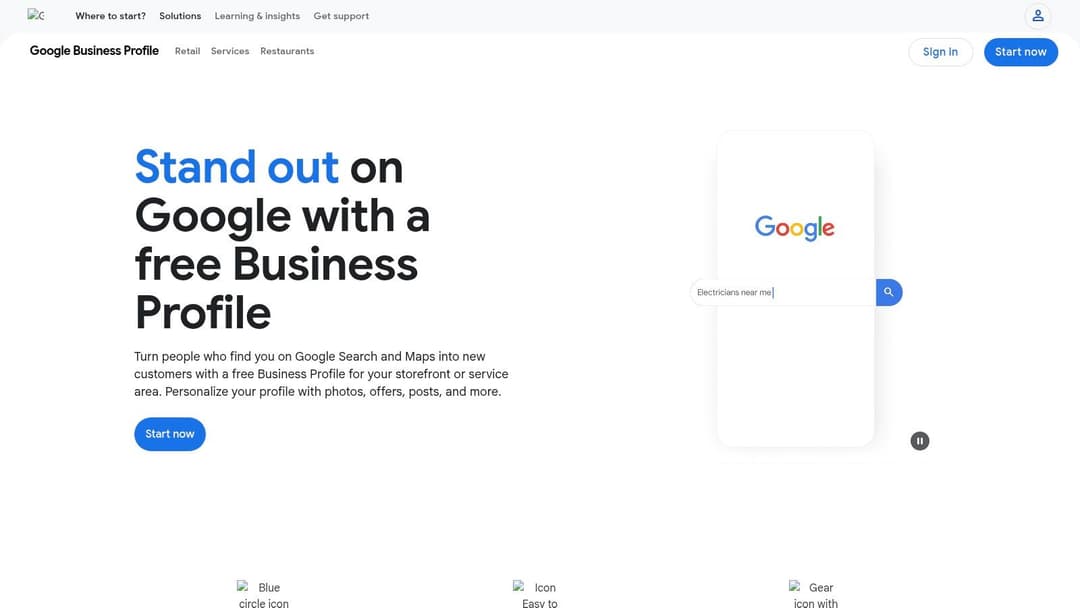
The platform is entirely free to use and provides a suite of features that directly drive customer action. You can publish "Posts" much like you would on social media, highlighting special offers, new products, or company news. These posts appear on your profile for a set period, creating a sense of timely relevance. The Q&A feature allows prospects to ask questions publicly, and your prompt answers can build trust and provide valuable information to other searchers.
How to Get the Most Out of Your Profile
Effective management is key to turning a static listing into a customer-generation machine. Simply creating a profile and walking away is not enough.
- Complete Every Section: Fill out every available field, including services, accessibility options, and business attributes (e.g., "woman-owned"). The more data you provide, the better Google can match you to relevant searches.
- Upload High-Quality Photos and Videos: Regularly add images of your storefront, products, team, and happy customers. This visually communicates your brand and builds credibility.
- Encourage and Respond to Reviews: Customer reviews are a major trust signal. Actively ask satisfied customers for reviews and always respond to new ones, both positive and negative. A thoughtful response to criticism can often win over skeptical prospects. For an in-depth look at making the most of your listing, refer to this guide on how to optimize your Google Business Profile.
- Enable Messaging: Allow customers to send you a direct message from your profile. Responding quickly to these inquiries can capture leads that might otherwise be lost. While managing these messages manually is straightforward, businesses with higher volumes can find great value in marketing automation software for small business to streamline communications.
Ultimately, Google Business Profile stands out because it targets customers with high purchase intent at the exact moment they are looking for a solution. It's a cornerstone of any local marketing strategy and offers some of the most effective free advertising for small business imaginable.
Website: google.com/business
2. Apple Business Connect (Apple Maps)
While Google dominates search, overlooking Apple’s massive ecosystem is a missed opportunity for any business targeting iPhone users. Apple Business Connect is the company's free portal that allows businesses to manage their presence across Apple Maps, Siri, Wallet, and other native apps. For the millions of users who default to Apple Maps for navigation, having a complete and attractive profile is essential for discoverability and provides another powerful form of free advertising for small business.
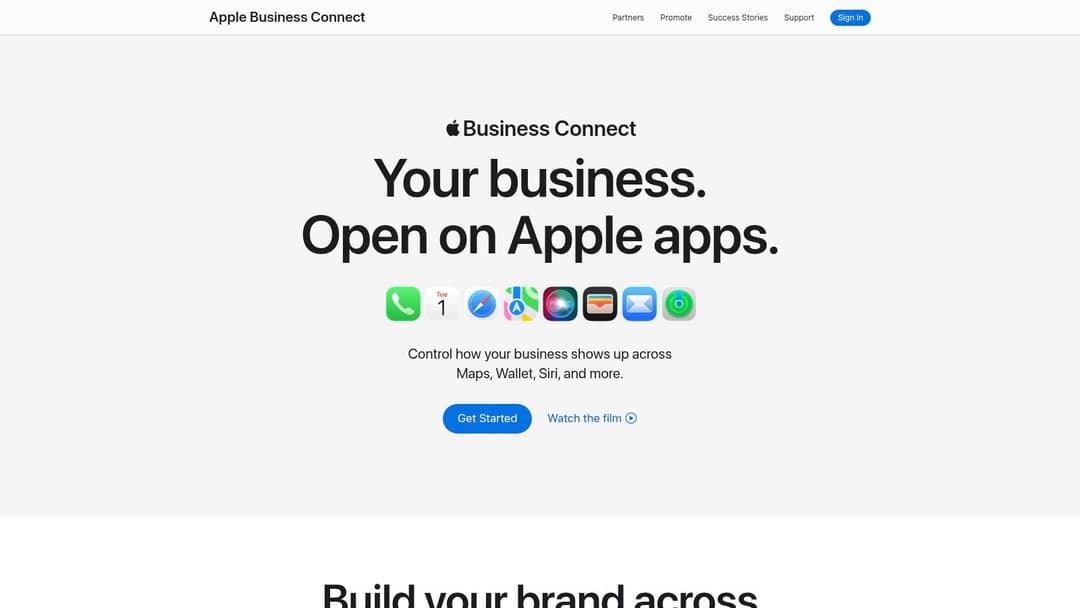
The platform is completely free and focuses on creating a clean, branded, and actionable “place card” for your business. This place card is what users see when they find you on Apple Maps. You can customize it with photos, logos, hours, and direct actions like ordering food, making a reservation, or scheduling an appointment. A key feature is "Showcases," which lets you promote special offers, events, or new products directly on your Maps profile, giving customers a timely reason to visit.
How to Get the Most Out of Your Profile
Claiming your Apple Business Connect profile is the first step; optimizing it ensures you capture the attention of Apple’s user base. The verification process can be more stringent than Google’s, often requiring official documentation, but this diligence helps maintain the quality of the listings.
- Customize Your Place Card Fully: Don't just add your address and hours. Upload a high-resolution logo and cover photo that represent your brand well. Use the "Highlights" feature to call out key attributes like "Free Wi-Fi" or "Outdoor Seating."
- Use Action Buttons: Integrate your existing service providers to add direct action buttons. For example, a restaurant using ChowNow can add an "Order Food" button, while a salon using Square can add a "Book an Appointment" button. These actions convert user interest into direct business.
- Create Timely Showcases: Think of Showcases as mini-ads. Promote a weekend sale, a new menu item, or a holiday special. These have a start and end date, making them perfect for timely marketing pushes that drive immediate traffic.
- Monitor Insights: Apple provides analytics showing how many users saw your business, their actions (like getting directions or visiting your website), and what search terms they used. Use this data to understand how customers are finding you and what they care about.
Apple Business Connect is a critical tool for reaching a premium demographic that often defaults to Apple’s native applications. It provides a clean, controlled branding experience that builds trust and drives action, making it a vital component of a modern local marketing strategy.
Website: businessconnect.apple.com
3. Bing Places for Business
While Google dominates the search engine market, ignoring its closest competitor, Bing, means leaving a significant slice of potential customers on the table. Bing Places for Business is Microsoft's equivalent of Google Business Profile, offering a free listing that appears in Bing Search results and on Bing Maps. For small businesses, this represents a completely free channel to reach a different, yet valuable, audience, including users of Microsoft Edge, Windows search, and devices like the Amazon Echo.
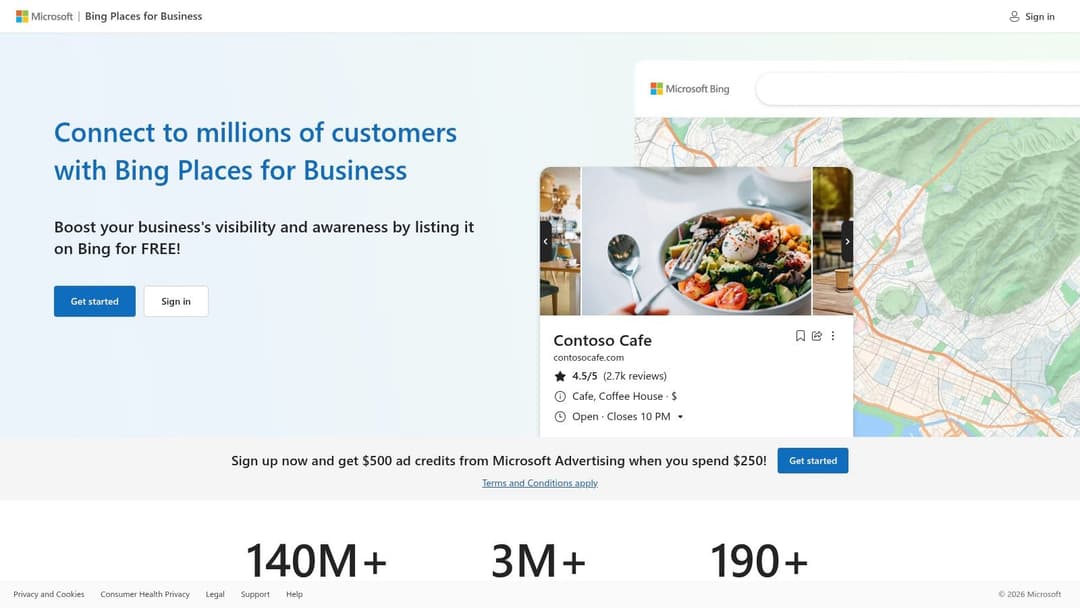
The platform is entirely free and functions similarly to its Google counterpart. You can add or claim your business listing, manage crucial details like hours of operation and contact information, and upload photos to showcase your products or services. Although the traffic volume is generally lower than what Google provides, the audience can be less saturated with competition, making it easier for your business to stand out. This makes Bing Places an excellent, low-effort addition to your local marketing toolkit.
How to Get the Most Out of Your Profile
The single best feature of Bing Places is its integration with Google Business Profile. This connection dramatically reduces the administrative burden of maintaining a separate listing and is the key to getting started quickly.
- Import from Google Business Profile: During setup, Bing gives you the option to import your data directly from your existing Google Business Profile. This action pulls over your business name, address, phone number, photos, and other details in minutes. It also allows for ongoing synchronization, so updates made on your GBP can be automatically reflected on Bing.
- Complete and Verify Your Listing: Even after importing, double-check that all information is accurate and complete. Fill in any Bing-specific fields that may not have been part of the import. Verification is a necessary step to prove you own the business, typically done via a phone call, email, or postcard.
- Add High-Quality Photos: Just like on Google, visual content is critical. Ensure your profile includes compelling, high-resolution images of your storefront, products, services, and team. Fresh photos help your listing appear active and more appealing to potential customers.
- Manage Multiple Locations Efficiently: For businesses with more than one location, Bing Places offers a bulk upload tool and API support. This allows for streamlined management, ensuring consistency across all your business listings without tedious manual entry for each one.
While it may not drive the same volume as Google, Bing Places for Business is a prime example of effective free advertising for small business. By investing just a small amount of time, you can capture an entirely different segment of the market at zero cost, making it a valuable and efficient addition to your digital presence.
Website: bingplaces.com
4. Yelp for Business (free Business Page)
For businesses in the service, retail, and hospitality sectors, a Yelp for Business Page is a critical piece of free advertising. While it shares some similarities with other directory platforms, Yelp functions as a powerful, review-driven community where users actively seek recommendations and evaluate options before making a purchase. A well-maintained profile on Yelp can capture customers who are deep into the decision-making process and looking for social proof to finalize their choice.
Claiming your free business page is the first step to influencing how your brand appears to the platform's millions of users. It provides a robust toolkit for free, allowing you to showcase business details, add high-quality photos, list your services, and communicate directly with potential customers. Many Yelp users contact a business within a week of their search, highlighting the strong buyer intent present on the platform and making it a vital channel for free advertising for small business.
How to Get the Most Out of Your Profile
Simply claiming your page isn't enough; active management is necessary to build trust and attract customers. A neglected Yelp profile can be more harmful than no profile at all.
- Complete and Curate Your Page: Fill out every detail, from operating hours and service specialties to health and safety measures. Use the "Business Information" section to tell your story and define what makes your business unique.
- Upload a Variety of High-Quality Photos: Showcase your location, products, services, and team. Photos provide a visual narrative that complements your customer reviews and helps prospects envision their experience.
- Master Review Management: Responding to reviews is the most important activity on Yelp. Thank positive reviewers publicly and address negative feedback professionally and constructively. A thoughtful response to a poor review shows you care and can impress other potential customers.
- Use the Free Tools: Activate features like "Request a Quote" or direct messaging to make it easy for users to contact you. Prompt responses to these inquiries can directly convert a browser into a paying customer. While Yelp's paid ads are a separate consideration, a strong organic presence can be built without them, much like how a solid organic strategy on social media is the foundation before exploring options like Facebook advertising for local businesses.
While Yelp often encourages businesses to upgrade to paid ad products, its free offering is powerful on its own. It places your business in front of an audience actively looking for a solution, making it a cornerstone for local customer acquisition.
Website: business.yelp.com
5. Nextdoor for Business (free Business Page + unlimited free posts)
For businesses that thrive on local reputation-such as home services, real estate agents, and neighborhood cafes-Nextdoor for Business offers an incredibly direct line to your most valuable customers. It’s a neighborhood-focused platform where verified local businesses can claim a free Business Page and publish unlimited free posts to their surrounding neighborhood feeds. This isn't just another social network; it’s a community hub built on trust and proximity, making it a prime channel for hyperlocal engagement and discovery.
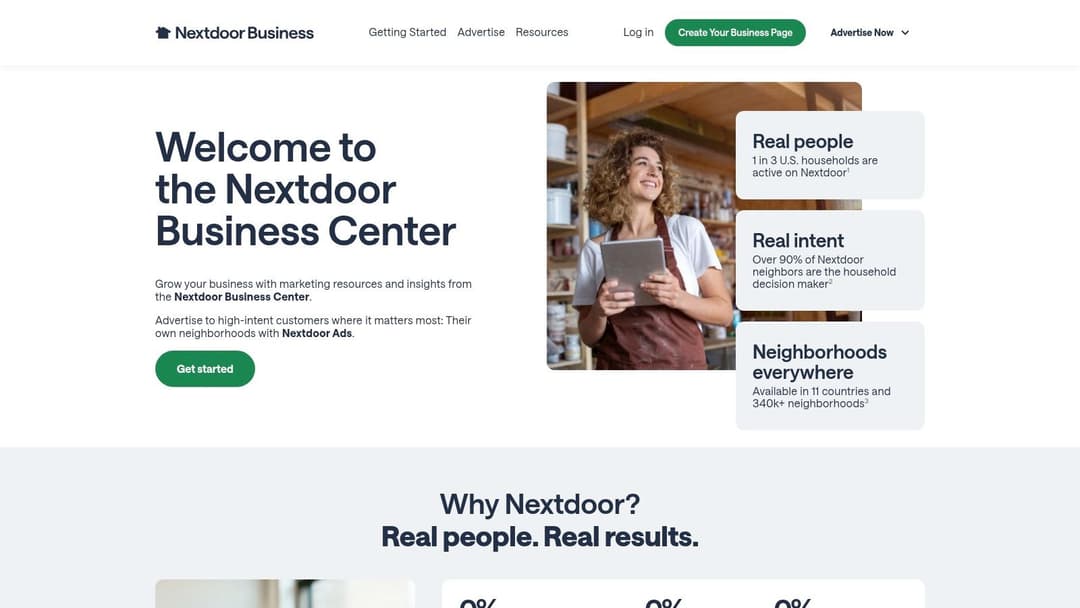
The platform’s strength lies in its verified, highly local audience. Unlike broader social media, every user on Nextdoor is a confirmed member of a specific neighborhood. This creates a powerful environment where a local plumber's post about "winterizing pipes" or a bakery's announcement of a "new sourdough" is seen by people who can actually walk through the door or book a service. The platform is entirely free for creating a page and posting, allowing businesses to drive conversations, gather feedback, and generate leads without any ad spend.
How to Get the Most Out of Your Profile
Simply existing on Nextdoor is a start, but active participation transforms your page into a reliable source for local recommendations and business.
- Claim and Complete Your Page: The first step is to claim your free Business Page. Fill it out completely with accurate contact information, hours, your story, and plenty of high-quality photos. This page acts as your central hub for neighbors to find you.
- Post Consistently and with Value: Use your unlimited free Business Posts to share helpful tips, announce local events, introduce staff, or run neighborhood-specific promotions. A landscaper could post seasonal gardening advice, while a restaurant could share its weekly specials.
- Encourage Recommendations: Recommendations are the currency of Nextdoor. Actively ask your happy customers to leave a recommendation on your page. These endorsements are highly visible and carry significant weight within the community.
- Engage with the Community: Respond promptly and professionally to all comments and messages. Participate in relevant local discussions where your expertise is valuable, but avoid being overly promotional in general neighborhood threads. While direct engagement is crucial, businesses looking to manage high volumes of inquiries might find inspiration in the efficiency of tools like those for Facebook ad automation for small business.
Nextdoor is a standout form of free advertising for small business because it targets an audience with an inherent interest in supporting local enterprises. It connects you directly with the people in your service area, building brand loyalty one neighborhood at a time.
Website: business.nextdoor.com
6. Google Merchant Center – Free Product Listings ("Surfaces across Google")
For e-commerce businesses and local retailers with product inventory, Google Merchant Center’s free listings are a game-changer. This tool allows you to upload your entire product catalog and have it appear across various Google services, including the Shopping tab, Google Search, Google Images, and even YouTube, all without any ad spend. It transforms your product data into rich, shoppable listings that meet customers at their point of discovery, making it one of the most direct forms of free advertising for small business available to product-based companies.
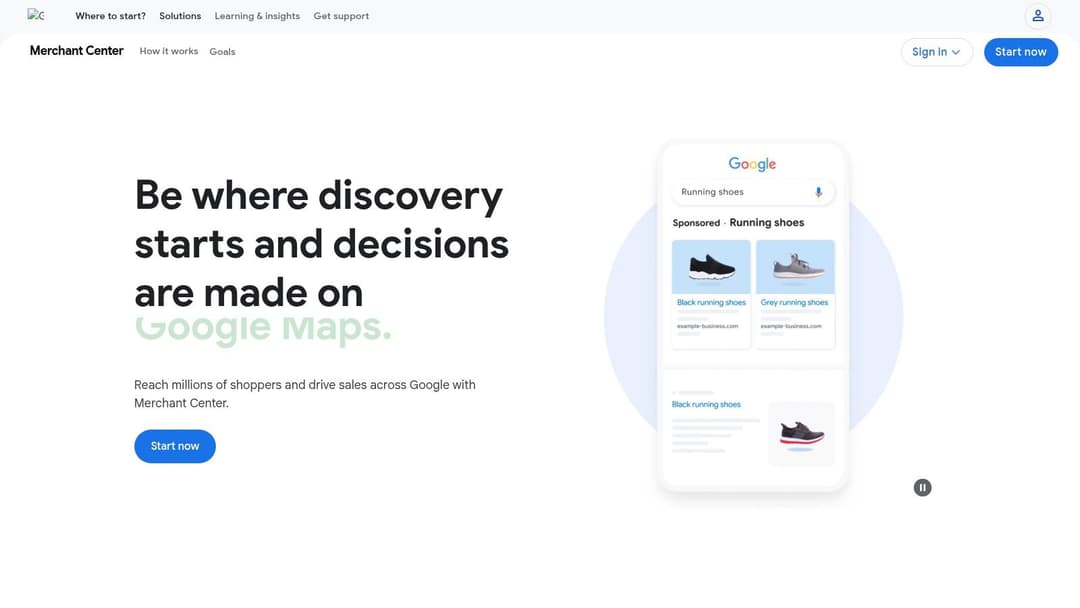
The platform is completely free to set up and enables you to showcase products with compelling visuals, pricing, and availability. By opting into the "Surfaces across Google" program, your products gain visibility in organic search results that were once reserved only for paid ads. This gives small businesses a chance to compete for high-intent traffic directly against larger retailers. It even integrates with major e-commerce platforms like Shopify, BigCommerce, and Square, allowing for automatic syncing of your product catalog and inventory levels.
How to Get the Most Out of Your Profile
Simply uploading a product feed isn't enough; optimizing your data is crucial for maximizing visibility and clicks. A well-managed feed can turn casual browsers into paying customers.
- Create a High-Quality Product Feed: Ensure your product titles, descriptions, and images are clear, accurate, and keyword-rich. Include all relevant attributes like size, color, and GTINs (Global Trade Item Numbers) to help Google correctly categorize and display your products.
- Opt-In to Merchant Promotions: Use the promotions feature to highlight special offers like "15% off" or "free shipping." These badges make your listings stand out and can significantly increase click-through rates.
- Connect to Your Google Business Profile: If you have a physical store, link your Merchant Center and Google Business Profile accounts. This allows you to show in-stock product availability directly on your local business listing, driving foot traffic.
- Monitor Performance and Diagnostics: Regularly check the "Performance" tab to see which products are getting clicks and impressions. Use the "Diagnostics" tab to identify and fix any issues with your feed that could be limiting your products' visibility. For a deeper understanding of the e-commerce ad ecosystem, explore this guide on effective advertising in e-commerce.
Google Merchant Center excels because it places your products directly in the path of customers actively searching for them. While you have less control over placement compared to paid ads, the high-quality, purchase-driven traffic it generates makes it an indispensable tool for any retailer.
Website: merchants.google.com
7. LinkedIn Company Pages (incl. Events and organic tools)
For B2B companies, consultants, and any business targeting professional decision-makers, a LinkedIn Company Page is an indispensable platform for free advertising. More than just a digital business card, it serves as a central hub for establishing credibility, sharing industry insights, and connecting directly with a professional audience. It's the go-to network for building a brand presence among other businesses, potential partners, and high-value clients.
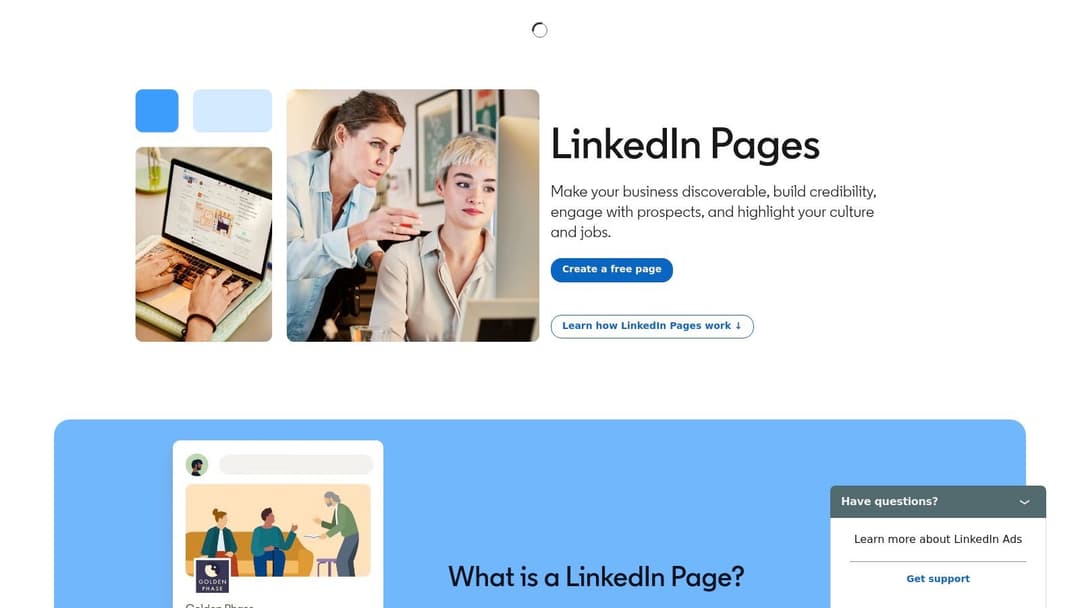
The platform is entirely free and designed to foster professional engagement. You can publish updates, articles, and documents (like case studies or white papers) directly to your followers. A standout feature is the free LinkedIn Events tool, which allows you to host virtual webinars, workshops, or networking sessions. You can organically target event invitations by job function, industry, and location, making it a powerful tool for lead generation without spending a dime on ads.
How to Get the Most Out of Your Page
A passive LinkedIn page will yield minimal results. Active, strategic management is what transforms it into a valuable asset for free advertising for small business.
- Complete and Optimize Your Page: Fill out every section of your Company Page, including a compelling "About" section with relevant keywords, your logo, and a custom banner. A complete profile appears more professional and is easier to find.
- Post Consistently and with Variety: Share a mix of content, including company news, behind-the-scenes looks at your team, industry analysis, and helpful tips. Using different formats like text posts, images, and native documents keeps your feed interesting.
- Promote Free LinkedIn Events: Host webinars or Q&A sessions related to your expertise. Use the built-in tools to invite your network and encourage your employees to share the event with their connections for maximum organic reach.
- Engage Your Employees: Encourage your team to list your company on their personal profiles and share your page's content. Posts shared by employees often receive significantly higher engagement than posts from the company page alone. To get the best results, it's also helpful to understand the correct specifications for any visual content, as outlined in this guide for LinkedIn ad sizes, which also apply to organic posts.
- Interact with Your Community: Don't just post and walk away. Respond to comments on your content and participate in relevant industry group discussions to build authority and drive traffic back to your page.
LinkedIn is particularly effective because it connects you with an audience that is actively in a business mindset. For SaaS companies, marketing agencies, and consultants, it offers direct access to the very people who make purchasing decisions, making it a crucial component of a B2B marketing strategy.
Website: business.linkedin.com/marketing-solutions/linkedin-pages
7-Platform Free Advertising Comparison
| Platform | Implementation complexity | Resource requirements | Expected outcomes | Ideal use cases | Key advantages |
|---|---|---|---|---|---|
| Google Business Profile | Low–Moderate (verification required) | Low ongoing (updates, review management) | Strong local discovery, map visibility, calls/visits | Local storefronts, service-area businesses | High "near me" intent, review-driven trust, free |
| Apple Business Connect (Apple Maps) | Low–Moderate (one-time verification/documents) | Low (setup and occasional updates) | Apple Maps/Siri visibility and iOS user interactions | Businesses with iOS-heavy customers, branded experiences | Native iOS reach, clean place-card controls and actions |
| Bing Places for Business | Low (can import from GBP) | Low (sync or manual updates) | Additional map/search reach; modest traffic boost | Businesses seeking broader coverage beyond Google | GBP import/sync, API support for multi-location |
| Yelp for Business (free Page) | Low (claim and setup) | Moderate (regular review responses, profile upkeep) | High-intent leads and reputation influence | Restaurants, local services evaluated by reviews | Strong buyer intent, robust free reputation tools |
| Nextdoor for Business | Low (verification for neighborhood posting) | Low–Moderate (frequent local posts) | Hyperlocal engagement, neighborhood referrals | Home services, local retailers targeting neighborhoods | Highly local audience, unlimited organic posts to feeds |
| Google Merchant Center – Free Listings | Moderate (product feed and integrations) | Moderate–High (feed maintenance, inventory sync) | Product visibility across Google surfaces; e-commerce traffic | Retailers, multi-channel e-commerce, local inventory visibility | Purchase-driven placements without ad spend; platform integrations |
| LinkedIn Company Pages | Low (create page, basic setup) | Moderate (content, events, community engagement) | B2B lead generation, thought leadership, event sign-ups | B2B firms, SaaS, agencies targeting decision-makers | Access to professionals/decision-makers; free event tools |
From Free Tactics to Scalable Growth: What's Next?
You have just explored a powerful roster of platforms that provide genuine, no-cost advertising opportunities. From dominating local search with Google Business Profile and Apple Business Connect to engaging directly with your community on Nextdoor, these tools are not just "free alternatives"; they are foundational pillars for sustainable business growth. Consistently managing these channels builds brand credibility, captures high-intent customers, and generates a steady stream of organic leads without touching your budget.
The journey through these free advertising methods has equipped you with more than just tactics. You've learned how to create compelling business listings, post engaging content, and even showcase your products directly in search results. Each positive review, customer photo, and direct message is a data point, teaching you exactly what resonates with your audience. This groundwork is invaluable.
Turning Organic Wins into Scalable Strategy
The real power of these free channels emerges when you view them as a testing ground. Every successful organic post, every product that gets consistent clicks on Google's free listings, and every community interaction that drives foot traffic is a proven concept. You've validated your messaging, your offers, and your creative angles with zero financial risk.
So, what is the next logical step in your growth journey? It’s not about abandoning what works; it's about amplifying it. The insights gained from your efforts in free advertising for small business are the perfect blueprint for a successful paid strategy. Instead of guessing which ad creative will perform or which audience to target, you can enter the paid advertising arena armed with proven data.
Key Insight: The most effective paid advertising campaigns are not built on guesswork. They are built on the validated successes of your organic marketing efforts. Use your free channels to discover what works, then use paid channels to scale it.
A Framework for Prioritizing Your Next Move
As you consider scaling, the sheer number of options can feel overwhelming. How do you decide which free tactic to focus on first, and when is the right time to introduce paid ads? Here’s a simple framework to guide your decisions:
- For Local Service & Retail Businesses: Your immediate priority should be mastering local listings. Maximize your presence on Google Business Profile, Apple Business Connect, and Yelp. Your next step is to engage actively on Nextdoor to build a hyperlocal reputation. Once you see consistent engagement and leads, consider running hyper-targeted local ads based on the offers that performed best organically.
- For E-commerce & DTC Brands: Start with Google Merchant Center’s free listings. This is non-negotiable for getting your products seen. Simultaneously, build your brand presence and community on platforms like LinkedIn (for B2B or high-ticket items) or other relevant social channels. The product data and customer engagement you collect will become the bedrock for your first paid shopping and social media campaigns.
- For B2B & Professional Services: Your primary focus should be LinkedIn Company Pages and a meticulously optimized Google Business Profile. Use LinkedIn to share industry insights, post case studies, and host events. Use your Google profile to capture high-intent searches for your services. The topics and content formats that generate the most engagement on LinkedIn are prime candidates for sponsored content or lead generation campaigns.
By treating these free platforms as your initial proving ground, you systematically de-risk future marketing investments. You move from hopeful experimentation to data-driven execution. Your initial efforts in free advertising for your small business are not just about saving money; they are about building the intelligence needed to spend money wisely when the time is right. The goal is to create a seamless flywheel where organic success fuels paid acceleration, and paid insights refine your organic strategy. This integrated approach is the hallmark of a mature and scalable marketing engine.
Ready to amplify your proven organic strategies without the typical complexity of paid advertising? AdStellar AI takes the winning creative and audience insights from your free efforts and uses AI to launch, test, and optimize paid campaigns on platforms like Meta. Transition from manual marketing to data-driven, scalable growth by letting AdStellar AI automate the path from proven concept to profitable campaign.