The designer just quoted you $500 per creative and a two-week turnaround. Your competitor is already running six different ad variations, and you haven't even started your first concept. Meanwhile, your product page is sitting there with professional photography, detailed descriptions, and everything an ad needs. What if you could turn that URL into a dozen scroll-stopping creatives in the next twenty minutes?
AI-powered creative generation has eliminated the traditional bottlenecks of ad production. Instead of coordinating photoshoots, briefing designers, and waiting for revision cycles, you can now extract everything directly from your product page and generate professional image ads instantly. This isn't about replacing human creativity with generic templates. It's about using AI to handle the production mechanics so you can focus on strategy and testing.
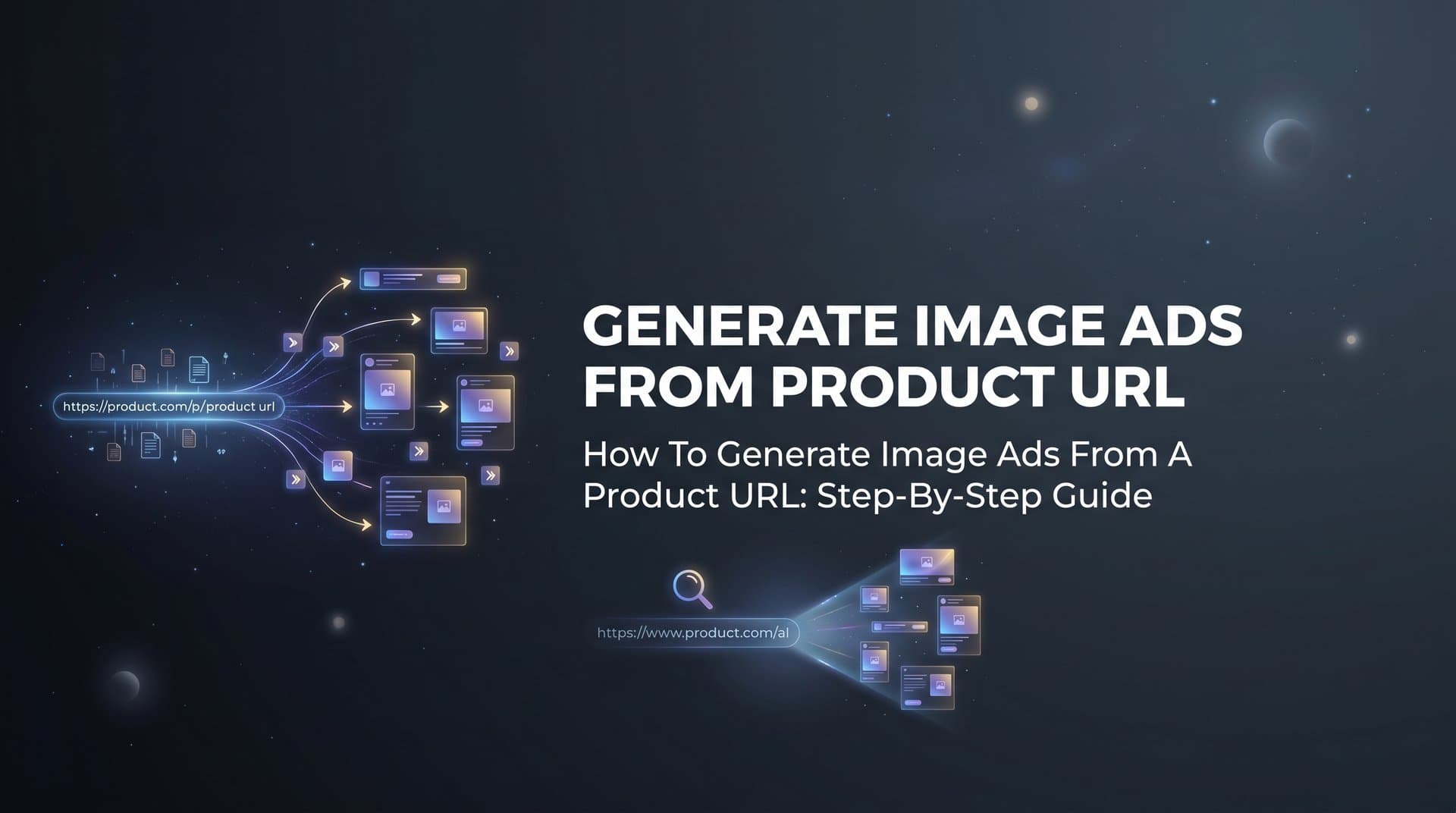
This guide walks you through the complete process of generating image ads from a product URL. You'll learn how to prepare your product pages for optimal results, configure AI settings to match your brand, refine creatives using natural language prompts, and launch campaigns that actually convert. Whether you're managing ads for an ecommerce brand, running a marketing agency, or handling performance marketing for a SaaS company, you'll have a repeatable workflow that lets you test more concepts faster than ever before.
The best part? You don't need design skills, expensive software, or a creative team. Just a product URL and the right approach.
Step 1: Prepare Your Product URL for AI Processing
Your product page is the foundation for everything the AI will generate. Feed it garbage, and you'll get garbage back. Feed it a well-optimized page with quality assets, and you'll get creatives that actually work.
Start by selecting a product page with high-quality images. The AI needs clear, professional photography to work with. Blurry lifestyle shots from your phone won't cut it. Look for product images that are at least 1080x1080 pixels. Meta placements demand high resolution, and upscaling low-quality images creates pixelated ads that kill your click-through rates before anyone reads your copy.
Check that your product page includes a complete, accurate description. The AI analyzes this text to understand your product's features, benefits, and positioning. If your description says "premium leather wallet" but your images show a canvas bag, the AI will struggle to create coherent messaging. Make sure your product title, description, bullet points, and pricing are current and detailed.
Verify that your URL is publicly accessible. Open an incognito browser window and paste your product link. If you hit a login wall, paywall, or age verification screen, the AI can't access your content. This seems obvious, but many marketers waste time troubleshooting when their staging URLs or member-only pages simply aren't visible to external tools.
Look at your product images from an ad perspective. Do they show the product clearly against a clean background? Are there lifestyle shots showing the product in use? Multiple angles give the AI more creative options to work with. A single product shot on white background limits your variation possibilities compared to a page with five different images showing different contexts. Understanding how to leverage AI lifestyle product images can dramatically expand your creative possibilities.
Test your page load speed while you're at it. Some AI tools timeout if pages take too long to load. If your product page is buried under heavy scripts or oversized images, consider creating a lightweight version specifically for creative generation. The goal is giving the AI clean, fast access to your best product assets.
Step 2: Input Your URL and Configure Ad Settings
Now you're ready to turn that product page into actual ad creatives. This is where you tell the AI what you need and how it should approach your specific campaign.
Paste your product URL into your AI creative generation tool. With platforms like AdStellar, you simply drop the link into the AI Creative Hub and let it extract everything automatically. The AI pulls your product images, analyzes your copy, and identifies the key selling points that will become your ad messaging.
Select your target ad format and aspect ratio. Meta offers multiple placement options, and each has different dimension requirements. Square formats work well for feed placements, while vertical formats dominate Stories and Reels. If you're unsure, generate variations in multiple aspect ratios. Testing different formats often reveals that your assumptions about which placements perform best are completely wrong.
Choose how many ad variations you want to generate. More isn't always better, but you need enough variety to test different messaging angles. Three variations might all emphasize the same benefit with slightly different wording. Ten variations let you test completely different value propositions, visual styles, and calls-to-action. Think about your testing capacity. If you can only analyze performance for five ads, don't generate twenty.
Set your brand guidelines to ensure consistency across all generated creatives. Specify your brand colors so the AI doesn't generate ads in random color schemes that clash with your identity. Define your tone preferences. Are you playful and casual, or professional and authoritative? A skincare brand targeting Gen Z needs different messaging than a B2B SaaS platform targeting enterprise buyers.
Specify your campaign objective to guide the AI's creative direction. An awareness campaign needs different creative approaches than a conversion campaign. If you're driving traffic to collect emails, the AI should emphasize the lead magnet. If you're pushing direct purchases, it should focus on product benefits and urgency. The clearer you are about your goal, the more relevant your generated creatives will be. For lead generation specifically, explore strategies for Meta ads for lead generation campaigns to maximize your results.
Some platforms let you input competitor URLs for inspiration. If there's an ad style you want to emulate, this gives the AI a reference point. Just remember that copying isn't the goal. You want to understand what visual patterns and messaging frameworks are working in your space, then apply those insights to your own unique angle.
Step 3: Review and Select AI-Generated Creatives
The AI just generated a dozen different ad concepts in the time it took you to grab coffee. Now comes the critical part: separating the winners from the ones that need work.
Start by evaluating each creative for immediate visual appeal. Scroll through them quickly, like a user would scroll through their feed. Which ones make you stop? Which ones blend into the background? Your gut reaction matters here because that's exactly how your audience will react. An ad that doesn't grab attention in the first half-second is dead on arrival, no matter how clever the copy.
Check that product images are properly cropped and positioned. Sometimes the AI crops too tightly and cuts off important product details. Other times it leaves too much empty space around the product, making it look small and unimpressive. The product should be the clear focal point, not competing with background elements or text overlays for attention. Learning how to turn product photos into ads with AI effectively requires understanding these visual principles.
Review the AI-generated headlines and copy for accuracy and persuasiveness. Does the messaging match what your product actually delivers? Is the value proposition clear within the first few words? Look for headlines that create curiosity or promise a specific benefit. Generic phrases like "Check out our new product" perform worse than specific claims like "Get salon-quality results at home in 10 minutes."
Evaluate the variety across your generated ads. You want different concepts, not the same idea with minor variations. If all ten ads emphasize price, you're missing opportunities to test other angles like quality, convenience, or social proof. Good creative generation gives you multiple messaging frameworks to test, not just different ways of saying the same thing.
Select your top performers based on creative variety and messaging angles. Pick the three ads with the strongest visual impact. Then pick three that test completely different value propositions. This gives you a balanced testing approach where you're evaluating both creative execution and strategic positioning.
Identify which concepts to refine further versus launch immediately. Some ads might be 90% perfect but need a small tweak to the headline or color scheme. Others might have a strong concept but need significant adjustments to the layout or imagery. And some are ready to launch right now without touching anything. Categorizing your ads this way helps you prioritize your refinement efforts.
Step 4: Refine Your Ads with Chat-Based Editing
You've identified the ads with potential. Now you'll make them perfect without opening Photoshop or hiring a designer.
Chat-based editing lets you refine creatives using natural language prompts. Instead of learning design software or explaining your vision to a designer, you simply tell the AI what you want changed. "Make the headline bigger and move it to the top third of the image." "Change the background from blue to green." "Add more contrast to make the product stand out." The AI interprets your instructions and updates the creative instantly.
Request alternative headline variations to test different messaging angles. If your original headline emphasizes price, ask for versions that emphasize quality or results instead. "Give me three headline options that focus on the time-saving benefit." The AI will generate alternatives without changing the visual design, letting you test messaging independently from creative execution.
Ask the AI to emphasize specific product features or benefits that weren't prominent in the original generation. Maybe the first version focused on the product's aesthetic appeal, but you want to highlight a technical feature instead. "Make the waterproof feature more prominent in the copy and add a visual element that reinforces durability." This kind of refinement would take hours with traditional design workflows. With AI, it takes seconds. This is the power of being able to create product ads with AI on demand.
Iterate quickly without needing design software or technical skills. The barrier to testing new ideas drops to zero when you can make changes through conversation. You can experiment with bold concepts you might have dismissed as too time-consuming with traditional production. "What if we made this look more like a user-generated post instead of a polished ad?" Try it and see if it works.
Save refined versions for A/B testing against original concepts. Don't assume your refinements are automatically better. Sometimes the AI's first generation outperforms your "improvements." Create multiple versions of the same base creative with different refinements, then let actual performance data tell you which approach works best. Your job is to generate testable hypotheses, not to predict winners.
Step 5: Export and Launch Your Image Ads to Meta
Your creatives are ready. Now you need to get them in front of actual customers without the usual campaign setup headaches.
Download your creatives in the correct file formats and dimensions for Meta. The platform has specific requirements for different placements, and uploading the wrong specs means poor image quality or cropped creatives that cut off your key messaging. Most AI tools automatically format your exports for Meta's specifications, but always verify before uploading.
Use bulk launching to create multiple ad variations with different audiences. Instead of manually setting up each ad one by one, you can combine your creatives with different audience segments, headlines, and ad copy in one workflow. If you have five creatives, three headline variations, and four audience segments, that's sixty different ad combinations. This approach is especially powerful for bulk Facebook ads for product launches where speed matters.
Pair your image ads with AI-optimized headlines and ad copy. The same AI that generated your creatives can write your ad text. It already understands your product positioning from analyzing your URL, so the messaging stays consistent across visual and written elements. Let the AI generate multiple copy variations for each creative, then mix and match to find winning combinations.
Set up proper tracking to measure which creatives drive results. Use UTM parameters to identify which specific ad variations are generating clicks and conversions. Integration with attribution tools like Cometly gives you visibility into the complete customer journey, not just last-click conversions. You need this data to identify your actual winners, not just the ads that look good.
Organize winning creatives for easy reuse in future campaigns. Create a library system where you tag ads by performance level, messaging angle, and visual style. When you launch your next campaign, you can instantly pull proven concepts and adapt them to new products or offers. This turns your creative testing into a compounding asset instead of starting from scratch every time. The right ecommerce product ad tool makes this organization seamless.
Step 6: Analyze Performance and Scale Winners
Your ads are live and generating data. Now you'll use that data to find your winners and kill your losers faster than your competitors can even launch their first test.
Monitor key metrics like CTR, CPA, and ROAS for each creative variation. Click-through rate tells you which ads grab attention and generate interest. Cost per acquisition shows which ads actually convert that interest into customers. ROAS reveals which ads are profitable at scale. An ad with a high CTR but terrible ROAS is burning your budget. An ad with a lower CTR but strong ROAS is a winner worth scaling.
Use leaderboard rankings to identify your top performing image ads. Platforms like AdStellar automatically rank your creatives based on your target goals, so you can instantly see which ads are crushing it and which are underperforming. Set your benchmark metrics and let the AI score everything against your standards. This eliminates the manual spreadsheet work of comparing dozens of ad variations across multiple metrics.
Add proven winners to your creative library for future campaigns. When you find an ad that consistently drives results, save it with detailed notes about what made it work. Was it the specific product angle? The visual style? The headline framework? Document these insights so you can replicate the success with other products or offers. Effective Meta ads campaign optimization depends on this systematic approach to learning from your data.
Generate new variations based on what's working best. If your top performer uses a specific color scheme or messaging angle, create new ads that apply the same approach to different product images or value propositions. This is where AI creative generation becomes a continuous improvement loop instead of a one-time production tool.
Build a testing framework that improves results over time. Start with broad tests comparing different messaging angles and visual styles. Once you identify winning patterns, run focused tests on specific elements like headline phrasing or call-to-action placement. Each testing cycle gives you more data about what resonates with your audience, making your next round of creative generation even more effective. Avoiding common Facebook ads campaign scaling issues becomes much easier when you have this data-driven foundation.
Putting It All Together
Generating image ads from a product URL transforms what used to take days into a process that takes minutes. You've learned a complete workflow that eliminates the traditional bottlenecks of ad production and lets you test more creative concepts than ever before.
Here's your quick checklist to keep handy: verify your product URL is accessible with quality images at least 1080x1080 pixels, configure your ad settings and brand preferences to guide the AI, review and select the strongest generated concepts based on visual impact and messaging variety, refine using chat-based editing to perfect your top performers, launch with proper tracking in place to measure real performance, and analyze results to scale your winners and kill your losers.
The competitive advantage isn't just speed. It's the ability to test more angles, find winning combinations faster, and build a library of proven creatives that compounds over time. While your competitors are still waiting for their designer to finish the first concept, you're already analyzing performance data from your third round of testing.
Start with one product URL today and see how quickly you can build a library of high-performing ad creatives. The workflow becomes faster each time you use it, and the insights you gain from testing make every subsequent campaign more effective.
Ready to transform your advertising strategy? Start Free Trial With AdStellar and be among the first to launch and scale your ad campaigns 10× faster with our intelligent platform that automatically builds and tests winning ads based on real performance data.