You open the Meta Ad Library to find ideas for your next campaign. After ten minutes, you have a folder full of screenshots and almost no clarity. One ad uses a blunt discount headline. Another looks like a founder selfie. A third has been running for weeks, but you still cannot tell what made it worth scaling.
That is the problem with many articles about meta advertising examples. They show finished ads, but they do not teach you how to read them. A useful example is more than a pretty creative. It is a clue about audience intent, offer framing, format choice, and testing logic.
Meta remains one of the largest advertising channels, so that skill matters. Competition is heavy, creative fatigue shows up fast, and small differences in angle or structure can change whether an ad gets ignored or earns another round of spend. A swipe file helps, but only if you know how to turn each example into a repeatable test.
This guide focuses on that missing layer. You will see where to find examples, how each tool is useful, and what kind of insight it gives you in practice. Some resources are official Meta properties. Others are research and planning tools used by performance teams. For broader context on how social campaigns fit together, ReachLabs.ai's advertising strategies are a helpful reference.
You will also notice one practical distinction many roundups skip. Some tools are for observation. Others help you organize ideas, compare patterns, or build production-ready variations. If your goal is stronger testing, not just inspiration, that difference matters. For a working example of how AI can support Meta campaign creation, this guide on mastering AI-powered Meta ads adds useful context before you start comparing tools.
1. AdStellar AI
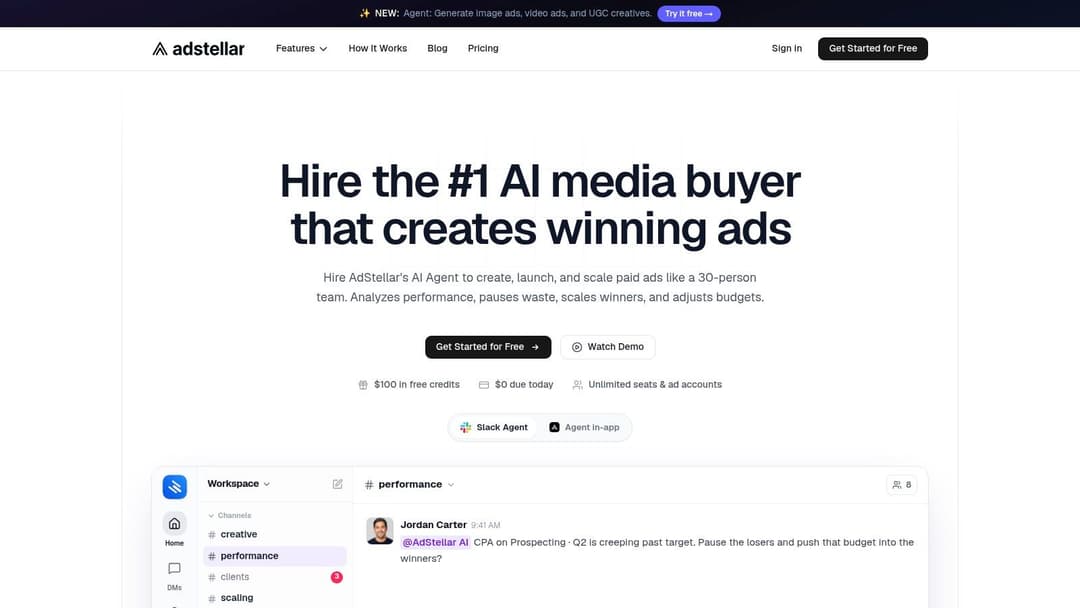
A common problem shows up right after research. Your team saves ten strong Meta ad examples, agrees on two promising angles, then loses hours rebuilding each variation by hand inside Ads Manager. The examples were useful, but the path from insight to launch was still manual.
AdStellar AI is useful for that middle step. Instead of serving only as a swipe file, it helps teams turn ad patterns into campaign-ready variations, publish them to Meta, and review results inside one workflow.
That changes how examples get used.
Why it stands out in practice
Many galleries answer one question: "What are other brands running?" AdStellar answers a harder one: "How do we convert what we learned into structured tests?" For media buyers running ecommerce, DTC, agency, or B2B SaaS accounts, that difference matters because one strong concept rarely scales as a single ad. It usually needs multiple hooks, formats, audiences, and offers before you know what carries performance.
A practical workflow looks like this. You start with a core offer, a few message angles, several audience hypotheses, and a set of visuals. AdStellar combines those inputs into multiple ad variations and sends them to your Meta account through OAuth. The team spends less time duplicating setup and more time deciding what to test.
A good way to frame it is manufacturing versus sketching. A swipe file gives you sketches. A production workflow helps you build usable versions at volume.
Practical rule: Save more than the finished ad. Save the hook, the audience assumption, the offer framing, and the creative structure. Those are the parts you can test again.
If competitor research is part of your process, this guide on how to view competitor ads on Meta pairs well with that approach because it helps you collect examples in a way you can reuse.
What it teaches you that basic example libraries do not
The main learning value is comparison. If version A changes only the opening line, and version B changes the audience plus the image style, you can start isolating what likely influenced the result. That is how experienced teams read examples. They do not ask whether an ad "looks good." They ask which variable changed, why it changed, and whether that change fits the stage of the funnel.
AdStellar supports that process with a few concrete features:
- Bulk variation creation: Generate many combinations from the same core concept instead of choosing one version too early.
- AI campaign assembly: Organize copy, creative, and audience inputs into launch-ready campaigns faster.
- KPI-based analysis: Review creatives, audiences, and messages against business metrics such as ROAS, CPL, or CPA.
- Centralized workflow: Keep assets, campaign structure, audience logic, and performance review in one system.
That last point is easy to underestimate. When ideas live in one tool, assets in another, and results in Ads Manager, the lesson from each test gets blurry. A centralized workflow makes it easier to trace why one angle was tested and what happened after launch.
Pros and tradeoffs
AdStellar fits teams that need scale and repetition. It is especially useful when the job is not finding one attractive ad, but producing enough disciplined variations to learn quickly.
Its limits are straightforward.
- Strong fit for Meta-focused advertisers: Best for teams whose paid social work centers on Facebook and Instagram.
- Helpful for high-volume testing: Useful when your process depends on many variations, not a few handcrafted ads.
- More valuable with real performance history: Accounts with little data may need time before insights become more reliable.
For additional context on the workflow behind this approach, AdStellar's guide on mastering AI-powered Meta ads explains how AI-assisted testing can support campaign creation without reducing the process to guesswork.
2. Meta Ad Library
Meta Ad Library is the first place I'd send someone who says, “I just need to see what competitors are running right now.” It's free, public, and official. You can search by brand, keyword, or domain and inspect active ads across Facebook, Instagram, Messenger, and Audience Network.
That makes it useful for a very specific job. Not performance analysis. Pattern spotting.
What it shows well
You can review live images, videos, carousels, primary text, headlines, calls to action, and some timing details. If a brand is pushing the same offer in multiple formats, the library makes that visible fast.
The best way to use it is comparatively. Search one category, open several advertisers, and look for repeated structures. Maybe many brands lead with problem language. Maybe they all use product-in-hand imagery. Maybe they rotate between static and video for the same promise.
You don't use Meta Ad Library to prove an ad worked. You use it to see what an advertiser considered worth running.
That distinction saves a lot of confusion. Seeing an ad live doesn't tell you why it's winning, but it does tell you what messages survived long enough to remain active.
Where it falls short
The biggest limitation is the missing layer everyone wants. There's no real performance data. You won't see ROAS, CPA, or conversion totals. That means the library is best for qualitative analysis, not verdicts.
Use it when you need to answer questions like these:
- Which formats does this competitor rely on most
- How do they frame the same offer across placements
- Are they testing multiple hooks or repeating one message
- What visual style appears often enough to matter
If you want a hands-on process for turning competitor scans into a research habit, this walkthrough on how to view competitor ads adds useful context.
3. Meta Creative Hub
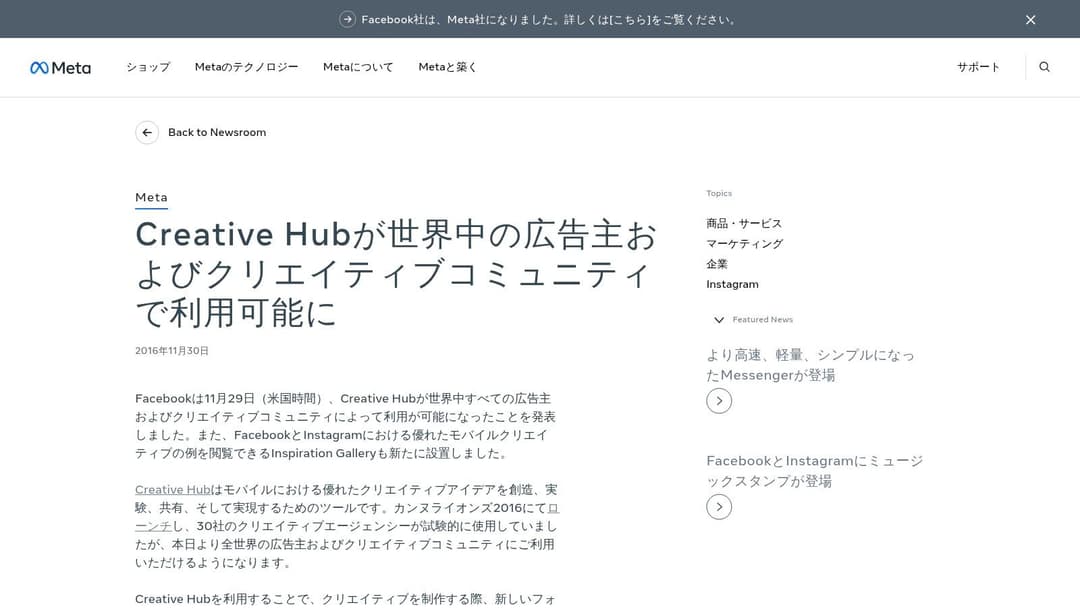
Meta Creative Hub helps when the problem isn't finding ads. It's translating ideas into format-ready mockups your team can build.
That sounds small, but it solves a common breakdown. A strategist finds a strong concept, then design or production receives a vague brief that doesn't match the placement. Creative Hub shortens that handoff.
Best use case
If you're planning Stories, Reels, carousel, or collection ads, Creative Hub gives you a more controlled place to preview how an idea fits the format. That's different from the wide-open, messy view of the Ad Library.
Meta's inspiration resources also align with a bigger creative shift. A 2024 Meta study highlighted on Meta for Business inspiration pages found that lower production value videos achieved higher lift in ad recall than high-production campaigns. That's a useful corrective if your team still thinks every good example has to look expensive.
Why marketers underrate it
Creative Hub isn't as flashy as some swipe-file tools, so people skip it. But it's useful because it narrows your thinking around execution. A good ad idea in Feed may need a different treatment in Reels. A clean product image might work in one placement, while a more direct face-to-camera approach fits another.
Here's the practical value:
- Spec-accurate previews: Helpful for avoiding creative that looks good in theory and awkward in placement.
- Curated inspiration: Better for studying format best practices than broad competitor dumps.
- Team handoff support: Useful when strategists and designers need a shared visual reference.
For marketers trying to move from “that ad looks good” to “here's the structure we should build,” this collection of campaign ad examples fits well alongside Creative Hub.
4. Instagram for Business Success Stories
A team sees an Instagram ad that looks polished, saves a screenshot, and calls it inspiration. Then they try to reuse the idea in a different market, with a different goal, and the result falls flat. The missing piece is context.
Instagram for Business Success Stories are useful because they show more than the finished ad. They connect the creative to the business objective, the audience, and the placement choice. That makes them better for learning judgment, not just collecting references.
Why goal-based examples matter
Instagram formats can look deceptively similar. A Reel, a Story, and an in-feed video may all use quick cuts, captions, product shots, and creator-style delivery. What separates a strong example from a weak one is the match between format and purpose.
That is why official case studies are helpful for newer marketing teams and busy in-house teams. You can see whether the brand was trying to drive awareness, app installs, purchases, or consideration, then study how the creative supported that goal. As noted earlier in the article, category context also matters. An ad pattern that works for fashion or language learning may need a very different message structure for SaaS, local services, or B2B.
How to study these examples without copying them blindly
Read each success story like a short case file.
Start with the objective. Then look at the first two seconds of the ad, the visual format, the call to action, and the likely user mindset in that placement. A Story ad has to work like a quick interruption. A feed ad has a little more room to explain itself. Reels often need movement or a human presence faster, because the viewing behavior is different.
These questions help:
- What business goal was the campaign built around
- Why does this placement fit that goal
- What grabs attention in the first moment
- What part of the ad depends on the brand's category or audience
- What would need to change before your team could test the same structure
If your team wants to go beyond saving examples and build a repeatable review process, this guide on how to analyze winning Facebook ads gives a stronger framework for breaking creative into testable parts.
If you're adapting Instagram examples into your own production workflow, this guide to Instagram ad sizes helps with the practical side.
5. AdEspresso Ad Gallery
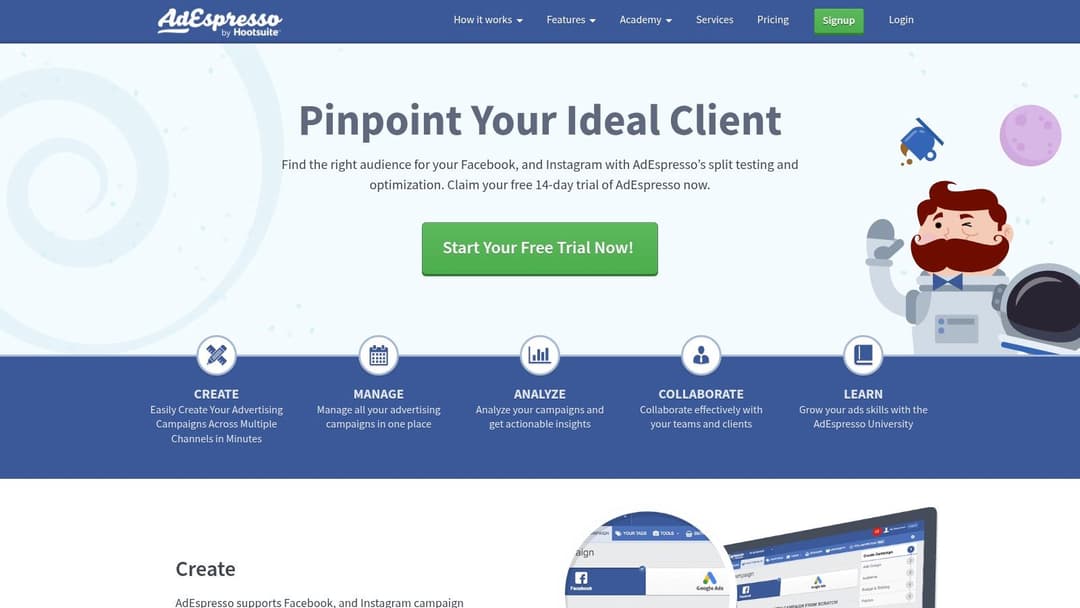
AdEspresso has been part gallery, part education hub for years, and that combination is why it still earns a place on this list. It's one of the better options if you want marketer-friendly browsing instead of Meta's raw transparency tools.
The gallery angle matters, but the surrounding educational content is what makes it practical. You can move from examples to templates, audits, and optimization ideas without opening five different tabs.
What it does differently
AdEspresso is stronger than the official Meta tools when you want a curated learning experience. It's weaker when you need real-time live competitor visibility. So the value depends on your question.
If your question is, “What's running today?”, use Meta Ad Library. If your question is, “What kinds of Facebook and Instagram ads should I learn from, and how do other marketers talk about them?”, AdEspresso is more comfortable.
A swipe file is only useful if your team can explain why each ad belongs there.
That's where gallery-plus-education platforms help. They encourage analysis, not just collecting.
Best for teams building a creative process
A lot of meta advertising examples get saved for the wrong reason. The design looks polished. The brand is famous. The product is easy to sell. None of those are enough.
AdEspresso is better used as a filter. Save examples that demonstrate a clear pattern you can test, such as:
- One obvious promise: The ad communicates a single reason to care.
- Clear visual hierarchy: The viewer knows where to look first.
- Specific format logic: The creative matches where it appears.
- Testable variation potential: You can imagine three or four alternate versions quickly.
If you want a sharper framework for studying what separates a live ad from a useful lesson, this article on how to analyze winning Facebook ads adds that missing layer.
6. MagicBrief
MagicBrief is less about browsing and more about organization. That sounds boring until you've saved too many ads and can't find any of them when a brief is due.
Its biggest advantage is turning scattered inspiration into structured boards, storyboards, and creative briefs. That makes it especially helpful for agencies and in-house teams that pass ideas from strategist to designer to editor.
Where it helps most
MagicBrief lets you save ads from the Meta Ad Library through a Chrome extension, keep them organized, and build working collections around themes. That changes the quality of your research because you stop relying on memory.
This is more important than often recognized. Existing meta advertising examples content often fails to explain how to generate new angles from actual market desires instead of guessing. The approach described in this video on researching mass-market desires and using AI for angle generation pushes marketers to mine reviews, post-purchase surveys, ad account data, and competitor feedback, then turn those findings into fresh ad angles. A tool like MagicBrief fits nicely after that research step, because it gives those angles a home.
What makes it practical
MagicBrief is valuable when your team asks questions like these every week:
- Which founder-style ads did we save last month
- Do we have enough before-and-after references for this brief
- What patterns keep showing up in ads aimed at this buyer desire
- Which concepts already inspired earlier tests
The Discover Library and AI-assisted search help, but the deeper win is operational. Teams can create repeatable collections instead of one-off screenshots buried in chats and folders.
The tradeoff is straightforward. It doesn't tell you true ad performance. It helps you preserve, classify, and brief examples more effectively.
7. Foreplay
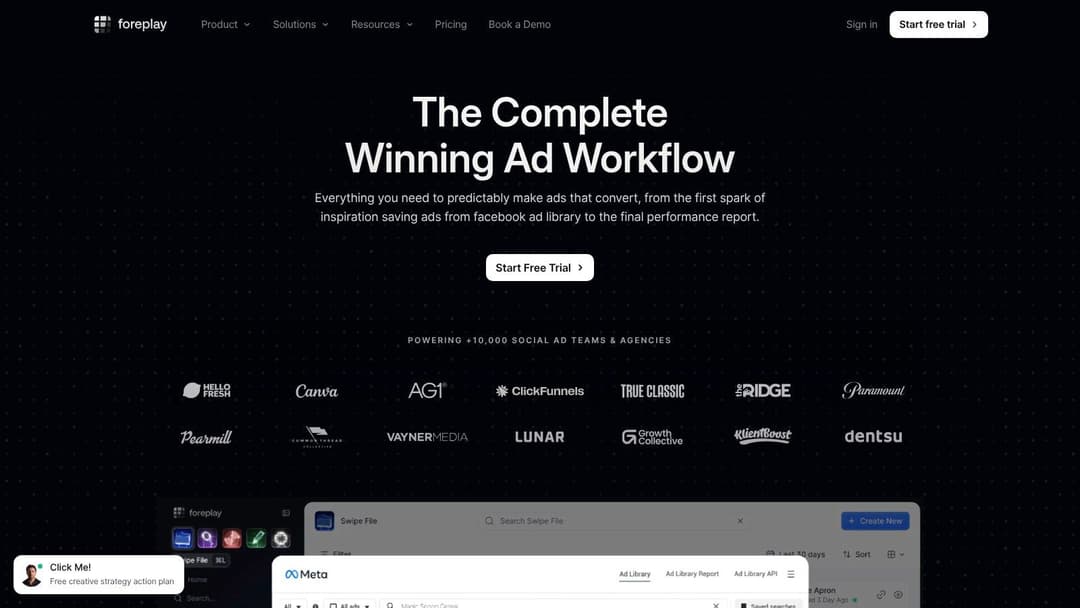
A common research problem appears after the first few ad saves. One person bookmarks ads in Chrome, another drops screenshots into Slack, and a strategist tries to remember which competitor started using founder-led hooks two weeks ago. Foreplay is built to solve that specific mess.
Foreplay gives teams a structured place to save, sort, and revisit Meta ads over time. The core value is not just storage. It is pattern recognition. Once ads live inside boards with tags and brand tracking, you can review them the way a coach reviews game film, looking for repeated plays instead of isolated moments.
Why it works for ongoing research
Foreplay is strongest for teams that treat creative research as an ongoing habit. If you monitor the same competitors every week, small shifts become visible. A brand that relied on static product shots may start testing UGC. Another may keep the same offer but swap the hook from “save time” to “avoid mistakes.” Those changes matter because they often signal what angle a team is trying to scale.
That kind of tracking is hard to do in a spreadsheet or a folder of screenshots. Foreplay makes the comparison easier because the ads stay organized by brand, concept, format, and campaign theme.
Here is a practical example. Say you are studying three skincare brands. In Meta Ad Library, you can inspect what is live right now. In Foreplay, you can save those ads into separate boards, tag each one by promise, proof element, and format, then revisit the collection later to see what keeps reappearing. After a month, you may notice one brand repeats testimonial-style statics, while another keeps testing short demo videos around the same product claim. That is the kind of detail many roundups skip, but it is often what helps a team write a better brief.
Good fit and limitations
Foreplay fits agencies, paid social teams, and freelancers who need a permanent creative reference system. It is especially useful when research has to move from one person's observations into a shared workflow the whole team can use.
A few strengths stand out:
- Saved ads stay usable: Boards and tags make examples easier to retrieve during briefing and review.
- Competitor tracking adds context: You can watch how one brand changes its offers, hooks, or formats over time.
- Collaboration is cleaner: Teams can comment on and group examples without relying on scattered screenshots.
The tradeoff is straightforward. Foreplay helps you study creative choices, but it does not show the actual performance data behind the ads you save. You are getting a stronger research process, not verified conversion results.
If competitor review is part of your Instagram workflow too, boost Instagram presence with analysis offers a related angle on studying what rivals are doing.
7 Meta Ad Examples Compared
| Tool | Implementation complexity | Resource requirements | Expected outcomes | Ideal use cases | Key advantages |
|---|---|---|---|---|---|
| AdStellar AI | Medium–High (platform setup, OAuth) | Paid subscription, historical Meta data, team workflows | Rapid generation and scaling of winning Meta ads; faster test cycles | Performance marketers, e‑commerce, agencies needing high-volume tests | Bulk ad generation, AI launch and auto‑learning, KPI-ranked insights |
| Meta Ad Library (official) | Low (web access) | None; free public tool | Visibility into live creatives and metadata (no performance metrics) | Competitor scans, format inspiration, market monitoring | Official, comprehensive, near real‑time live ad visibility |
| Meta Creative Hub | Low–Medium (inside Ads Manager) | Meta Business account, design assets | Spec-accurate ad mockups and format benchmarking | Creative production, handoff to design, format testing | Curated best-practice examples and direct mockup tools |
| Instagram for Business – Success Stories | Low (browse case studies) | None; free resource (may require locale login) | Objective‑linked case studies showing goals and outcomes | Learning placement strategies and outcome-driven examples | Vetted brand case studies tied to objectives and results |
| AdEspresso Ad Gallery | Low–Medium (web browsing) | Web access; free/paid content mix | Marketer-focused inspiration plus practical templates and tutorials | Performance teams translating examples into tests | Large archive with educational materials and templates |
| MagicBrief – Discover Library | Medium (extension + workspace) | Paid SaaS, Chrome extension, team collaboration tools | Organized inspiration turned into briefs and production workflows | Teams that need saved libraries, storyboards, and brief generation | Save from Ad Library, storyboarding, AI search and organized boards |
| Foreplay – Ad Inspiration Saver | Medium (extension + dashboard) | Paid subscription (tiered), Chrome extension, multi‑platform support | Centralized swipe files, automated competitor tracking | Teams tracking competitors across Meta, TikTok, LinkedIn | Multi‑platform saving, competitor monitoring, collaboration features |
Final Thoughts
You save ten ads for later, then sit down to plan tests and realize none of them answer the actual question. What should the team build first, and why? That is the gap between collecting examples and using them well.
Useful Meta advertising examples shorten that gap. They help you choose a hook that matches the offer, a format that fits the placement, and a creative angle worth testing instead of copying.
The list in this article works best if you treat it like a workbench. Meta Ad Library is for market observation. Creative Hub is for checking whether the idea fits the actual placement before anyone starts producing assets. Instagram Success Stories and AdEspresso help when you need examples tied to campaign goals, audience choices, and execution details rather than isolated screenshots.
The missing step is usually organization.
A saved ad has limited value if nobody labels it, groups it by angle, or turns it into a test brief. MagicBrief and Foreplay solve that operational problem. They help teams move from “save this” to “test these three variations,” which is the part many roundups skip.
Creative quality also gets judged the wrong way. Gallery-friendly polish is not the same as ad strength. In practice, clear messaging, a strong opening line, a believable promise, and the correct aspect ratio often matter more than visual flair. A simple video can outperform a prettier one if viewers understand it faster.
Budget pressure makes that discipline practical, not theoretical. Weak tests burn spend and teach very little. A vague hook, crowded visual, or mismatched format can fail without showing whether the offer was weak or the execution was off. Strong examples are useful because they lead to cleaner hypotheses and better test design.
AdStellar AI belongs later in that workflow. After research is finished and a few concepts look promising, it helps teams turn those concepts into multiple ad variations without building each asset from scratch.
If your business also depends on broader revenue models beyond direct ad spend, these affiliate monetization strategies are useful context for how advertising fits into a larger growth system.