

A lot of teams hit the same wall at the same point. Spend rises, channel count rises, and suddenly the marketing stack turns into a patchwork of native ad managers, spreadsheets, Slack approvals, reporting tools, and attribution tabs that never quite match.
That’s the core problem with roundups of “apps for marketing.” The category is too broad to be useful unless you sort it by function and by the decisions a team needs to make. A paid social team buying on Meta has a different operating problem than a brand running cross-channel commerce reporting. A programmatic buyer has different needs again.
So this list is organized the way practitioners evaluate software in practice. By marketing function first, then by workflow fit. Some of these tools are built for paid social execution. Some are better at analytics and attribution. Others help multi-channel teams control spend, reporting, and optimization from one place. The goal isn’t to hand over a random top-10 list. It’s to help you build a stack that works together.
That matters more now because the operational pressure has changed. Teams are expected to launch more tests, refresh creative faster, and explain performance across channels without adding the same amount of headcount. In practice, the best app is rarely the one with the longest feature list. It’s the one that removes a bottleneck in your actual workflow.
I’ve also framed this guide around integration, not just selection. A Meta-first team might use AdStellar AI to speed up campaign production and testing, then pair it with analytics or attribution tools that answer a different question after launch. If you want a clearer sense of how that Meta workflow is supposed to function, the AdStellar guide to AI for Facebook ads is a useful reference.
That’s the lens for every tool below. Where it fits, where it creates overlap, and where it earns a place in the stack.
1. AdStellar AI
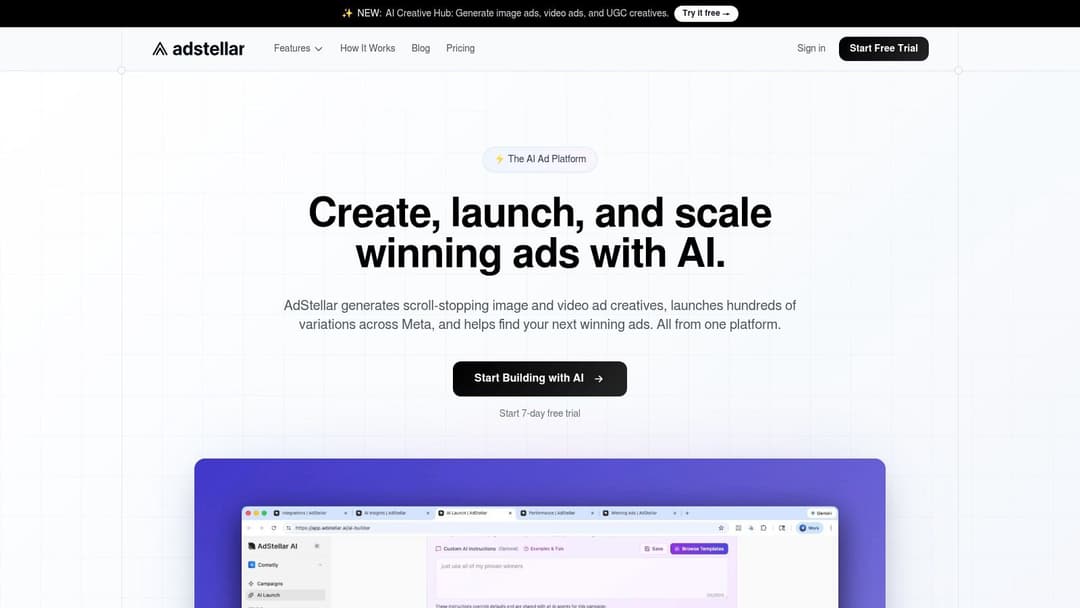
AdStellar AI is the most purpose-built option here for teams that live inside Meta and need more output without adding more hands. It’s designed for performance marketers, agencies, DTC brands, and B2B SaaS teams that want to turn historical Meta performance into faster campaign production and tighter scaling decisions.
The core strength isn’t just automation. It’s workflow compression. Instead of rebuilding campaign logic every time you test a new angle, AdStellar connects to Meta Ads Manager through secure OAuth, ingests historical performance, and uses that data to rank creatives, audiences, and messages against the metric you care about, such as ROAS, CPL, or CPA.
Where it fits best
This is the app I’d put at the center of a Meta-first stack. If your team launches high volumes of variants, the value shows up in speed, consistency, and reduced setup friction. The AdStellar guide to AI for Facebook ads gives a good sense of how that workflow is meant to work in practice.
Its public positioning is straightforward. AdStellar says it helps teams launch, test, and scale Meta ad campaigns 10x faster. That speed matters because feature-heavy analytics platforms often face adoption friction, and benchmark ranges cited in Improvado’s marketing analytics tools overview show adoption among larger B2B SaaS and ecommerce teams can vary widely depending on complexity. Low-friction tools usually win more internal usage than “everything platforms” that require heavy setup.
Practical rule: Use AdStellar when the bottleneck is campaign execution inside Meta, not when the bottleneck is channel diversification.
Trade-offs that matter
What works:
- Bulk variation building: Teams can generate large sets of creative, copy, and audience combinations quickly instead of cloning ads manually.
- AI ranking tied to outcomes: The useful part isn’t “AI” as a label. It’s seeing which messages and audiences deserve more budget based on your chosen KPI.
- Centralized execution: Campaigns, creatives, audiences, media assets, and performance views live in one workflow.
What doesn’t:
- It’s Meta-focused: If your growth plan spans search, retail media, native, and programmatic, you’ll still need other apps for marketing around it.
- Pricing isn’t public: You have to request a demo or talk to sales.
- Proof points aren’t public on-site: That means buyers should ask for specific examples during evaluation.
If your growth engine is Meta-heavy, this is one of the few tools that feels built around how media buyers work.
2. Smartly
A paid social team usually hits the same wall at scale. Creative production lives in one workflow, media buying in another, reporting in a third, and every handoff slows testing. Smartly is built for that stage.
It fits brands and agencies that need paid social to run like an operating layer, not a collection of ad accounts. The practical value is less about adding another optimization feature and more about reducing coordination drag between creative, media, and analytics teams. That matters when campaign performance depends on how fast concepts turn into live variants, and how quickly buyers can feed results back to the people producing ads.
Where Smartly earns its keep
Smartly is a stronger fit for cross-channel paid social programs than a narrower Meta-only setup. If your team manages high creative volume across several social platforms, templated production and shared workflows can save real time. Teams comparing options at that stage should also look at automated Meta advertising workflows to see where a focused Meta tool fits inside a broader stack.
The budget context also supports that shift. As app advertisers put more weight on both user acquisition and remarketing, teams need platforms that can support creative refresh cycles and audience management across the full paid social program, according to AppsFlyer’s top data trends report.
Smartly often makes sense once workflow inefficiency costs more than software.
Trade-offs
- Best fit: Brands and agencies running large paid social programs with heavy creative throughput and multiple stakeholders.
- What you get: Managed onboarding, strong process standardization, and tighter coordination between ad creation and campaign execution.
- What to watch: Pricing is sales-led, and smaller teams can end up buying structure they do not need.
- Poor fit: Lean teams with a single-channel focus, low asset volume, or a preference for lighter tools they can configure themselves.
Smartly works best as the paid social operations layer inside a larger marketing stack. If AdStellar covers focused Meta execution, Smartly is the stronger option when the problem is team coordination across creative, media, and reporting.
3. Skai
Skai sits in a different category from pure paid social tools. It’s built for commerce media. That means search, social, retail media, and marketplace-heavy execution can live in one operating layer, with planning and measurement tied more directly to commercial outcomes.
This matters for brands that don’t just buy attention. They buy shelf placement, marketplace demand, and retail media inventory across multiple networks. In that environment, channel silos create bad decisions fast.
Where Skai earns its keep
Skai is strongest when the budget is spread across several performance channels and multiple stakeholders need governance. Retail media is the clearest example. If your team manages Amazon alongside paid search and social, the benefit isn’t convenience. It’s having one workflow for planning, activation, and measurement without forcing channel managers into separate reporting realities.
Its experimentation and incrementality orientation is also useful. Not every team runs disciplined testing well inside native platforms. Skai gives larger organizations more structure around that work.
Limits to watch
- Strong fit: Enterprise brands, agencies, and commerce teams with serious retail media complexity.
- Less ideal: Smaller teams that mostly need better Meta or Google execution.
- Buying reality: Pricing is not public, and annual commitments make it a more deliberate procurement decision.
One thing I like about Skai is that it respects operational complexity instead of pretending all channels should be managed the same way. One thing I don’t like is that many teams buy it before they’ve built the internal process maturity to use it well.
If you’re not actively managing cross-network commerce programs, it can feel oversized. If you are, it can save a lot of painful handoffs.
4. Birch
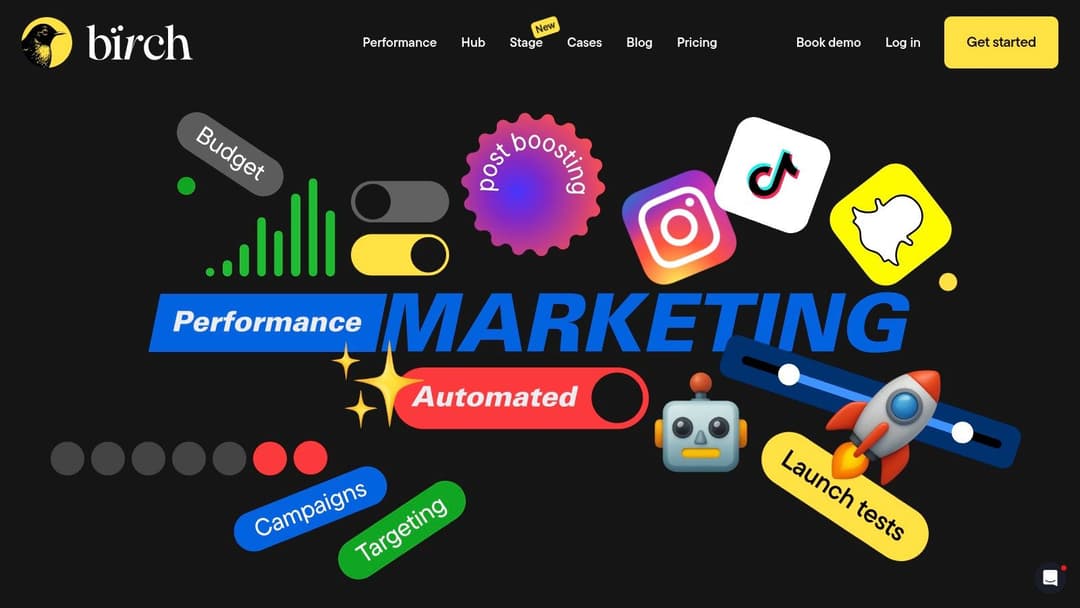
Birch is one of the more practical apps for marketing if your pain point is repetitive ad operations. It used to be Revealbot, and the core appeal remains the same. Build rules, automate routine decisions, and reduce the amount of manual checking your team does every day.
A lot of tools promise transformation. Birch is better understood as a multiplier. It won’t replace strategy, and it won’t solve weak creative. It will reduce the low-value labor around pacing, alerts, reporting, and rule-based optimizations across platforms.
Why teams adopt it
The product is easiest to justify when buyers still work directly in Meta, Google, TikTok, or Snapchat but need operational guardrails. Agencies also benefit because multi-workspace reporting and shareable links cut a lot of client-update friction.
I also like that Birch is clearer than many competitors on entry paths. A free trial and more transparent plan structure make it easier to test before procurement turns into a project.
The teams that get the most from Birch usually know exactly which repetitive actions they want to automate before they buy it.
Where it stops
- Good at: Automated rules, audience workflows, reporting, and integrations with tools like AppsFlyer, Hyros, Slack, and Sheets.
- Not built for: Full creative production or deep AI-led campaign generation.
- Commercial caution: Pricing scales with ad spend, so teams should monitor tier changes and overages.
One underappreciated point in tool selection is that not every stack needs another “brain.” Sometimes it needs a reliable layer of execution discipline. Birch fits that need well.
If your media buyers already know what to do and just need fewer manual tasks, Birch can be more useful than a bigger, flashier platform.
5. Madgicx

A common point of friction in paid social is tool sprawl. Meta lives in one tab, reporting in another, audience testing in a third, and tracking fixes become their own project. Madgicx appeals to teams that want more of that work in one operating layer.
That matters most for ecommerce brands and agencies running enough volume to feel the cost of fragmentation, but not enough to justify a heavily customized stack. Madgicx brings campaign automation, creative insights, audience management, and server-side tracking into one product. The benefit is speed and coordination. The trade-off is that you have to work within a more defined system.
Where Madgicx fits
Madgicx is strongest for teams buying on Meta and Google that want recommendations and execution help, not just another reporting view. Its Tracking Pro add-on is relevant if conversion loss and attribution gaps are already affecting bidding confidence. For operators trying to tighten the feedback loop between creative, audiences, and performance, it can do a lot in one place.
It also fits nicely into a function-based stack. A team might use AdStellar AI to guide testing strategy and message direction, then use Madgicx to handle day-to-day optimization, audience actions, and measurement cleanup inside paid social. If your creative process already follows dynamic creative optimization best practices, that combination makes more sense because the testing inputs are clearer before the automation starts making decisions.
Trade-offs to weigh
Madgicx is a better buy for convenience than for control.
- Good at: Bringing media buying, audience work, creative analysis, and tracking support into one workspace.
- Watch for: Workflow rigidity if your team has highly specific optimization rules or reporting logic.
- Commercial caution: Billing complaints show up often enough that procurement should review terms, renewal details, and usage limits closely.
I would shortlist Madgicx when the main problem is operational drag across paid social functions. I would be more cautious if the team already has strong internal processes and wants to configure every layer its own way.
Used well, Madgicx can reduce the number of tools a buyer touches in a day. That is its real value. Not novelty, but tighter execution across a stack that might otherwise get messy fast.
6. Motion
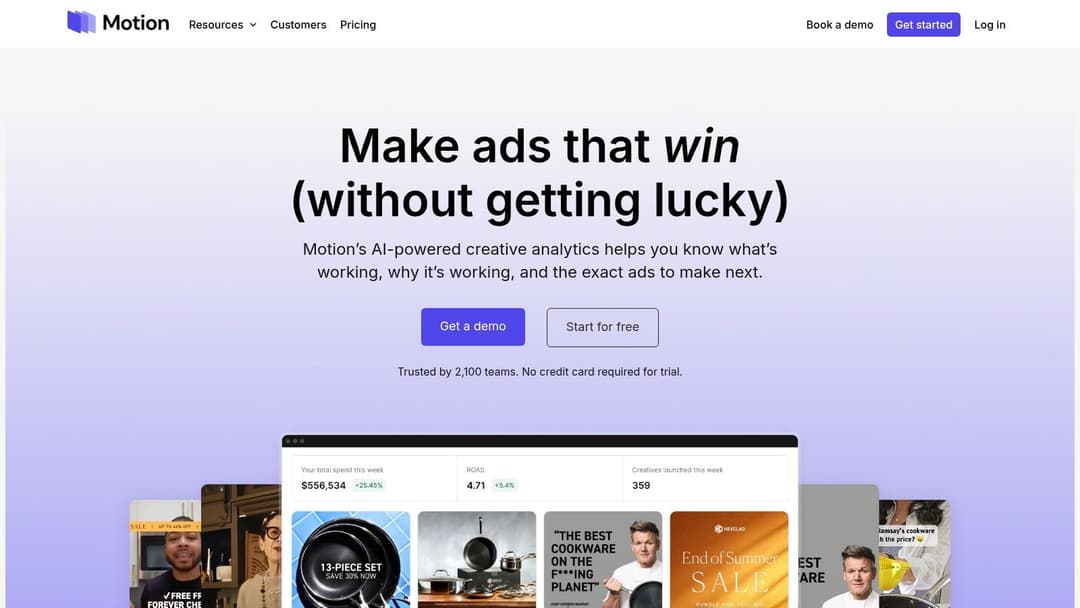
Motion fits teams that already know creative is driving paid social results, but cannot explain which angle, hook, or edit is pulling its weight. That usually happens after scale. The account has dozens of variants live, the creative team is shipping constantly, and performance reviews turn into opinion fights because nobody is looking at the same cut of the data.
Motion solves that reporting problem well. It is built for creative analytics, with grouping, tagging, and performance views that make it easier to compare concepts instead of reviewing ads one by one. For brands running a lot of UGC, founder clips, offer tests, and format variations, that is useful fast.
It also has a clear role in a function-based stack. AdStellar AI can shape testing direction and help narrow what should be produced. Motion can then evaluate what happened after launch and show which messages or formats kept working across variations. If your team is building around dynamic creative optimization principles for structured testing, that pairing is practical because strategy and post-launch analysis stay connected.
The trade-off is straightforward. Motion gives creative insight, not media buying control. It will not replace your ad platform, budget tooling, or bidding workflow. Teams with low testing volume may also find that the dashboard looks smarter than the underlying sample size.
Creative analytics matters only if the team changes the next brief, the next hook, or the next edit based on what it found.
Where Motion earns its spot
- Best fit: Paid social teams with enough creative output to need pattern-level analysis.
- Useful for: Turning creative reviews into shared performance discussions between buyers and designers.
- Watch for: Limited value if your process is still light on testing or if you need campaign execution tools in the same product.
I would bring Motion into a stack when the bottleneck is creative decision-making, not campaign setup. In that role, it can be the layer that helps performance and creative teams work from the same evidence instead of trading opinions.
7. Optmyzr
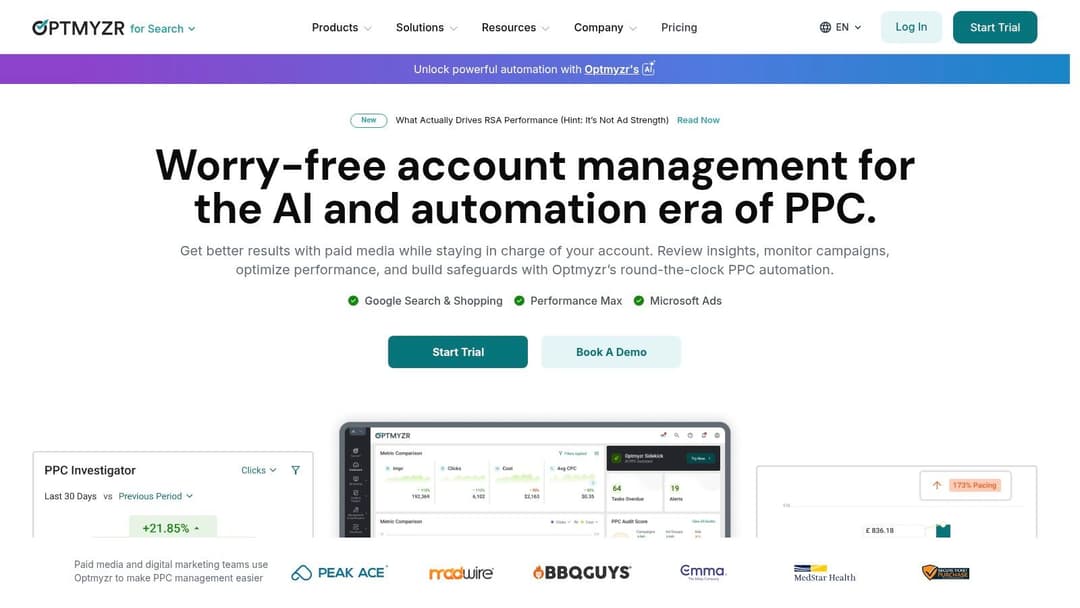
Optmyzr is still one of the best utility players in performance marketing. It’s for search teams first. Google Ads, Microsoft Ads, Shopping, Performance Max, account audits, alerts, budget pacing, and workflow automation are where it earns its spot.
I wouldn’t put it in a stack to solve paid social problems. I would put it in a stack when search has become too important to leave to manual hygiene and native platform sprawl.
Why practitioners like it
Optmyzr has a fast time-to-value because it tackles practical issues quickly. Agencies use it to standardize account management across clients. In-house teams use it to catch errors, automate repeatable optimizations, and get clearer views across multiple accounts without exporting everything into spreadsheets.
Its interface can feel dense at first, but that density comes from utility, not decoration. Once a team builds habits around it, the product often becomes sticky.
What to know before buying
- Strong use case: Search-led teams that need audits, automations, and budget controls.
- Weak use case: Social-first brands expecting deep Meta or TikTok tooling.
- Operational note: New users should expect a learning curve.
One reason Optmyzr still matters is that not all marketing apps need a flashy AI narrative. Search operations often improve through disciplined workflows, better pacing visibility, and reliable monitoring. That’s what this tool does.
If your paid media mix includes serious search spend, it’s one of the cleaner complements to a Meta-focused platform.
8. The Trade Desk
The Trade Desk DSP earns its place here because many marketing stacks stay too concentrated in Meta and Google for too long. Then the team needs CTV, audio, premium video, or open-web display, and they realize those channels require a different buying discipline.
The Trade Desk fits marketers who want control over inventory, audience construction, frequency management, measurement, and channel mix in one platform. I would not hand it to a junior team and expect clean results in week one. I would use it when a brand has enough budget, enough creative variation, and enough operational rigor to treat programmatic as a serious acquisition and awareness channel.
That matters in a stack like this one. Tools such as Smartly, Skai, or Madgicx can cover major paid social workflows. The Trade Desk covers a different job. It helps teams buy beyond the walled gardens and connect display, video, audio, mobile, and CTV planning more intentionally.
Where it makes sense
It works best when audience strategy is already defined and the team knows how to set frequency caps, evaluate supply quality, and separate prospecting from retargeting. Brands entering programmatic for the first time should study display ad targeting approaches before opening the budget too wide.
I also like it for teams trying to build a more balanced system around this list’s broader stack thesis. AdStellar AI can help shape creative inputs and testing priorities upstream. The Trade Desk can then distribute that messaging across open-web and premium inventory where social tools have less reach or less control. That is a more useful way to think about tool selection than treating every platform as a stand-alone app.
If you want a broader category review before shortlisting vendors, Best Programmatic Advertising Platforms is a solid starting point.
Practical limits
- Best fit: Brands with omnichannel media plans, agency support, or an in-house buyer who understands DSP mechanics.
- Weak fit: Small teams looking for simple campaign launch workflows or social-style automation.
- Operational reality: Costs, setup complexity, and optimization discipline all matter more here than they do in self-serve social platforms.
The upside is reach and control. The risk is paying for sophistication your team cannot use well yet.
9. Taboola Realize

Taboola Realize is a useful counterweight to walled-garden-heavy stacks. If your growth plan depends too much on Meta or Google, Taboola offers a way to prospect on premium publisher inventory using native, display, and vertical video formats.
I like it most for teams that understand creative-message matching. Native environments punish lazy ads. If your headline, angle, and landing page don’t align, the platform will expose that quickly.
Best fit and common mistakes
Taboola works for marketers who want reach beyond social feeds and search results, especially when they have enough creative discipline to test multiple hooks. Placement transparency is better than many buyers expect, and that matters when you’re trying to separate promising traffic from noise.
The weak implementations usually fail for simple reasons. Teams port social creative over without adaptation. Or they send traffic to generic product pages instead of pages built for the promise in the ad.
Native traffic can scale, but only if the landing experience finishes the story the ad starts.
What to expect
- Useful for: Scalable prospecting outside major walled gardens.
- Requires: Strong creative iteration and strong landing pages.
- Not ideal for: Teams that want the platform to carry weak positioning.
Taboola Realize is less about pushing buttons and more about testing narratives in environments where user intent is softer. That can be extremely valuable, but it requires better discipline than many brands bring at first.
10. Triple Whale
A familiar DTC problem looks like this: Meta says one thing, Shopify says another, and finance wants to know which campaigns are producing profit. Triple Whale earns its place in the stack because it brings attribution, cohort reporting, and profit visibility into the same operating view.
That matters more than another dashboard. Teams managing paid social every day need a tool that helps them decide what to scale, what to cut, and which customers are worth paying to acquire again.
Where Triple Whale fits in a real stack
Triple Whale is strongest for Shopify-centered brands with daily media spend and a clear need to connect ad data to store performance. The Triple Pixel, attribution models, and cohort views help operators move past channel-level reporting and ask better questions about payback, repeat purchase behavior, and contribution margin. If the team still argues over baseline efficiency metrics, it helps to align first on how to calculate return on ad spend before debating attribution windows.
In a practical workflow, this is the measurement layer that sits after execution tools. A team might use AdStellar AI or another buying platform to launch and iterate campaigns, then use Triple Whale to judge whether those wins hold up once orders, returning customers, and profit are factored in. That function-based split is useful. Media tools help you spend better. Triple Whale helps you see whether the spend created a healthy business result.
Trade-offs to understand
The upside is clear if Shopify is the center of the business.
The limitations are clear too. Triple Whale is less compelling for companies with fragmented commerce data, custom infrastructure, or a sales motion that does not run cleanly through ecommerce checkout. In those cases, setup gets harder and the reporting picture can stay incomplete.
- Strong fit: Shopify brands, ecommerce operators, and DTC teams making fast paid media decisions.
- Less compelling: Businesses with messy non-Shopify data or offline-heavy revenue paths.
- Buying note: Pricing depends on revenue and usage, so evaluate cost against how often the team will use the profit and cohort views in budget decisions.
Triple Whale works best as a decision tool, not a reporting trophy. For ecommerce teams building a stack by function, that makes it a strong measurement layer after campaign execution and before budget planning.
Top 10 Marketing Apps, Quick Comparison
| Product | Core focus / Key features | UX & performance signals | Value proposition | Ideal users | Pricing & notes |
|---|---|---|---|---|---|
| AdStellar AI | AI-powered Meta ad automation; bulk creative, copy & audience generation; AI Insights & Auto-Launch | 10× faster test-and-launch; ranks creatives by ROAS/CPL/CPA; continuous learning | Cut setup time; scale winners automatically; reduce wasted spend | Performance marketers, ecommerce/DTC, agencies, B2B SaaS | Contact sales/demo; Meta-only integration |
| Smartly | Unified creative, media & intelligence; cross-channel (social, CTV, open web) | Integrated workflows; onboarding & education (Smartly Academy) | End-to-end creative → media orchestration at scale | Mid-market & enterprise performance teams, agencies | Sales-led pricing; enterprise budgets |
| Skai (formerly Kenshoo) | Commerce media: retail, search, social; GenAI & experimentation | Enterprise dashboards; strong governance & collaboration | Holistic commerce planning, activation & measurement | Large brands & agencies with retail/marketplace focus | Tiered annual pricing; best for high spend |
| Birch (formerly Revealbot) | Cross-platform automation & reporting; rules, audience tools, multi-workspace reports | Practical automations; multi-workspace sharing & alerts | Save ad-ops time; simplify reporting across channels | Agencies and SMBs managing multi-platform ads | Clear entry→pro plans; free trial; price scales with spend |
| Madgicx | Paid social automation, analytics, audience discovery; server-side tracking add-on | Built-in creative reporting; optional Tracking Pro for CAPI | All-in-one paid-social toolkit; improved measurement via server-side tracking | E‑commerce teams and agencies | Plans vary; watch billing cadence and add-ons |
| Motion | Creative-first analytics; asset-level insights, auto-grouping & tagging | Visual reports; auto-grouped variations; deep filtering by angle/format | Identify top ad concepts/hooks; align creative & performance teams | Creative teams and performance marketers with high test volume | Analytics-only; pricing on request |
| Optmyzr | PPC optimization: audits, automations, PMAX & Shopping workflows | Fast time-to-value for PPC hygiene; multi-account dashboards | Improve search/PMAX performance and workflow efficiency | Agencies and in-house search teams | Subscription tiers; focused on search/PMAX |
| The Trade Desk | Omnichannel DSP for programmatic (CTV, video, display); identity & AI optimization | Enterprise controls; premium inventory access; advanced measurement | Programmatic scale and premium inventory with advanced targeting | Enterprise advertisers and programmatic teams | Platform fees + media spend; requires programmatic expertise |
| Taboola Realize | Native, display & vertical video on publisher network; GenAI AdMaker | Placement transparency; publisher-first intent signals | Prospecting at scale outside walled gardens | Advertisers seeking open‑web reach and native formats | Performance-driven pricing; varies by placements |
| Triple Whale | Shopify-centric attribution & decision intelligence; multi-touch, LTV & profit dashboards | CFO-level dashboards; cohort & LTV analytics; Triple Pixel | Clear profit/LTV views to reallocate ad spend faster | DTC and Shopify brands | Tiered plans; pricing varies by revenue/usage |
Final Thoughts
A good marketing stack usually gets chosen under pressure. Spend is up, reporting is messy, creative is stalling, and the team wants one tool to solve all of it. That is how companies end up paying for overlapping software and still missing the actual bottleneck.
The better approach is to buy by function, then connect those functions into a workflow your team can run.
For paid social, the split is pretty clear. AdStellar AI, Smartly, Birch, and Madgicx all sit close to execution, but they solve different operational problems. AdStellar AI fits teams that need to launch and iterate fast inside Meta. Smartly makes more sense when social execution spans larger teams, more approvals, and more complex creative operations. Birch reduces repetitive ad ops work that often slows agencies and in-house buyers. Madgicx appeals to teams that want media buying, creative support, and tracking in one paid social layer, even if that means less depth in any single area.
The analytics layer should answer a different question. Motion helps teams understand which creative angles, formats, and messages are driving performance. Triple Whale is stronger when finance, acquisition, and retention need to work from the same profit and LTV view. Neither tool should be asked to replace your buying platform. They are decision tools, not execution engines.
Channel expansion is another separate decision. Skai fits brands dealing with retail media and commerce complexity. Optmyzr is a practical choice for search teams that need tighter PPC controls and faster account maintenance. The Trade Desk is built for programmatic buyers who need reach, control, and measurement across channels. Taboola Realize is useful when the goal is to test offers and messages on the open web without relying only on walled gardens.
A workable setup often looks smaller than teams expect.
One execution tool. One analysis tool. One reporting or attribution layer. Add another platform only when it removes a specific constraint, such as retail media complexity, search workflow drag, or programmatic expansion.
For a Meta-heavy growth team, that could mean AdStellar AI for campaign build and launch, Motion for creative analysis, and Triple Whale for commercial reporting. For an agency, the center of gravity may shift toward Birch for ad ops and Smartly for broader social orchestration. The point is not to collect logos. The point is to build a stack where each product has a clear job and the handoff between tools is clean.
Integration matters more than feature count. Teams rarely struggle because a platform is missing one more dashboard or automation rule. They struggle because campaign data lives in one place, creative insight lives in another, and nobody has a reliable process for turning performance signals into the next set of tests. A stack built around workflow fixes that. The buying tool handles launch. The analytics tool explains results. The reporting layer ties spend back to revenue, margin, or customer quality.
That is also why retention and post-click performance cannot be treated as someone else’s problem. As noted earlier, acquisition gets expensive fast when the product and lifecycle experience do not hold attention. The best marketing apps help teams ship campaigns faster, spot fatigue sooner, and reallocate budget with more confidence. They do not replace strategy, but they do remove a lot of operational drag.
If Meta is the center of your acquisition engine, AdStellar AI is worth a serious look. It is built for performance marketers who care about speed, structured testing, and using historical account data to make better launch decisions. The strongest case for it is simple: less manual setup, faster iteration, and a workflow that matches how paid social teams operate.


