Monday starts with the same operational problem. Meta is where creative testing happens, Google captures intent, TikTok finds new demand, LinkedIn supports pipeline, and Amazon or a DSP may sit on top for retail or broader reach. The hard part is not getting access to these platforms. The hard part is making them work as one system when targeting, reporting, attribution, and creative feedback all live in different places.
That is why choosing platforms for digital marketing is less about buying software and more about deciding how your team will operate. A platform stack shapes how fast campaigns launch, how cleanly performance gets reported, and how confidently budget shifts from one channel to another.
Social adds pressure because it sits at both ends of the funnel. It creates attention, but it also affects purchase behavior. If the stack is fragmented, execution gets fragmented too. Creative testing slows, reporting arrives late, and budget decisions rely on partial signal.
The practical fix is to sort platforms by function, then build a stack that fits the team running it. Performance teams need speed, testing volume, and fast budget control. Agencies need account structure, reporting discipline, and repeatable workflows across clients. DTC brands usually need a tighter stack that connects paid social, search, creative production, and merchandising without adding extra operational drag.
That is the lens for this guide. It does not treat Meta, Google, TikTok, LinkedIn, retail media, and DSPs as isolated tools. It groups them by the job they do in the marketing engine, then shows how to stack them so the whole system is easier to manage and more useful in practice.
If you want a clearer framework for building that kind of stack, this guide to using AI in performance marketing workflows is a useful companion.
1. AdStellar AI
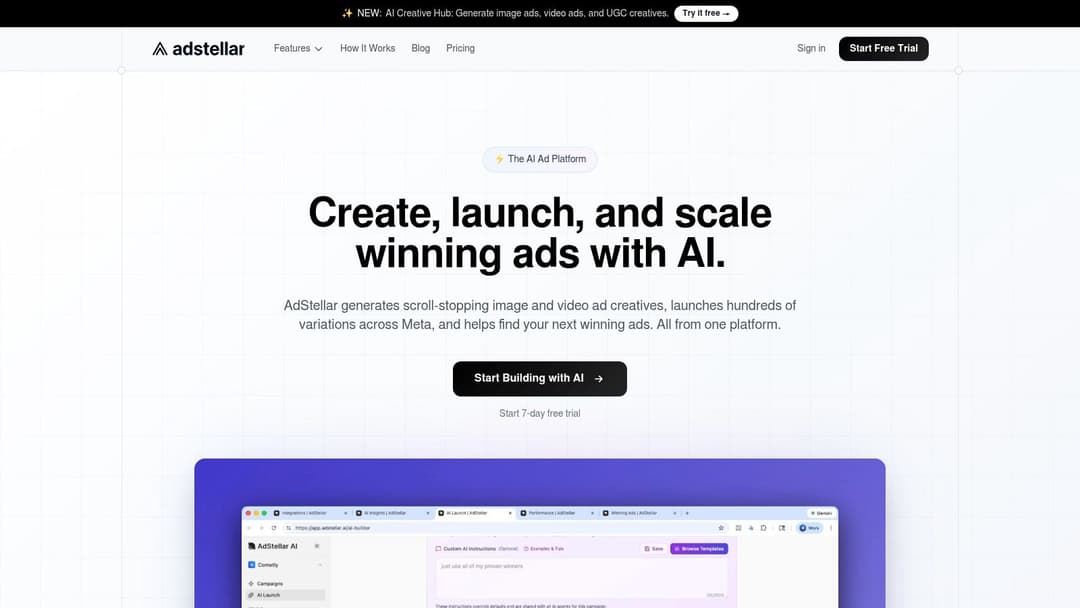
A common paid social scenario looks like this. Creative is ready, the media buyer has a testing plan, and the team still loses half a day to cloning ad sets, rewriting near-duplicate copy, uploading assets, and rebuilding the same structure inside Meta Ads Manager. That delay matters because Meta rewards testing volume and fast iteration more than careful manual setup.
AdStellar AI fits teams that need to speed up Meta execution without adding more operational overhead. It connects through secure OAuth, uses historical account performance, and helps generate large batches of creative, copy, and audience combinations that can go live with far less manual campaign assembly.
That positioning matters in a stack.
AdStellar is not trying to cover every channel or replace the rest of your marketing system. It handles a narrower job: increasing production speed on Meta while tying new tests back to performance feedback. For performance teams, agencies with repeatable launch workflows, and DTC brands pushing fresh creative every week, that is often the operational pressure point.
Where it adds value
The practical strengths are tied to execution, not theory:
- Bulk variation generation: Teams can produce many ad combinations quickly instead of building each one by hand.
- Goal-aware ranking: AI Insights helps surface creatives, audiences, and messages against goals such as ROAS, CPL, or CPA.
- Direct Meta deployment: Campaigns can move from concept to launch without exporting assets and rebuilding structures manually.
- Learning loop: Historical and incoming results help identify which tests deserve more budget and which ones should be paused.
Used well, this kind of tool changes how the stack works. A performance team might use AdStellar to generate and launch Meta tests, keep Meta Ads Manager as the buying interface of record, and rely on a separate reporting layer for cross-channel analysis. An agency can use the same setup to standardize production across client accounts. A DTC brand can pair it with a stronger creative process, especially if the team already follows a clear framework for Facebook ad creative testing and iteration.
Practical rule: Use a specialized Meta workflow platform when launch speed and test volume are the constraint. Keep a separate analytics stack if the bigger problem is attribution across channels.
Best fit and trade-offs
AdStellar works well for ecommerce marketers, startup growth teams, paid social specialists, and agencies that need repeatable Meta execution at higher test volume. It is particularly useful when the team has enough conversion signal to learn from and the primary blocker is getting more variations into market fast enough.
The trade-off is focus. Teams that need one interface for Google, TikTok, Amazon, and programmatic will still need a broader stack around it. Smaller accounts with limited data may also get less immediate value because the system has less performance history to work with.
That makes AdStellar a specialist layer, not a full command center. In the right stack, that is a strength. It gives Meta-heavy teams more output per buyer without forcing them to rebuild the rest of their workflow.
2. Meta Ads Manager
Meta Ads Manager is usually the first serious paid social platform a team has to get right. A growth lead needs scalable prospecting. A DTC brand needs catalog sales and retargeting. An agency needs a buying environment that can support different offers, audiences, and creative styles across multiple accounts. Meta still earns that role because it can handle all three.
Its strength is concentration. Prospecting, retargeting, lead gen, product feeds, click-to-message ads, and conversion tracking can all sit inside one system. That makes Meta less of a single channel and more of a core paid social layer in your stack.
The upside is clear when the team matches the platform to the job. Performance teams use Meta to test hooks, angles, and offers at volume. DTC operators use it to connect catalog behavior to dynamic ads and retention campaigns. Agencies use it as a repeatable execution layer, then standardize reporting outside the platform so client analysis is not trapped in one dashboard.
Where Meta performs best
Meta rewards clear goals and a high testing cadence. Broad targeting often beats over-segmented setups once the account has enough signal. Creative quality matters more than intricate audience structures, which is why strong teams build systems for producing and ranking new ads every week. Reviewing examples of high-performing social ad creative helps, but the operational lesson is more important than the inspiration. The account needs fresh inputs or performance flattens.
That creates a real stacking decision. Meta Ads Manager should stay the execution layer. Creative workflow can sit in AdStellar AI or another specialized process layer. Cross-channel reporting belongs in your analytics stack, especially if the team is also comparing Meta against Google, TikTok, or retail media.
The real trade-offs
Meta is powerful, but it is not predictable in the way finance teams or procurement teams often want ad platforms to be. Policy reviews can delay launches. Attribution is directionally useful, not perfectly clean. Delivery can shift after creative fatigue, auction pressure, or minor account changes that never show up as a clear platform warning.
Teams that win on Meta usually reduce account complexity and put more effort into creative operations, offer testing, and post-click conversion rates.
It also helps to see Meta in context. If your team is deciding how Meta should sit beside short-form video channels, reading about understanding TikTok Ads Manager makes the contrast clearer. Meta is usually stronger as a scaled system for repeatable acquisition and retargeting. TikTok often asks for a faster, more native content rhythm.
For stacking, Meta is the paid social backbone for performance teams, agencies, and DTC brands. Use it to buy media, connect it to a structured creative process, and send results into a separate reporting layer. That setup turns Meta from a channel you manage campaign by campaign into one piece of a marketing engine.
3. TikTok Ads Manager
TikTok Ads Manager is what many brands add when Meta starts feeling crowded or stale. The appeal is simple. The platform rewards creative that feels native, quick, and culturally aware. For some brands, that opens up cheaper attention and fresher audience response than highly polished ads elsewhere.
It's especially useful for teams that understand they're not just buying impressions. They're entering a content environment. Spark Ads, creator-led assets, trend-driven hooks, and short-form video formats can outperform traditional ad creative when the brand gets the tone right.
The real trade-off
TikTok can be forgiving on production quality, but it's demanding on creative relevance. You don't need television-level polish. You do need a steady stream of ideas, hooks, edits, and offers. If your team can't keep producing fresh video concepts, creative fatigue shows up quickly.
The platform does help. Business Center supports multi-account management, Creative Center gives advertisers a planning environment for formats and inspiration, and the Pixel or SDK supports retargeting and conversion tracking. That makes it more usable for serious advertisers than the “experimental channel” label suggests.
- Best for: Consumer brands, app growth, creator partnerships, impulse-friendly offers, and products that benefit from demonstration.
- Less ideal for: Teams with slow approval cycles, limited video production capacity, or highly regulated messaging.
- Smart stack role: Use TikTok for demand creation, then capture returning demand through search, branded search, or retargeting elsewhere.
If you want a better sense of where the platform fits operationally, this guide to understanding TikTok Ads Manager gives a helpful overview. For creative inspiration that translates across social channels, AdStellar's examples of cool social media ads are also useful.
4. LinkedIn Campaign Manager

A familiar B2B scenario: search campaigns convert well, sales wants better lead quality, and paid social keeps sending mixed traffic. LinkedIn Campaign Manager is often the platform that fixes the targeting problem because it lets you buy against professional context, not just interests or broad behavior.
That matters when the audience definition is specific. Company size, job title, seniority, function, industry, and skills give B2B teams a cleaner way to reach likely buyers, influencers, and hiring stakeholders. For enterprise software, recruiting, professional services, and account-based marketing, that precision can justify higher media costs.
Where it belongs in your stack
LinkedIn usually works best as the qualification layer in a broader marketing stack. Use it to reach the right accounts and roles with problem-aware content, case studies, webinar offers, or Lead Gen Forms. Then route engaged prospects into retargeting, branded search, email nurture, or direct sales follow-up.
Avoid the common mistake of trying to make LinkedIn carry the entire funnel. It can introduce your offer and capture high-intent professional leads, but it is rarely the most efficient place to scale broad awareness or close low-friction conversions at volume.
Use LinkedIn when audience quality matters more than cheap reach.
The trade-off is straightforward. LinkedIn gives B2B marketers better filtering than other social platforms, but you pay for that filtering with higher CPCs and stricter pressure on message-market fit. Weak positioning gets expensive fast here.
For agencies, this platform is useful when clients care about account quality more than raw lead totals. For in-house B2B teams, it pairs well with Google Ads for demand capture and with CRM workflows that score, route, and nurture form fills. For lean teams, that stack is often enough: LinkedIn to identify and engage the right people, search to capture active demand, and sales or lifecycle marketing to finish the job.
Used well, LinkedIn is less about volume and more about control. It helps teams spend media dollars on the people most likely to matter.
5. Snapchat Ads Manager
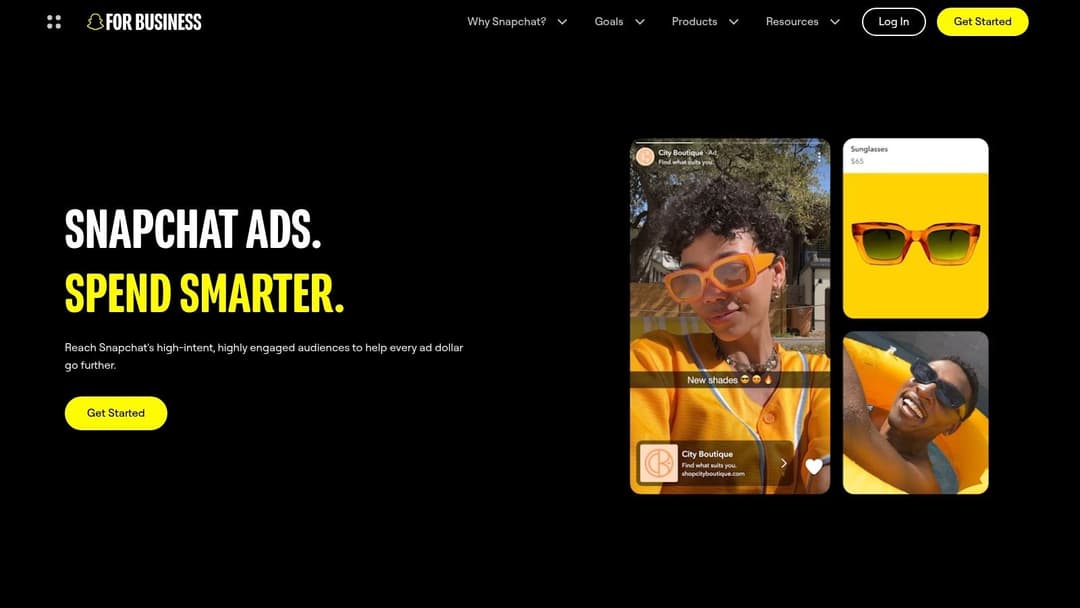
Snapchat Ads Manager is easy to underrate because many teams still think of Snapchat as a niche youth app rather than a serious ad channel. That misses the point. Snapchat matters when the audience skews younger, the creative can be immersive, and the brand wants to test behavior that sits between social engagement and direct response.
The biggest reason to use it is format differentiation. Snap's AR Lenses, Filters, Story Ads, Collection Ads, and mobile-native full-screen placements can do things standard feed inventory can't. If your product benefits from trying, visualizing, or interacting before buying, that matters.
Who should actually use it
Snapchat isn't the first platform I'd recommend for a broad-based launch unless the audience fit is obvious. But for beauty, fashion, entertainment, mobile-first retail, and brands with strong visual identity, it can play a smart supporting role.
Its setup is practical enough for serious buying. Snap Pixel and Events Manager support conversion tracking and optimization, while simpler promote tools give smaller brands a path into the ecosystem. The challenge is production. To get the most from Snap, your team needs vertical creative and, for some campaigns, AR-ready assets.
- Strong fit: Younger audiences, product try-on concepts, culturally fast creative, mobile-centric offers.
- Weak fit: Older skewing buyers, low creative bandwidth, complex B2B sales cycles.
- Best stack use: Test Snap as a creative and audience expansion channel after Meta basics are working.
Snapchat works best when you treat it as a channel-specific opportunity, not a checkbox in a media plan. The inventory is different. The user behavior is different. Your creative strategy has to be different too.
6. Pinterest Ads Manager
A shopper saves kitchen remodel ideas for three weeks, clicks a product pin on Sunday, then searches the brand on Google before buying. That path is common on Pinterest, and it explains why the platform deserves a clearer role in the stack than it usually gets.
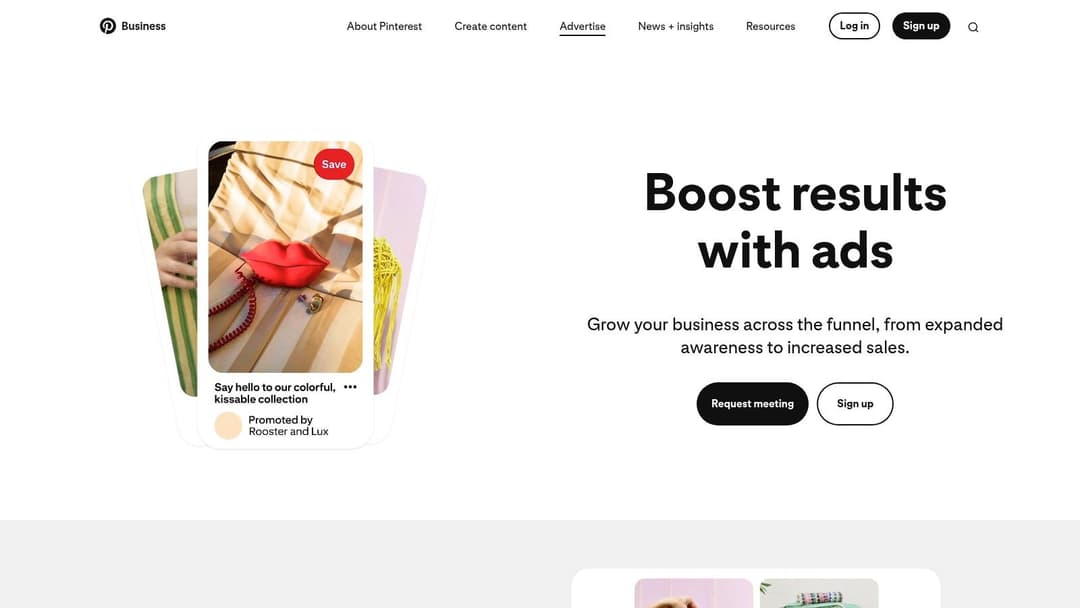
Pinterest Ads Manager works best for categories tied to planning and visual intent. Home, fashion, beauty, food, gifting, and lifestyle brands tend to fit naturally because users arrive with a project, purchase idea, or future state in mind. That behavior gives Pinterest a useful position between discovery and conversion.
Contrary to some channel roundups, Pinterest can support both awareness and direct purchase behavior. Its shopping ads, catalogs, collections, retargeting, and audience tools give teams more than a top-of-funnel awareness play. If your product feed is clean and your creative shows the outcome clearly, Pinterest can drive qualified visits that convert later through branded search, direct traffic, or another retargeting channel.
The trade-off is scale and speed. Pinterest usually will not match Meta for raw volume or fast feedback loops, and weak visuals get ignored quickly. It rewards brands that can publish strong creative consistently and organize campaigns around seasonal trends, evergreen demand, and product-led inspiration.
- Use it for: Product discovery, seasonal campaigns, evergreen intent, and visually led purchase journeys.
- Watch for: Slower conversion paths, smaller audience scale in some verticals, and a heavier dependence on creative quality and feed health.
- Best stack use: Pair Pinterest prospecting with Meta or email retargeting, then capture branded and high-intent searches with Google. Teams that need cleaner handoff between discovery and search can also review this guide on how to create an ad on Google.
Pinterest earns its place when you treat it as a planning engine, not just another paid social account. For DTC brands, it can extend product discovery beyond Meta. For agencies, it fills a gap for clients with strong visual catalogs. For performance teams, it works as a supporting channel that creates intent upstream and strengthens the rest of the stack.
7. Google Ads
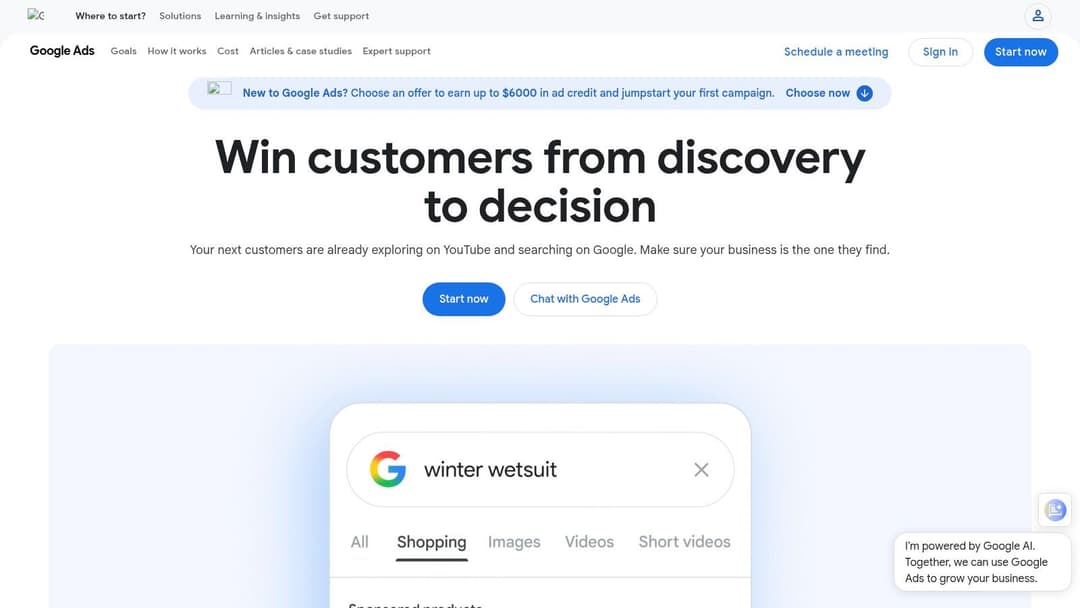
A familiar pattern plays out in mature accounts. Meta or TikTok creates the first touch, email keeps the prospect warm, and then the conversion shows up after a branded search, a product query, or a competitor comparison in Google. That is why Google Ads still sits near the center of many paid media stacks. It captures intent that other channels create, and it gives teams multiple ways to act on that intent through Search, Shopping, YouTube, and selected display placements.
What makes Google Ads useful is not just reach. It is role clarity. Search is usually the highest-intent layer. Shopping matters when product feeds, pricing, and merchant data are in good shape. YouTube helps shape consideration earlier in the journey. Display can work, but only when the team controls placements, audiences, and frequency with real discipline. If those roles blur together, budget drifts and reporting gets noisy fast.
This is also where team structure matters. Performance teams usually treat Google as the conversion catchment layer and manage query coverage aggressively. Agencies often use it as the account every client expects, then build segmentation around geography, service lines, or SKU depth. DTC brands depend on the handoff between paid social, Shopping, branded search, and remarketing. In each case, Google works best as part of a stack, not as a standalone answer.
A common mistake is treating all Google inventory as equally efficient. It is not. Search and Shopping can carry a very different margin profile from YouTube or display remarketing. Smart setup means separating campaigns by intent, controlling match types, feeding the account clean conversion data, and reviewing search terms often enough to catch waste before it scales. Teams running visual prospecting or remarketing can also use this guide to digital display advertising strategy to decide where display belongs in the broader mix.
Google Ads earns its place because it closes demand better than almost any other platform. The trade-off is complexity. Automation is stronger than it used to be, but it still needs tight inputs, clear account structure, and a team that knows when to trust the system and when to override it.
8. Google Display & Video 360
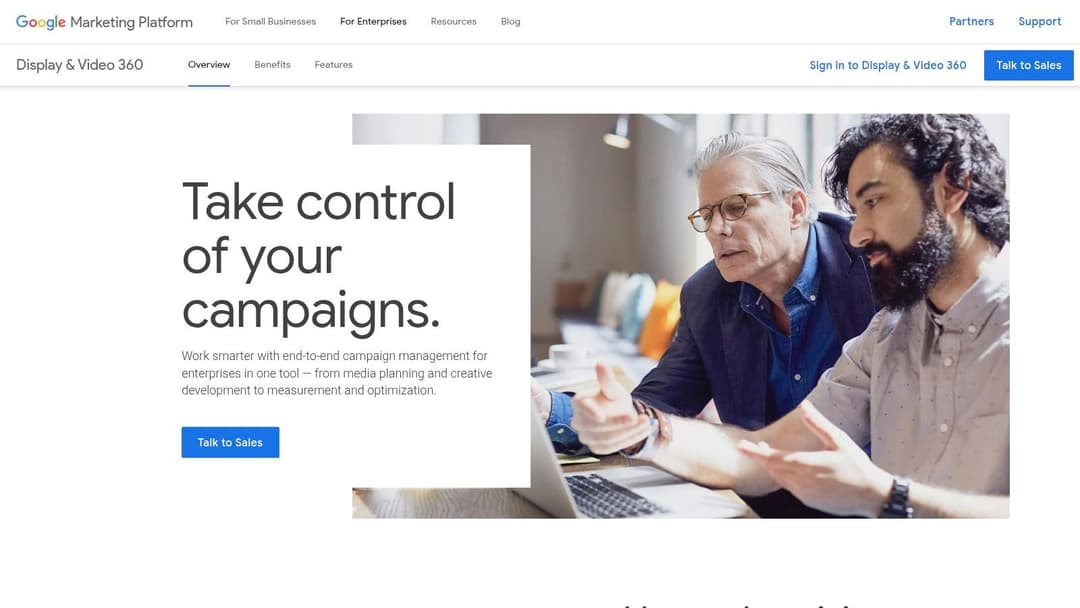
A brand starts buying CTV, premium video, and open-web display across several markets. Suddenly the self-serve setup that worked in Google Ads is no longer enough. The team needs tighter frequency control, cleaner approval workflows, clearer inventory standards, and one place to manage programmatic buying at scale. That is the job DV360 is built for.
Google Display & Video 360 gives enterprise teams a DSP for display, video, audio, native, YouTube reservations, and private marketplace buying. The value is not just more inventory. It is better buying control across channels, users, and deal types. For agencies, that often means cleaner governance across clients and regions. For larger in-house teams, it usually means fewer workarounds once campaigns expand beyond standard self-serve media buying.
The trade-off is straightforward. DV360 adds cost, setup complexity, and a steeper learning curve. Teams without meaningful programmatic spend or clear channel roles usually get more platform than they need.
It works best as part of a stack. Performance teams may still keep Google Ads as the main capture layer and use DV360 for prospecting, CTV, and managed retargeting. Agency teams often use it to separate client buying rules, approval paths, and premium inventory access. DTC brands can use DV360 to extend reach beyond paid social and search, especially when product launches or seasonal pushes need broader video and display coverage.
Creative standards matter more here because weak assets scale waste faster in programmatic environments. Teams building that part of the system should pair media buying discipline with a clear digital display advertising strategy, especially when the plan includes multiple formats and audience stages.
DV360 earns its place when a team needs enterprise programmatic control, not just another ad account. If the stack requires governance, premium deals, cross-format buying, and tighter operational control, it fits. If not, Google Ads is usually the simpler answer.
9. The Trade Desk
The Trade Desk fits teams that have already outgrown platform-specific buying and need a stronger open-web media layer. A common scenario is a brand or agency that can handle search and paid social well, but wants CTV, premium video, audio, display, and native working from one programmatic system with tighter buying control.
Its value comes from execution depth, not just access. Teams can shape bidding logic, frequency, pacing, audience construction, and supply choices with far more precision than they get in simpler ad platforms. That makes it useful for agencies and in-house programmatic teams with advanced needs, especially when media plans span multiple formats and publishers.
It also plays a distinct role in a stack. Performance teams may keep Google Ads and Meta as core conversion channels, then use The Trade Desk to broaden reach and support retargeting across the open internet. Agencies often use it to centralize multi-client programmatic buying while keeping cleaner separation by account, workflow, and reporting. DTC brands usually get the most from it once they have stable acquisition economics and want incremental reach through video, CTV, and upper-funnel display.
This platform rewards operating discipline.
Without clear audience strategy, conversion tracking, creative rotation, and post-campaign analysis, spend can spread too widely and learn slowly. Teams that sell on Amazon also need cleaner downstream reporting if they want to connect upper-funnel media to retail outcomes. In those cases, a live data platform for Amazon advertisers can help close part of that measurement gap.
- Good fit: Agencies, large brands, and in-house programmatic teams running meaningful cross-channel budgets.
- Poor fit: Small teams, early-stage brands, or marketers still building consistency in search and paid social.
- Stack role: Best used as the open-internet buying layer once the core acquisition stack is stable and the team can judge performance beyond last-click results.
The Trade Desk earns its place when a team needs independent programmatic scale, stronger buying controls, and a clearer way to extend beyond walled gardens. If those conditions are not in place, the platform usually adds more complexity than value.
10. Amazon Ads (Advertising Console + Amazon DSP)
A brand is selling well on Amazon, branded search volume is rising, and category competitors start bidding on its product terms. At that point, Amazon Ads stops being an optional add-on and becomes part of the operating model.
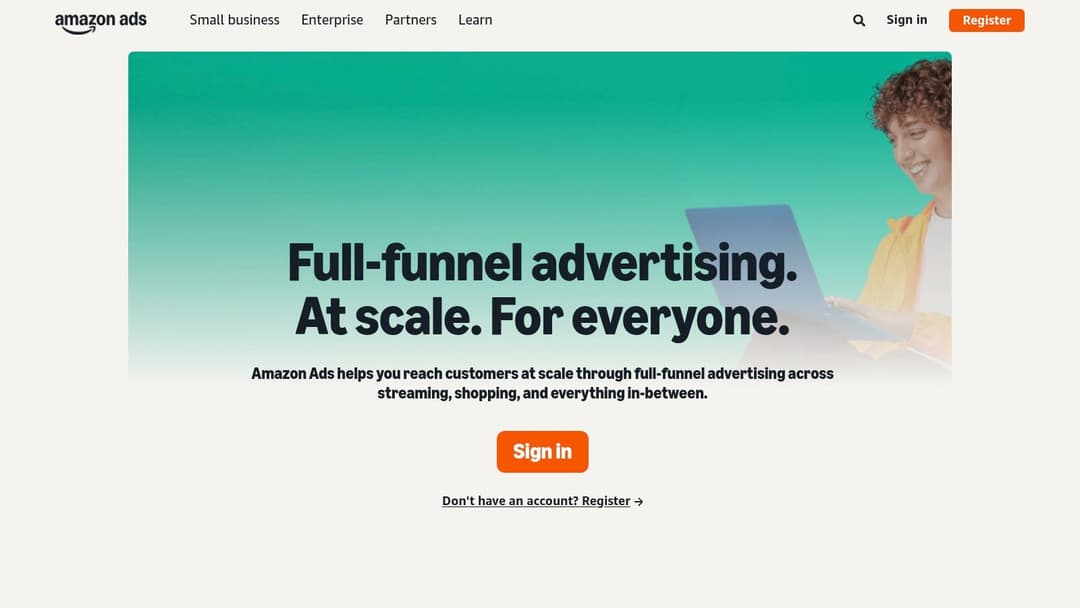
Amazon Ads matters because it covers two distinct functions. Advertising Console captures retail demand through Sponsored Products, Sponsored Brands, and Sponsored Display. Amazon DSP extends reach into display, video, and CTV, using Amazon audience and shopping signals for prospecting, retargeting, and category defense beyond the marketplace.
That split is what makes Amazon useful in a broader platform stack. Performance teams use the Console to protect rank, harvest high-intent traffic, and support retail conversion. Larger in-house teams and agencies add DSP when they need reach outside Amazon but still want media tied back to commerce behavior. DTC brands usually get the most value when Amazon is already a meaningful sales channel, not a side experiment.
The trade-off is straightforward. Console campaigns are easier to launch and closer to revenue. DSP gives broader coverage and stronger audience planning, but it adds cost, creative requirements, and more complicated measurement.
Teams that run Amazon well usually separate the jobs clearly. Use the Console for demand capture and shelf-level competition. Use DSP for remarketing, new-to-brand reach, and support around major retail moments such as launches, Prime Day, or seasonal pushes. If reporting across those layers is messy, a live data platform for Amazon advertisers can help connect campaign activity with cleaner retail visibility.
Amazon Ads is a strong fit for marketplace-first brands, consumer goods companies, and agencies managing retail media for clients with established catalog depth. It is a weaker fit for long sales cycle B2B offers, low-volume niche products, or teams that do not yet have solid retail fundamentals such as listings, reviews, pricing, and inventory in place.
Top 10 Digital Marketing Platforms Comparison
| Platform | Primary focus | Key features | Best for | Unique selling point | Pricing |
|---|---|---|---|---|---|
| AdStellar AI | Meta ad automation & rapid creative scale | Bulk creative/copy/audience permutations; AI Insights; single‑click Meta publish; auto‑learning scaling | Performance marketers, growth teams, e‑commerce & agencies | Goal‑aware ranking + mass generation + one‑click deployment to Meta | Pricing not public, demo / sales |
| Meta Ads Manager | Native Meta ad buying & reach | Advantage automation; Conversions API; account & campaign diagnostics | Broad consumer brands; direct‑response advertisers | Deep access to Facebook/Instagram inventory & targeting | Self‑serve; pay media spend |
| TikTok Ads Manager | Short‑form video & trend‑driven creative | Creative Center; Business Center; Pixel/SDK | Brands targeting Gen Z / high engagement audiences | Native, trend‑led formats and creative guidance | Self‑serve; variable budgets |
| LinkedIn Campaign Manager | B2B / professional audience targeting | Lead Gen Forms; objective‑based ads; detailed professional filters | B2B, ABM, enterprise SaaS, lead gen | Precise professional targeting and lead quality | Higher CPCs; pay media spend |
| Snapchat Ads Manager | AR & youth‑oriented immersive ads | Snap Pixel; AR Lens tools; in‑app Promote | Brands targeting Gen Z with AR/vertical video | Unique AR inventory and high youth engagement | Self‑serve; creative production effort |
| Pinterest Ads Manager | Discovery & shopping intent | Shopping Ads, Catalogs, conversion tag | Ecommerce, home, fashion, lifestyle brands | Planning‑mindset audience that drives discovery → purchase | Self‑serve; performance varies by vertical |
| Google Ads | Search, YouTube & Display full‑funnel reach | Smart Bidding; broad inventory; robust conversion controls | Demand capture, scalable video and search advertisers | High‑intent search reach + YouTube scale | Auction‑based (CPC/CPM); flexible budgets |
| Google DV360 | Enterprise programmatic DSP | Unified buying; deal management; GA4 & CM360 integrations | Large advertisers/agencies needing programmatic scale | Premium inventory + deep Google stack integrations | Platform fees + media; requires enablement |
| The Trade Desk | Independent DSP for open‑web & CTV | Kokai AI; OpenPath; advanced optimization | Agencies and sophisticated in‑house programmatic teams | Open‑internet transparency and rich third‑party data | Platform fees; higher complexity |
| Amazon Ads (Console + DSP) | Retail media & commerce measurement | Sponsored ads; Amazon DSP; Marketing Cloud analytics | Commerce brands seeking sales attribution | First‑party retail signals and closed‑loop attribution | Competitive retail auctions; DSP min spend/managed options |
From Platforms to Performance
A team can have access to Meta, Google, TikTok, Amazon, and a DSP, then still miss target because the stack was built channel by channel instead of role by role. That happens often after a growth push. Search is running, paid social is fragmented across teams, reporting lags by a week, and creative production becomes the bottleneck.
The fix is to organize platforms by job, then stack them in the order your team can operate.
Start with customer behavior. Brands that win on captured intent usually need Google Ads early. Brands that grow through interruption, education, or repeat exposure usually need Meta close behind. B2B teams often add LinkedIn for tighter audience control, even with higher CPMs, because lead quality can justify the cost. Retail-focused brands may get more from Amazon than from another social test if the sale happens on marketplace shelves. DV360 and The Trade Desk usually pay off later, once the team already has clear conversion paths, creative discipline, and enough budget to benefit from broader reach.
Execution speed matters just as much as media access.
Attribution is less clean than it used to be. Privacy limits reduce visible paths. Platform automation rewards teams that can feed the system fresh creative, clean conversion events, and clear budget decisions. The practical question is not which platform does the most. It is which combination gives the team enough signal to act fast without adding operational drag.
That is why the right stack looks different for a DTC brand, an agency, and an in-house performance team.
Practical stack patterns
For a performance or DTC team, the stack usually works best when each platform has a narrow, clear role:
- Demand capture core: Google Ads for high-intent traffic and branded search protection
- Paid social engine: Meta Ads Manager for prospecting, retargeting, and scale
- Creative production layer: AdStellar AI for faster Meta testing and launch workflow
- Expansion channel: TikTok or Pinterest, based on audience behavior and creative format
- Commerce layer: Amazon Ads when retail sales and marketplace visibility matter
For an agency, control and repeatability matter more than simplicity:
- Client channel mix: Meta, Google Ads, LinkedIn, and TikTok based on account goals
- Meta execution layer: AdStellar AI for accounts that depend on rapid creative iteration
- Programmatic layer: DV360 or The Trade Desk for larger budgets, premium inventory, and advanced buying models
- Reporting layer: A separate analytics setup that fits client volume, governance needs, and service model
The trade-off is operational, not just financial. A lighter stack is easier to run and usually faster to troubleshoot. A more advanced stack gives stronger buying control, more inventory options, and better workflow separation across teams, but it also adds implementation work, training time, and more chances for reporting gaps.
What works in practice
Focused stacks perform better because decisions get clearer. Search captures intent. Social generates demand and creates repetition. Retail media ties spend closer to product sales for commerce brands. Programmatic extends reach once the core channels already produce stable results. Automation should reduce repetitive work inside that system, not cover up weak planning.
Teams run into trouble when they add channels before they fix process. If creative production is slow, another ad account will not solve it. If reporting arrives after the budget window has passed, another dashboard will not solve it either. If attribution is fragmented, the answer is usually better conversion design and stronger first-party data handling.
The strongest stacks are usually the least theatrical. Each platform has a defined job. Budget shifts follow signal quality. Creative volume is planned, not improvised. Reporting supports decisions instead of just documenting activity.
That is how platforms become a marketing engine instead of a loose collection of tools.
If Meta is a major growth channel for your business, AdStellar AI is worth a close look. It helps teams produce more creative variations, launch tests faster, and reduce the manual work that often slows paid social programs.